Prestashop: Bug in select cover image product
Hello,
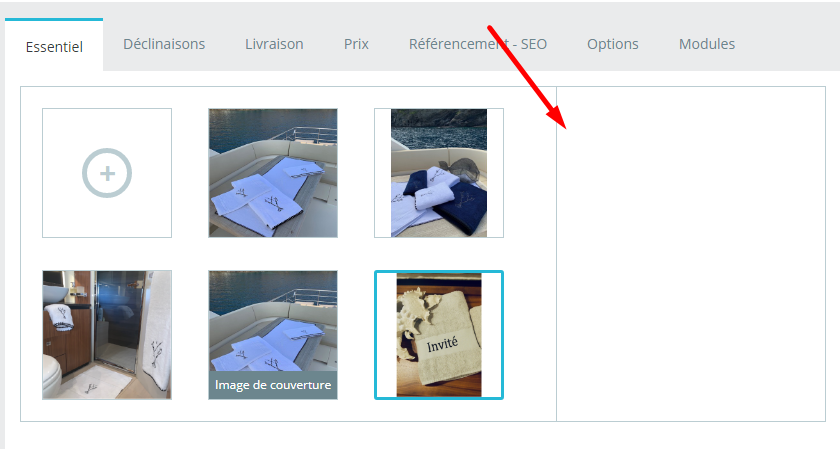
I use Prestashop 1.7.6.0, I have a problem in product detail: i can not change cover image.
The right form which supposed to be shown on th right does not exist
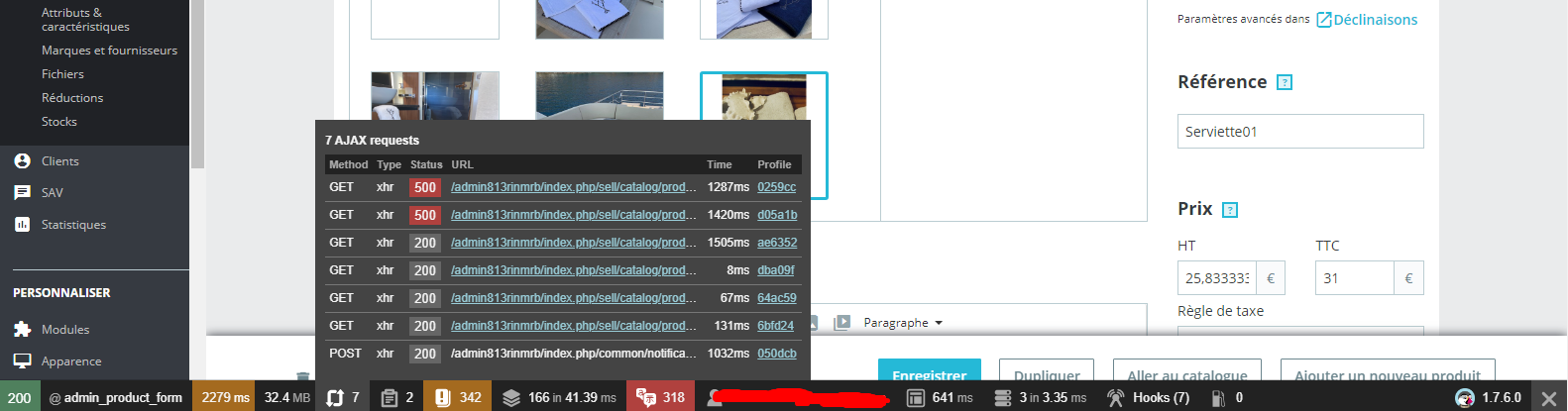
Morever, i have this errors on console !
Any help please ??
 nesrine3ayadi
All 9 comments
Hi @nesrine3ayadi,
Could you please provide us with more info? We need more details to understand how we can reproduce your issue:
- server setup and configuration
- PrestaShop version (source)
- debug mode report
- PHP error logs
- apache error log
- javascript console log
Don't you know how to get this information? Please read the following article:
http://build.prestashop.com/howtos/misc/how-to-create-bug-report/
Thanks!
 khouloudbelguith
on 12 Feb 2020
khouloudbelguith
on 12 Feb 2020
Version de PrestaShop : 1.7.6.0
Version de PHP : 7.2.27
Version du logiciel serveur : Apache
Version de MySQL : 5.5.64-MariaDB
Informations sur votre serveur Linux #1 SMP
I dont have acces to Server, i just can access to BO and FTP files
Is that enough for you ?
nesrine3ayadi
on 12 Feb 2020
@nesrine3ayadi,
You need to enable debug mode in your store and debug request which is sent for product edit in your browser, using DevTools, so:
- enable debug mode
- go to the product page
- open up developer tools
- go to Network tab
- edit product
- wait for an error, you should see red request information in Network tab
- click on it, you should see the error message in "Response" or "Preview" tab
Thanks!
khouloudbelguith
on 12 Feb 2020
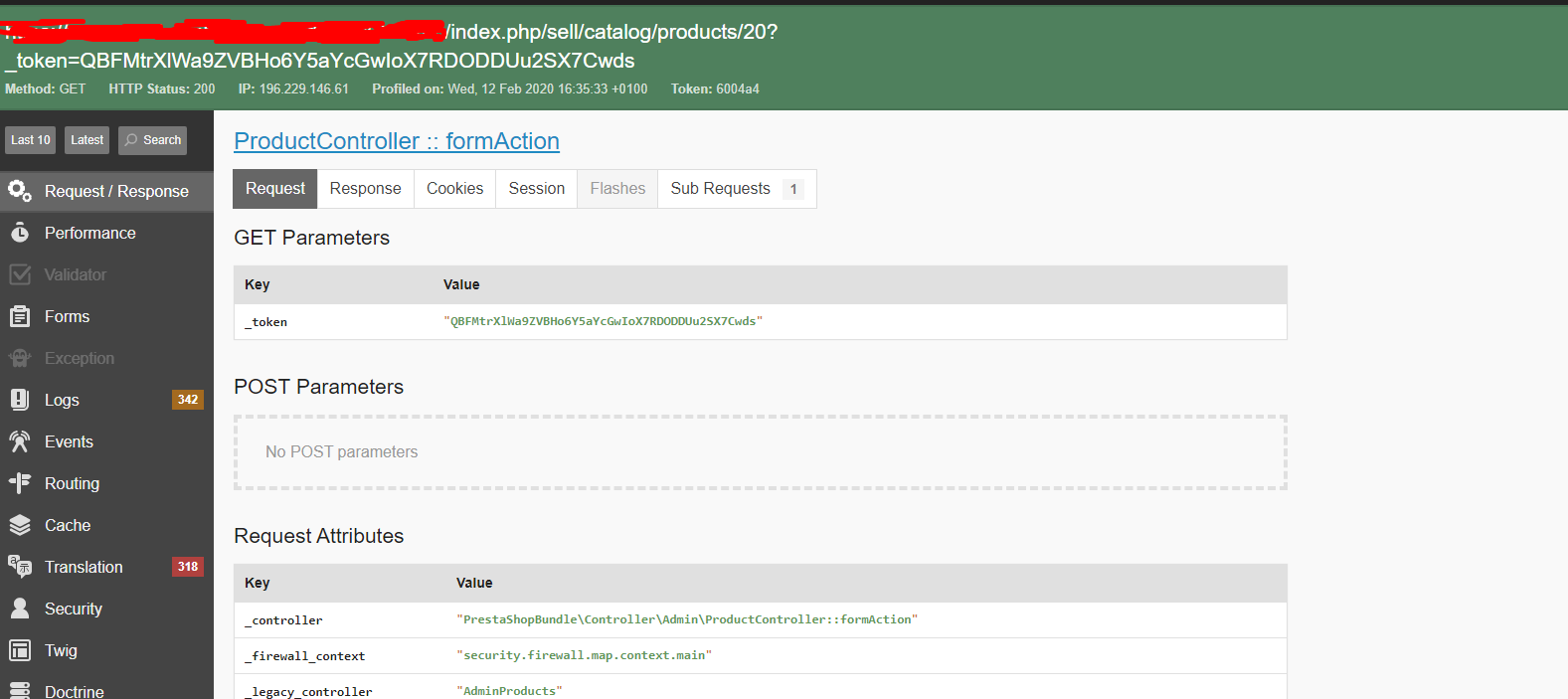
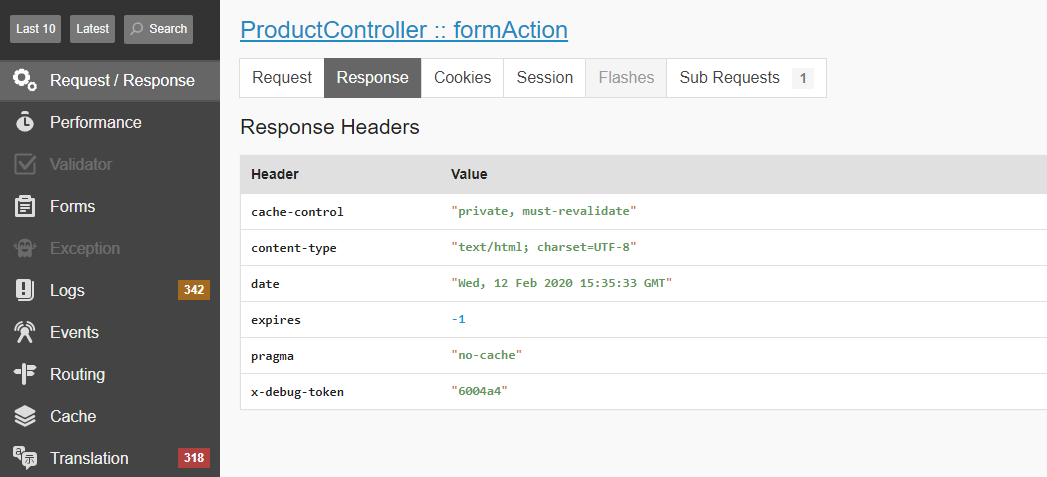
So ?
nesrine3ayadi
on 12 Feb 2020
@nesrine3ayadi, you have an error 500 in your console
Click on the Network tab
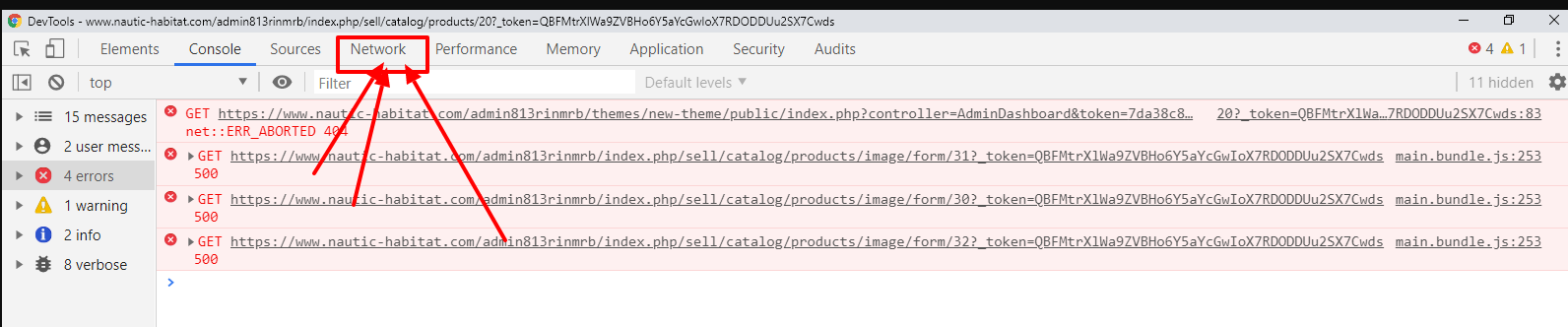
you should see the error message in "Response" or "Preview" tab
Thanks!
khouloudbelguith
on 12 Feb 2020

nesrine3ayadi
on 12 Feb 2020
@nesrine3ayadi, thanks to provide me all the exception displayed.
Thanks!
khouloudbelguith
on 12 Feb 2020
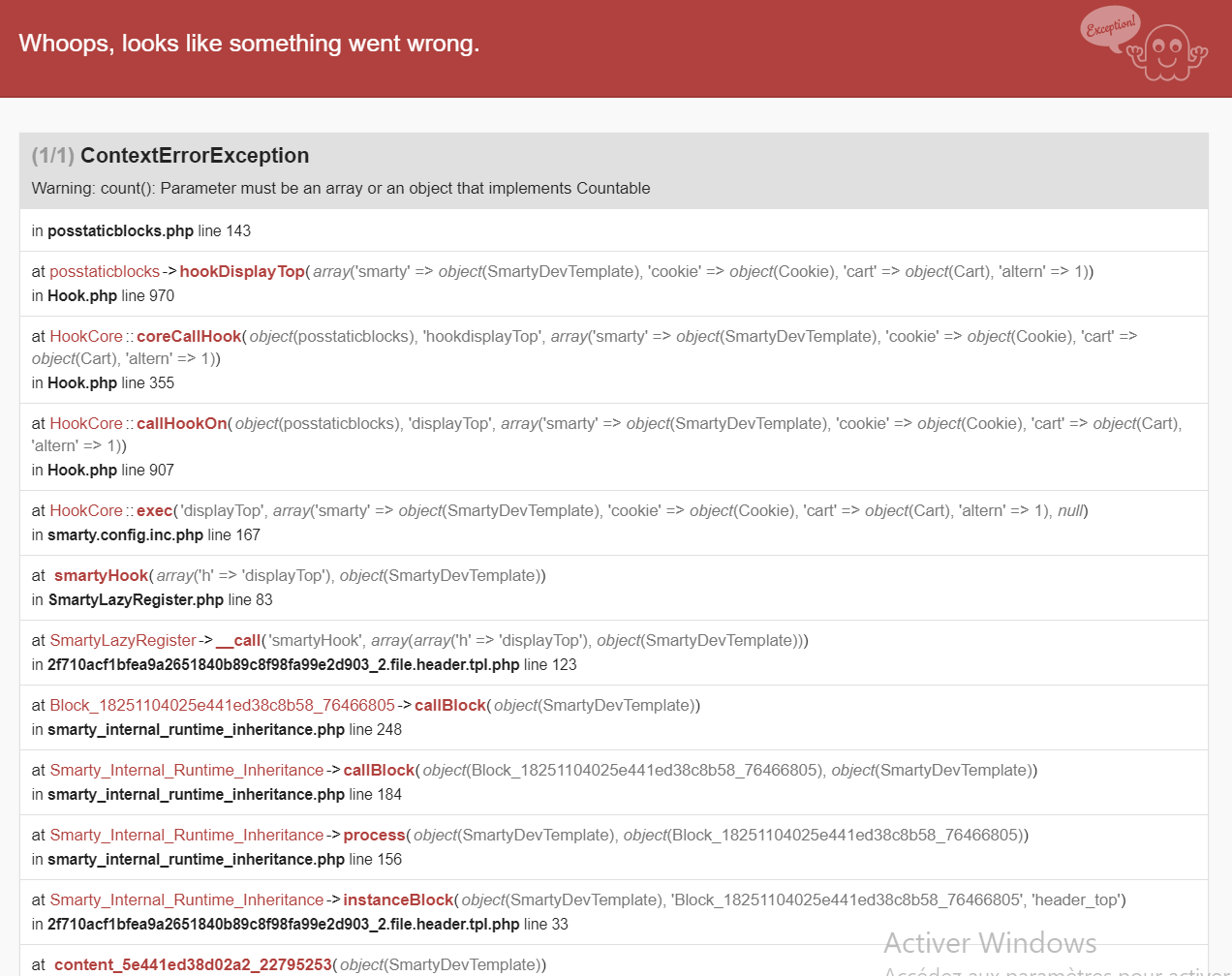
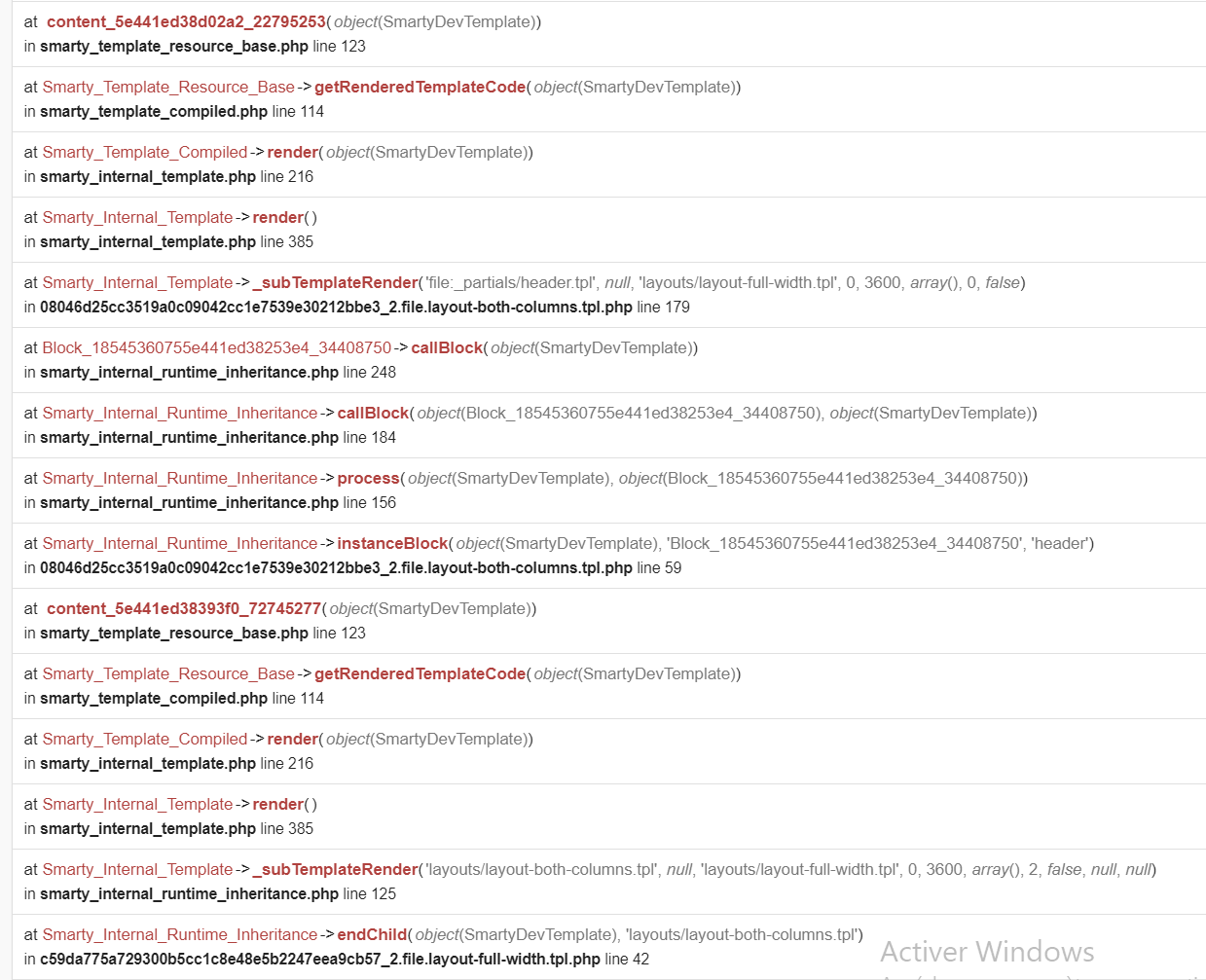
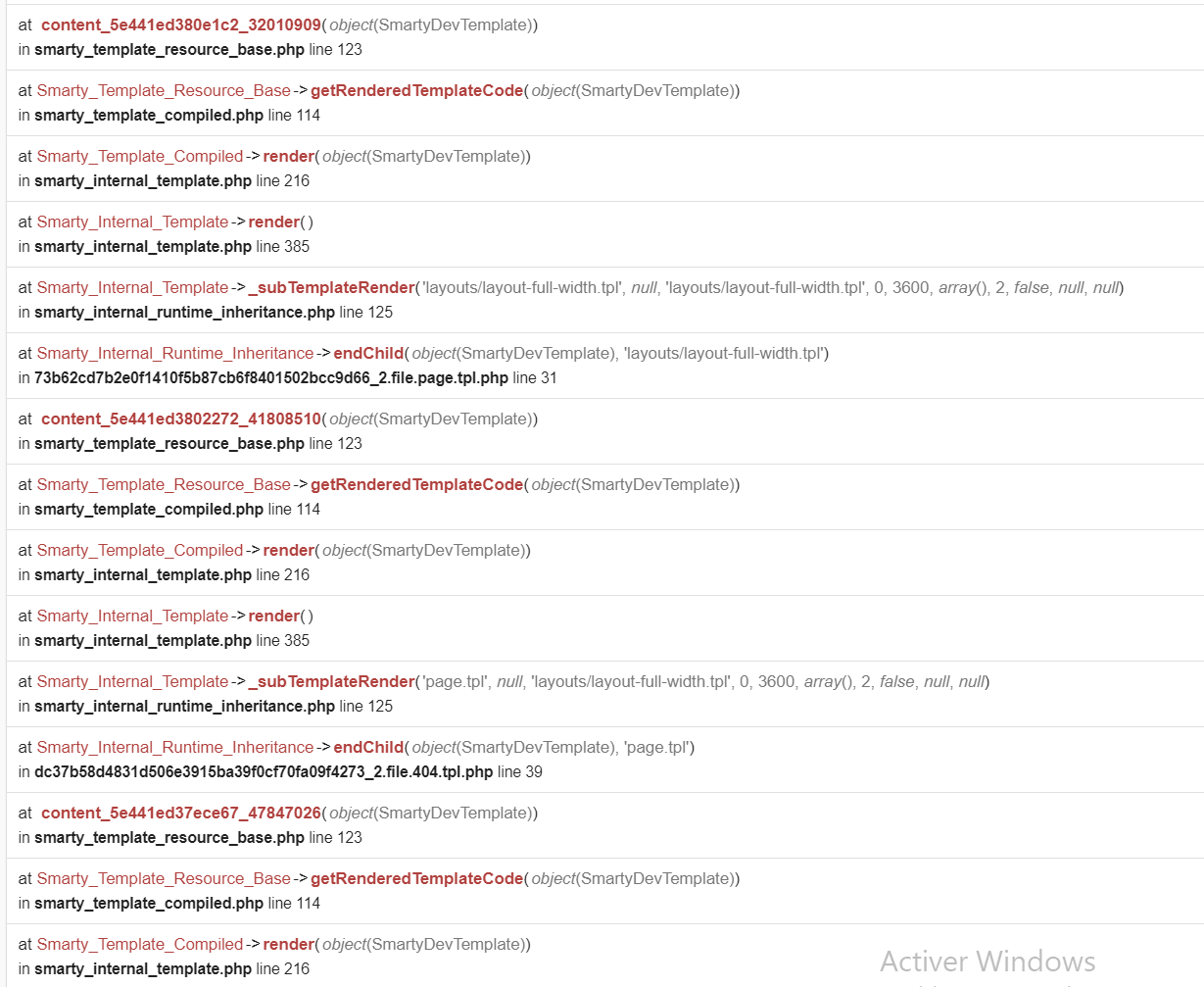
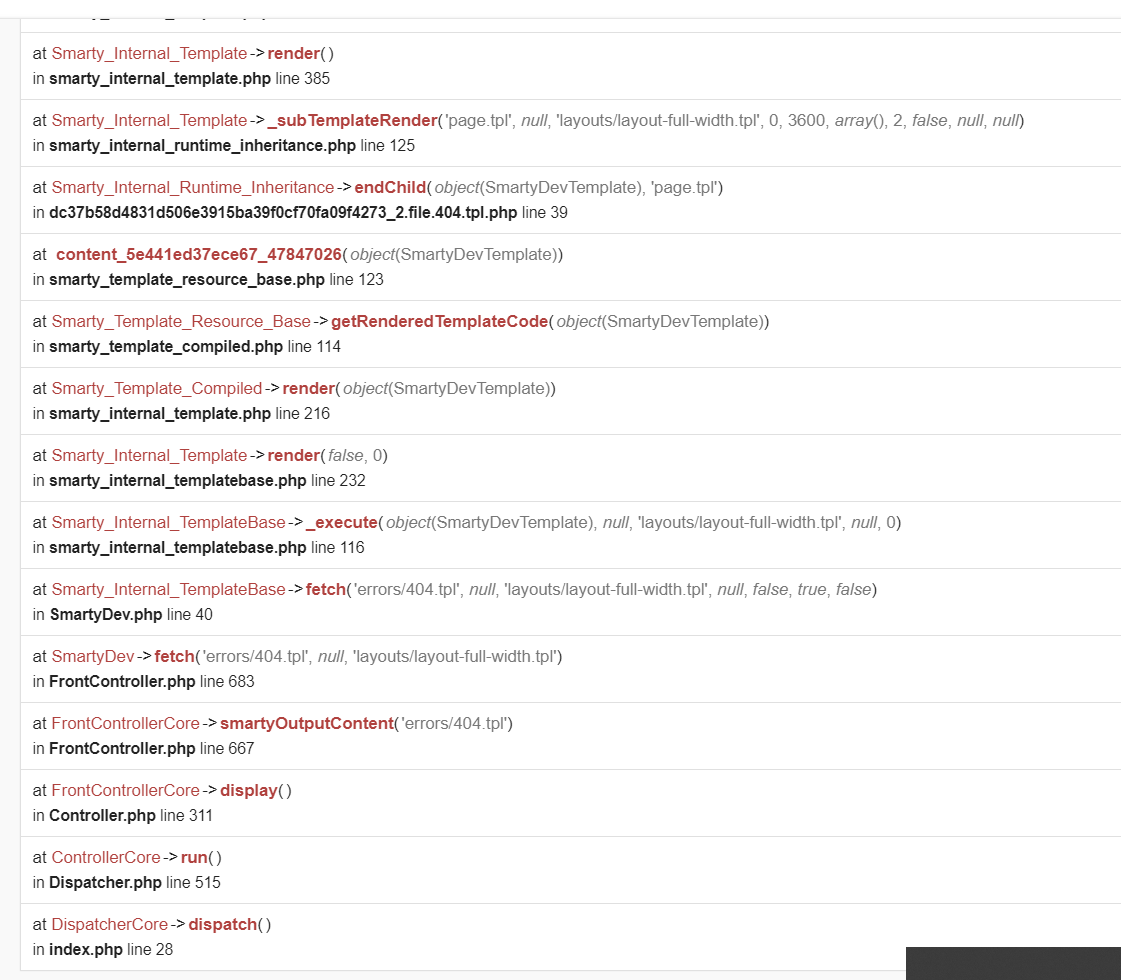
Do you mean this !
nesrine3ayadi
on 12 Feb 2020
@nesrine3ayadi, this issue occurs with the posstaticblocks module.
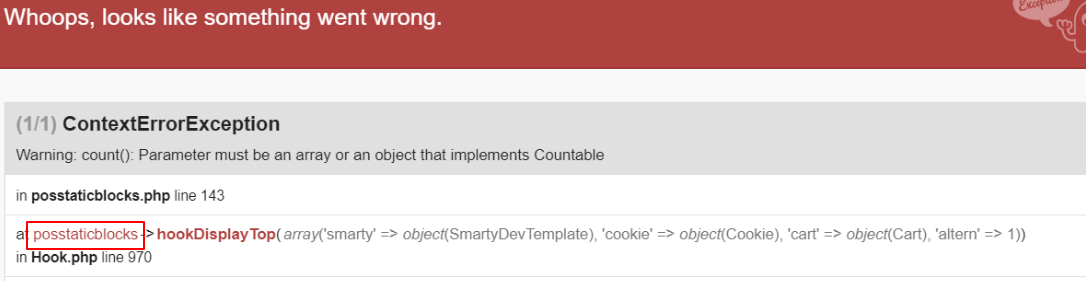
As it's not a module provided by Prestashop, we can't do anything with this.
You should contact the module author via your addons.prestashop.com account, they are the only ones to help you with it.
Thanks!
khouloudbelguith
on 12 Feb 2020
Related issues
 Van-peterson
·
3Comments
Van-peterson
·
3Comments
 vincent-dp
·
3Comments
vincent-dp
·
3Comments
 matks
·
3Comments
matks
·
3Comments
 rGaillard
·
3Comments
rGaillard
·
3Comments
 zuk3975
·
3Comments
zuk3975
·
3Comments