Prestashop: Cannot save product with combinations
Hi everyone,
I have an issue on Prestashop saving or modifying products with combinations.
this issue appeared after upgrading prestashop from 1.7.4.2 to 1.7.5.1 despite in the previous version (1.7.4.2) it was working
if I want to modify a price of a product I am obliged to activate the debug mode to save modifications, if not an error message appeared is not possible to update the parameters
so I tried regularly to increase the limit memory value also the max_input_vars but the problem is still not solved
ps:
*the activation of the debug mode does not display any error on the contrary it solves the problem
*the issue is only with product with combinations , simple product works normly
prestashop : 1.7.5.1
php: 7.2
server ovh
php.ini:
max_execution_time = 30
max_input_time = 60
max_input_vars = 10000
memory_limit = 3072M
 labibyanes92
All 28 comments
Hi @labibyanes92,
Could you please try to clear cache manually by deleting all the folder into var/cache (prod & dev).
Thanks to check and feedback.
 khouloudbelguith
on 16 Oct 2019
khouloudbelguith
on 16 Oct 2019
thank you @khouloudbelguith
i cleared cache from this folder var/cache/dev&prod
the problem still not solved
labibyanes92
on 16 Oct 2019
@labibyanes92,
You need to enable debug mode in your store and debug request which is sent for product save in your browser, using DevTools, so:
- enable debug mode
- go to the product page
- open up developer tools
- go to Network tab
- save the product
- wait for an error, you should see red request information in Network tab
- click on it, you should see the error message in "Response" or "Preview" tab
Thanks!
khouloudbelguith
on 16 Oct 2019
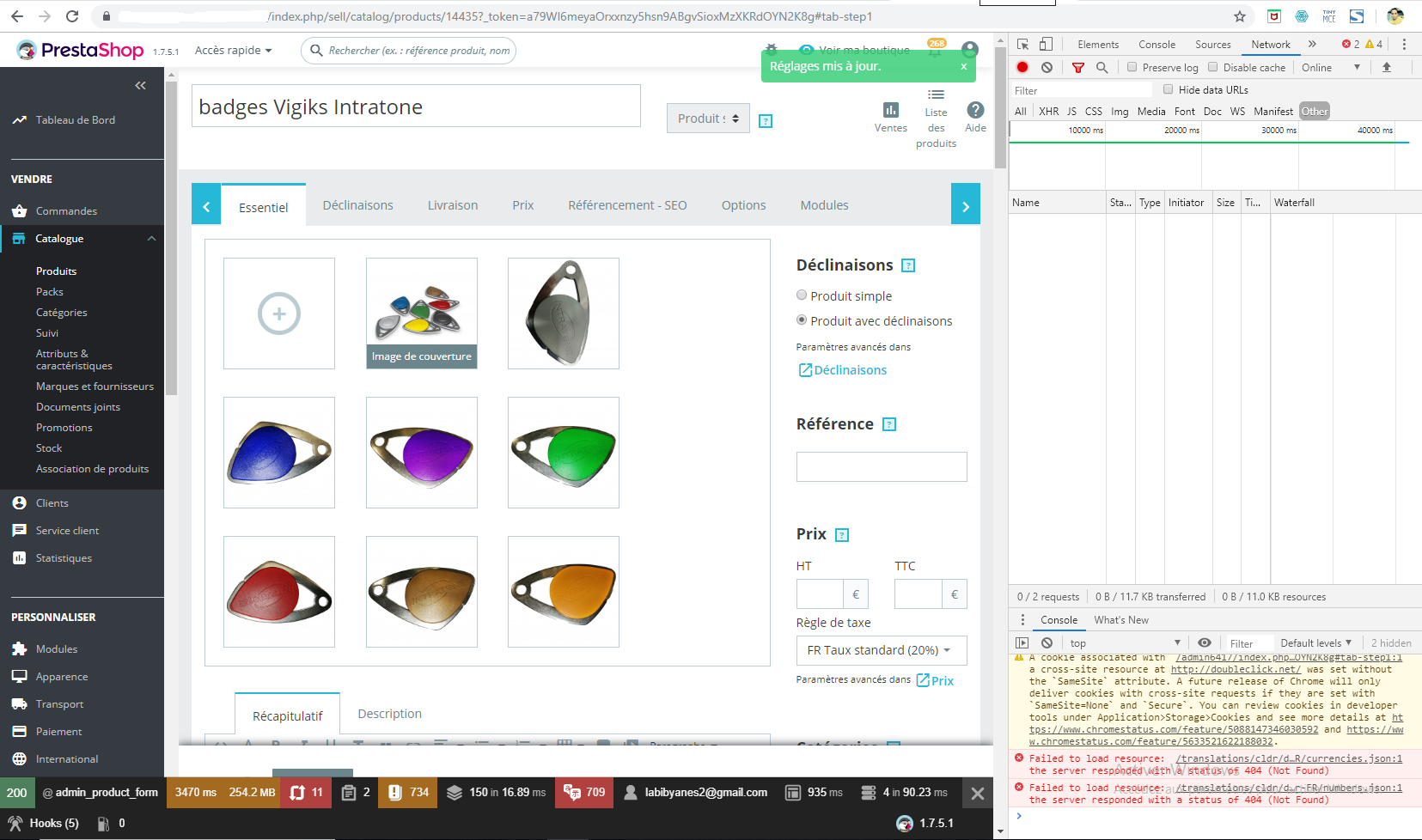
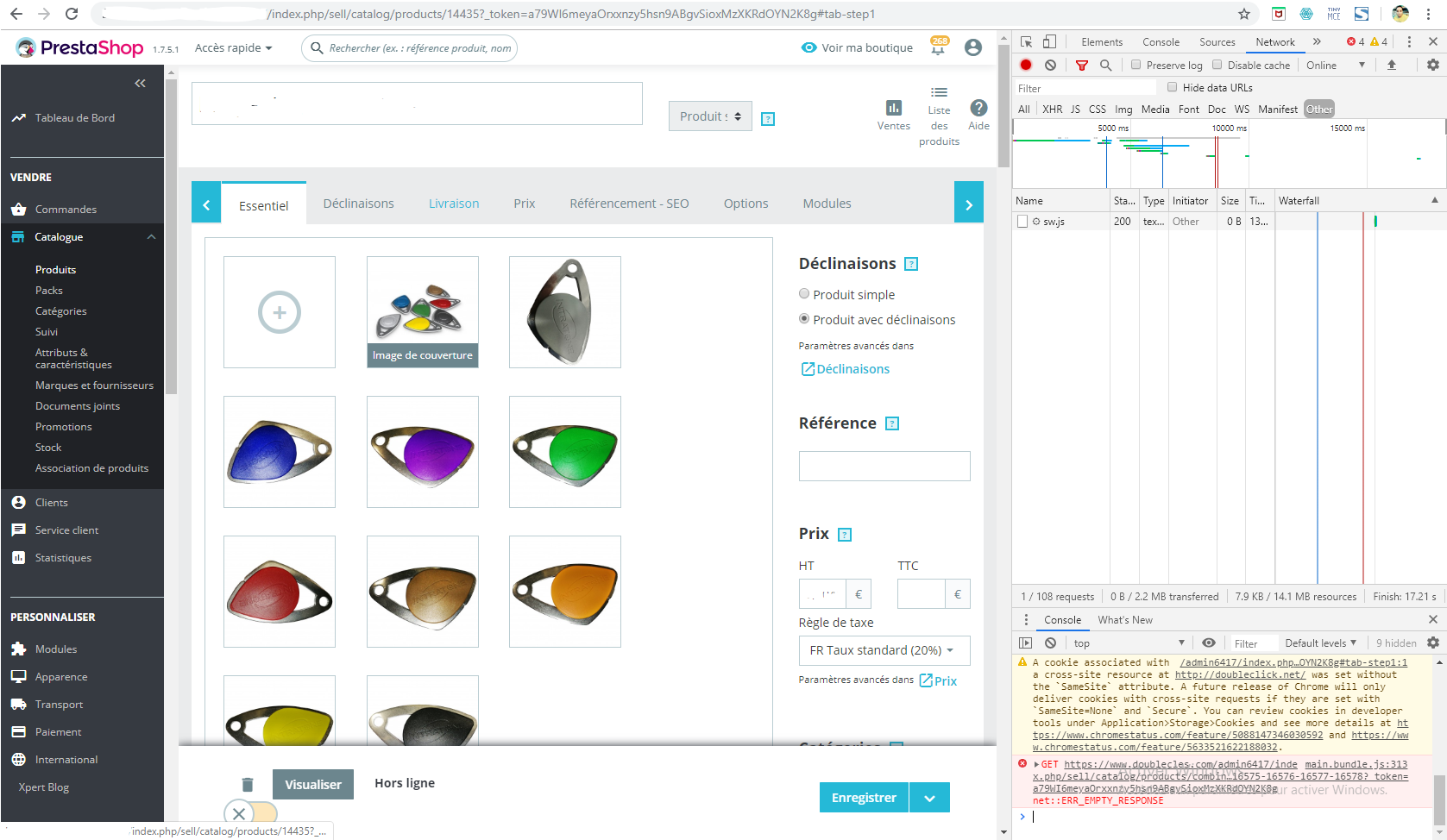
i enable debug mode , open developer tools after saving product
product is saved
but in the normal mode product not saving , the message is err_empty-response
labibyanes92
on 16 Oct 2019
@labibyanes92, we need to retrieve the PHP error log to understand what's wrong.
You can find the error log file into your Project_folder/var/logs/ path.
Thanks!
khouloudbelguith
on 16 Oct 2019
@labibyanes92,
2019-10-16 13:10:58] doctrine.DEBUG: SELECT * FROM cles_memcached_servers [] []
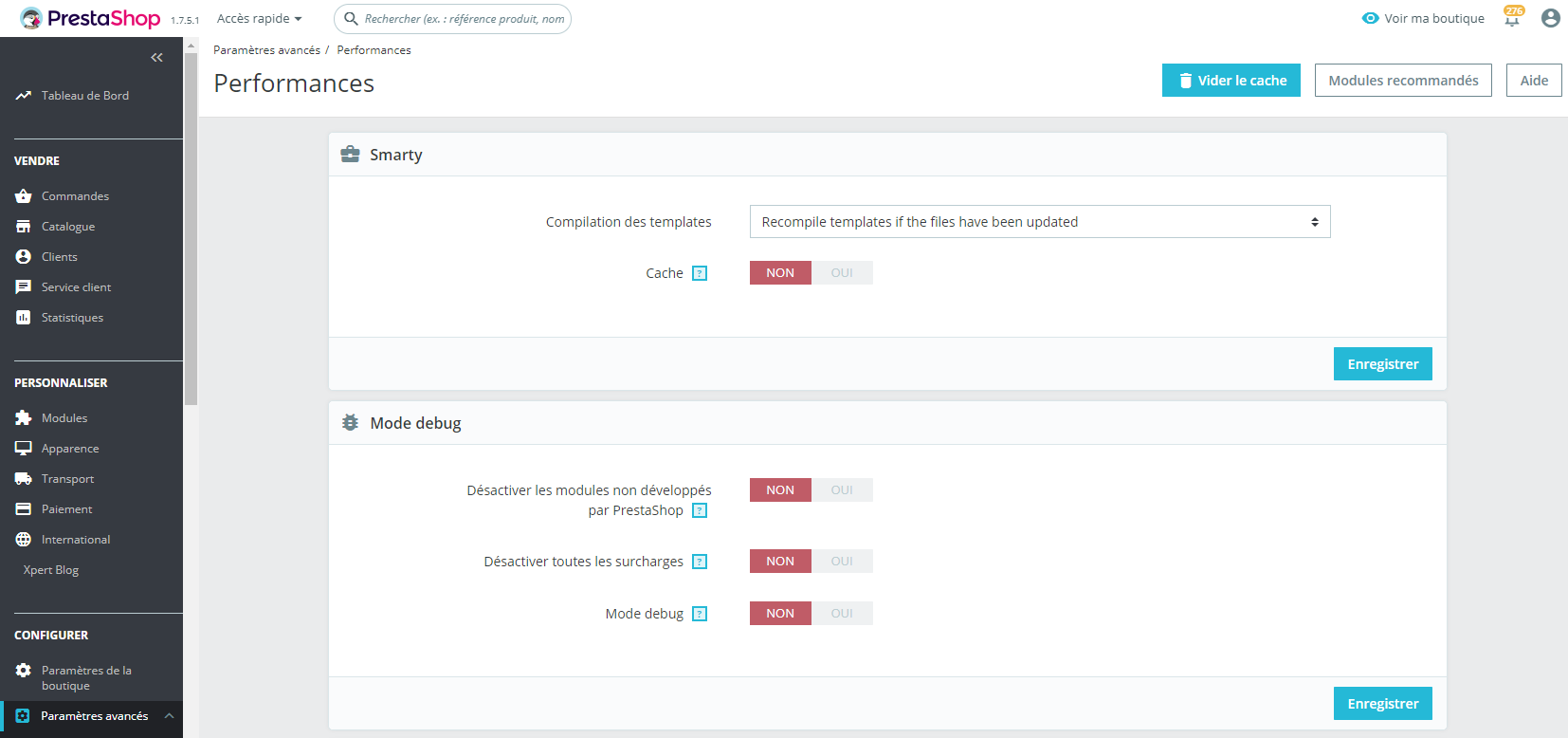
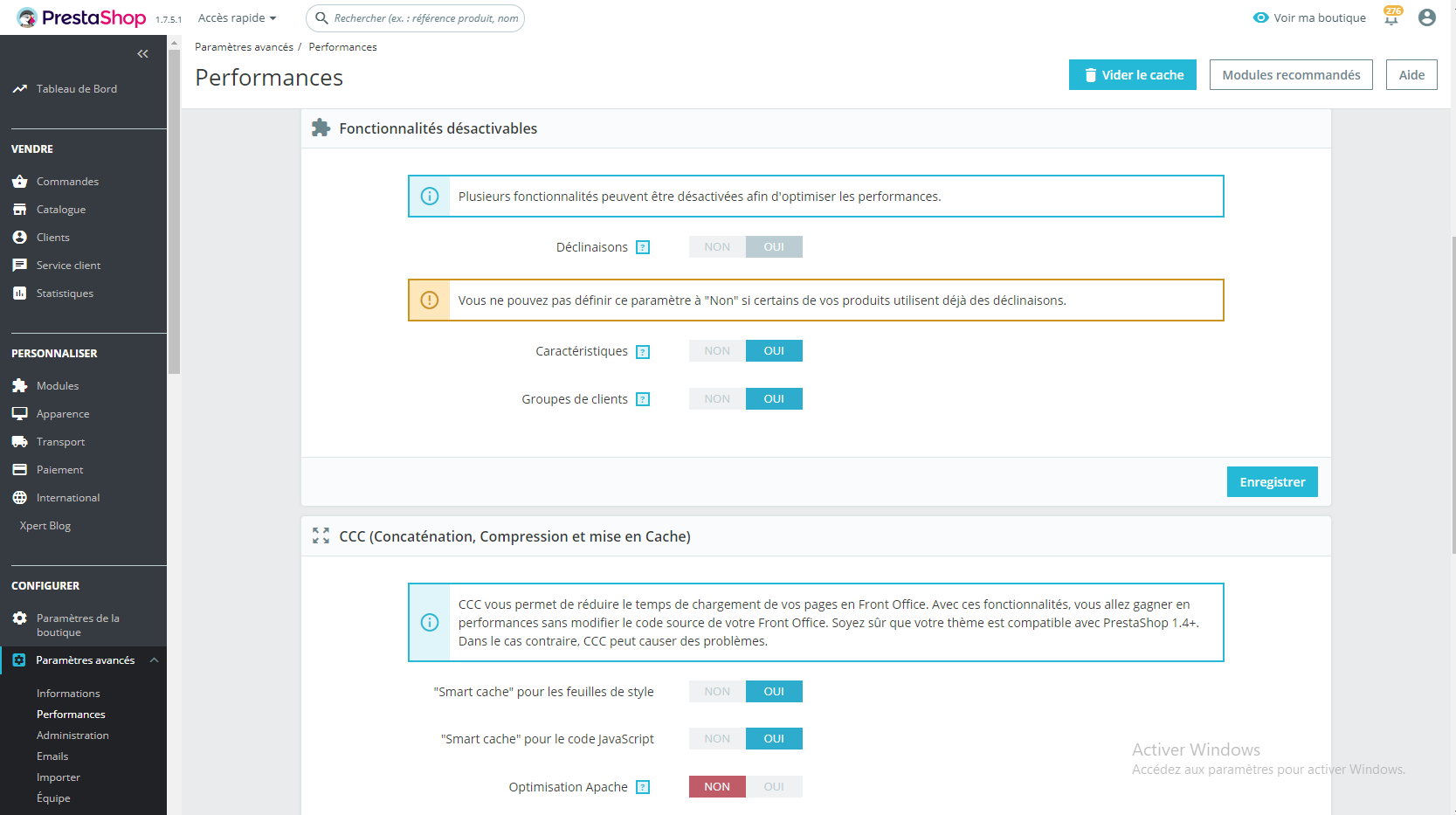
Did you use any server for caching?
[2019-10-16 10:38:20] request.CRITICAL: Uncaught PHP Exception Symfony\Component\Debug\Exception\FatalErrorException: "Compile Error: require(): Failed opening required '/var/www/prestashop/var/cache/prod/ContainerOg4hhy3/getCache_AnnotationsService.php' (include_path='/var/www/prestashop/vendor/pear/pear_exception:/var/www/prestashop/vendor/pear/console_getopt:/var/www/prestashop/vendor/pear/pear-core-minimal/src:/var/www/prestashop/vendor/pear/archive_tar:.:/usr/share/php:/usr/share/pear')" at /var/www/prestashop/var/cache/prod/ContainerOg4hhy3/appProdProjectContainer.php line 1151 {"exception":"[object] (Symfony\Component\Debug\Exception\FatalErrorException(code: 0): Compile Error: require(): Failed opening required '/var/www/prestashop/var/cache/prod/ContainerOg4hhy3/getCache_AnnotationsService.php' (include_path='/var/www/prestashop/vendor/pear/pear_exception:/var/www/prestashop/vendor/pear/console_getopt:/var/www/prestashop/vendor/pear/pear-core-minimal/src:/var/www/prestashop/vendor/pear/archive_tar:.:/usr/share/php:/usr/share/pear') at /var/www/prestashop/var/cache/prod/ContainerOg4hhy3/appProdProjectContainer.php:1151)"} []
You have a lot of errors due to the cache.
Thanks!
khouloudbelguith
on 16 Oct 2019
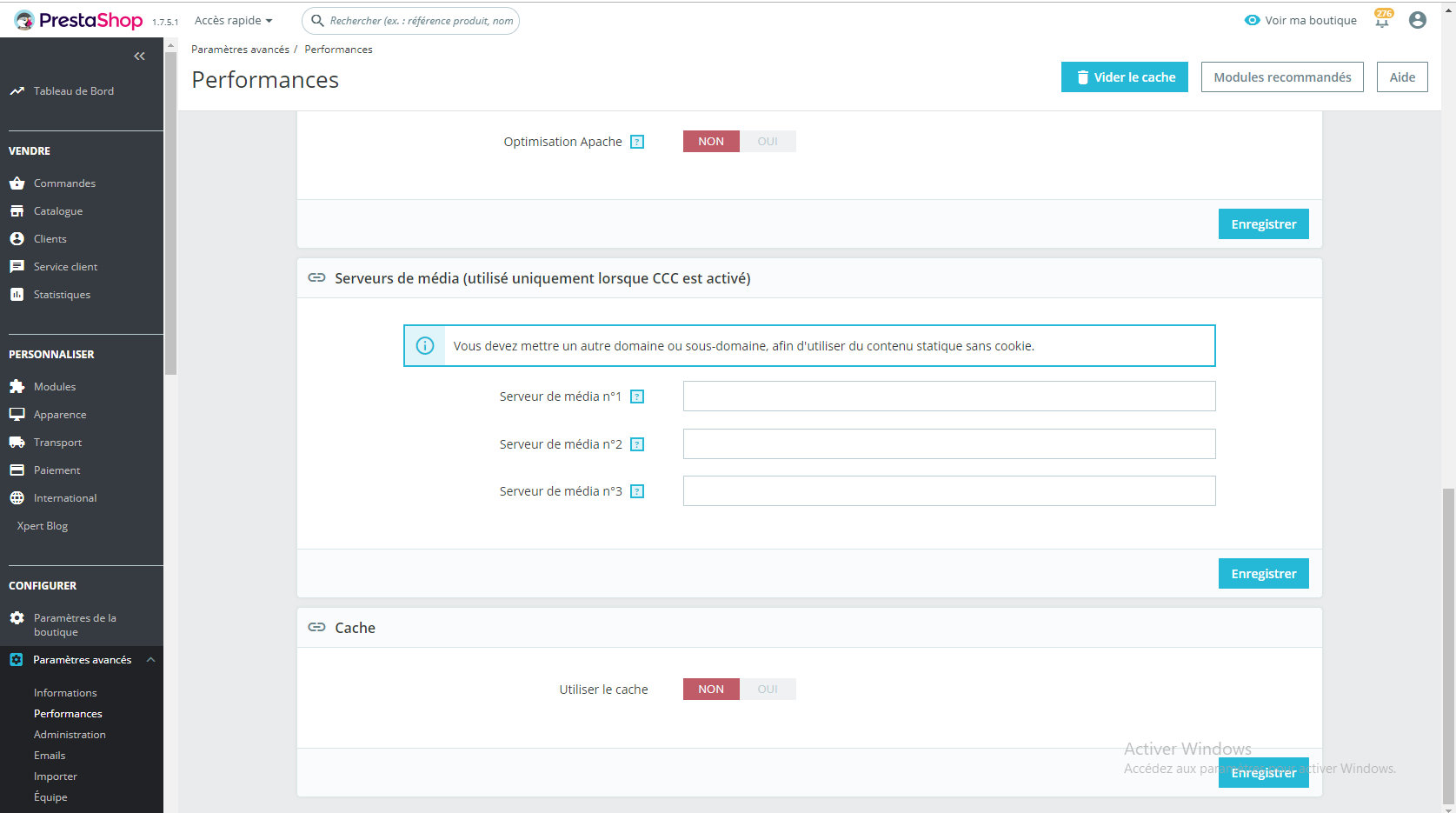
i don't think so
labibyanes92
on 16 Oct 2019
@labibyanes92, when mode debug is disabled & you try to save this product, is there any red alert displayed?
Thanks!
khouloudbelguith
on 16 Oct 2019
@khouloudbelguith, yes the alert is " impossible de mettre a jour les parametres "
labibyanes92
on 16 Oct 2019
@labibyanes92,
Could you please provide me the access to your shop.
This is a public space.
You can provide me the credentials by email.
My address mail: khouloud.[email protected]
Let's be safe!
Thanks!
khouloudbelguith
on 16 Oct 2019
done
labibyanes92
on 16 Oct 2019
@labibyanes92, thanks!
I will check & feedback.
khouloudbelguith
on 16 Oct 2019
thank you
labibyanes92
on 16 Oct 2019
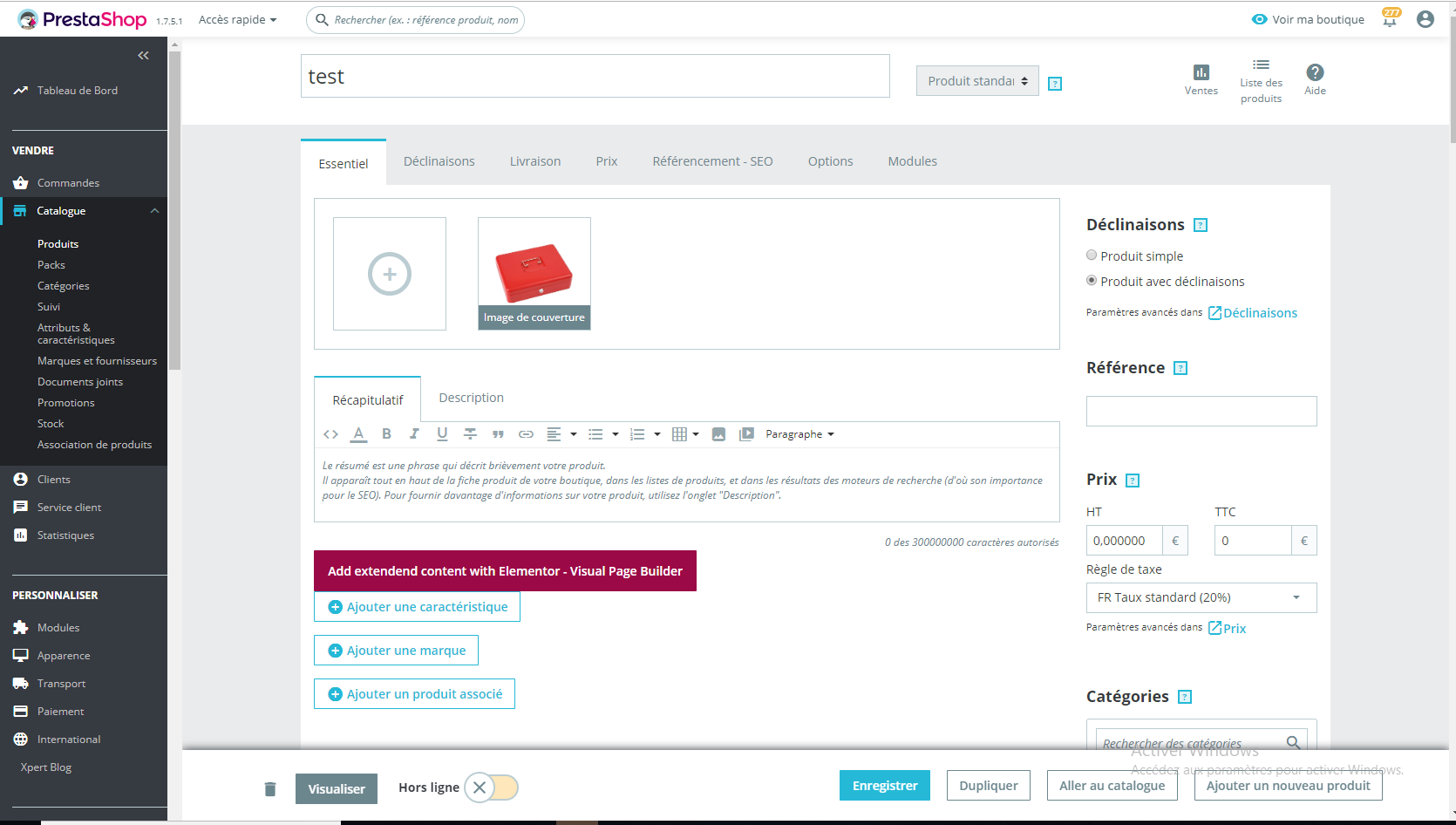
@labibyanes92, I found a lot of issues:
- The pack bloc is displayed but it is a standard product.
- Can't add an image
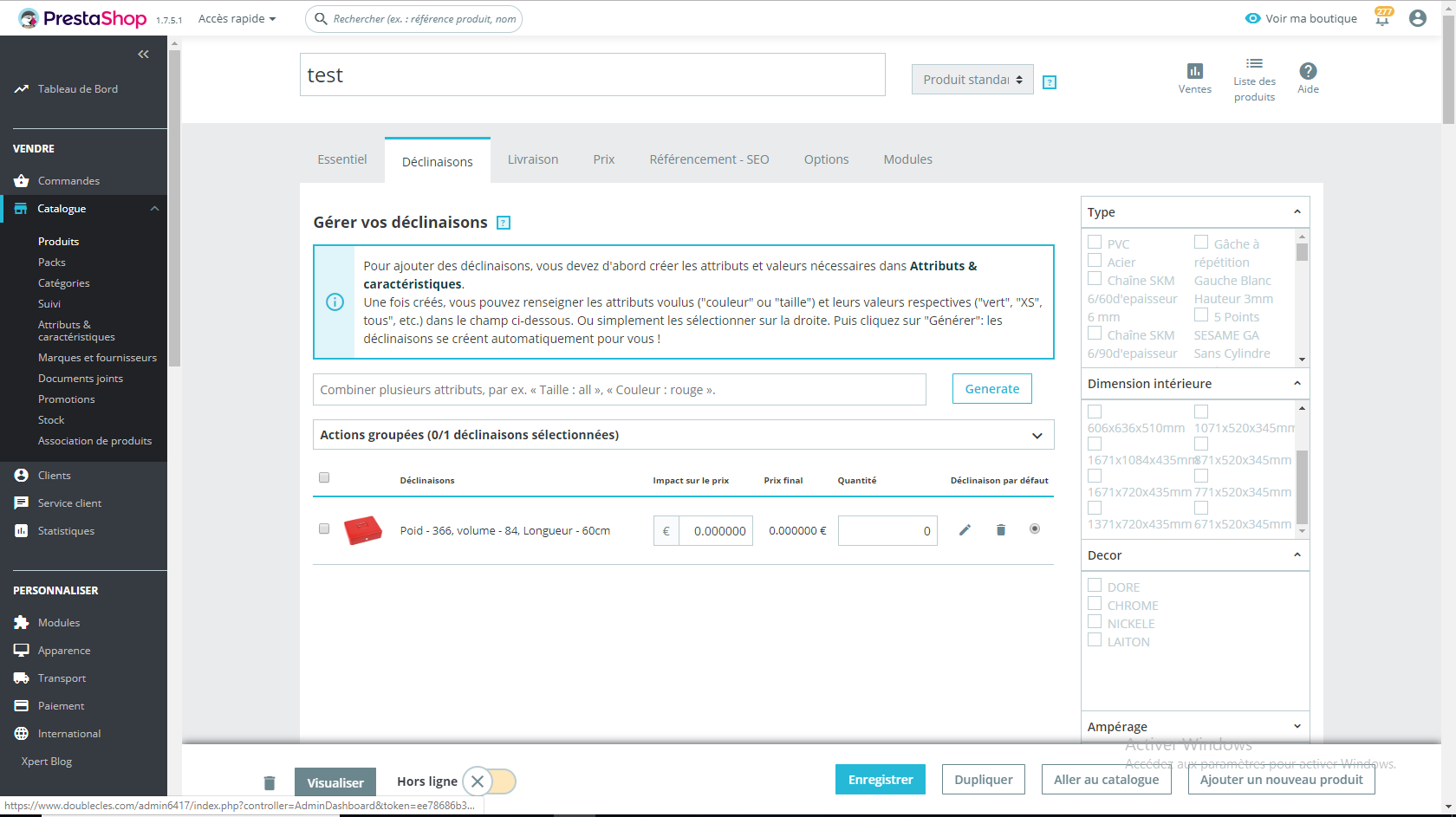
- Can't select combinations
https://drive.google.com/file/d/11nG7i2yuWQmylfG1sDeTyePz0Frkxmy4/view
Thanks to check & feedback.
khouloudbelguith
on 16 Oct 2019
it work for me !
labibyanes92
on 16 Oct 2019
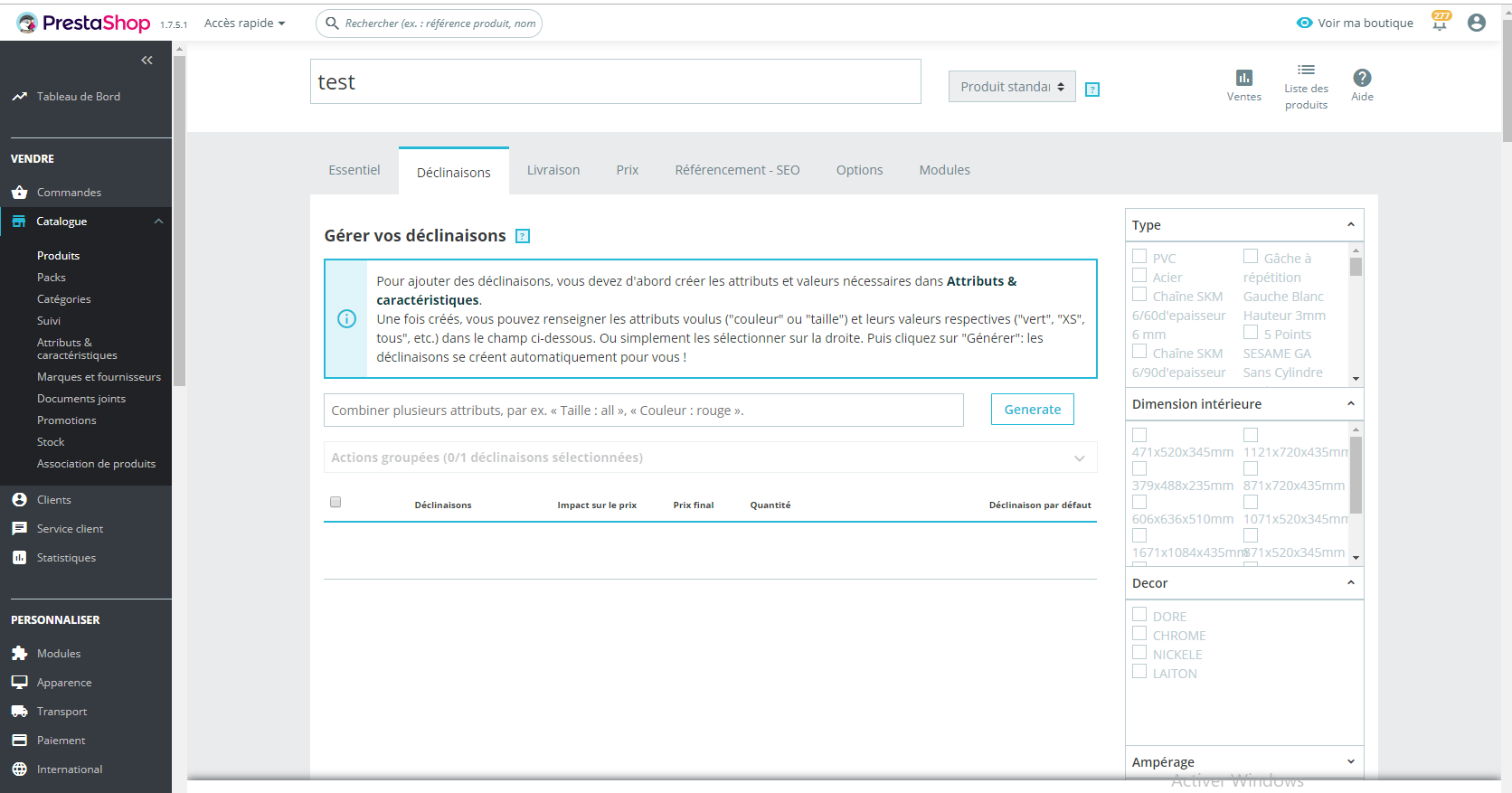
combinations not displayed
labibyanes92
on 16 Oct 2019
@labibyanes92, yes, it is working now!
& I can save a product without issues
https://drive.google.com/file/d/1dPuRqW1YAQkmV6xWYuaRYLVK0-BPx5AS/view
Thanks!
khouloudbelguith
on 16 Oct 2019
sorry @khouloudbelguith but still not working
check the prodcut with this id 14435 please
labibyanes92
on 16 Oct 2019
i think it was a problem number of combinations
labibyanes92
on 16 Oct 2019
@labibyanes92, did you use a lot of combinations?
Thanks!
khouloudbelguith
on 16 Oct 2019
@khouloudbelguith
yes there are product with many combinations
but if i cleared cache i can save product but sometimes i can't
labibyanes92
on 16 Oct 2019
@labibyanes92, so it could be similar to this issue:
https://github.com/PrestaShop/PrestaShop/issues/9809
Thanks to check & feedback.
khouloudbelguith
on 16 Oct 2019
@khouloudbelguith This issue is not fixed yet.
labibyanes92
on 16 Oct 2019
@labibyanes92, yes, it is added to our bug roadmap.
So, can I close the issue as a duplicate?
Thanks!
khouloudbelguith
on 16 Oct 2019
thakns @khouloudbelguith
i'm so confused i enable the debug mode , the problem is disapeared ,no error
it seems cache problem also
ERR_EMPTY_RESPONSE
labibyanes92
on 17 Oct 2019
@labibyanes92, You need to force refresh the page, by pressing CTRL+F5 on Windows / Linux, Cmd+R on Mac OS while you are on this page.
Thanks!
khouloudbelguith
on 17 Oct 2019
Hi @labibyanes92,
Since we had no news from you for more than 30 days, I'll close this ticket. Feel free to open another one if you can give specific details.
Thanks!
khouloudbelguith
on 18 Nov 2019
Related issues
 hiousi
·
3Comments
hiousi
·
3Comments
 Fabuloops
·
3Comments
Fabuloops
·
3Comments
 matks
·
3Comments
matks
·
3Comments
 esistgut
·
3Comments
khouloudbelguith
·
3Comments
esistgut
·
3Comments
khouloudbelguith
·
3Comments