Prestashop: Error when adding image in creating new product
Describe the bug
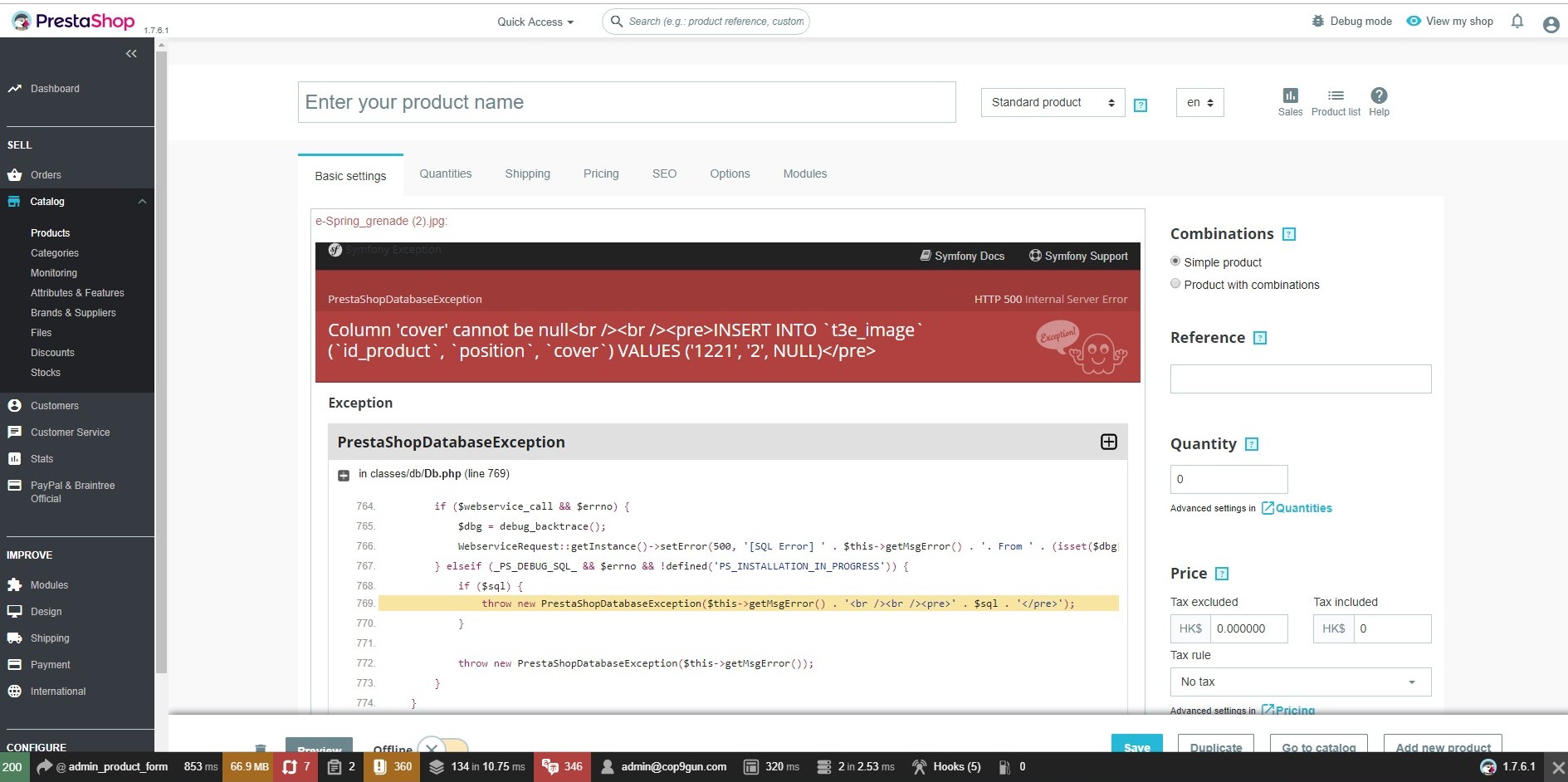
In PS 1.7.6.1, Error when adding image in creating new product, (Turn on debug mode)
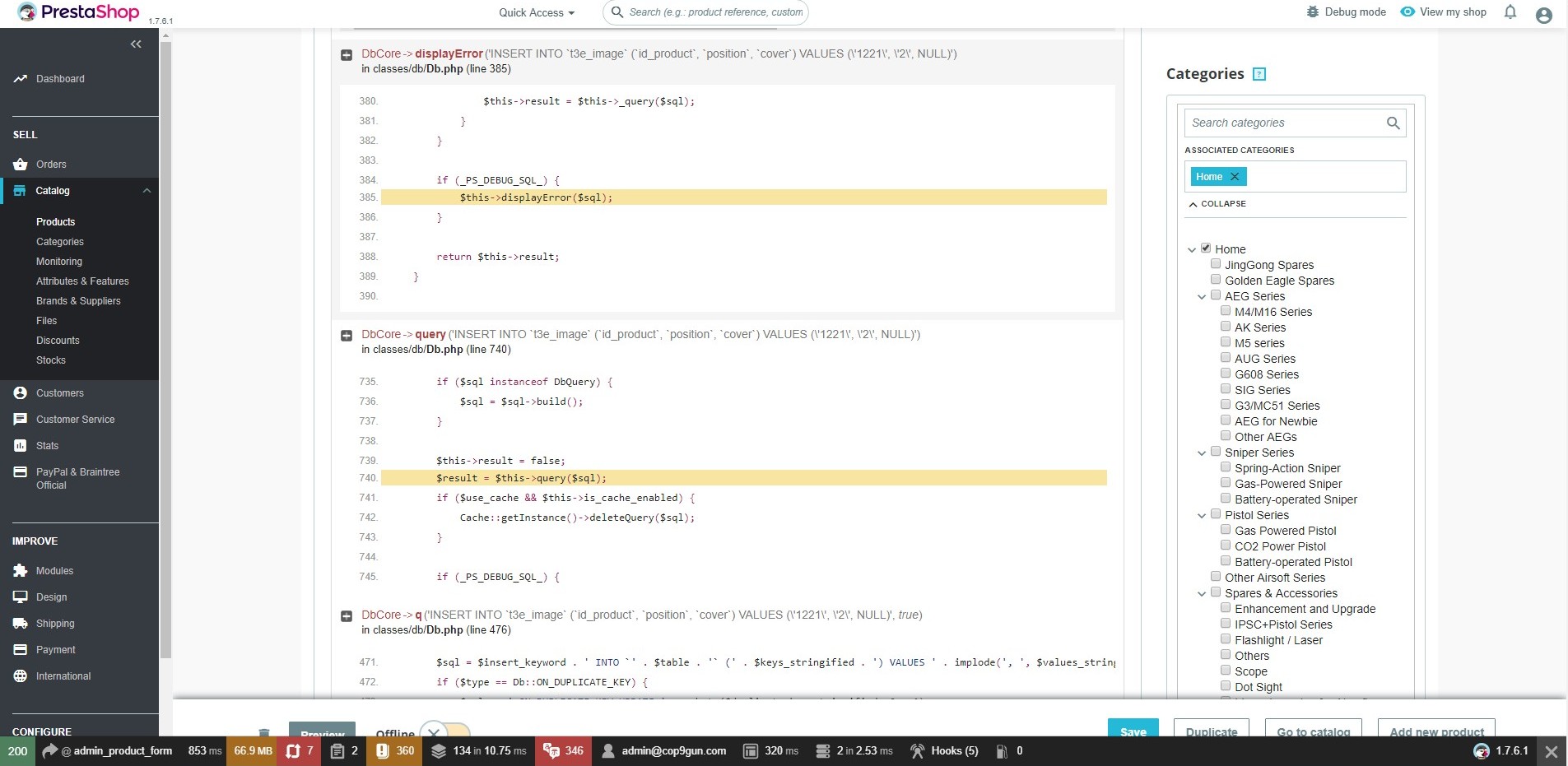
Column 'cover' cannot be null INSERT INTO t3e_image (id_product, position, cover) VALUES ('1218', '2', NULL)
To Reproduce
Steps to reproduce the behavior:
- In BO, Go to 'Category -> Product'
- Click on "New product", after giving any name in product name, then adding image file
- First image is ok.
- Error appear when inserting second images (OR insert TWO or more images in step 2)
- Column 'cover' cannot be null INSERT INTO
t3e_image(id_product,position,cover) VALUES ('1218', '2', NULL)
6.
Screenshots
Additional information
PrestaShop version: 1.7.6.1
PHP version: 7.1.30
 dtwfung
All 3 comments
I figured out the problem. This may cause by 1-click upgrade... Somehow, the 'cover' column of 'image' and image_shop did not change to NULLable. In PS 1.6.X. the column cannot be NULL.
This will impact for those products with combination.
As my site was upgraded from 1.6.x using 1-click upgrade.
I installed a fresh 1.7.5.1 installation. Problem does not happen.
Highlight of how to fix.
- Amend the 'cover' column to NULLable for TWO tables 'image' and
image_shop. - Change existing cover value in image from 0 to NULL
- Reinsert missing record in image_shop table
I will test and examine further before applying to my production site.
dtwfung
on 15 Sep 2019
Hi @dtwfung,
Your problem is solved?
 mariem-abid
on 16 Sep 2019
mariem-abid
on 16 Sep 2019
@mariem-abid Yes, solved.
dtwfung
on 17 Sep 2019
Related issues
 zuk3975
·
3Comments
zuk3975
·
3Comments
 marionf
·
3Comments
marionf
·
3Comments
 centoasa
·
3Comments
centoasa
·
3Comments
 Van-peterson
·
3Comments
Van-peterson
·
3Comments
 matks
·
3Comments
matks
·
3Comments