Prestashop: All new controllers are empty after an upgrade PS 1.6 -> 1.7
Describe the bug
Started a shop on 1.6.1.8 and upgraded it to 1.7.6.0. The upgrade succeeds, but all pages running on Symfony are empty.
To Reproduce
Steps to reproduce the behavior:
- Start a shop on PS 1.6.1.8
- Upgrade it to 1.7.6.0 (the following zip file was used). Note my autoupgrade module was modified to not run the UpgradeModules step.
- When the shop is complete, go to any BO page migrated to Symfony.
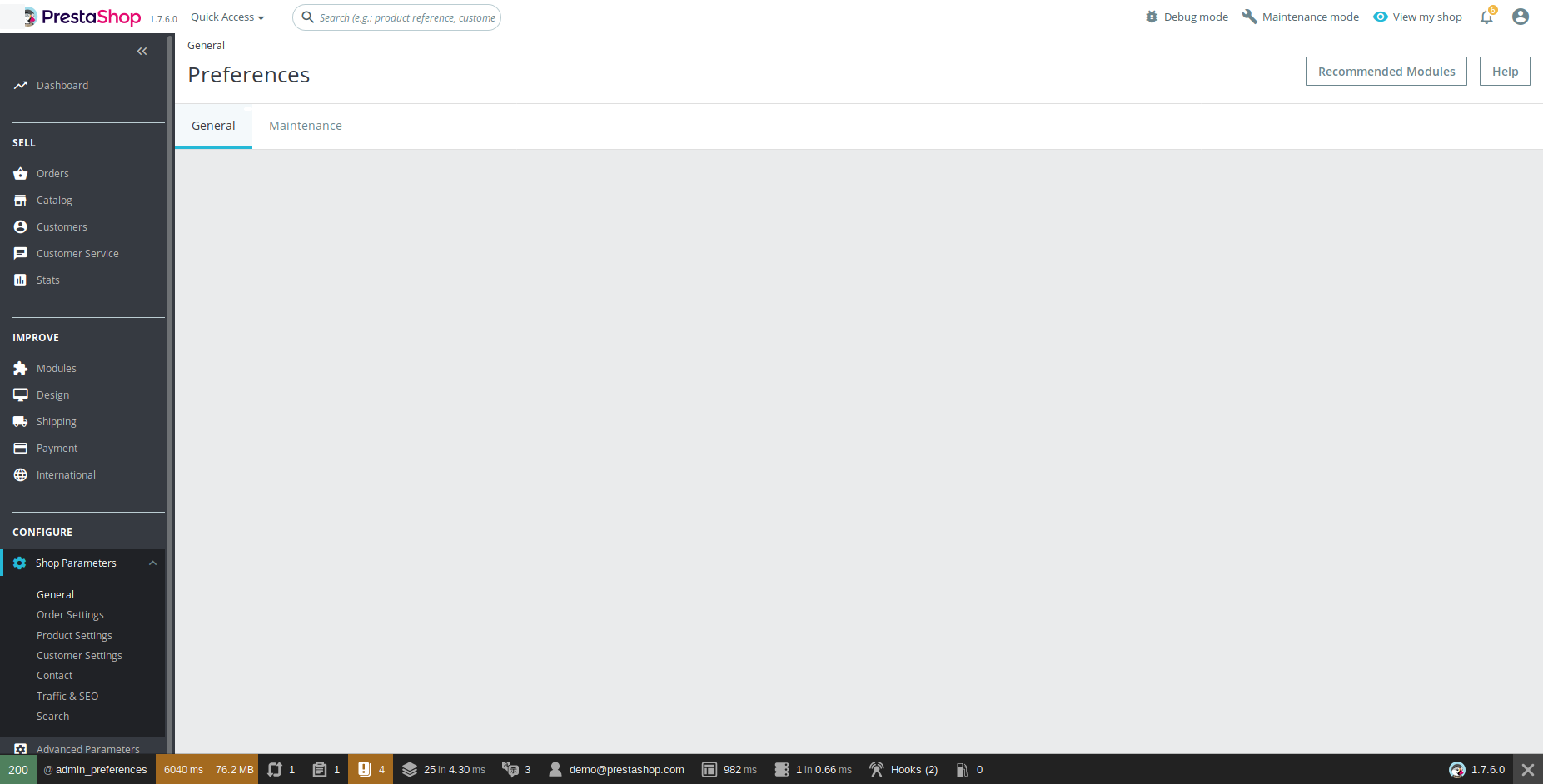
- When the cache exists, the content will be empty. Dropping it will allow one page to load properly, but on the second call you should get the issue again.
Screenshots
- Page content when the issue occurs:
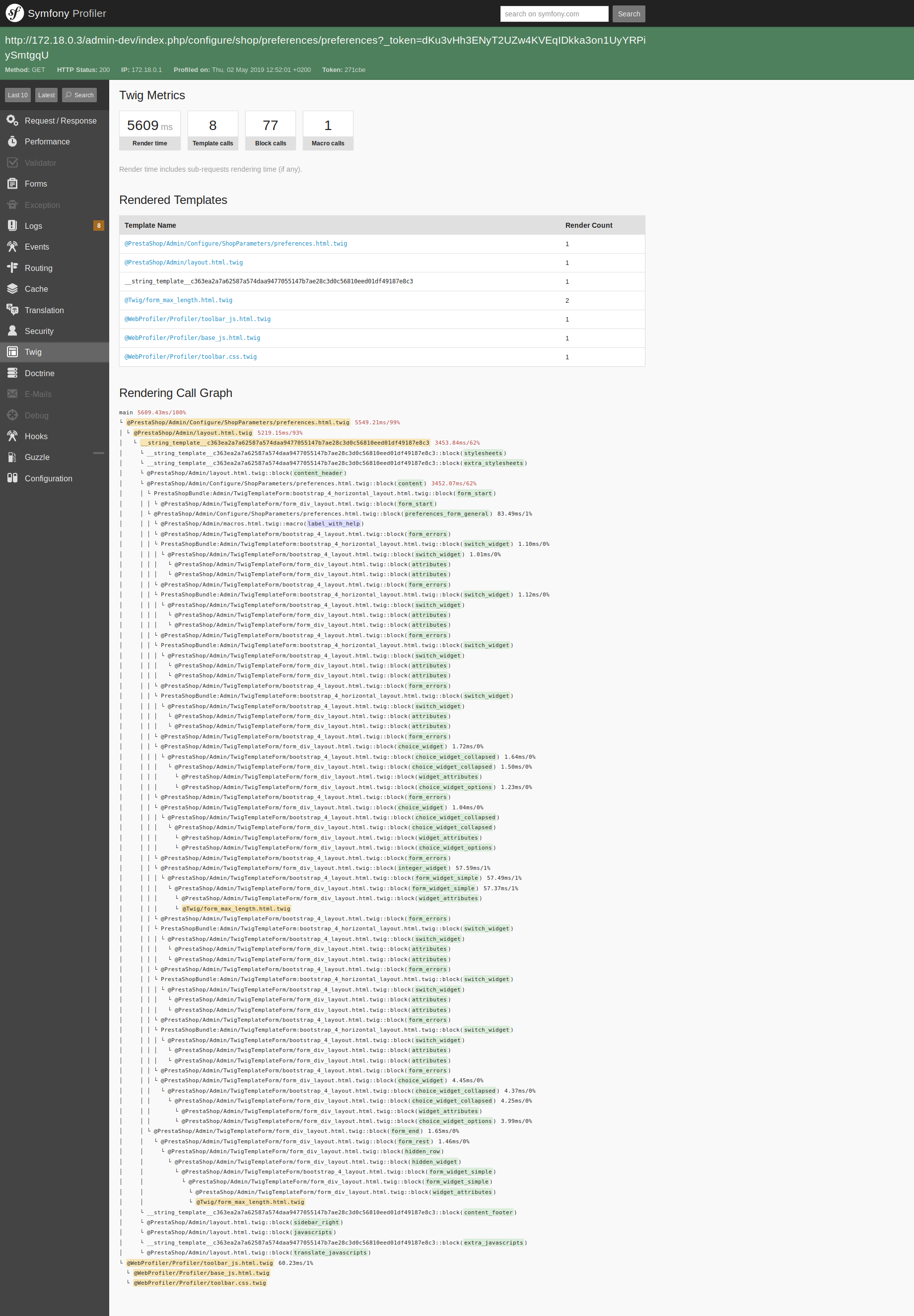
- Twig debug data when the page is empty:

- Twig debug data when the page loads properly the content:
Additionnal information
- PrestaShop version: 1.6.1.8, upgraded to 1.7.6.0
- PHP version:
PHP 5.6.40 (cli) (built: Jan 23 2019 00:10:05)
Copyright (c) 1997-2016 The PHP Group
Zend Engine v2.6.0, Copyright (c) 1998-2016 Zend Technologies
    with Zend OPcache v7.0.6-dev, Copyright (c) 1999-2016, by Zend Technologies
- Used docker-compose.yml file:
version: '2'

volumes:
    db-data:

services:
    mysql:
        image: mysql:5.6
        ports:
            - "3306"
        volumes:
            - db-data:/var/lib/mysql
        environment:
            MYSQL_ROOT_PASSWORD: password
            MYSQL_DATABASE: prestashop
    apache:
        image: prestashop/prestashop:1.6.1.8
        environment:
            PS_INSTALL_AUTO: 1
            DB_PASSWD: password
            DB_NAME: prestashop
            DB_SERVER: mysql
            PS_DOMAIN: ip6-localhost:8001
            PS_FOLDER_INSTALL: install-dev
            PS_FOLDER_ADMIN: admin-dev
            PS_DEV_MODE: 0
            PS_DEMO_MODE: 0
            PS_COUNTRY: fr
            PS_LANGUAGE: en
        ports:
            - "8001:80"
Back Office credentials
[email protected] / prestashop_demo
 Quetzacoalt91
All 5 comments
Hi @Quetzacoalt91,
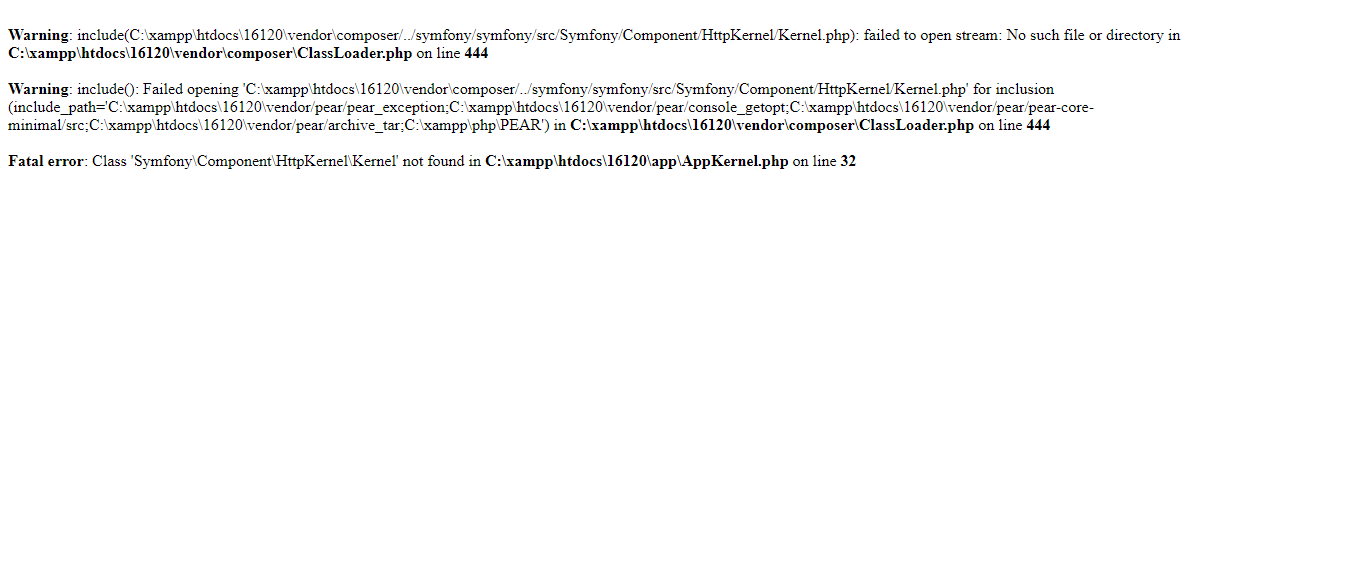
I tried to upgrade from PS16120 to PS1760 with the same folder provided using the 1-click upgrade v4.7.0
During the uprade I have this error
[Ajax / Server Error for action upgradeFiles] textStatus: "error " errorThrown:" " jqXHR: " "
I tried to navigate to the BO=> error 500
Thanks!
 khouloudbelguith
on 2 May 2019
khouloudbelguith
on 2 May 2019
You should have used the branch dev, there is a new version to be released for PS 1.7.6.0. :)
Quetzacoalt91
on 2 May 2019
We tried to find the root cause of this issue, here is our progress so far:
| Original PS Version | Env | Issue reproduced |
| -- | -- | -- |
| PS 1.7.6.0 upgraded from 1.6.1.8 | PHP 5.6 / Twig 1.38.4 | Yes |
| PS 1.7.6.0 upgraded from 1.6.1.8 | PHP 5.6 / Twig 1.36.0 (manual rollback) | No |
| PS 1.7.6.0 upgraded from 1.6.1.23 | PHP 5.6 / Twig 1.38.4 | Yes |
| PS 1.7.6.0 upgraded from 1.6.1.23 | PHP 7.0 / Twig 1.38.4 | No |
| PS 1.7.6.0 fresh install | PHP 5.6 / Twig 1.38.4 | No |
| PS 1.7.6.0 upgraded from 1.6.1.23 then 1.7.5.1 | PHP 5.6 / Twig 1.38.4 | Yes |
| PS 1.7.6.0 upgraded from 1.7.5.1 | PHP 5.6 / Twig 1.38.4 | Yes |
| PS 1.7.6.0 upgraded from 1.7.5.1 with twig folder deleted during process | PHP 5.6 / Twig 1.38.4 | No |
Quetzacoalt91
on 2 May 2019
We have to make sure the old Twig version will be deleted during upgrade. I'm closing as we must wait for the stable release of 1.7.6.0 to confirm this is done properly.
Quetzacoalt91
on 3 May 2019
Fixed by https://github.com/PrestaShop/autoupgrade/pull/325, there was a conflict between twig versions included by the core and the module
Quetzacoalt91
on 27 Jun 2019
Related issues
 centoasa
·
3Comments
centoasa
·
3Comments
 marionf
·
3Comments
marionf
·
3Comments
 rGaillard
·
3Comments
rGaillard
·
3Comments
 hiousi
·
3Comments
hiousi
·
3Comments
 vincent-dp
·
3Comments
vincent-dp
·
3Comments