Prestashop: BO notifications disappeared | new customer - new order - new message
Hello everyone,
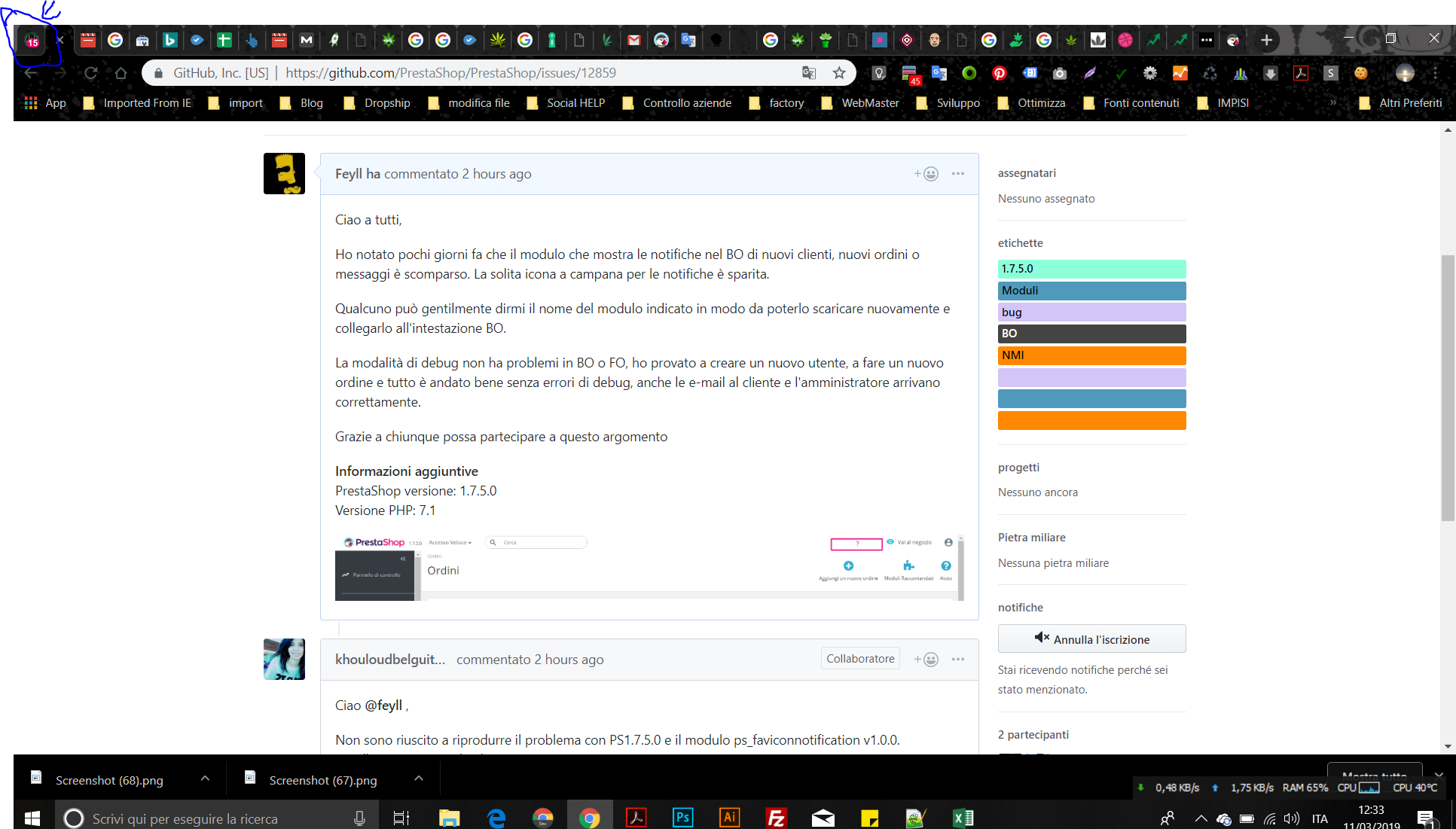
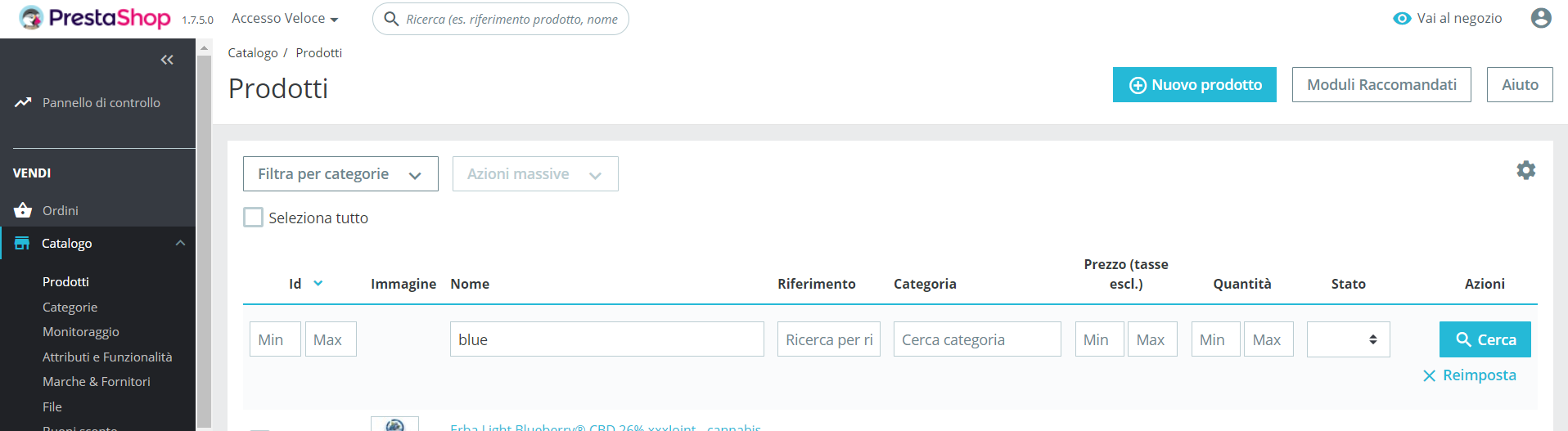
I noticed a few days ago that the module that shows notifications in the BO of new customers, new orders or messages has disappeared. The usual bell icon for notifications is gone.
Someone can kindly tell me the name of the module indicated so that you can re-download it and hook it to the BO header.
Debug mode has no problems in BO or FO, I tried to create new user, make a new order and everything went well without any debugging error, even the emails to the customer and the administrator arrive correctly.
Thanks to anyone who can participate in this topic
Additionnal information
PrestaShop version: 1.7.5.0
PHP version: 7.1

 feyll
feyll
All 34 comments
Hi @feyll,
I did not manage to reproduce the issue with PS1.7.5.0 & the ps_faviconnotification module v1.0.0.
I attached a video record.
https://drive.google.com/file/d/1BTi1iglZeu5K1OsaapSVAGCyR72wbukN/view
Thanks to check & feedback.
 khouloudbelguith
on 11 Mar 2019
khouloudbelguith
on 11 Mar 2019
Hello, thanks for your reply. You are always kind and helpful.
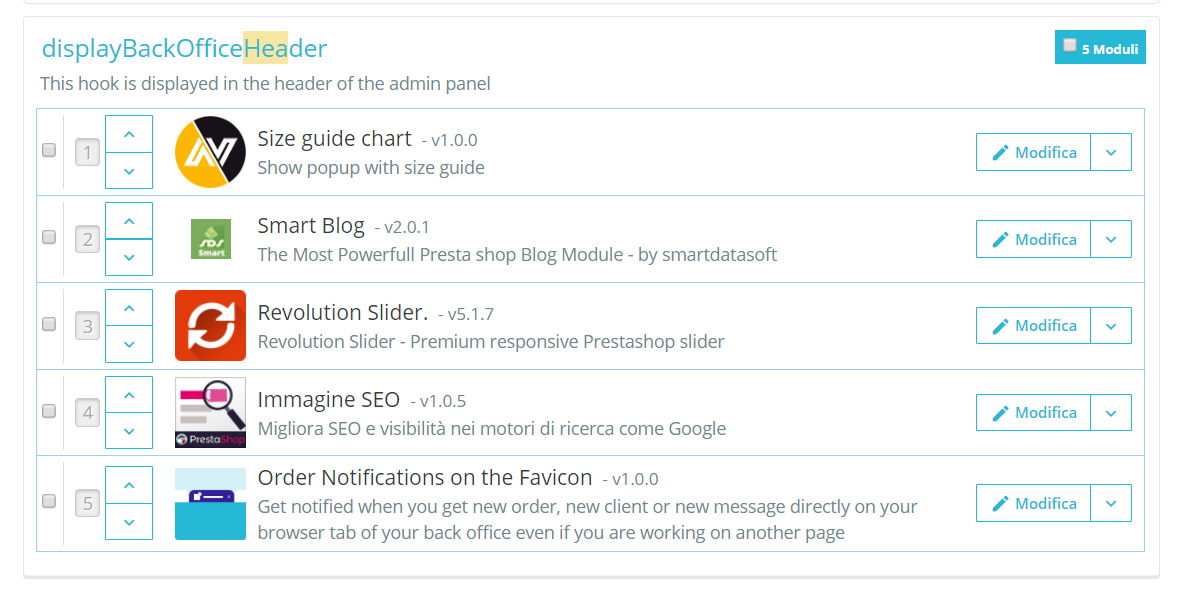
I installed the form you indicated to me but I still do not see the little bell with the notifications, I checked and is correctly hooked to the BO header.
I see notifications only in my browser favicon.
I have deleted the browser cache but it is not visible anyway.

feyll
on 11 Mar 2019
@feyll, thanks for your feedback.
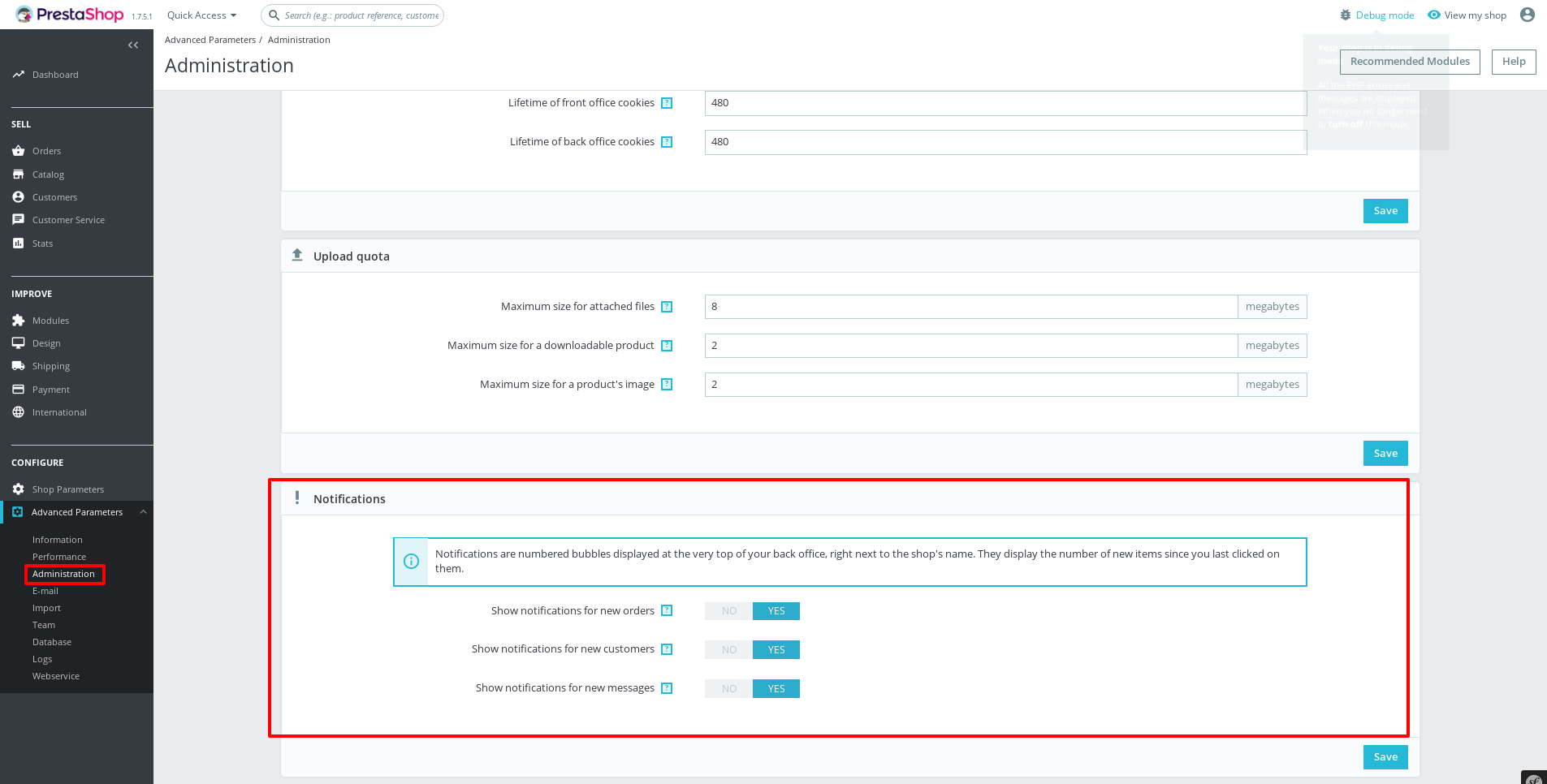
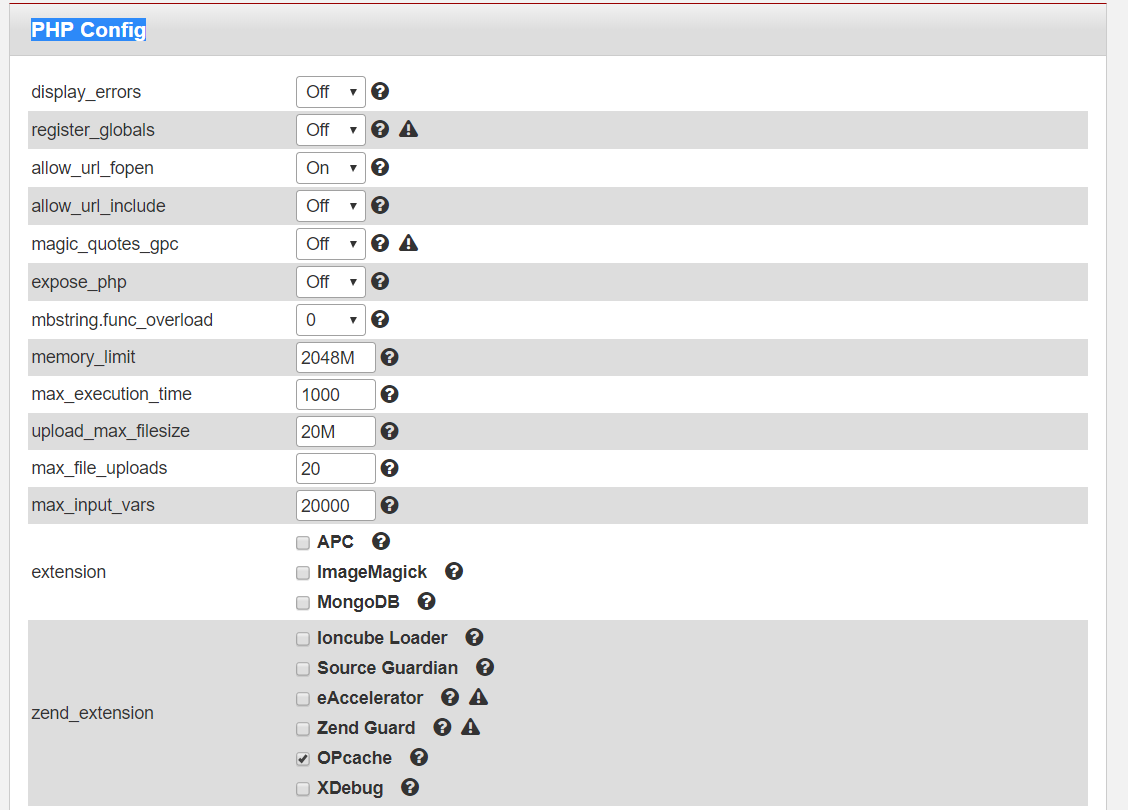
Could you please navigate to the BO => Advanced Parameters => Administration, in the bottom of the page, you need to check if all the "Notifications" options are disabled, if yes you need to enable them.
Thanks to check & feedback.
khouloudbelguith
on 11 Mar 2019
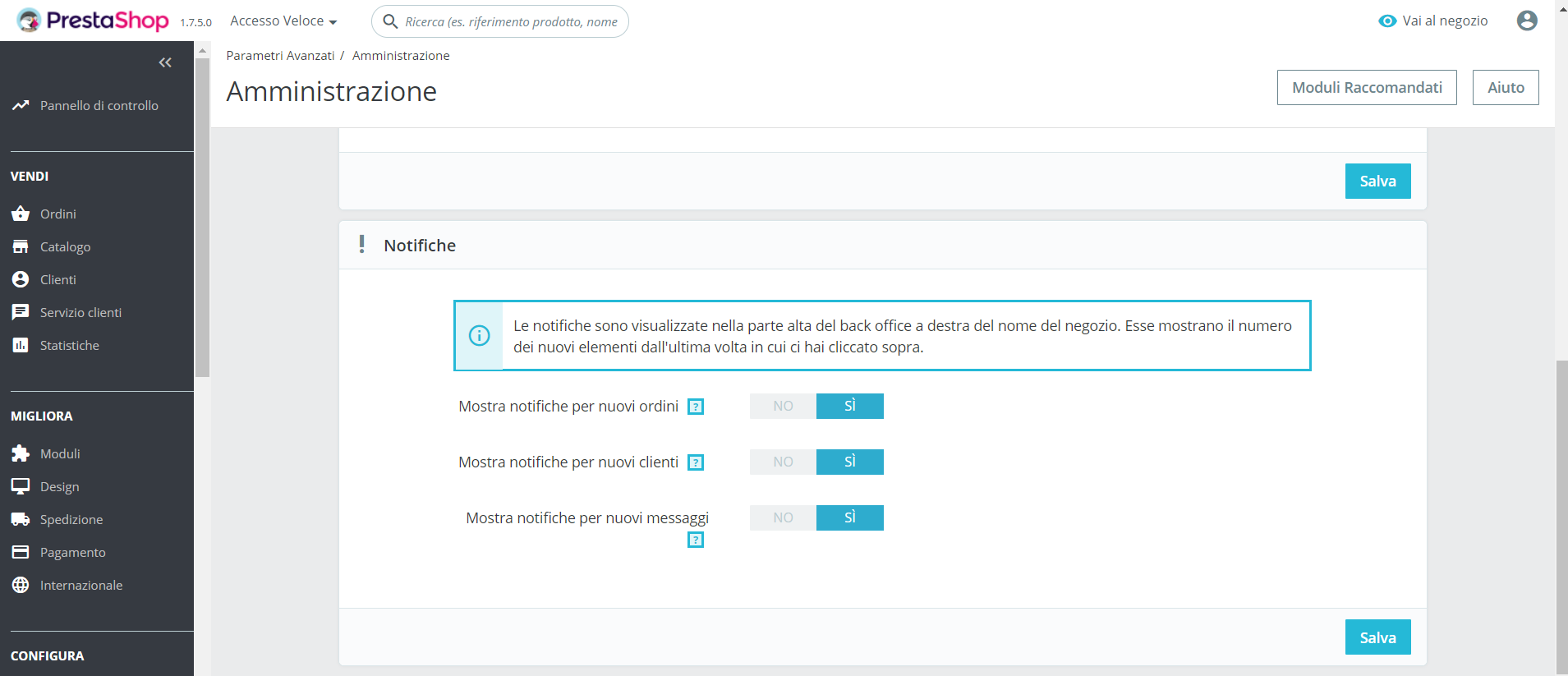
Yes, all the notifications are activated, but the notification bell still can not be seen.
feyll
on 11 Mar 2019
@feyll, Could you please provide us with more info? We need more details to understand how we can reproduce your issue:
- host
- server setup and configuration
- PrestaShop version (source)
- debug mode report
- PHP error logs
- apache error log
- javascript console log
Don't you know how to get this information? Please read the following article:
http://build.prestashop.com/howtos/misc/how-to-create-bug-report/
Thanks!
khouloudbelguith
on 11 Mar 2019
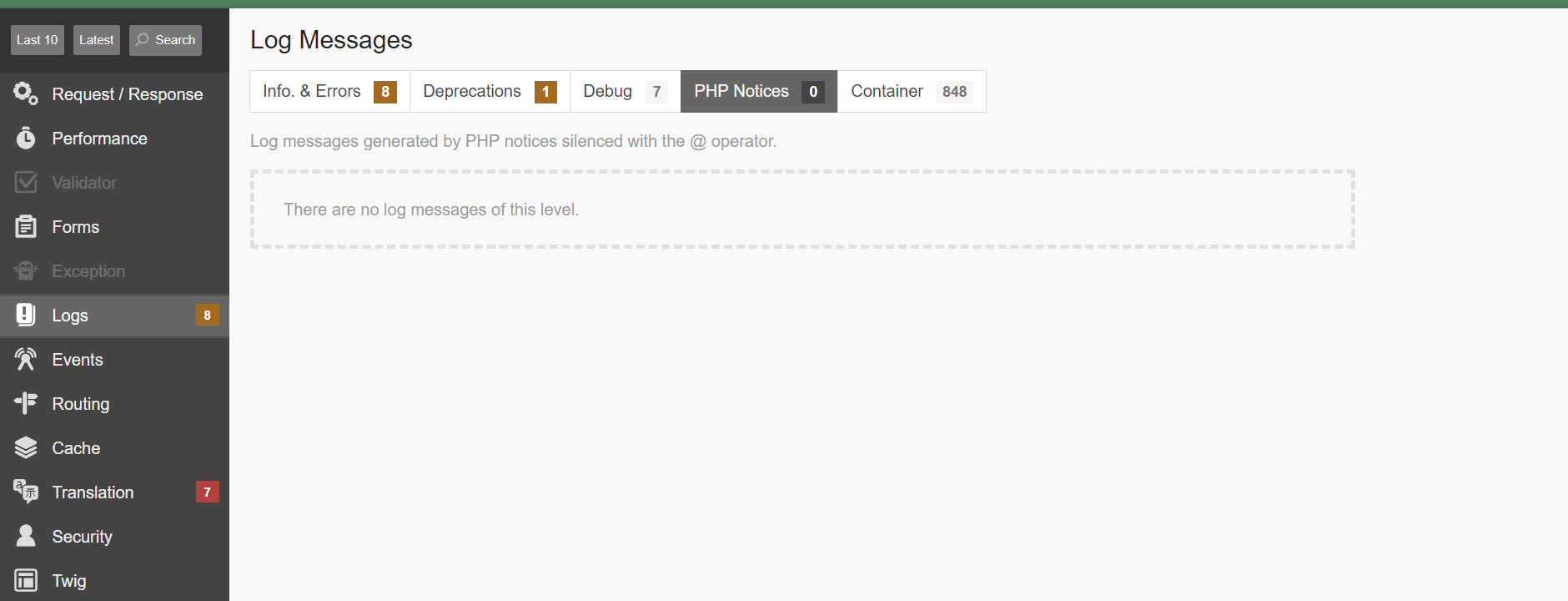
Java not have a error.
Nor have a error log apache and php
This too much thing is causing me many problems.
It was always visible and since I moved to 1.7.5.0 it has disappeared.
Something so irrelevant creates such big problems.
Prestashop: 1.7.5.0
PHP: 7.1
PS: the module you made me install I had never seen before, what was the old module that ran the notification bell?
canapath.it_ftplog_20190311.txt
feyll
on 11 Mar 2019
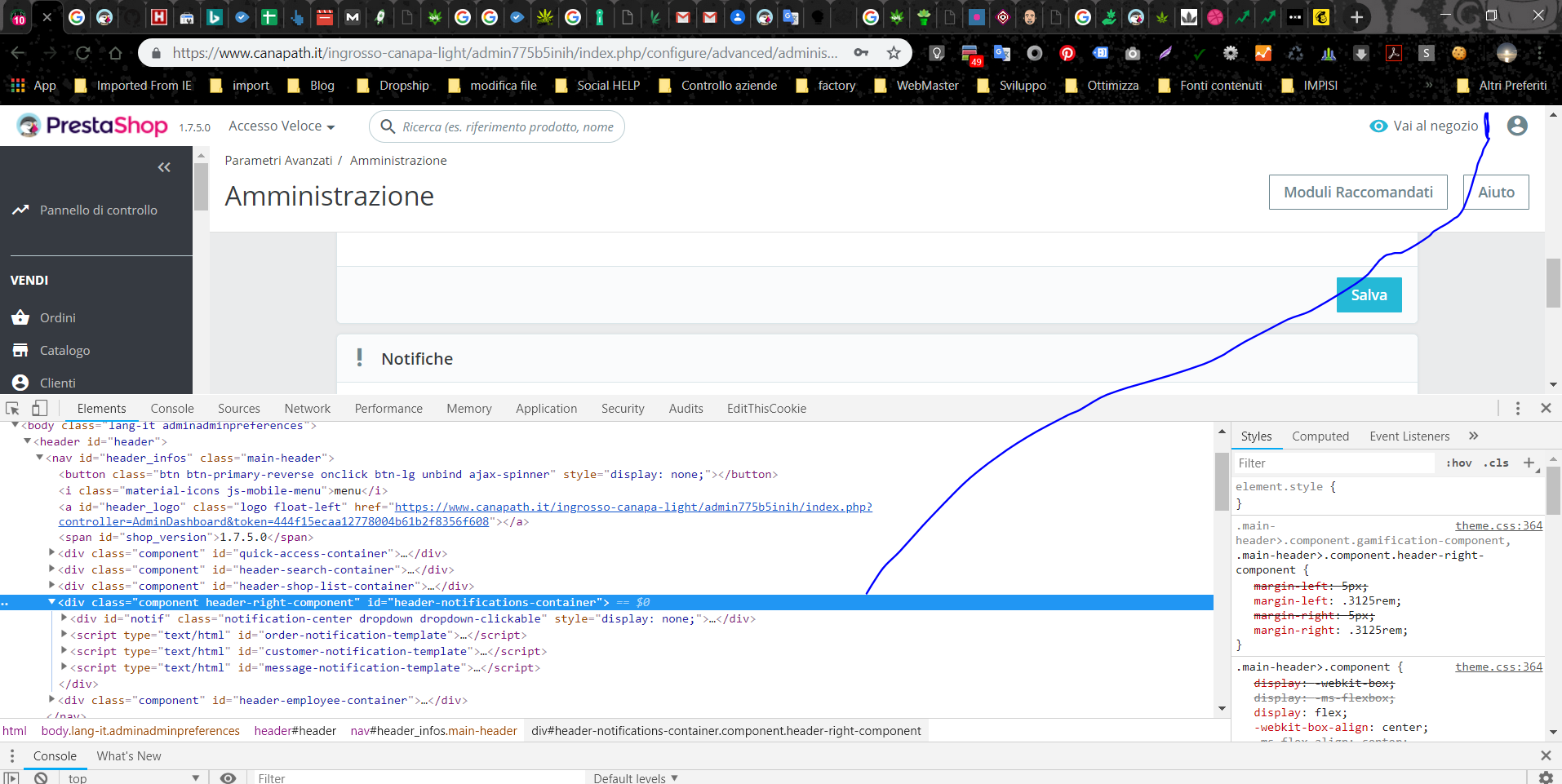
Inspecting the element I see that this is hooked to the BO header
This is a second store with the same problem, this second store is hosted in my main directory but it is a new installation from the one I showed you before, but also in this shop the doorbell is gone.
feyll
on 11 Mar 2019
@feyll, first could you please try to clear cache manually by deleting all the folder into var/cache (prod & dev).
Second, canapath.it_ftplog is it the log from your server?
Did you delete prestafraud module from your ftp?
Third, this issue occurs only when you install ps_faviconmodule? or before that?
Thanks!
khouloudbelguith
on 11 Mar 2019
@khouloudbelguith
Yes, this is server error log.
I canceled prestafraud because it gave me errors on the site. I have little trafico at the moment and very few purchases so I chose to delete it, because there is some problem if I canceled prestafraud?
Yes, this is server error log.
I canceled prestafraud because it gave me errors on the site. I have little trafico at the moment and very few purchases so I chose to delete it, because there is some problem if I canceled prestafraud?
The problem was already before favicon, when I installed the module you recommended, I see the notifications in the browser favicon but inside the BO there is no trace of notifications.
Because from inspecting element I see that it is present in the code, because according to you the notification bell is not shown?
PS: Then again, the problem occurs on two different installations of prestashop 1.7.5.0
feyll
on 11 Mar 2019
@feyll, if you enable debug mode, there is no exception displayed in your BO?
Thanks!
khouloudbelguith
on 12 Mar 2019
Hi @khouloudbelguith
Not error to enable debug mode.
feyll
on 12 Mar 2019
@feyll, could you please provide the credentials of your shop to check it.
This is a public space.
You can provide me the access by email.
My address mail: khouloud.[email protected]
Let's be safe!
khouloudbelguith
on 12 Mar 2019
@khouloudbelguith
Hi, I sent you an email.
Thanks for the support.
feyll
on 12 Mar 2019
@feyll, I did not receive your email yet.
Thanks to check & feedback.
khouloudbelguith
on 12 Mar 2019
@khouloudbelguith :)

feyll
on 12 Mar 2019
I don't understand why now my shop 1 backoffice is in error 500. Yesterday when I turned off the PC I worked quietly. Today when I turned on the PC and entered BO shop I got an error 500.
If active debug mode error 500 disappears and BO works correctly.
Very puzzled by this.
Let's hear from you via email
feyll
on 12 Mar 2019
@feyll, Could you please try to clear cache manually by deleting all the folder into var/cache (prod & dev).
Thanks to check and feedback.
khouloudbelguith
on 12 Mar 2019
@khouloudbelguith i resend, please check.
Thanks
feyll
on 12 Mar 2019
@feyll, I just received the email.
I will check & feedback.
khouloudbelguith
on 12 Mar 2019
@feyll,
About your first shop, it is OK.
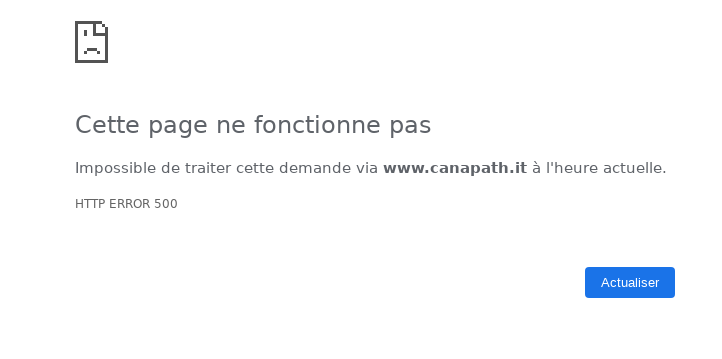
About your second shop, I have error 500, I cannot check it.
Thank to check & feedback.
khouloudbelguith
on 12 Mar 2019
Thanks, I'm checking but the bell isn't visible on my side yet.
I deleted cache from browser and from var / cache folder I scrapped all the folders.
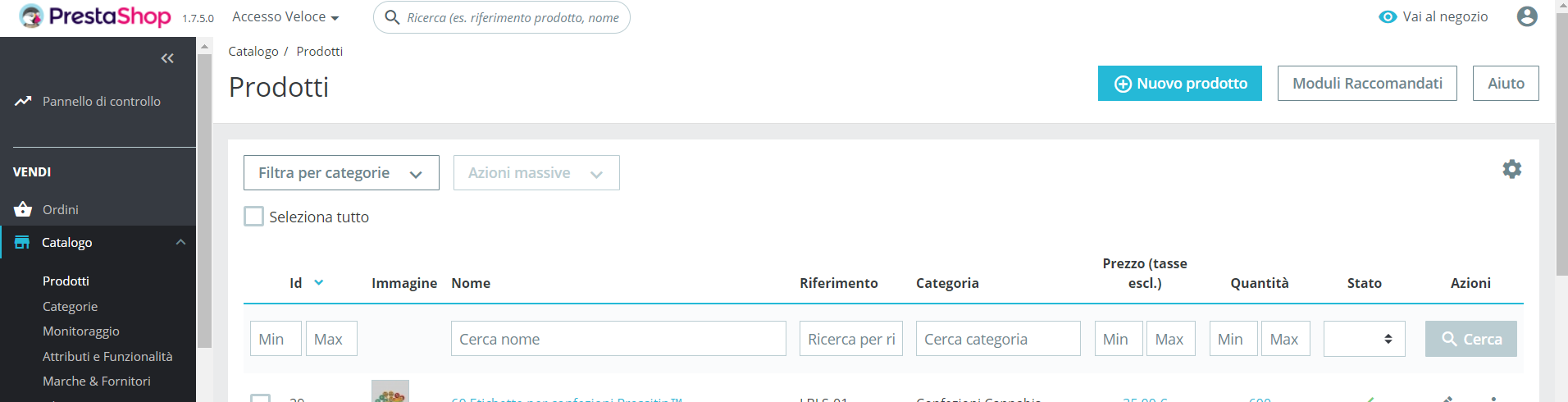
PS: if active debug mode error 500 disappears. But how is it possible that error 500 occurs overnight?
feyll
on 12 Mar 2019
@feyll, I think it is a cache problem.
Try to run those command to clear cache.
php -d memory_limit=-1 ./bin/console cache:clear
php -d memory_limit=-1 ./bin/console cache:clear --env=prod
Thanks!
khouloudbelguith
on 12 Mar 2019
@khouloudbelguith
Excuse my trivial question, where can I launch these commands?
feyll
on 12 Mar 2019
@feyll, into the path of your project folder, with a terminal.
Thanks!
khouloudbelguith
on 12 Mar 2019
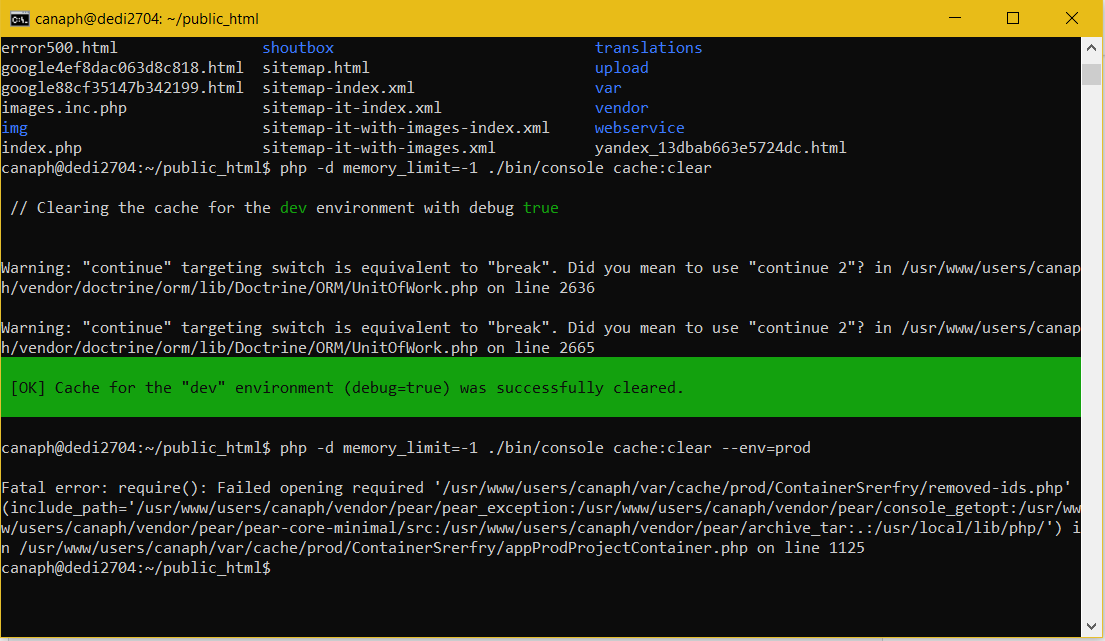
@khouloudbelguith Thank you and sorry for my ignorance. I explained to you in the email my misadventure
.
I was able to launch your codes but this responds with error. php -d memory_limit=-1 ./bin/console cache:clear --env=prod
feyll
on 12 Mar 2019
@feyll you need to clear cache manually by deleting all the folder into var/cache (prod & dev).
Thanks to check and feedback.
khouloudbelguith
on 12 Mar 2019
@khouloudbelguith
Hi, I now have error 500. I deleted folders from public_html/inrosso-canapa-light/var/cache
Also on site 2, error 500 occurred after I deleted folders from public_html/var/cache
This happened as soon as the prod and dev folders were deleted.
Please what action should I take to learn about the nature of this error?
To fix do I need to restore the prod and dev folders in the two var/cache directories?
feyll
on 12 Mar 2019
@feyll,
The prod and dev folders in the two var/cache directories are cache folders.
You don't need to restore them.
But it could be permission issue of the /var/cache/ folder.
Thanks to check & feedback.
khouloudbelguith
on 13 Mar 2019
@khouloudbelguith
Hi, thanks for your suggestion.
In fact now the permissions are set this way
in public_html/var/cache
folder 1dev permissions 775
folder 1prod permissions 775
folder prod permissions 777
the permissions are set this way
in public_html/ingrosso-canapa-light/var/cache
folder 1prod permissions 777
folder prod permissions 777
Would you advise me to set 755 permissions for all 644 folders and permissions for all files within them?
PS: what suggestion can you give me to manage these cache files? I don't understand, they seem to be out of my control and create different problems.
Thanks for every suggestion.
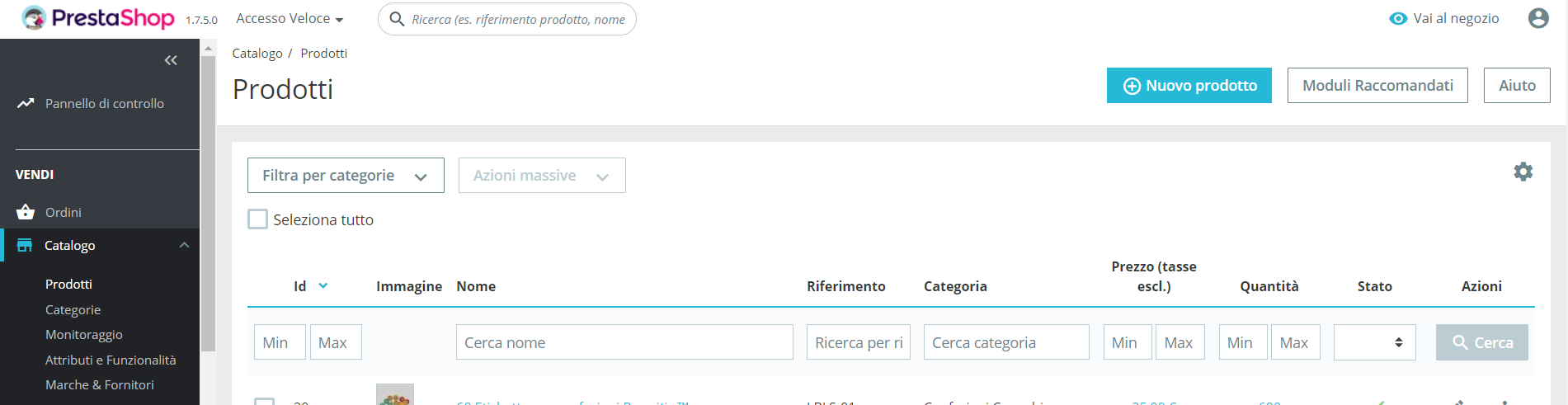
PS2: I solved error 500 in my admin, if you want to do a check. But I still don't find the notification bell in my BO. I deleted the folders you suggested but no notifications. Can it depend on my Chrome browser?
feyll
on 13 Mar 2019
@feyll, Some hosts might require you to use CHMOD 777, although it is not recommended for anything more than a one-time need.
If you have to use CHMOD 777 in order to install PrestaShop, make sure to switch to a safer setting (for instance, 775 for folders and 664 for files) once you are done installing.
Read your host's documentation carefully.
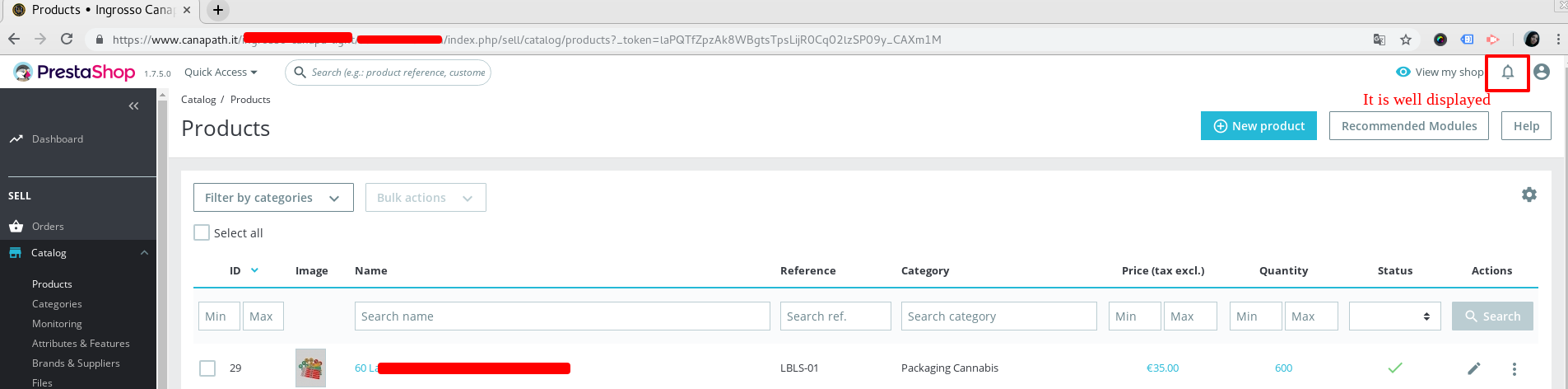
About the notification bell, in my case, with your shop, it is well displayed.
What is the exact browser did you use?
Thanks!
khouloudbelguith
on 13 Mar 2019
@khouloudbelguith
chrome version 73.0.3683.75
Thack for you tips
feyll
on 13 Mar 2019
@feyll, I tried with Google Chrome Version 73.0.3683.39 (Official Build) (64-bit) & your shop & it is OK.
I sent you the video record via email.
THanks!
khouloudbelguith
on 13 Mar 2019
@khouloudbelguith Hello, here I am. I still haven't solved the bell problem in the chrome browser. Now I'm using Chrome Dev and it seems to be fine.
I want to ask for a clarification please. You advised me to set the folders to 775 and 664.
Up to now I thought that the correct set was 755 and 644, how come your suggestion is different from the information I know?
Which is wrong and which is correct, and why do you prefer one instead of the other?
Thank you and I hope you can solve my doubt.
feyll
on 16 Mar 2019
Hi @feyll,
Giving files or folders a "write permission" is called "doing a CHMOD 755" or "a CHMOD 775", depending on the host.
For more information, you can follow our documentation: http://doc.prestashop.com/display/PS17/Installing+PrestaShop
About your bell problem, despite our several trials, we could not reproduce your issue with the provided information.
It seems that your issue is not a PrestaShop's core bug but most likely a server configuration or customization problem.
I close the issue, feel free to open a new one when needed.
Thanks!
khouloudbelguith
on 18 Mar 2019
Related issues
 zuk3975
·
3Comments
zuk3975
·
3Comments
 prestonBot
·
3Comments
prestonBot
·
3Comments
 hiousi
·
3Comments
hiousi
·
3Comments
 centoasa
·
3Comments
centoasa
·
3Comments
 matks
·
3Comments
matks
·
3Comments