Prestashop: combinations not shown in product sheet after upgrade from 1.7.4.4 to 1.7.5.1
Hi,
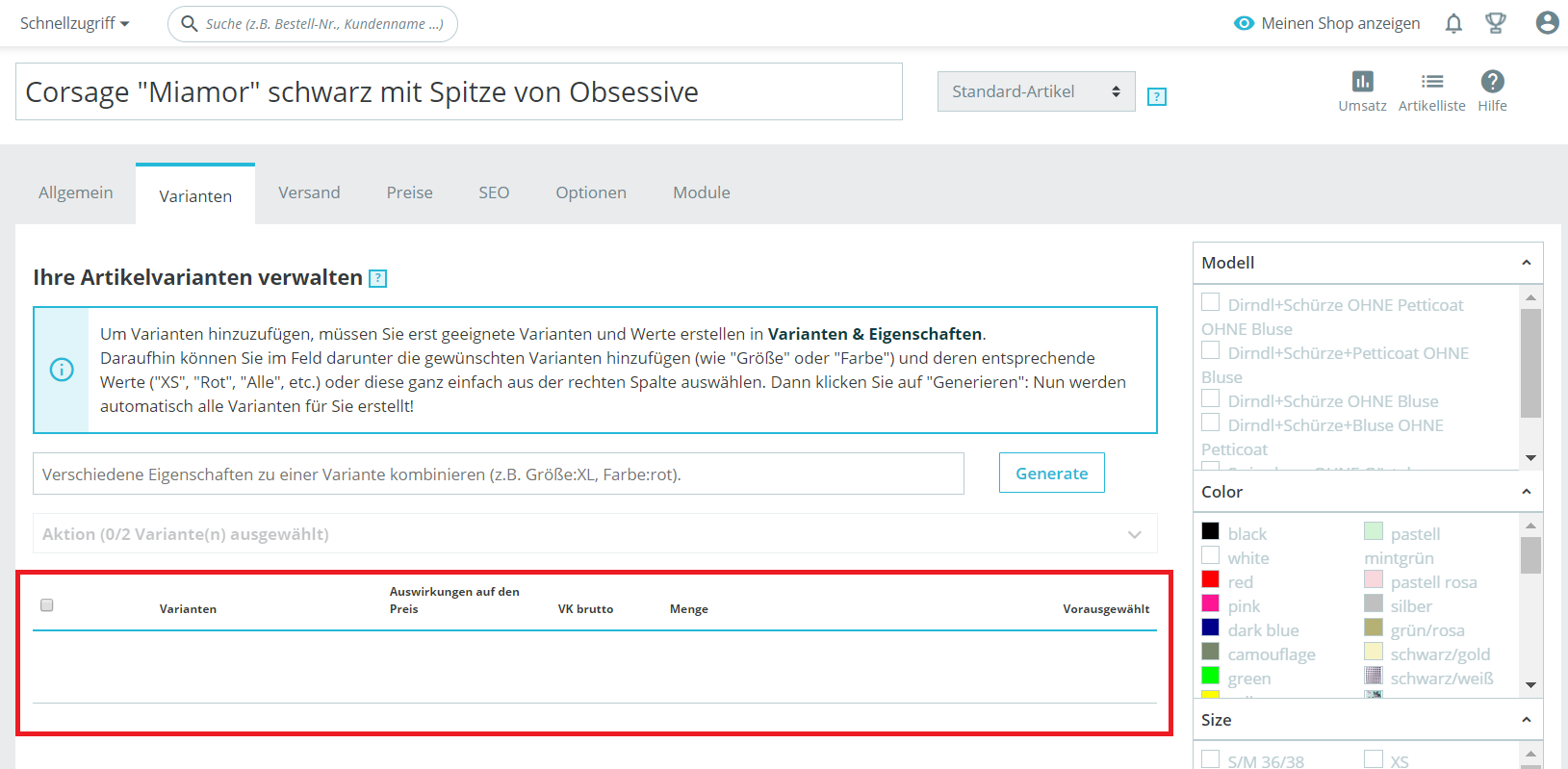
after upgrade from 1.7.4.4 to 1.7.5.1 in product sheet the combinations ar not more shown:
but they are available for order in FO:
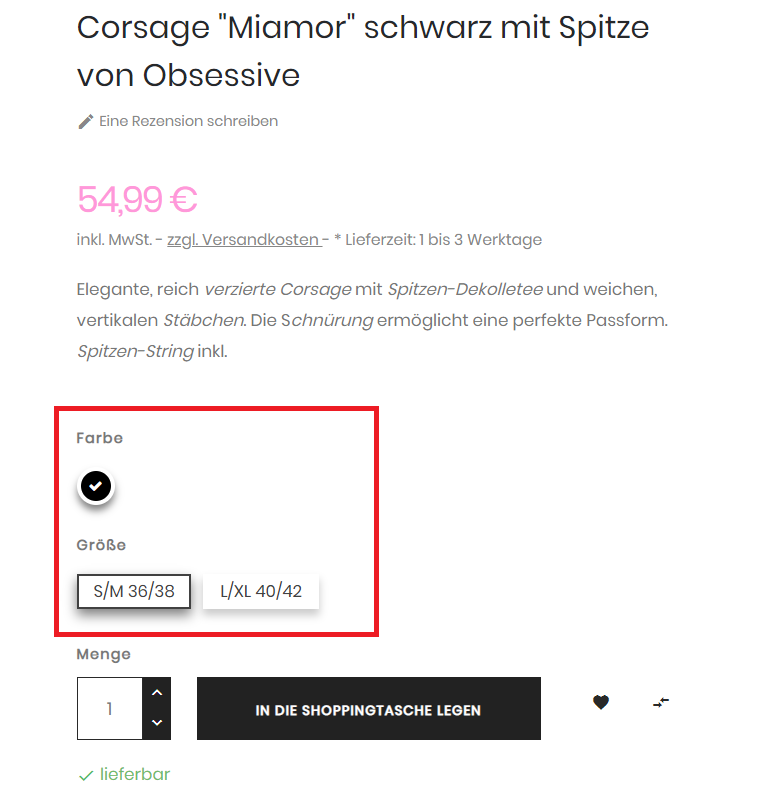
What can I do to fix this?
Using php 7.2.1
 didi-2018
All 23 comments
Hi @didi-2018,
What is the exact 1-click upgrade did you use?
Have you any errors during the upgrade?
Thanks!
 khouloudbelguith
on 22 Feb 2019
khouloudbelguith
on 22 Feb 2019
version 4.6.0
only that cache folder could´nt be emptied
didi-2018
on 22 Feb 2019
@didi-2018, We need to retrieve the PHP error log and the debug mode report in order to find out what's wrong.
Don't you know how to get this information? Please read the following article:
http://build.prestashop.com/howtos/misc/how-to-create-bug-report/
Thanks!
khouloudbelguith
on 22 Feb 2019
this is what I have in log folder:
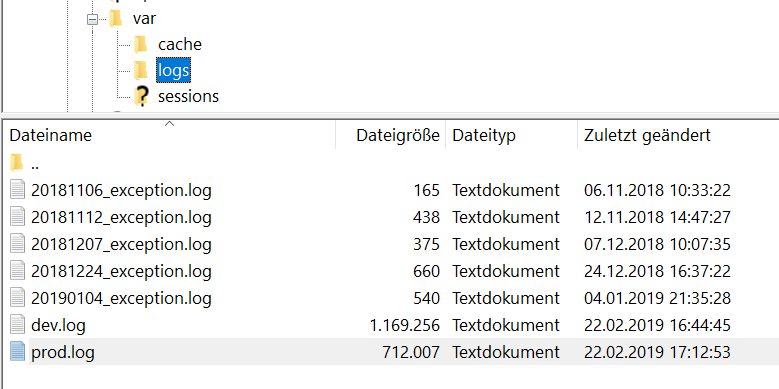
which one do you need?
didi-2018
on 22 Feb 2019
@didi-2018, dev.log file & prod.log file, because they are generated today.
Thanks!
khouloudbelguith
on 22 Feb 2019
or do you need something from here:
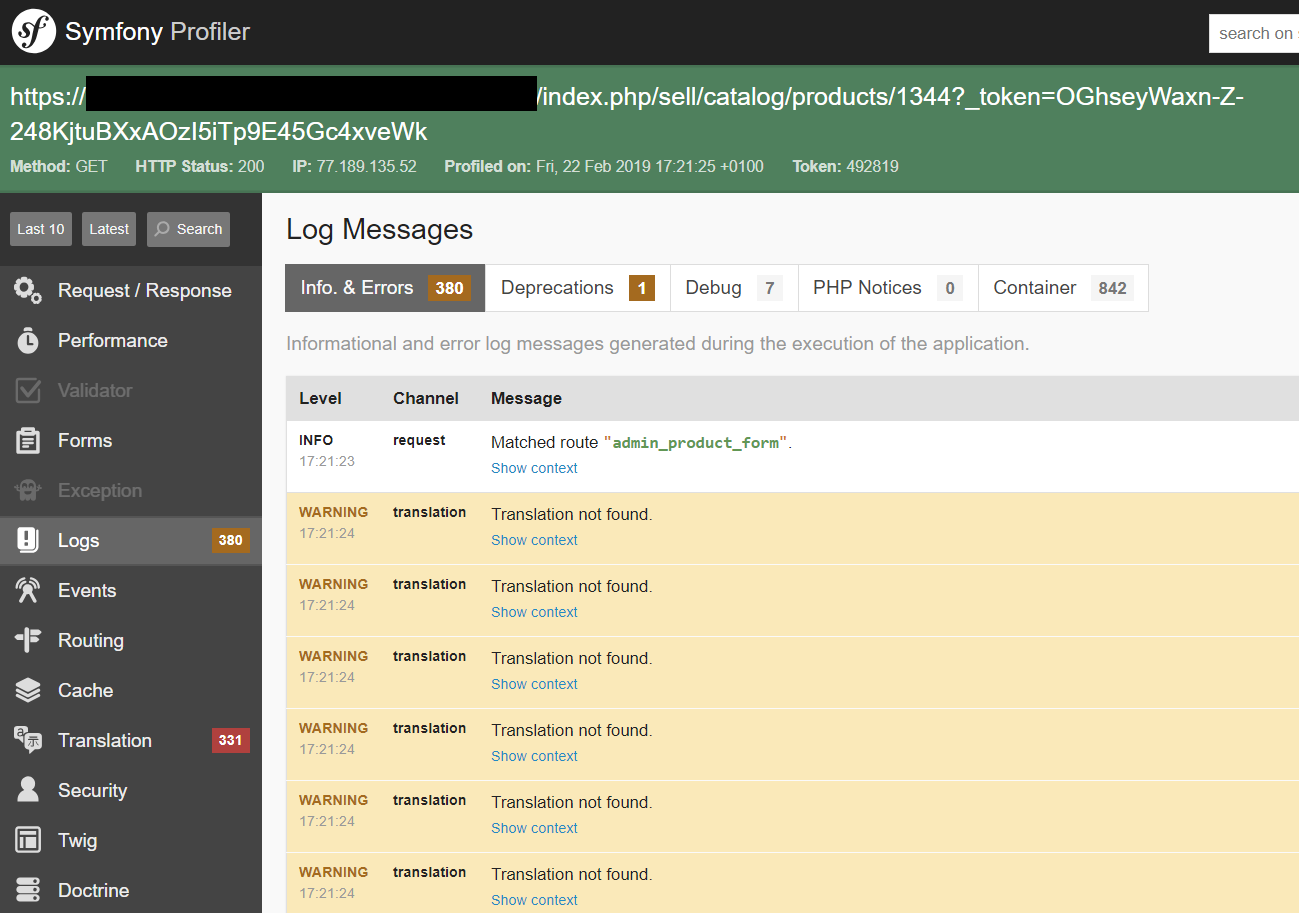
I am sorry but I don´t know what you need
didi-2018
on 22 Feb 2019
how can I submit it as file?
didi-2018
on 22 Feb 2019
@didi-2018, you can follow this link: http://build.prestashop.com/howtos/misc/how-to-create-bug-report/
It will help you to get the right information.
You can attach a file by clicking on this
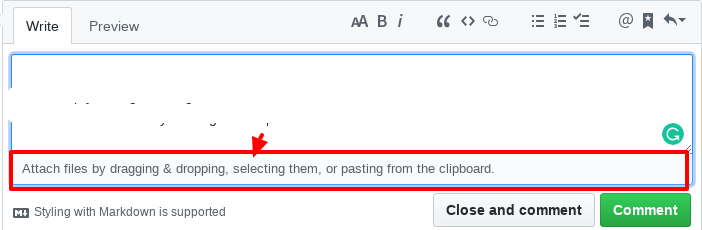
Thanks!
khouloudbelguith
on 22 Feb 2019
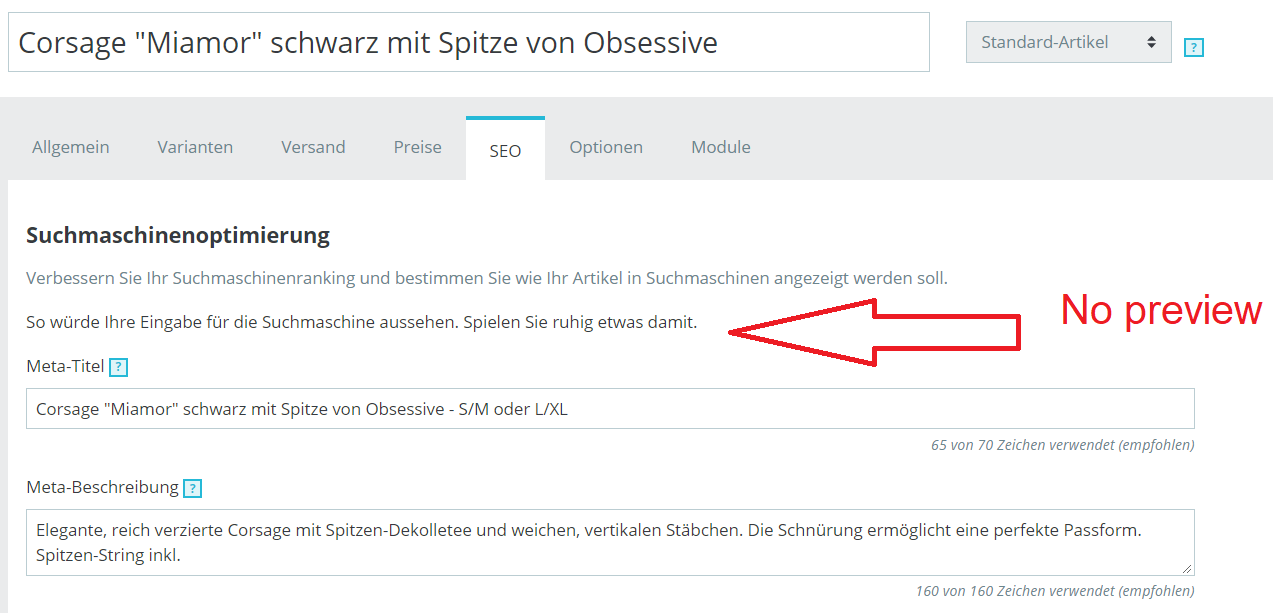
And I have other problems too:

didi-2018
on 22 Feb 2019
@didi-2018, did you use a different theme?
In your log file, I found the "appagebuilder" module, in a similar issue, I found that his theme is not yet compatible with PS1.7.5.
Thanks to check & feedback.
About your last screenshot, you need also to force refresh the page, by pressing CTRL+F5 on Windows / Linux, Cmd+R on Mac OS while you are on this page.
Thanks!
khouloudbelguith
on 22 Feb 2019
The curious thing is that there are no problems in my shop copy

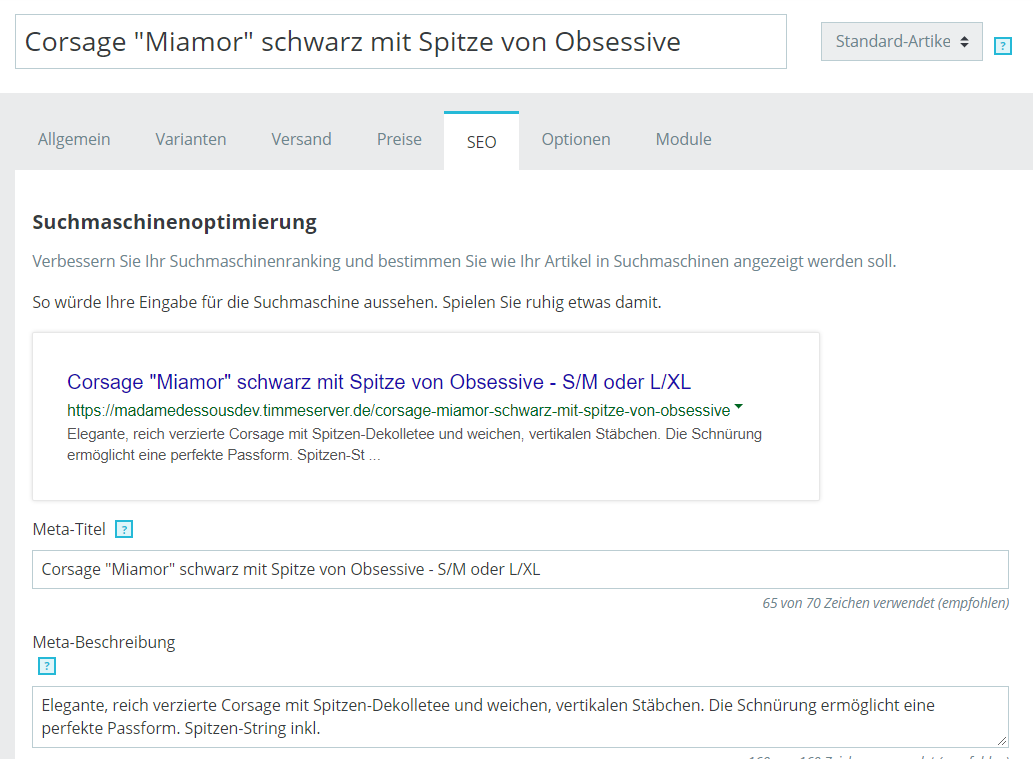
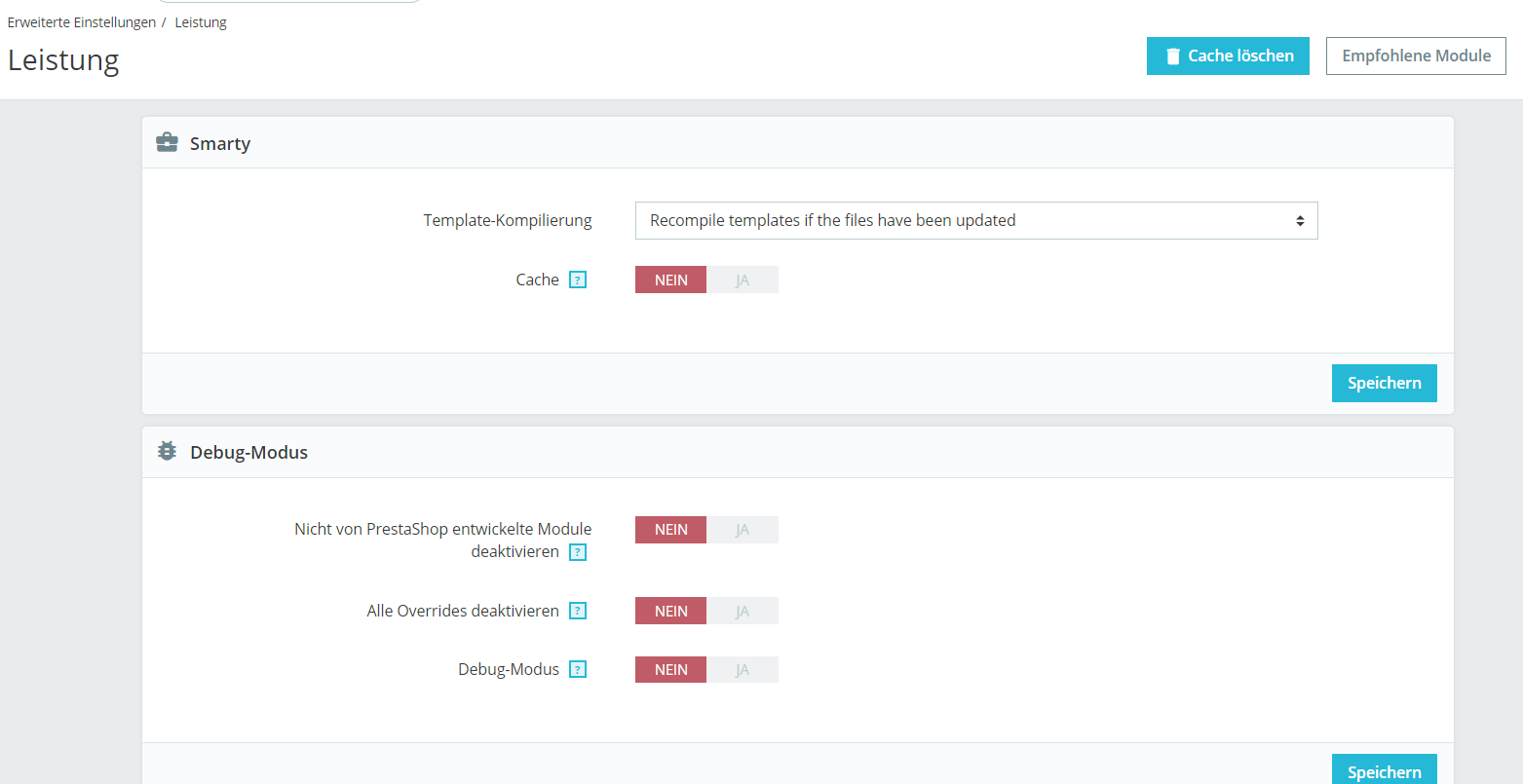
My Hosting provider can´t find differences between copy und live shop.
we are at a loss
didi-2018
on 22 Feb 2019
@didi-2018, strange thing.
Try to remove cache
 rm -fR var/cache/*

php -d memory_limit=-1 ./bin/console cache:clear
php -d memory_limit=-1 ./bin/console cache:clear --env=prod
Thanks!
khouloudbelguith
on 22 Feb 2019
I cleared cache a few times and nothing happens. I think I have to go back to 1.7.4.4
didi-2018
on 22 Feb 2019
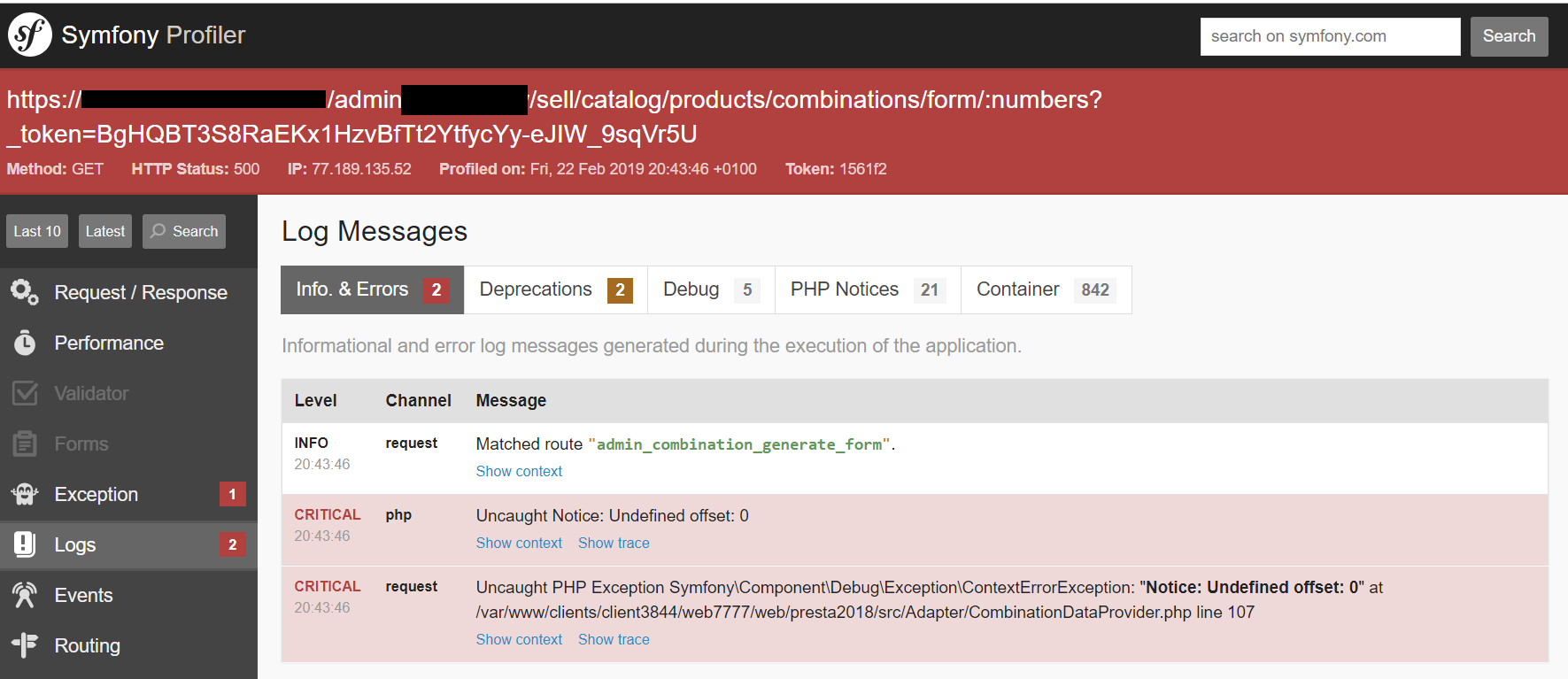
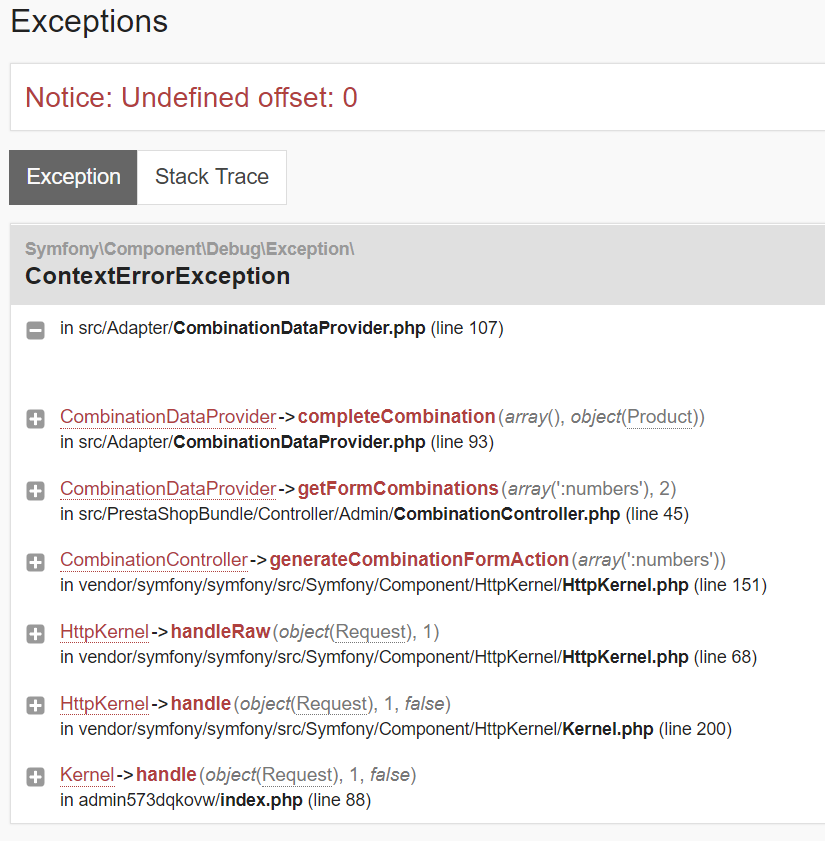
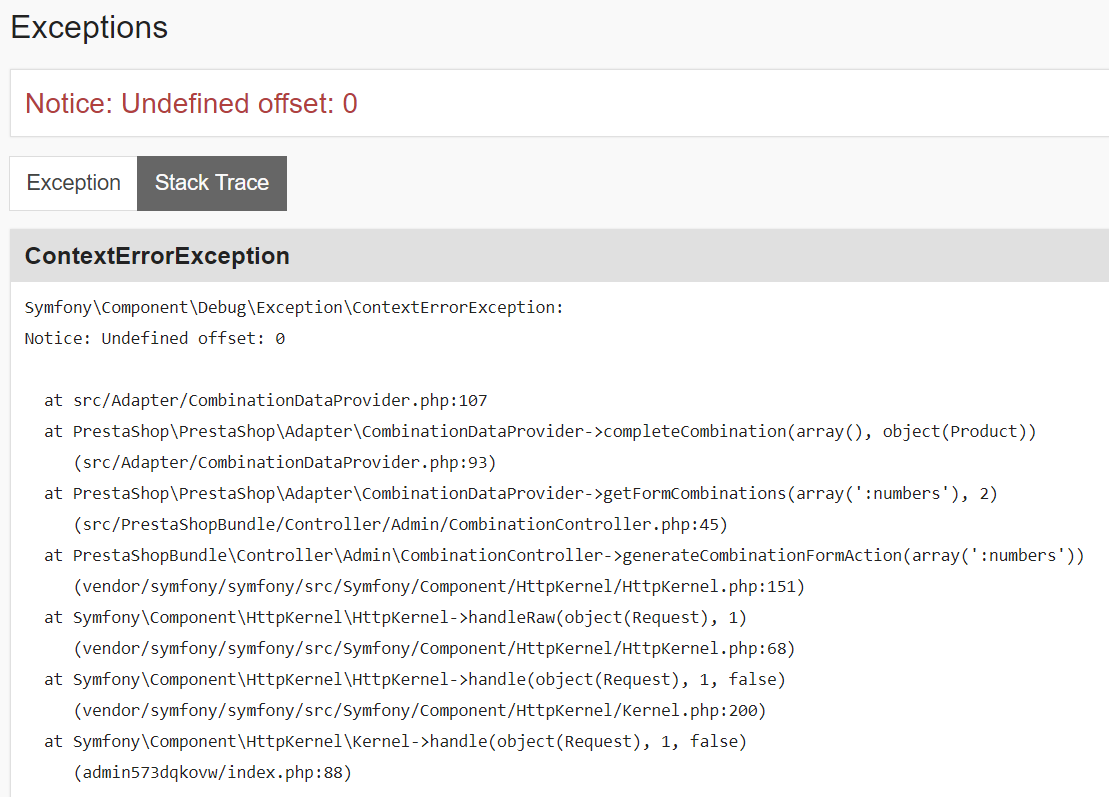
I could find out more details. This file makes trouble in line 166
admin/themes/new-theme/public/main.bundle.js


didi-2018
on 22 Feb 2019
@kouloudbelguith do you have any suggestions?
didi-2018
on 25 Feb 2019
Hi @didi-2018,
It could be something went wrong with your update and don't have some of the database columns that were added for 1.7.5.1
The solution is to check if there are missing columns in your database schema.
You can find the full schema for 1.7.5.1 here: https://github.com/PrestaShop/PrestaShop/blob/1.7.5.1/install-dev/data/db_structure.sql
Thanks to check & feedback.
khouloudbelguith
on 25 Feb 2019
Hi,
this could not be. On weekend I copied shopcopy folder to liveshop domain folder with the same database connected from shopcopy and I get the same errors. I hope you understand my bad english ;-)
didi-2018
on 25 Feb 2019
@didi-2018, and this issue occurs only on your live shop, in your shop copy, it is OK?
Could you please follow this link: https://github.com/PrestaShop/php-ps-info
phppsinfo file provides an equivalent to the phpinfo() function that reports PrestaShop Requirements information about the PHP/MySQL/Apache environment and offers suggestions for improvement.
- Upload the file to the server. You should upload your file to the exact directory you want to test. Typically, this will be your httpdocs (/var/www/vhosts/example.com/httpdocs/) directory, although you can upload it to any subdirectory on your server as well. Use FTP to upload the file.
- Visit the page in your browser. If you uploaded it to your html directory, you should now visit http://www.example.com/phppsinfo.php, replacing example.com with your own domain name.
- Now you can view all of the information about PHP for your server for that particular directory.

Thanks to check the difference between your server & your local.
khouloudbelguith
on 25 Feb 2019
thank you for your reply. Test are exactly the same.
Shopcopy:
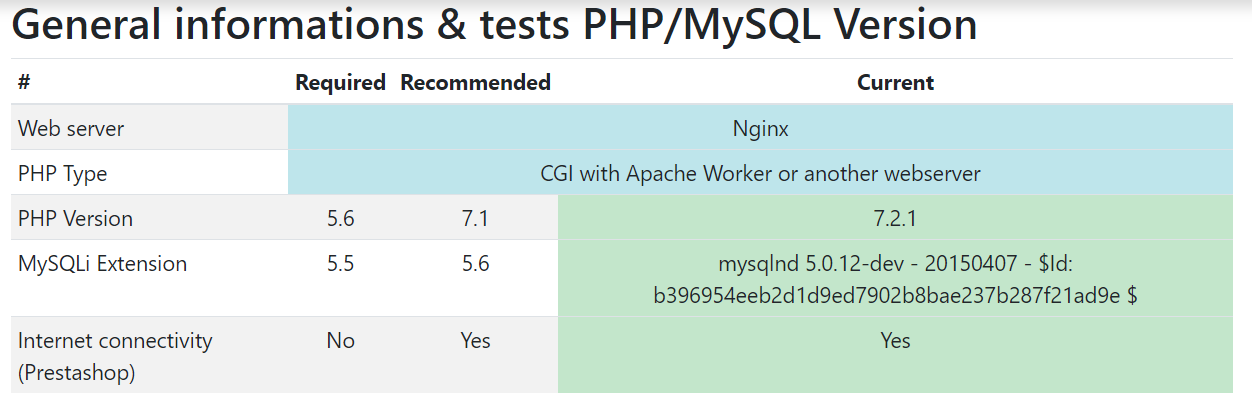

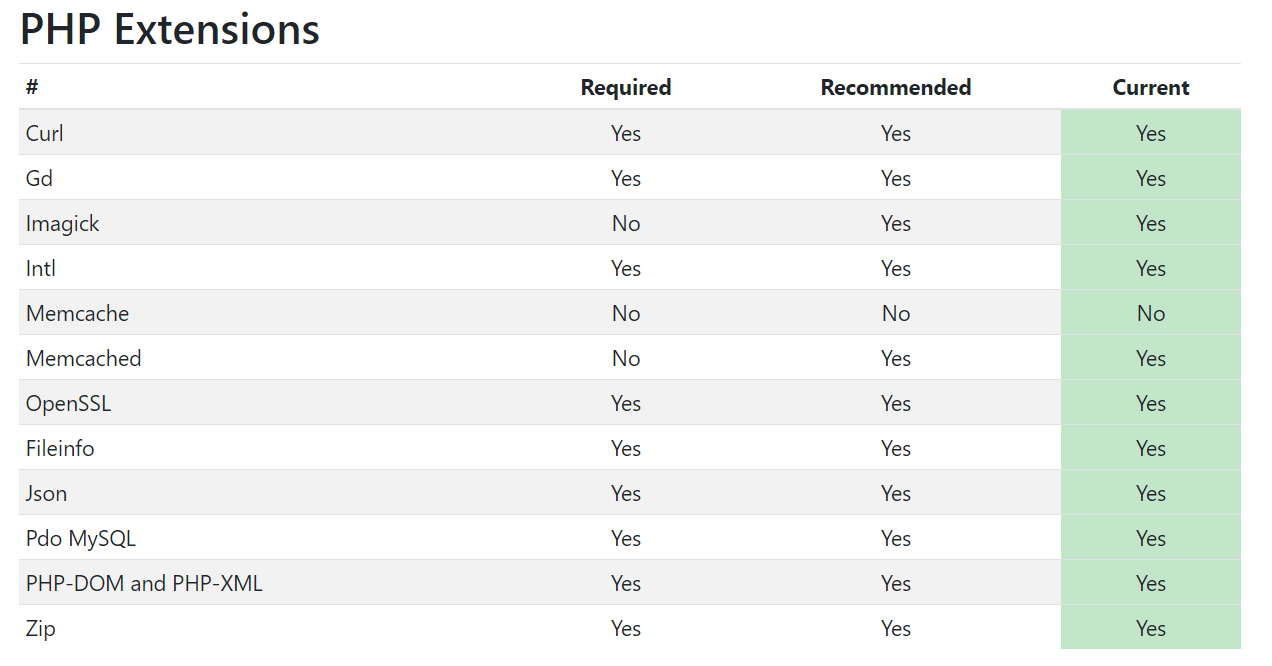
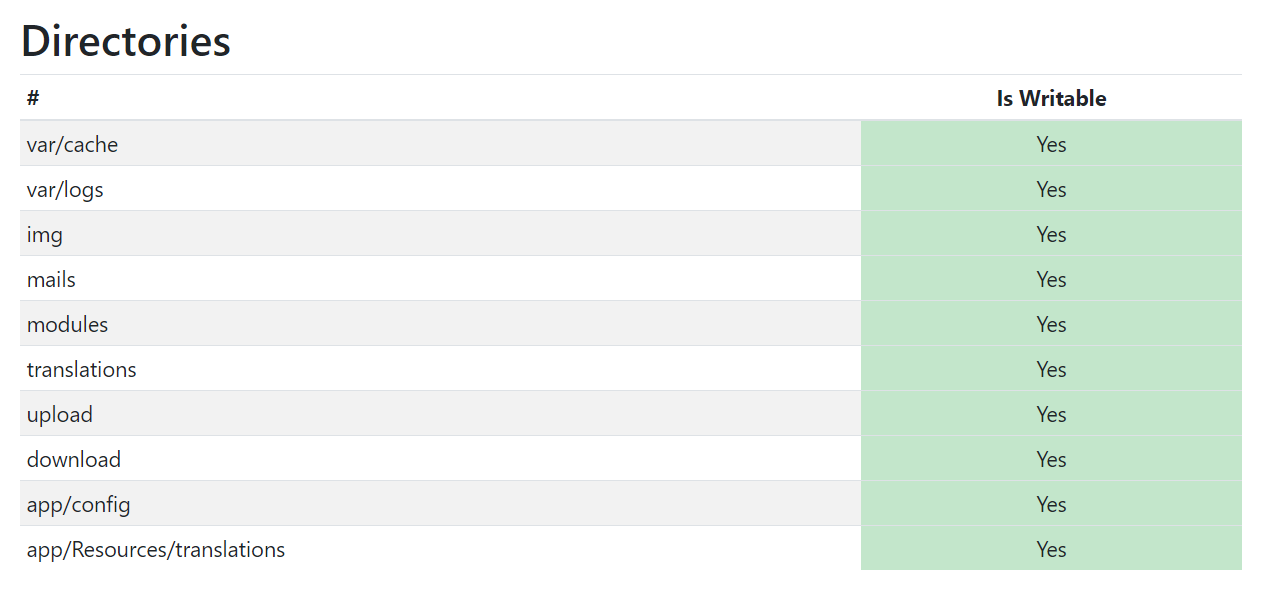
liveshop:
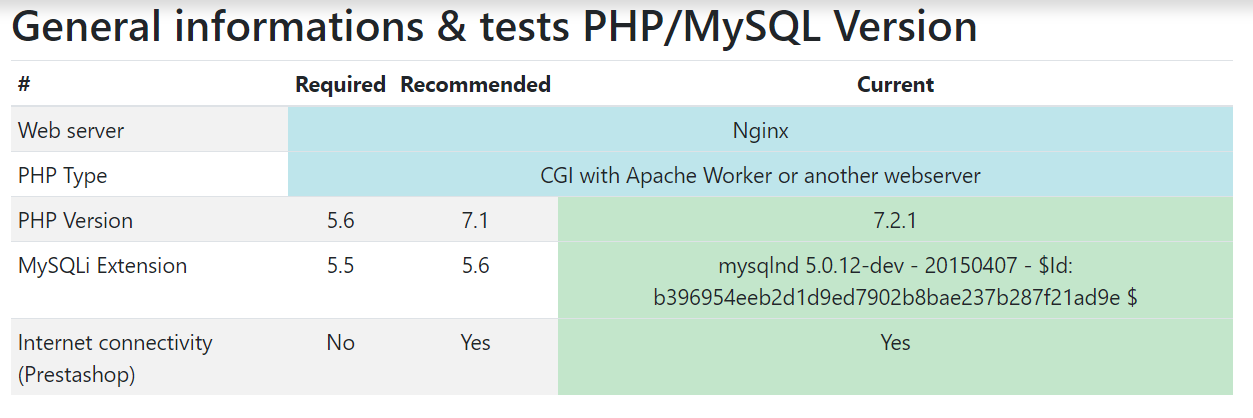
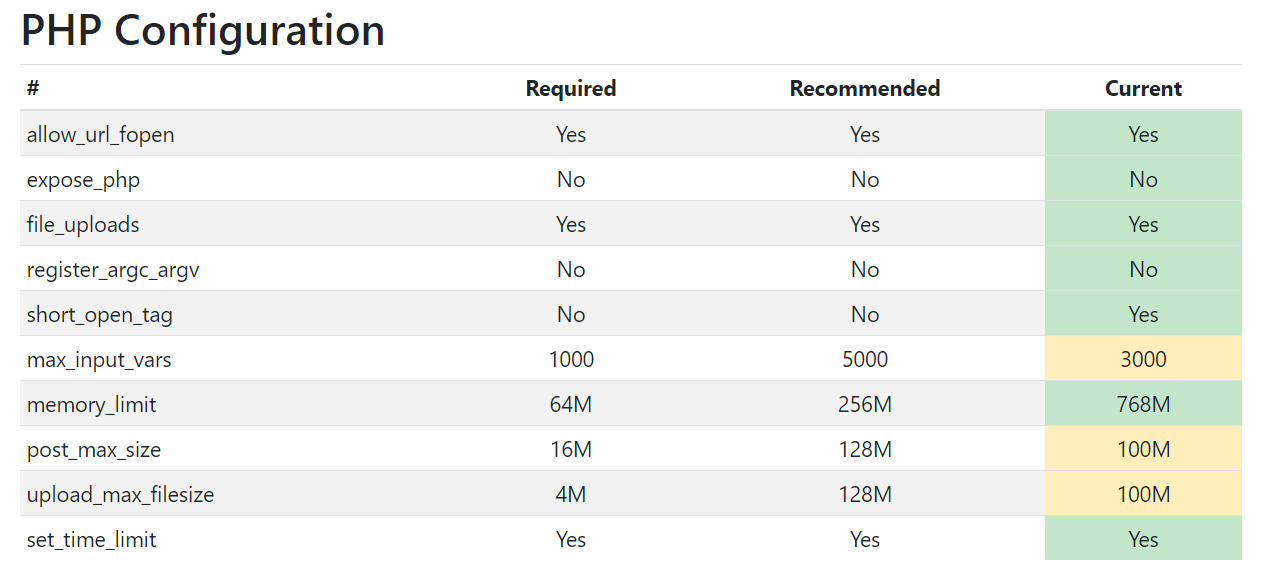

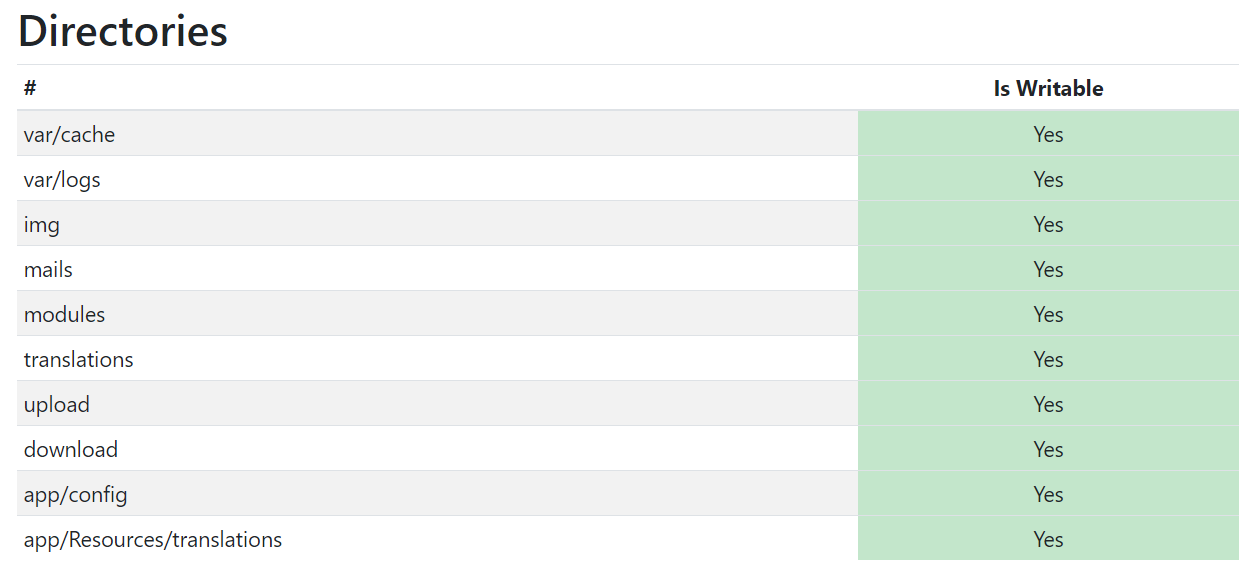
If I enable Debug Mode in liveshop (1.7.5.1) I get the following error:

didi-2018
on 25 Feb 2019
Hi, my hosting uses "Google PageSpeed Module" on server. After I activated it again everything works now! This is really embarrassing! But maybe it helps someone else.
didi-2018
on 25 Feb 2019
@didi-2018, thanks for your feedback.
As it's not a module provided by Prestashop, we can't do anything with this.
You should contact the module author via your addons.prestashop.com account, they are the only ones to help you with it.
Thanks!
khouloudbelguith
on 26 Feb 2019
Hi, no it is not prestashop module. It is a nginx server module! ;-)
didi-2018
on 26 Feb 2019
Related issues
 itisco
·
3Comments
itisco
·
3Comments
 matks
·
3Comments
matks
·
3Comments
 centoasa
·
3Comments
centoasa
·
3Comments
 esistgut
·
3Comments
esistgut
·
3Comments
 zuk3975
·
3Comments
zuk3975
·
3Comments