Prestashop: issue JS when editing an image in TinyMCE
Describe the bug
issue JS when editing a CMS page with an image in the wysiwyg
To Reproduce
Steps to reproduce the behavior:
- Go to Design > Pages
- Edit a CMS page
- Add an image in the wysiwyg editor & save
- Edit the CMS page and click on the image in the wysiwyg editor
- See error, you can't edit the image
Screenshots
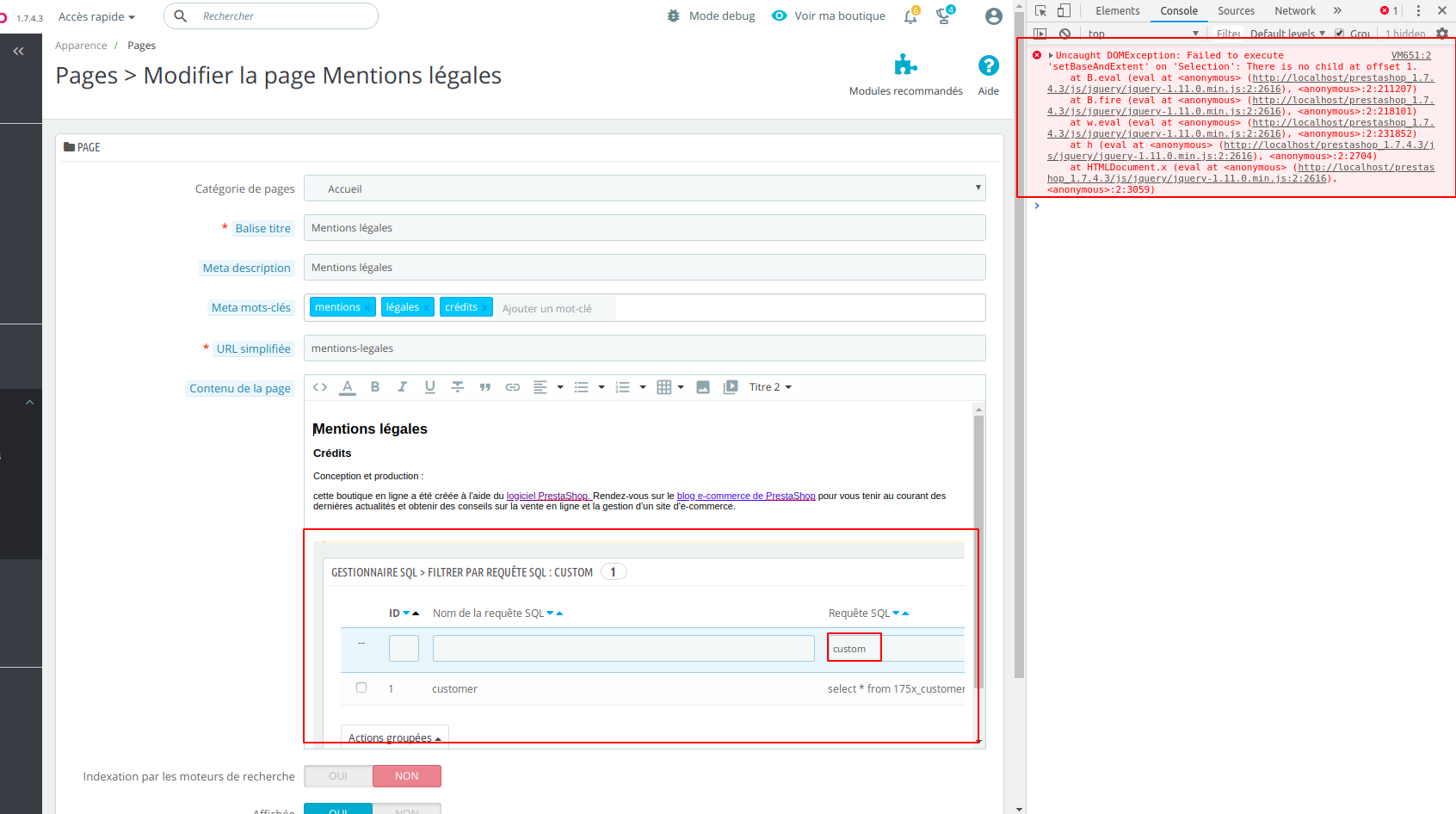
Additionnal information
PrestaShop version: 1.7.4.3
PHP version: N/A
 marionf
All 12 comments
It's a TinyMce bug. @eternoendless What we can do for that?
 PierreRambaud
on 16 Oct 2018
PierreRambaud
on 16 Oct 2018
@marionf I just checked in the migrated page and it seems to be gone (although I think it should be unrelated 😆)
So for me it's a "Cant reproduce" now
Can you check ?
 matks
on 14 Jun 2019
matks
on 14 Jun 2019
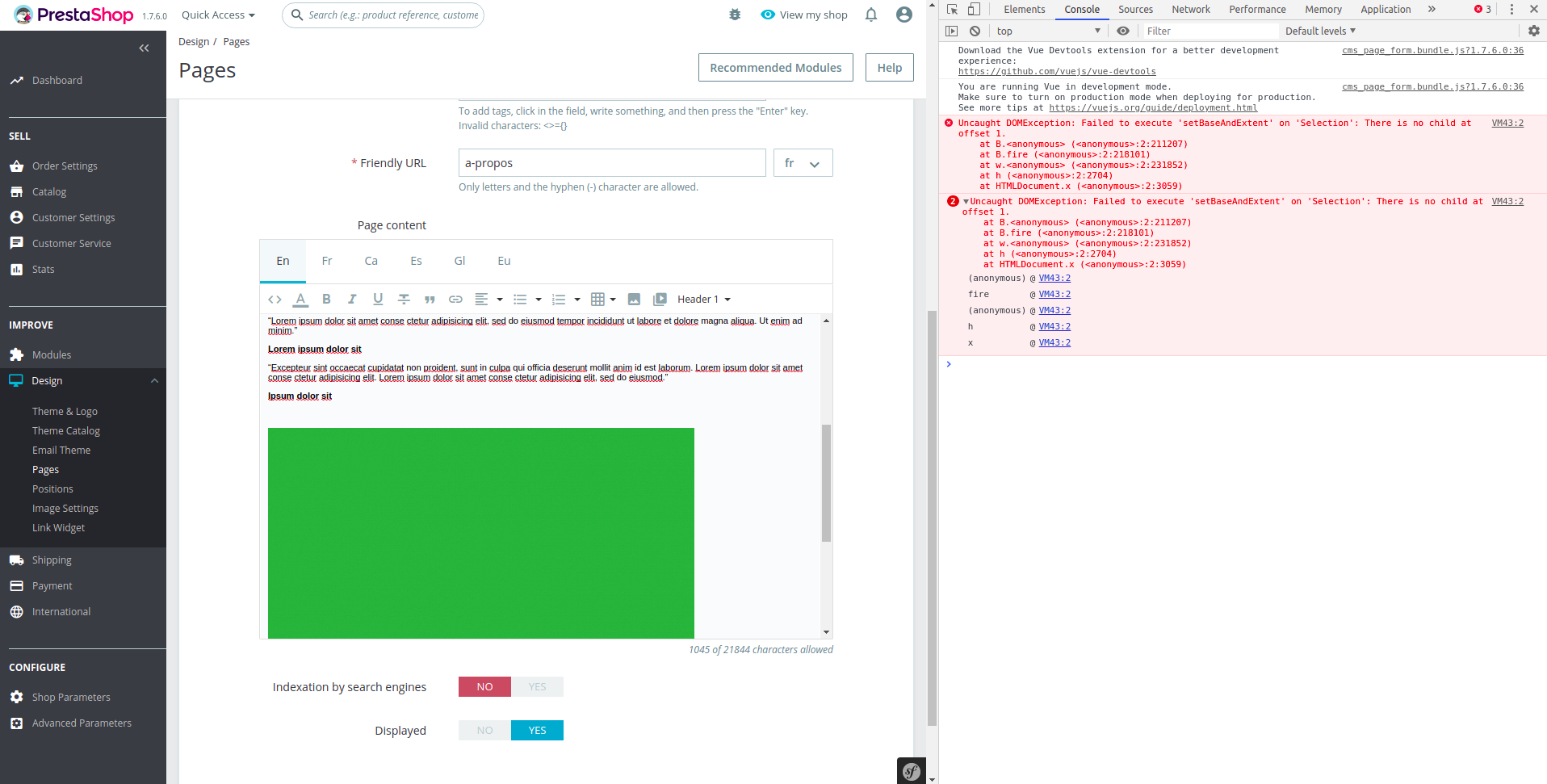
@matks I can reproduce it with 1.7.6.x branch
marionf
on 14 Jun 2019
Interesting 🤔I tried with Firefox and Chrome, nothing.
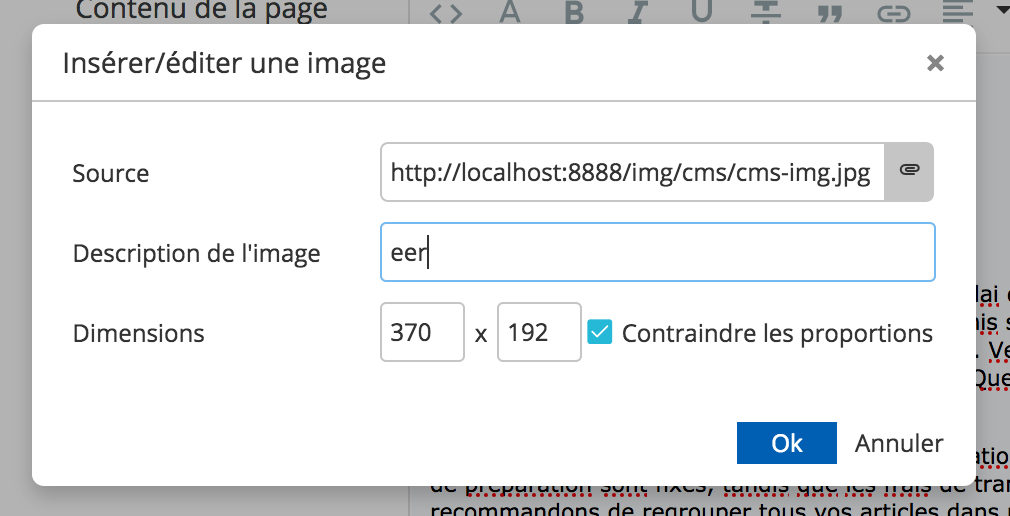
Do you use the "upload an image" window, like this ?
matks
on 14 Jun 2019
Also I see you have multiple languages installed, when I tried with only one. Might come from that
matks
on 14 Jun 2019
I have the same issue with only one language
https://drive.google.com/open?id=1ymPge3H4eFa-aM2IVnwGcl_a_REEbvKi
marionf
on 14 Jun 2019
I have the same issue with only one language
https://drive.google.com/open?id=1ymPge3H4eFa-aM2IVnwGcl_a_REEbvKi
Thanks for the video, I understand now. I did not understand what was meant by "See error, you can't edit the image".
As Pierre said, this is an issue from TinyMCE. It seems to be fixed in TinyMCE 4.6 while we are using a modified 4.0.16 version.
@marionf I suggest we update the title of the issue as this happens in EVERY page where we use TinyMCE, including the Product page.
@PrestaShop/prestashop-core-developers Would an update of tinyMCE to 4.6 be considered a BC break ? If yes, what about we use TinyMCE 4.6 in migrated pages ? Since the migration uses new Twig templates instead of smarty templates, we already make a BC break here. So we would use this opportunity and use an up-to-date tinyMCE version.
matks
on 14 Jun 2019
Is there any solution for this issue. Its coming in google chrome only and now a days 70% people using google chrome.
I see in prestashop 1.7.6.1 we using tinymce 4.0.16 which is ages old and used same version in prestashop 1.6 also. Now there is lot of new features available with new versions of tinymce.
When people use content and images rich html in description and CMS pages selecting images in text is too annoying. I had to implement a fix to use image selection but after upgrading to latest version that fix jnot working.
Please update me on this issue and its status
 beniwal
on 8 Nov 2019
beniwal
on 8 Nov 2019
Hi @beniwal,
This issue is added to our bug roadmap.
Sorry, it is not fixed yet.
PrestaShop is an open source project, so it can be solved before if someone submits a pull request to solve it.
Thanks!
 khouloudbelguith
on 8 Nov 2019
khouloudbelguith
on 8 Nov 2019
@PrestaShop/prestashop-core-developers Would an update of tinyMCE to 4.6 be considered a BC break ? If yes, what about we use TinyMCE 4.6 in migrated pages ? Since the migration uses new Twig templates instead of smarty templates, we already make a BC break here. So we would use this opportunity and use an up-to-date tinyMCE version.
It's 2020 so I ask again 😄I think it would be nice to use TinyMCE 4.6 in migrated pages to solve this issue and move forward.
Ping @NeOMakinG @eternoendless
matks
on 10 Jan 2020
I agree, let's work on it
 NeOMakinG
on 27 Jan 2020
NeOMakinG
on 27 Jan 2020
@NeOMakinG Thanks !
FYI, tinyMCE is available on the following Symfony pages: (see https://github.com/PrestaShop/PrestaShop/issues/13206)
- Add/edit categories
- Add/edit CMS page
- Add/edit brands
- Add/edit a supplier
matks
on 27 Jan 2020
Related issues
 Prestaworks
·
3Comments
Prestaworks
·
3Comments
 zuk3975
·
3Comments
zuk3975
·
3Comments
 Fabuloops
·
3Comments
Fabuloops
·
3Comments
 prestonBot
·
3Comments
matks
·
3Comments
prestonBot
·
3Comments
matks
·
3Comments
Most helpful comment
It's 2020 so I ask again 😄I think it would be nice to use TinyMCE 4.6 in migrated pages to solve this issue and move forward.
Ping @NeOMakinG @eternoendless