Ppsspp: Dynasty Warrior strikeforce multiplayer issue
I have tested that we can enter the city just fine, even can see each other but when send item trade or friend request and also accept request, other player can't accept because there is no windows or notifications so we can't enter the mission only stuck in the city.
 Lemoncak3
All 26 comments
log please
 adenovan
on 25 Jul 2020
adenovan
on 25 Jul 2020
How to get a log in PPSSPP? Never get one before..
Lemoncak3
on 25 Jul 2020
Settings->Tools->Developer Tools->Debug Logging
adenovan
on 25 Jul 2020
Try change WLAN channel to 1 or 6, It work for WO2 (but gameplay so slow :joy:), I think it will work for this DW:SF too? because it is the Musou series from the same game developer.

 Saramagrean
on 2 Aug 2020
Saramagrean
on 2 Aug 2020
Have tested with all wlan channel with still same issue

My brother can join just fine but when i send item trade request and friend request, he didn't receive anything.

Lemoncak3
on 15 Aug 2020
@Lemoncak3 you may want to test this game again after PR https://github.com/hrydgard/ppsspp/pull/13414 got merged later
 ANR2ME
on 11 Sep 2020
ANR2ME
on 11 Sep 2020
Okay will download the latest build and will inform you the result
Lemoncak3
on 11 Sep 2020
Okay will download the latest build and will inform you the result
it's not built yet, you need to wait until that PR appeared on https://buildbot.orphis.net/ppsspp/
ANR2ME
on 11 Sep 2020
Have tested it but from client side it shows this error and it won't dissapear

and from my side as the server tried to accept quest, the client side still haven't receive anything
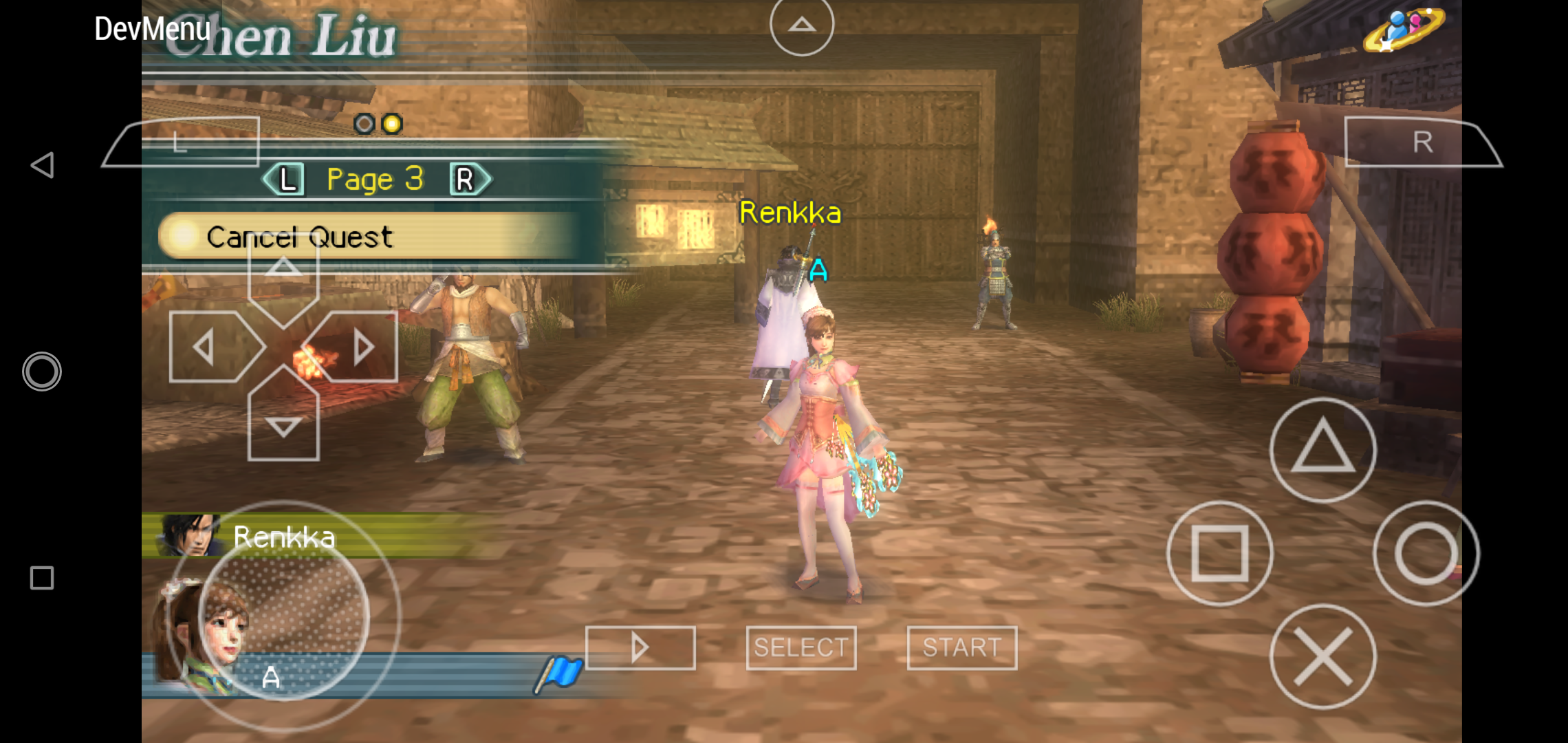
And when i send item trade or friend request this error shows in my screen

Oh also when i exit PPSSPP when i am the ad hoc server the client side PPSSPP also crashed.
Note : I am using port offset 1100
Lemoncak3
on 11 Sep 2020
Have you tried using Port Offset 10000? The game must not shows any red message on screen in order to work properly.
But if Android doesn't allows reusing the same port, i have no idea how to solve that 🤔 i'll dig more info to findout whether android allows binding the same port on multiple sockets or not.
Regarding the crash on exit, i didn't experiencing it when testing PSP2 and VK2, i'll test again using this game later.
ANR2ME
on 11 Sep 2020

This is from my side as adhoc server when sending item trade
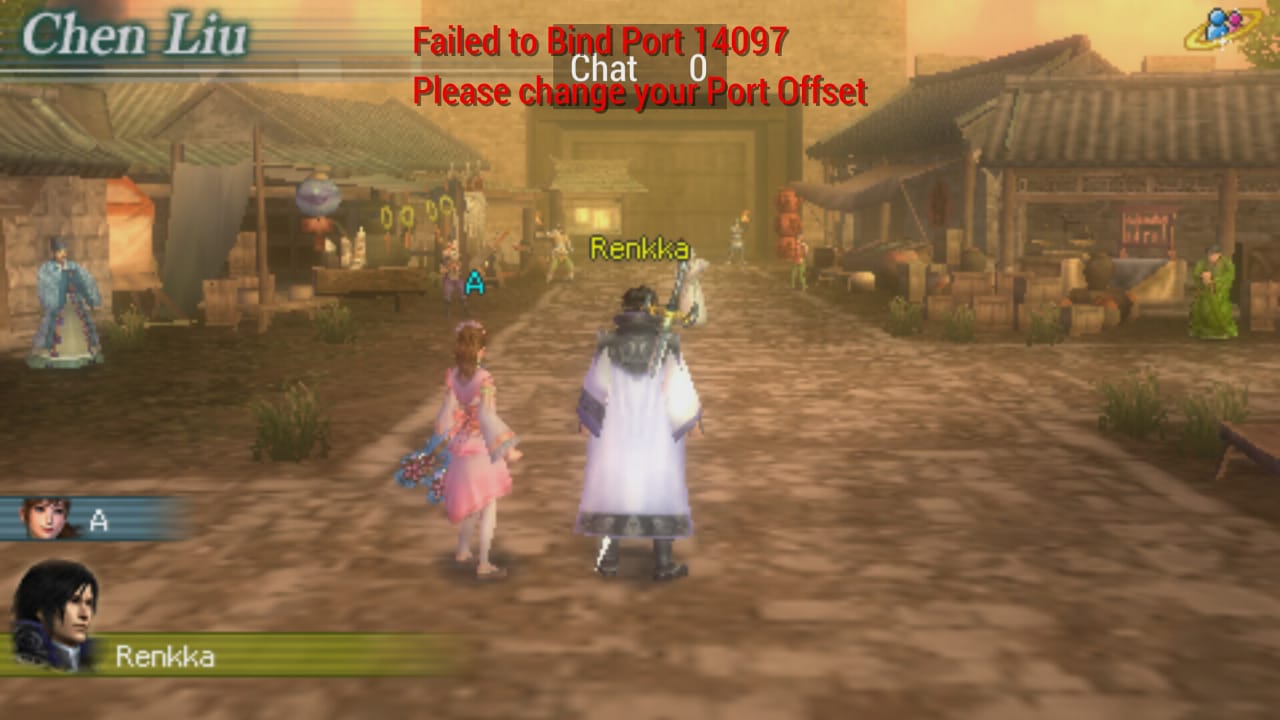
This is from my brother's handphone. We're using port offset 10000
Lemoncak3
on 11 Sep 2020
Hmm.. if it keeps appearing regardless the port offset value, high possibility it's Android limitation not allowing to reuse already used ports :(
Well it seems the java version of android socket support reuse address, so the C/C++ should also support it...
But it seems i'm also getting the same issue with Shin Sangoku Musou Multi Raid 2 :( the logs is saying Socket error (98) when binding port 14099 which is "Address already in use" error code -_- now i'm confused whether it's really supported or not.
ANR2ME
on 11 Sep 2020
Okay, i've fixed the Port Binding issue, however multiplayer on this games seems to be running like a slideshow on android, while it's smooth on Windows.
The Logcat are filled with
2020-09-12 07:00:48.264 25152-25252/? I/chatty: uid=10387(org.ppsspp.ppsspp) AudioTrack identical 2 lines
2020-09-12 07:00:48.296 25152-25252/? I/chatty: uid=10387(org.ppsspp.ppsspp) AudioTrack identical 2 lines
2020-09-12 07:00:48.329 25152-25252/? I/chatty: uid=10387(org.ppsspp.ppsspp) AudioTrack identical 2 lines
2020-09-12 07:00:48.360 25152-25252/? I/chatty: uid=10387(org.ppsspp.ppsspp) AudioTrack identical 2 lines
2020-09-12 07:00:48.392 25152-25252/? I/chatty: uid=10387(org.ppsspp.ppsspp) AudioTrack identical 2 lines
2020-09-12 07:00:48.421 25152-25252/? I/chatty: uid=10387(org.ppsspp.ppsspp) AudioTrack identical 1 line
2020-09-12 07:00:48.456 25152-25252/? I/chatty: uid=10387(org.ppsspp.ppsspp) AudioTrack identical 2 lines
2020-09-12 07:00:48.484 5020-5332/? I/TrafficManageService: mina mTrafficStatsReceiver onReceive
2020-09-12 07:00:48.489 25152-25252/? I/chatty: uid=10387(org.ppsspp.ppsspp) AudioTrack identical 1 line
2020-09-12 07:00:48.521 25152-25252/? I/chatty: uid=10387(org.ppsspp.ppsspp) AudioTrack identical 2 lines
2020-09-12 07:00:48.552 25152-25252/? I/chatty: uid=10387(org.ppsspp.ppsspp) AudioTrack
there are also a very long exception related to Firebase
2020-09-12 07:00:47.016 25152-25252/? I/chatty: uid=10387(org.ppsspp.ppsspp) AudioTrack identical 1 line
2020-09-12 07:00:47.022 4786-4931/? E/FirebaseCrashlytics: Create report HTTP request failed.
java.net.ConnectException: Failed to connect to reports.crashlytics.com/::1:443
at okhttp3.internal.connection.RealConnection.connectSocket(SourceFile:14)
at okhttp3.internal.connection.RealConnection.connect(SourceFile:14)
at okhttp3.internal.connection.StreamAllocation.findConnection(SourceFile:37)
at okhttp3.internal.connection.StreamAllocation.findHealthyConnection(SourceFile:1)
at okhttp3.internal.connection.StreamAllocation.newStream(SourceFile:6)
at okhttp3.internal.connection.ConnectInterceptor.intercept(SourceFile:5)
at okhttp3.internal.http.RealInterceptorChain.proceed(SourceFile:10)
at okhttp3.internal.http.RealInterceptorChain.proceed(SourceFile:1)
at okhttp3.internal.cache.CacheInterceptor.intercept(SourceFile:22)
at okhttp3.internal.http.RealInterceptorChain.proceed(SourceFile:10)
at okhttp3.internal.http.RealInterceptorChain.proceed(SourceFile:1)
at okhttp3.internal.http.BridgeInterceptor.intercept(SourceFile:22)
at okhttp3.internal.http.RealInterceptorChain.proceed(SourceFile:10)
at okhttp3.internal.http.RetryAndFollowUpInterceptor.intercept(SourceFile:9)
at okhttp3.internal.http.RealInterceptorChain.proceed(SourceFile:10)
at okhttp3.internal.http.RealInterceptorChain.proceed(SourceFile:1)
at okhttp3.RealCall.getResponseWithInterceptorChain(SourceFile:13)
at okhttp3.RealCall.execute(SourceFile:9)
at com.google.firebase.crashlytics.c.l.b.b(SourceFile:3)
at com.google.firebase.crashlytics.c.o.d.c.a(SourceFile:5)
at com.google.firebase.crashlytics.c.o.d.a.a(SourceFile:3)
at com.google.firebase.crashlytics.c.o.b.d(SourceFile:9)
at com.google.firebase.crashlytics.c.o.b$d.b(SourceFile:11)
at com.google.firebase.crashlytics.c.o.b$d.a(SourceFile:1)
at com.google.firebase.crashlytics.c.h.d.run(SourceFile:2)
at java.lang.Thread.run(Thread.java:764)
Caused by: java.net.ConnectException: failed to connect to reports.crashlytics.com/::1 (port 443) from /::1 (port 39752) after 10000ms: isConnected failed: ECONNREFUSED (Connection refused)
at libcore.io.IoBridge.isConnected(IoBridge.java:278)
at libcore.io.IoBridge.connectErrno(IoBridge.java:187)
at libcore.io.IoBridge.connect(IoBridge.java:129)
at java.net.PlainSocketImpl.socketConnect(PlainSocketImpl.java:137)
at java.net.AbstractPlainSocketImpl.doConnect(AbstractPlainSocketImpl.java:390)
at java.net.AbstractPlainSocketImpl.connectToAddress(AbstractPlainSocketImpl.java:230)
at java.net.AbstractPlainSocketImpl.connect(AbstractPlainSocketImpl.java:212)
at java.net.SocksSocketImpl.connect(SocksSocketImpl.java:436)
at java.net.Socket.connect(Socket.java:621)
at okhttp3.internal.platform.AndroidPlatform.connectSocket(SourceFile:1)
at okhttp3.internal.connection.RealConnection.connectSocket(SourceFile:9)
at okhttp3.internal.connection.RealConnection.connect(SourceFile:14)
at okhttp3.internal.connection.StreamAllocation.findConnection(SourceFile:37)
at okhttp3.internal.connection.StreamAllocation.findHealthyConnection(SourceFile:1)
at okhttp3.internal.connection.StreamAllocation.newStream(SourceFile:6)
at okhttp3.internal.connection.ConnectInterceptor.intercept(SourceFile:5)
at okhttp3.internal.http.RealInterceptorChain.proceed(SourceFile:10)
at okhttp3.internal.http.RealInterceptorChain.proceed(SourceFile:1)
at okhttp3.internal.cache.CacheInterceptor.intercept(SourceFile:22)
at okhttp3.internal.http.RealInterceptorChain.proceed(SourceFile:10)
at okhttp3.internal.http.RealInterceptorChain.proceed(SourceFile:1)
at okhttp3.internal.http.BridgeInterceptor.intercept(SourceFile:22)
at okhttp3.internal.http.RealInterceptorChain.proceed(SourceFile:10)
at okhttp3.internal.http.RetryAndFollowUpInterceptor.intercept(SourceFile:9)
at okhttp3.internal.http.RealInterceptorChain.proceed(SourceFile:10)
at okhttp3.internal.http.RealInterceptorChain.proceed(SourceFile:1)
at okhttp3.RealCall.getResponseWithInterceptorChain(SourceFile:13)
at okhttp3.RealCall.execute(SourceFile:9)
at com.google.firebase.crashlytics.c.l.b.b(SourceFile:3)
at com.google.firebase.crashlytics.c.o.d.c.a(SourceFile:5)
at com.google.firebase.crashlytics.c.o.d.a.a(SourceFile:3)
at com.google.firebase.crashlytics.c.o.b.d(SourceFile:9)
at com.google.firebase.crashlytics.c.o.b$d.b(SourceFile:11)
at com.google.firebase.crashlytics.c.o.b$d.a(SourceFile:1)
at com.google.firebase.crashlytics.c.h.d.run(SourceFile:2)
at java.lang.Thread.run(Thread.java:764)
Caused by: android.system.ErrnoException: isConnected failed: ECONNREFUSED (Connection refused)
And long exception related to okhttp/facebook
2020-09-12 07:00:51.304 25152-25252/? I/chatty: uid=10387(org.ppsspp.ppsspp) AudioTrack identical 2 lines
2020-09-12 07:00:51.311 13268-13361/? W/System.err: java.net.SocketTimeoutException: failed to connect to web.facebook.com/31.13.77.17 (port 443) from /10.121.122.216 (port 38242) after 30000ms
2020-09-12 07:00:51.311 13268-13361/? W/System.err: at libcore.io.IoBridge.connectErrno(IoBridge.java:185)
2020-09-12 07:00:51.311 13268-13361/? W/System.err: at libcore.io.IoBridge.connect(IoBridge.java:129)
2020-09-12 07:00:51.311 13268-13361/? W/System.err: at java.net.PlainSocketImpl.socketConnect(PlainSocketImpl.java:137)
2020-09-12 07:00:51.311 13268-13361/? W/System.err: at java.net.AbstractPlainSocketImpl.doConnect(AbstractPlainSocketImpl.java:390)
2020-09-12 07:00:51.311 13268-13361/? W/System.err: at java.net.AbstractPlainSocketImpl.connectToAddress(AbstractPlainSocketImpl.java:230)
2020-09-12 07:00:51.311 13268-13361/? W/System.err: at java.net.AbstractPlainSocketImpl.connect(AbstractPlainSocketImpl.java:212)
2020-09-12 07:00:51.311 13268-13361/? W/System.err: at java.net.SocksSocketImpl.connect(SocksSocketImpl.java:436)
2020-09-12 07:00:51.311 13268-13361/? W/System.err: at java.net.Socket.connect(Socket.java:621)
2020-09-12 07:00:51.311 13268-13361/? W/System.err: at com.android.okhttp.internal.Platform.connectSocket(Platform.java:145)
2020-09-12 07:00:51.311 13268-13361/? W/System.err: at com.android.okhttp.internal.io.RealConnection.connectSocket(RealConnection.java:141)
2020-09-12 07:00:51.311 13268-13361/? W/System.err: at com.android.okhttp.internal.io.RealConnection.connect(RealConnection.java:112)
2020-09-12 07:00:51.311 13268-13361/? W/System.err: at com.android.okhttp.internal.http.StreamAllocation.findConnection(StreamAllocation.java:184)
2020-09-12 07:00:51.311 13268-13361/? W/System.err: at com.android.okhttp.internal.http.StreamAllocation.findHealthyConnection(StreamAllocation.java:126)
2020-09-12 07:00:51.311 13268-13361/? W/System.err: at com.android.okhttp.internal.http.StreamAllocation.newStream(StreamAllocation.java:95)
2020-09-12 07:00:51.311 13268-13361/? W/System.err: at com.android.okhttp.internal.http.HttpEngine.connect(HttpEngine.java:281)
2020-09-12 07:00:51.312 13268-13361/? W/System.err: at com.android.okhttp.internal.http.HttpEngine.sendRequest(HttpEngine.java:224)
2020-09-12 07:00:51.312 13268-13361/? W/System.err: at com.android.okhttp.internal.huc.HttpURLConnectionImpl.execute(HttpURLConnectionImpl.java:461)
2020-09-12 07:00:51.312 13268-13361/? W/System.err: at com.android.okhttp.internal.huc.HttpURLConnectionImpl.connect(HttpURLConnectionImpl.java:127)
2020-09-12 07:00:51.312 13268-13361/? W/System.err: at com.android.okhttp.internal.huc.DelegatingHttpsURLConnection.connect(DelegatingHttpsURLConnection.java:89)
2020-09-12 07:00:51.312 13268-13361/? W/System.err: at com.android.okhttp.internal.huc.HttpsURLConnectionImpl.connect(HttpsURLConnectionImpl.java:26)
2020-09-12 07:00:51.312 13268-13361/? W/System.err: at com.facebook.ads.redexgen.X.7h.A01(:16256)
2020-09-12 07:00:51.312 13268-13361/? W/System.err: at com.facebook.ads.redexgen.X.7h.A0I(:16429)
2020-09-12 07:00:51.312 13268-13361/? W/System.err: at com.facebook.ads.redexgen.X.Ez.A00(:24303)
2020-09-12 07:00:51.312 13268-13361/? W/System.err: at com.facebook.ads.redexgen.X.Ez.doInBackground(:24323)
2020-09-12 07:00:51.312 13268-13361/? W/System.err: at android.os.AsyncTask$2.call(AsyncTask.java:333)
2020-09-12 07:00:51.312 13268-13361/? W/System.err: at java.util.concurrent.FutureTask.run(FutureTask.java:266)
2020-09-12 07:00:51.312 13268-13361/? W/System.err: at java.util.concurrent.ThreadPoolExecutor.runWorker(ThreadPoolExecutor.java:1167)
2020-09-12 07:00:51.312 13268-13361/? W/System.err: at java.util.concurrent.ThreadPoolExecutor$Worker.run(ThreadPoolExecutor.java:641)
2020-09-12 07:00:51.312 13268-13361/? W/System.err: at java.lang.Thread.run(Thread.java:764)
2020-09-12 07:00:51.313 26318-26318/? A/linker: CANNOT LINK EXECUTABLE "/system/bin/dpmd": "/system/lib64/libdpmframework.so" is 32-bit instead of 64-bit
2020-09-12 07:00:51.336 25152-25252/? I/chatty: uid=10387(org.ppsspp.ppsspp) AudioTrack identical
I have a question :), Port offset it need restart app for apply?
Saramagrean
on 12 Sep 2020
I have a question :), Port offset it need restart app for apply?
Yes, these are precalculated or cached on different variables during __NetInit.
    portOffset = g_Config.iPortOffset;
    isOriPort = g_Config.bEnableUPnP && g_Config.bUPnPUseOriginalPort;
    minSocketTimeoutUS = g_Config.iMinTimeout * 1000UL;
The reason for portOffset to be cached on a different var is to prevent it from being changed after already used by UPnP/PortManager, so PortManager can keep tracks of opened ports and able to restore them (if they were taken over from different app/service) or close all opened ports properly.
But that was an issue during the early stage of UPnP implementation on PPSSPP, the final code might be able to restore/close them properly, i think, i just leave it there just to be safe since i can't test UPnP anymore.
ANR2ME
on 12 Sep 2020
Have tried it, whoever enter the city first will lag after another player enter the multiplayer city. And the latest one will get no lag at all. I don't know about third or fourth player though since i only tried for two player. Oh and i can't tried item trade or other things since other player got so lag even barely can walk
Lemoncak3
on 12 Sep 2020
It started lagging as bad as a slideshow if one player initiate a Trade, the one who initiate a Trade won't get any impact but the other player chosen to trade with will get extremely lag.
Not really sure what the game is trying to do here during a Trade, but Windows vs Windows doesn't face this issue (at least on localhost, not sure about PC vs PC on LAN since i don't have another PC)
Edit: Hmm.. looks like if Android entering multiplayer first (host?) instead of Windows, the moment another player joined the one on Android will gets extremely lags (only runs at 6%), but if Windows entering first followed by Android, android won't get that slideshow lag.
ANR2ME
on 12 Sep 2020
In my case the lag started as soon as other player join the city. The second player can running around freely without lag at all. The one who iniated trade in my case are the second player who has no lag but the first one are so lag maybe the trade initiated but it take a very very long time to open if it's opened.
Lemoncak3
on 12 Sep 2020
Someone told me that Dissidia Android to PC also got that issue (lags on android).
 MojoJojoDojo
on 13 Sep 2020
MojoJojoDojo
on 13 Sep 2020
Someone told me that Dissidia Android to PC also got that issue (lags on android).
I can reproduce this, but only when Android is the Host, when entering Party selection FPS/VPS dropped from 30/30 (99.9%) to 1/30 (3.3%), but Dissidia 012 doesn't use blocking socket, so i'm not sure what causing this slowdown.
Update: Thanks to Dissidia 012 i was able to locate the problematic commit since that game has been working for quite long. Hopefully i can understand why is this commit have different effects on Android...
ANR2ME
on 14 Sep 2020
@Lemoncak3 could you test this game again later after PR https://github.com/hrydgard/ppsspp/pull/13432 gets merged
ANR2ME
on 14 Sep 2020
Hmmm... Already fix the FPS drop??
.
Someone want to try this update with me??
 DarkBringgX
on 15 Sep 2020
DarkBringgX
on 15 Sep 2020
Hmmm... Already fix the FPS drop??
.
Someone want to try this update with me??
yes it's fixed, it should runs at full speed now.
you can join official PPSSPP discord to find someone to play with, in #multiplayer channel
ANR2ME
on 15 Sep 2020
This is from my side as adhoc server when sending item trade
This is from my brother's handphone. We're using port offset 10000
.
@Lemoncak3 Which patch do you use for this game??
. Are you download the V3.
DarkBringgX
on 15 Sep 2020
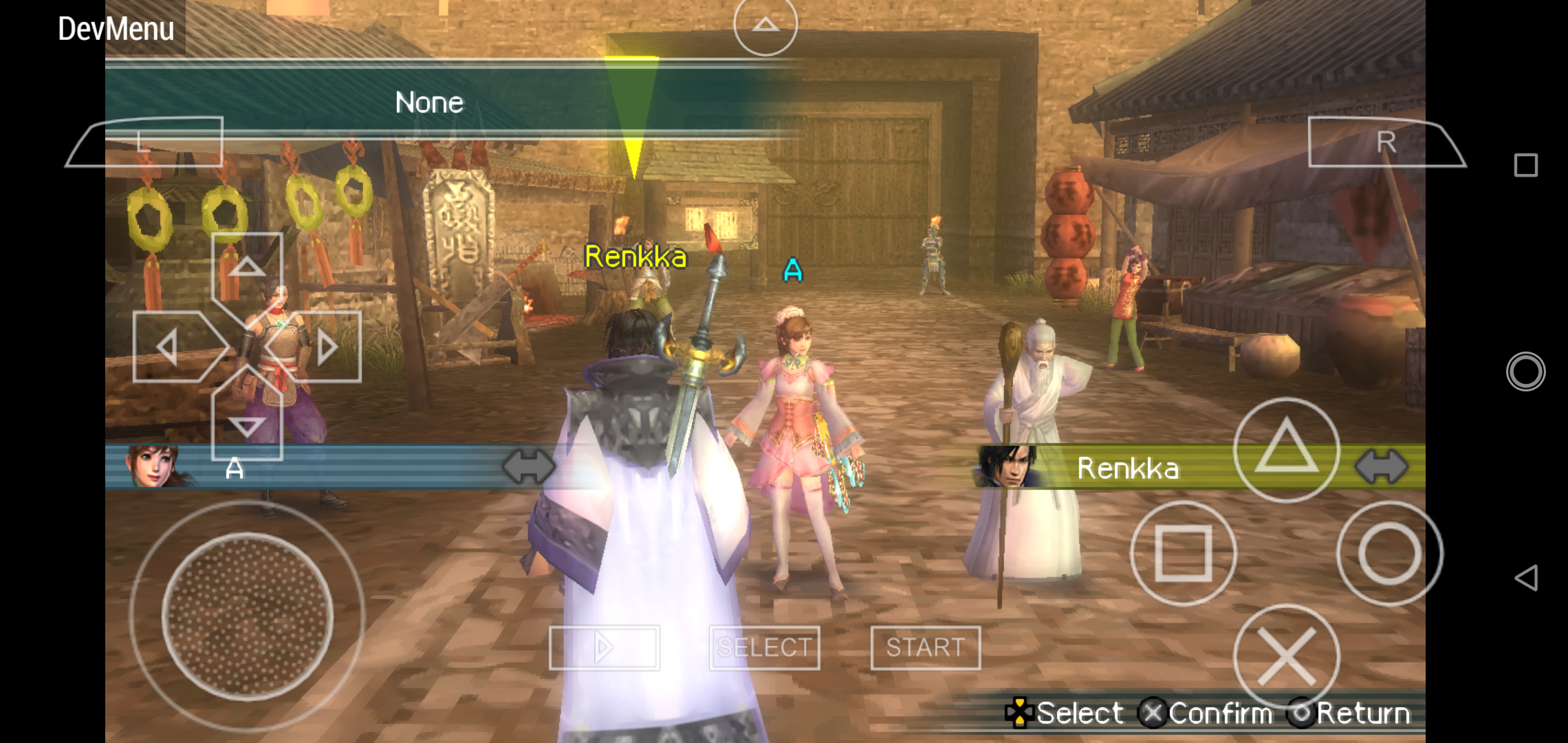
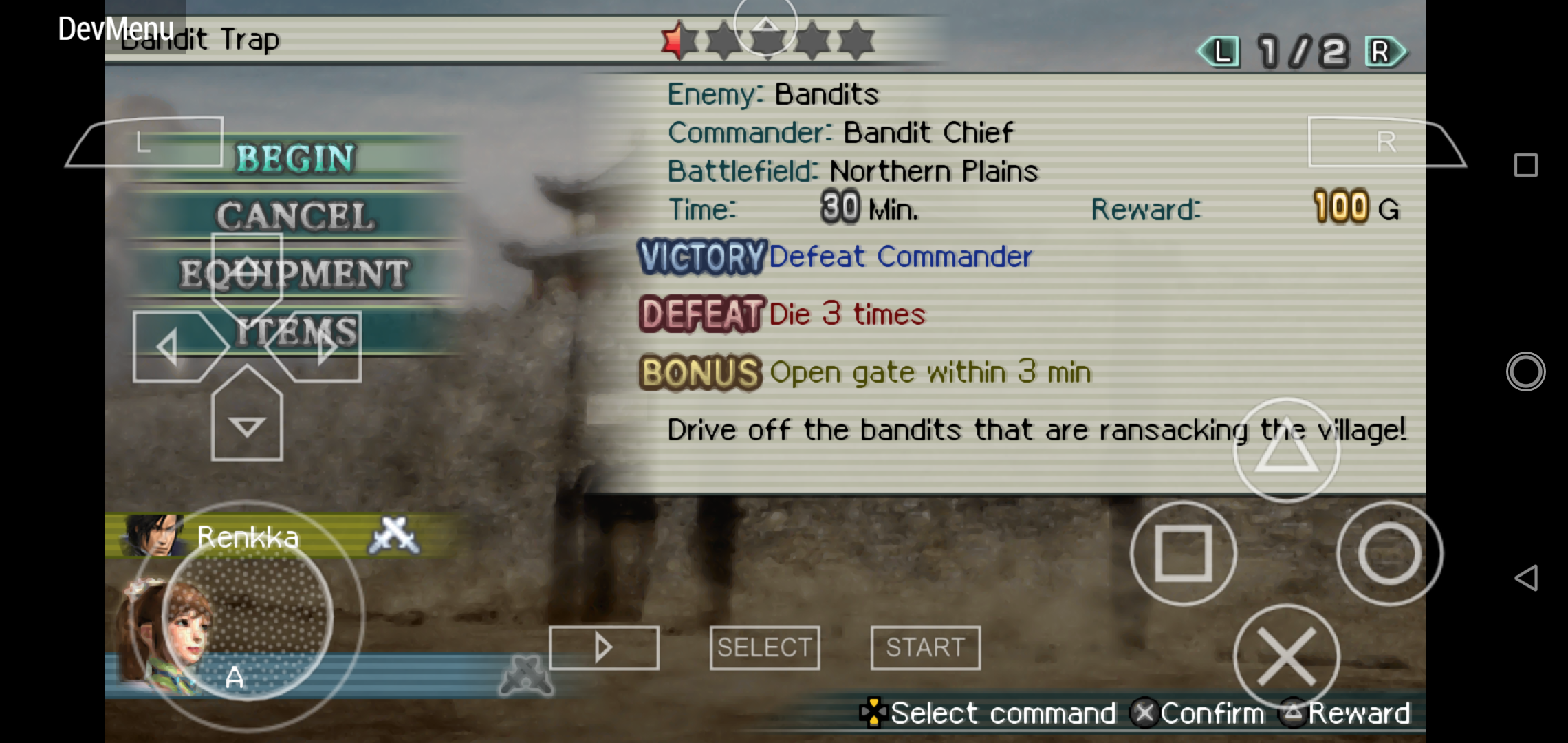
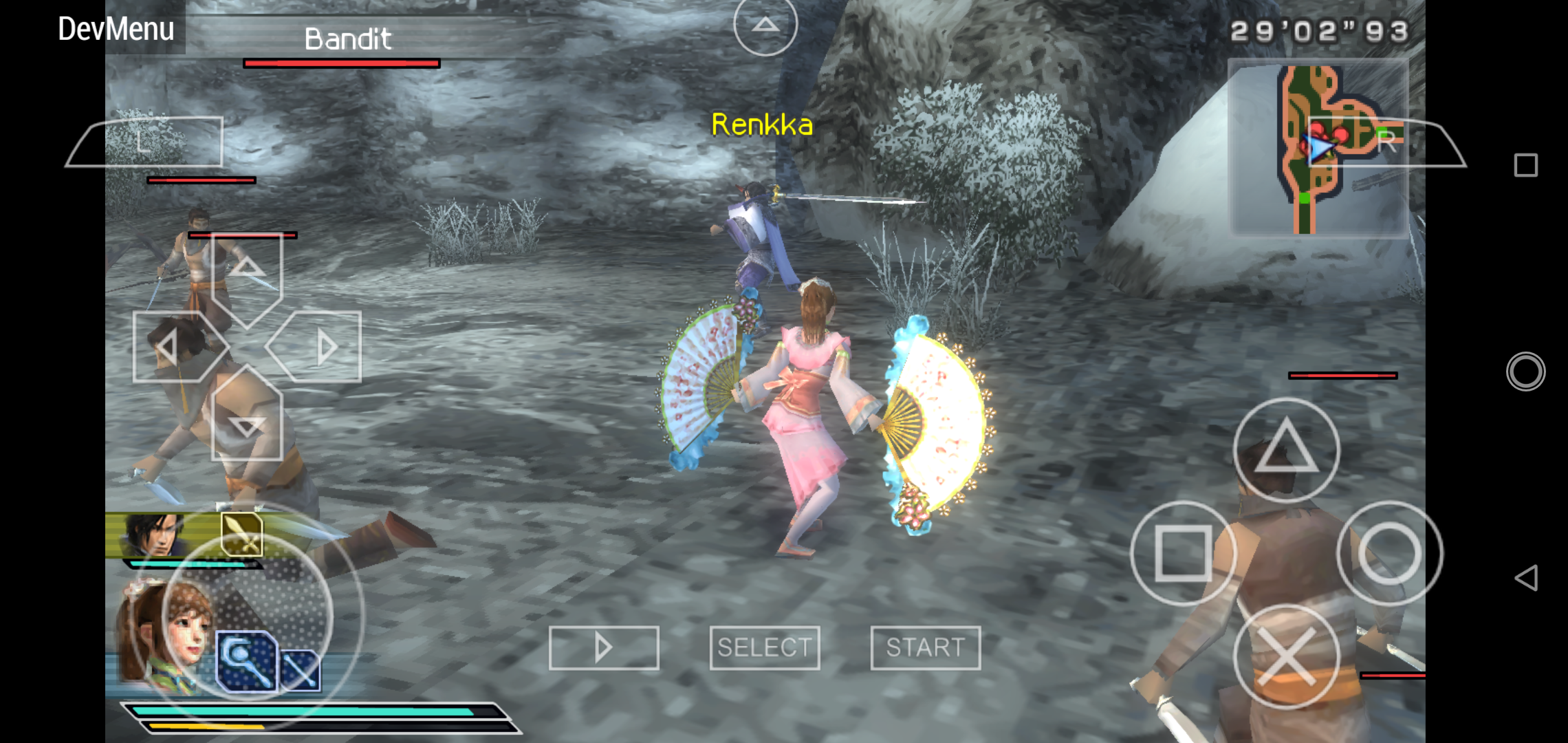
I have tried it, it worked wonderfully now both player are moving smoothly now. Item trade and quest board worked too now so can get into the mission.
Lemoncak3
on 15 Sep 2020
This is from my side as adhoc server when sending item trade
This is from my brother's handphone. We're using port offset 10000.
@Lemoncak3 Which patch do you use for this game??
. Are you download the V3.
I am using the latest build from automated PPSSPP build
Lemoncak3
on 15 Sep 2020
Related issues
 ewlkkf
·
6Comments
ewlkkf
·
6Comments
 thedax
·
6Comments
thedax
·
6Comments
 fuentescg
·
4Comments
fuentescg
·
4Comments
 Deivmsr
·
6Comments
Deivmsr
·
6Comments
 tilkinsc
·
3Comments
tilkinsc
·
3Comments
Most helpful comment
Yes, these are precalculated or cached on different variables during __NetInit.
The reason for portOffset to be cached on a different var is to prevent it from being changed after already used by UPnP/PortManager, so PortManager can keep tracks of opened ports and able to restore them (if they were taken over from different app/service) or close all opened ports properly.
But that was an issue during the early stage of UPnP implementation on PPSSPP, the final code might be able to restore/close them properly, i think, i just leave it there just to be safe since i can't test UPnP anymore.