Powertoys: Photoshop windows open maximised
Environment
Windows build number: Microsoft Windows [Version 10.0.18362.418]
PowerToys version: 0.11.0
PowerToy module for which you are reporting the bug (if applicable): FancyZones
Steps to reproduce
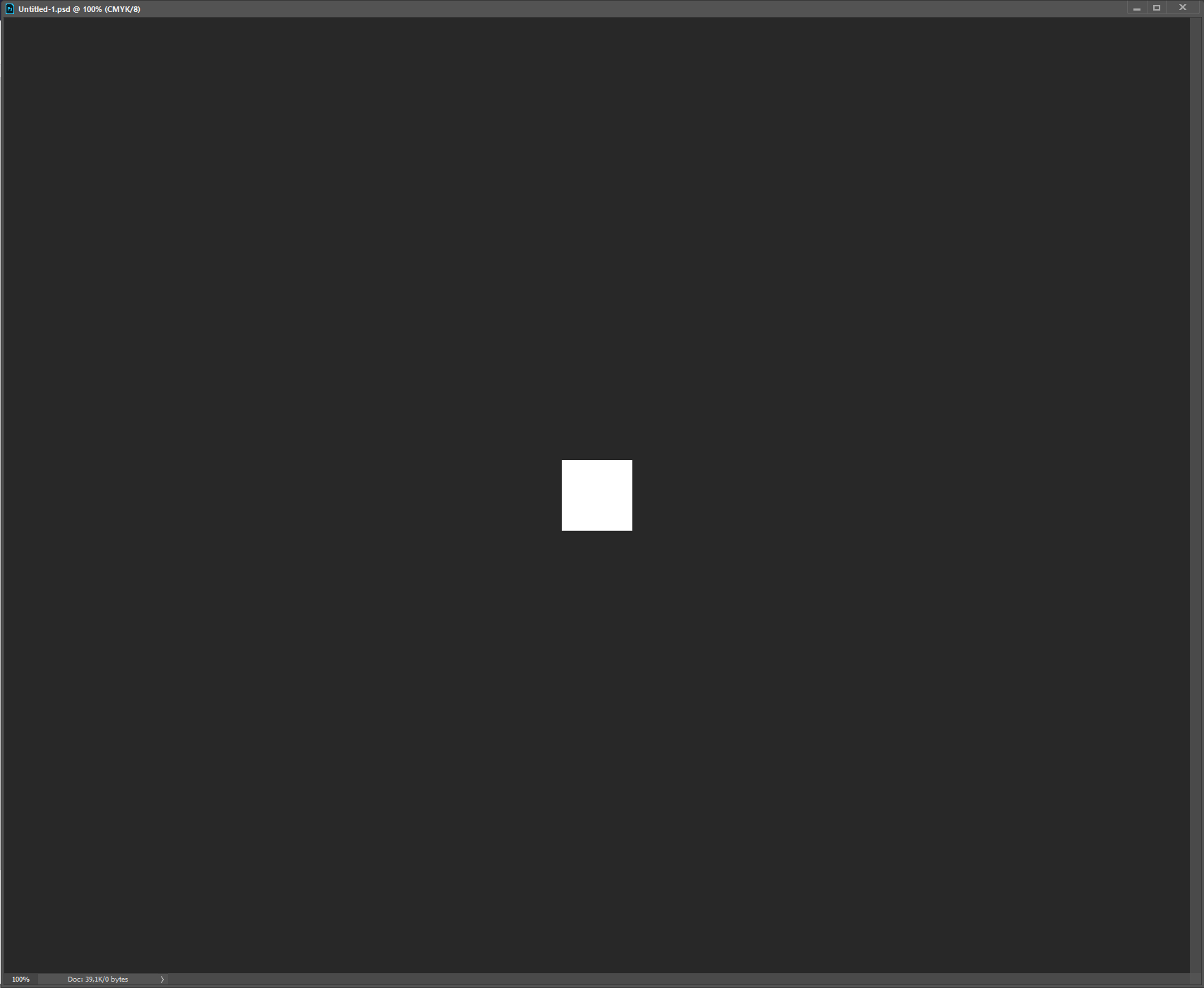
If i use Photoshop and snap it into a zone, Photoshop will stay in its fancy zone. The same apply's to files I open in Photoshop. For example when I open a small 100 by 100 pixel file, it will snap to the entire zone. This is very annoying when opening multiple Photoshop files at once.
It does not happen on the new document
Expected behavior
When opening a file of 100 by 100 pixels via the 'open' function. It should open in a 100 by 100 pixels window
Actual behavior
When opening a file of 100 by 100 it will snap to the entire zone photoshop is in.
Screenshots
 Robin-Renkema
All 6 comments
Hi @Robin-Renkema
have you tried to turn off the FancyZones setting Move newly created windows to their last known zone?
Let me know if that helps.
Thank you.
 enricogior
on 15 Oct 2019
enricogior
on 15 Oct 2019
This solves the problem with photoshop yes, but it (obviously) disables it for all my other programs. I do like my windows to snap to their last know zone.
I think my best bet it to not snap photoshop to a zone and leave the function on
Robin-Renkema
on 15 Oct 2019
@Robin-Renkema
this is definitely a bug and we should fix it, thank you for reporting it.
enricogior
on 15 Oct 2019
Hi @Robin-Renkema
can you check if this is still broken in 0.14.1?https://github.com/microsoft/PowerToys/releases/tag/v0.14.1
Thank you.
enricogior
on 9 Dec 2019
Installed and tested it by snapping Photoshop to a zone and opening a file. The file opens normally and does not snap to the entire Photoshop window/zone. So it seems fixed! Thanks alot.
Robin-Renkema
on 10 Dec 2019
@Robin-Renkema
thanks for testing!
I'm closing this as resolved.
enricogior
on 10 Dec 2019
Related issues
 saahmedm
·
3Comments
saahmedm
·
3Comments
 smz
·
3Comments
smz
·
3Comments
 ivadham
·
3Comments
ivadham
·
3Comments
 verglor
·
3Comments
verglor
·
3Comments
 SWinxy
·
3Comments
SWinxy
·
3Comments
Most helpful comment
Installed and tested it by snapping Photoshop to a zone and opening a file. The file opens normally and does not snap to the entire Photoshop window/zone. So it seems fixed! Thanks alot.