Powerlevel9k: Arrow and segment not aligned
How Do I fix this?

 konsbn
All 8 comments
@konsbn - That is extremely weird. I'm not sure I've ever seen distortion like that.
(By the way, I see that your OK_ICON is the medium.com logo - I fixed this in master recently. It looks like some of the codepoints changed in the awesome fonts)
1) Can you check out the HEAD of master?
2) Can you show us how your terminal's font is configured / selected? Screenshot is fine. I also use gnome-terminal, by the way.
 bhilburn
on 21 Jan 2017
bhilburn
on 21 Jan 2017
I think this is a font or terminal emulator problem.
Did you compile a font by yourself? Maybe there did go something wrong..
Or another cause could be different font sizes for non-ascii font and normal text. In iTerm2 there is a setting for that:

Maybe your terminal emulator has a similar setting..
 dritter
on 21 Jan 2017
dritter
on 21 Jan 2017
Hey @konsbn - Any updates, here?
bhilburn
on 14 Feb 2017
Just checking in on this!
bhilburn
on 19 Feb 2017
Closing due to inactivity.
bhilburn
on 8 Mar 2017
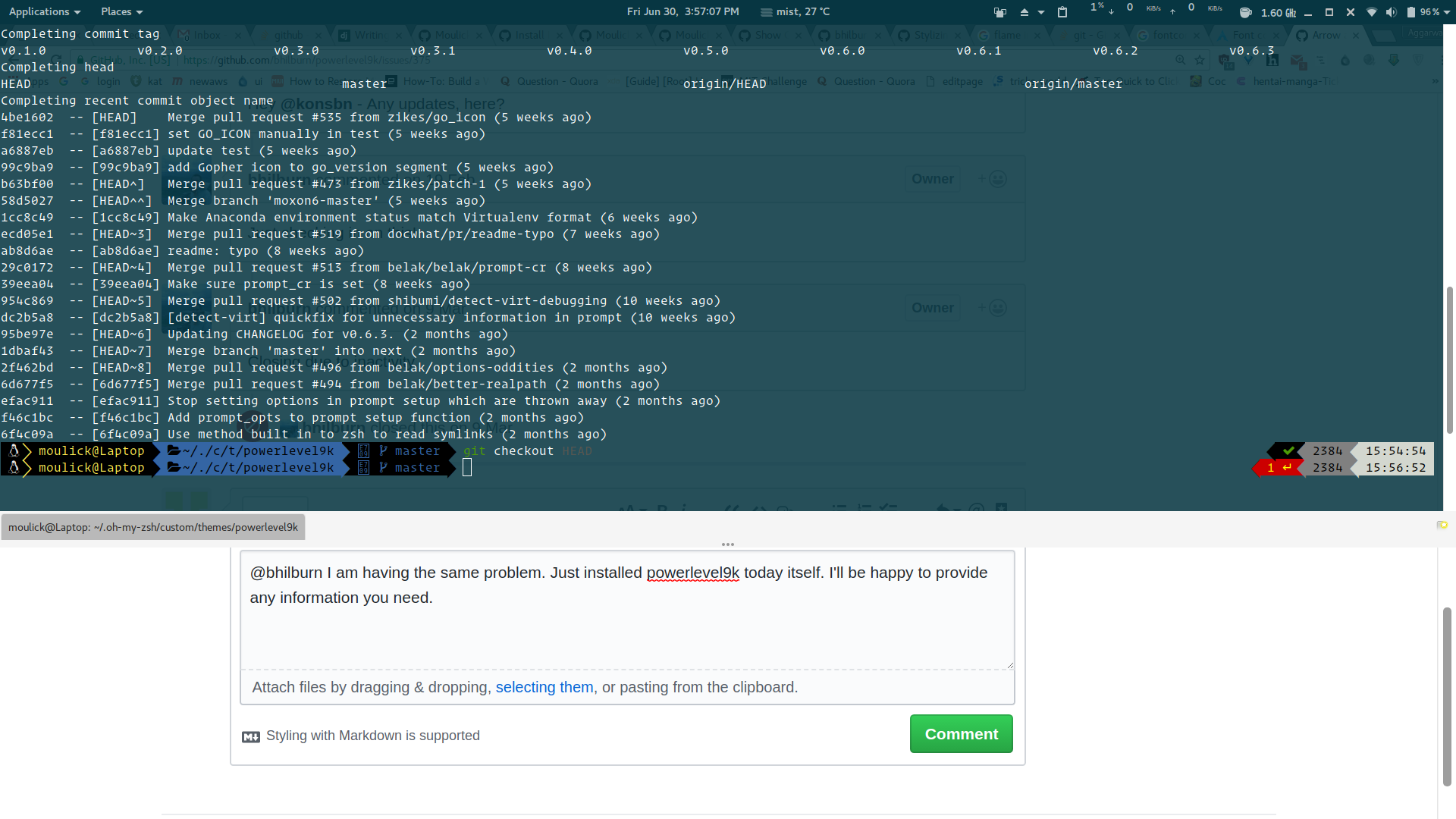
@bhilburn I am having the same problem. Just installed powerlevel9k today itself. I'll be happy to provide any information you need.
 Moulick
on 30 Jun 2017
Moulick
on 30 Jun 2017
@Moulick Which font do you use? And wich POWERLEVEL9K_MODE?
dritter
on 30 Jun 2017
@dritter I actually solved it. the problem was that I had selected a different font in my profile preferences in gnome-terminal. the POWERLEVEL9K_MODE was 'awesome-fontconfig'. Btw another question. What should I use as the family in 10-symbols.conf file ?
<?xml version="1.0"?>
<!DOCTYPE fontconfig SYSTEM "fonts.dtd">

<!--
When a glyph is missing in the current font freetype2 will look into
other installed fonts to see if it's going to find it, but which fonts?
and in which order?

The configuration below aim to declare an ordered list of fonts
to be looked into when a glyph is not found in a specic font

<alias>
  <family>FONT_WITH_A_POSSIBLY_MISSING_GLYPH</family>
  <prefer>
    <family>FIRST_FONT_TO_LOOK_INTO</family>
    <family>SECOND_FONT_TO_LOOK_INTO</family>
    <family>...</family>
  </prefer>
</alias>
-->

<fontconfig>
  <alias>
    <family>DejaVuSansMono Book</family>
    <prefer>
      <family>Pomodoro</family>
      <family>FontAwesome</family>
      <family>Octicons</family>
      <family>Icomoon</family>
    </prefer>
  </alias>
</fontconfig>
What should I place in DejaVuSansMono Book's place. anything I place there doesn't seem to make any difference.
Moulick
on 30 Jun 2017
Related issues
dritter
·
5Comments
 shibumi
·
5Comments
shibumi
·
5Comments
 DanielChabrowski
·
3Comments
DanielChabrowski
·
3Comments
 jpdoria
·
5Comments
jpdoria
·
5Comments
 natemccurdy
·
5Comments
natemccurdy
·
5Comments
Most helpful comment
I think this is a font or terminal emulator problem.
Did you compile a font by yourself? Maybe there did go something wrong..
Or another cause could be different font sizes for non-ascii font and normal text. In iTerm2 there is a setting for that:

Maybe your terminal emulator has a similar setting..