Postprocessing: OulineEffect doesn't work on A-Frame
Hello,
I gave it a try to apply outline effect using your A-Frame example.
const outlineEffect = new PP.OutlineEffect(scene, camera, {
    blendFunction: 16,
    edgeStrength: 5,
    pulseSpeed: 0.0,
    resolution: 0.05,
    visibleEdgeColor: 0xffffff,
    hiddenEdgeColor: 0x22090a,
    blur: false,
    xRay: true,
    opacity: 1
});

smaaEffect.colorEdgesMaterial.setEdgeDetectionThreshold(0.05);
noiseEffect.blendMode.opacity.value = 0.6;
sepiaEffect.blendMode.opacity.value = 0.3;

let here = document.querySelector('#here').object3D
outlineEffect.setSelection(here.children);

const renderPass = new PP.RenderPass(scene, camera);
const effectPass = new PP.EffectPass(camera, outlineEffect,
    smaaEffect,noiseEffect, sepiaEffect, vignetteEffect);

effectPass.renderToScreen = true;
composer.addPass(renderPass);
composer.addPass(effectPass);
The changed part is only this code.
After adding outlineEffect, it doesn't appear.
Other effects still work.

In console, outlineEffect is registered.
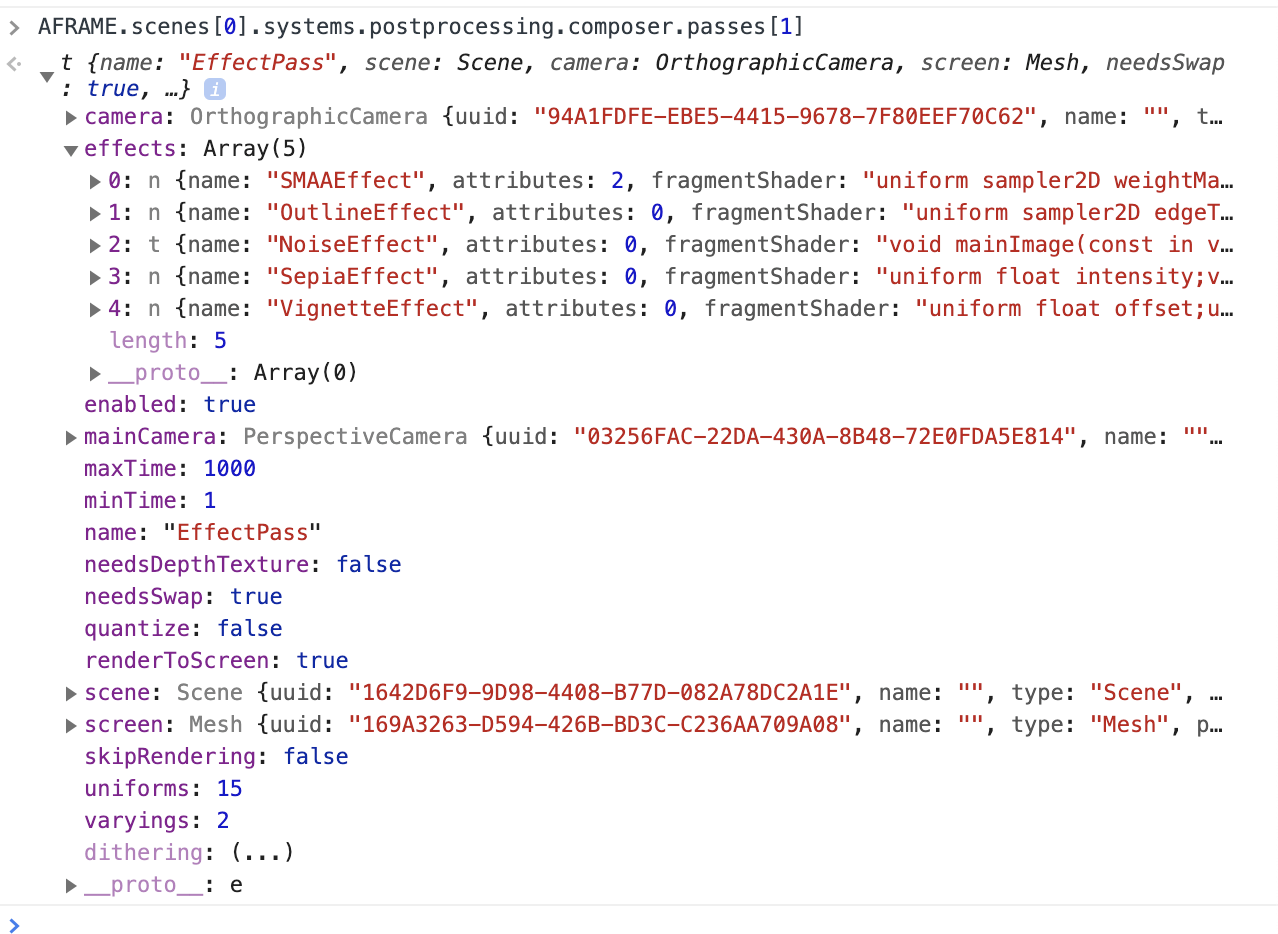
How could I make it work?
Thank you.
 huhsame
All 2 comments
Hi,
the effect is working as expected, it's just that the blend function you're using (screen) doesn't work well in bright scenes. You can achieve better results with the _alpha_ blend function: https://jsfiddle.net/9cntay46/
Also notice that I've moved the OutlineEffect into a seperate EffectPass so that the antialiasing can affect the generated outlines. The other effects (noise, sepia and vignette) have been moved together with the SMAAEffect. That way the EffectPass can make sure that those effects don't interfere with the antialiasing.
You can keep all effects in one EffectPass if you like, but then you'll see more jagged lines.
 vanruesc
on 28 Jun 2019
vanruesc
on 28 Jun 2019
Thank you for your kind reply :)
huhsame
on 28 Jun 2019
Related issues
 gigablox
·
3Comments
gigablox
·
3Comments
 AlexAegis
·
3Comments
AlexAegis
·
3Comments
 bendxr
·
4Comments
bendxr
·
4Comments
 brunoimbrizi
·
4Comments
brunoimbrizi
·
4Comments
 scarletsky
·
3Comments
scarletsky
·
3Comments
Most helpful comment
Hi,
the effect is working as expected, it's just that the blend function you're using (screen) doesn't work well in bright scenes. You can achieve better results with the _alpha_ blend function: https://jsfiddle.net/9cntay46/
Also notice that I've moved the
OutlineEffectinto a seperateEffectPassso that the antialiasing can affect the generated outlines. The other effects (noise, sepia and vignette) have been moved together with theSMAAEffect. That way theEffectPasscan make sure that those effects don't interfere with the antialiasing.You can keep all effects in one
EffectPassif you like, but then you'll see more jagged lines.