Popcorn-desktop: Trakt TV syncing issue causes app to close.
Operating System Version:
Windows 10
Popcorn Time Version:
0.4.4 build version 443
Download date:
26/11/20
Download url (optional):
https://ci.popcorntime.app/job/Popcorn-Time-Desktop/lastSuccessfulBuild/
Expected Behaviour
Connect Trakt TV account and app to respond as normal.
...
Actual Behaviour
On initial connection of Trakt account the app will close/crash. After restarting the app and trying to sync Trakt again the app will keep crashing. (This has been happening for me since updating to 0.4.4)
Edit: Also I'm not sure if any syncing takes place as anything I've marked as watched in the app has been cleared when I restart the app.
...
Steps to reproduce the behaviour
- Connect Trakt TV account.
- In settings 'Sync' Trakt account.
- App will close/crash with no input from user.
Screenshot(s) of issue or error(s) logs of developer console (Windows/Linux: F12, MacOS: ⌘ + 0 ... then 'console' tab) (recommended)
The developer console closes when the app closes/crashes and I'm just left with a chrome 'Aw shucks' webpage instead.
 Aky96
Aky96
All 16 comments
you should be able to access the developer console web interface by opening a browser tab on http://127.0.0.1:9222 and it will stay displayed even after the crash
 Persei08
on 27 Nov 2020
Persei08
on 27 Nov 2020
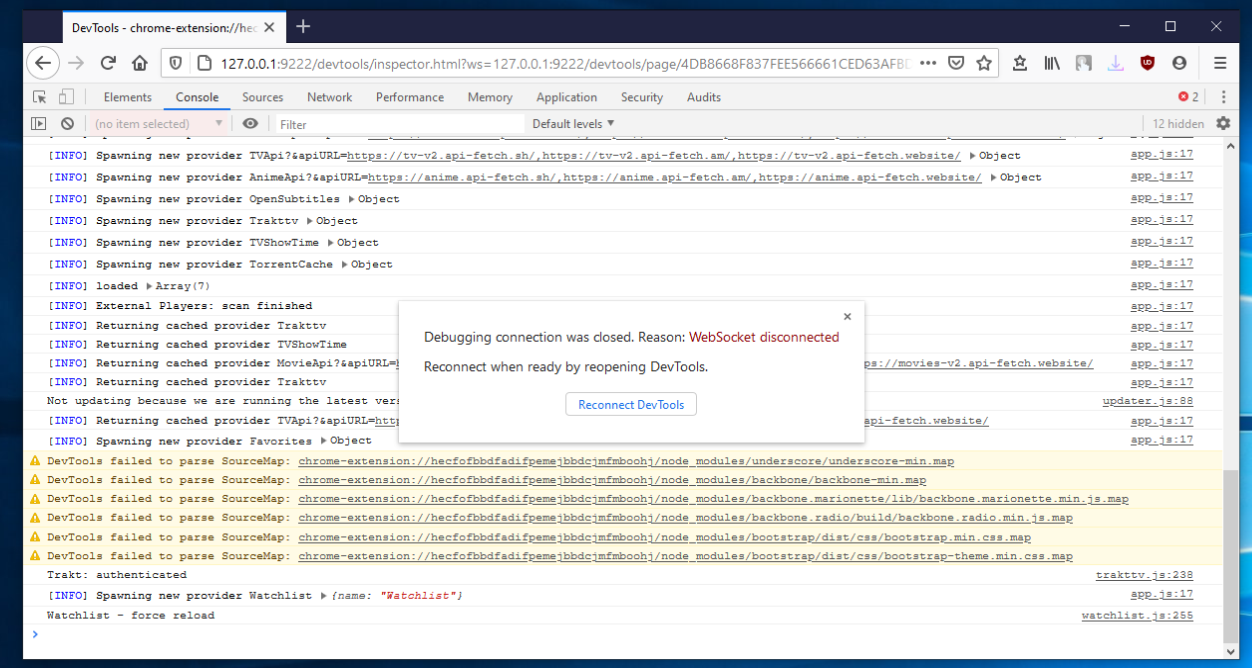
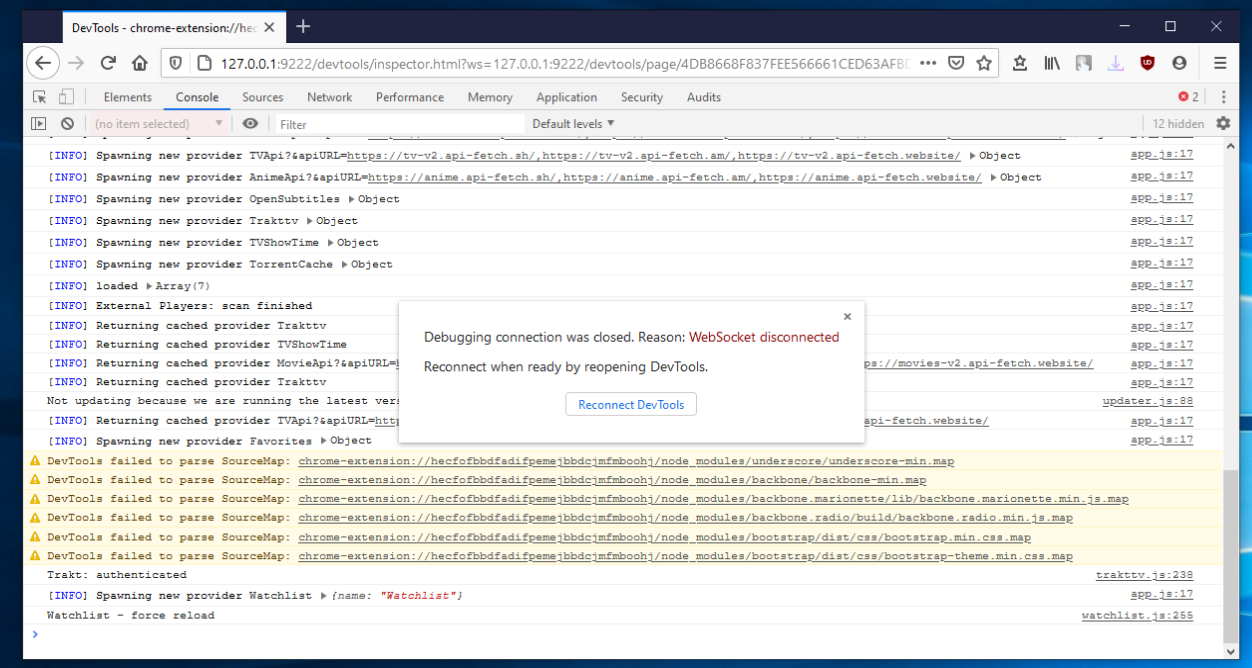
Thanks for the help and info. I've attached one screenshot from when I put the code into the Trakt website to connect my account and the second screenshot is when I click 'Sync with Trakt' from within the app.
Aky96
on 27 Nov 2020
Weird I cant replicate. Have you tried with a clean install and not importing any saved databases?
Btw isnt that the same screenshot in both? There should be some errors (highlighted in red) in that console log if you scroll up.
 kiriles90
on 27 Nov 2020
kiriles90
on 27 Nov 2020
The previous screenshots show what happened to the app when initially connecting my account through the Trakt website and after restarting then using the 'Sync with Trakt' option in settings.
This build wasn't clean installed, as you've now fixed the installer issue :), but I've clean installed many times previously and always have the same issue with Trakt TV.
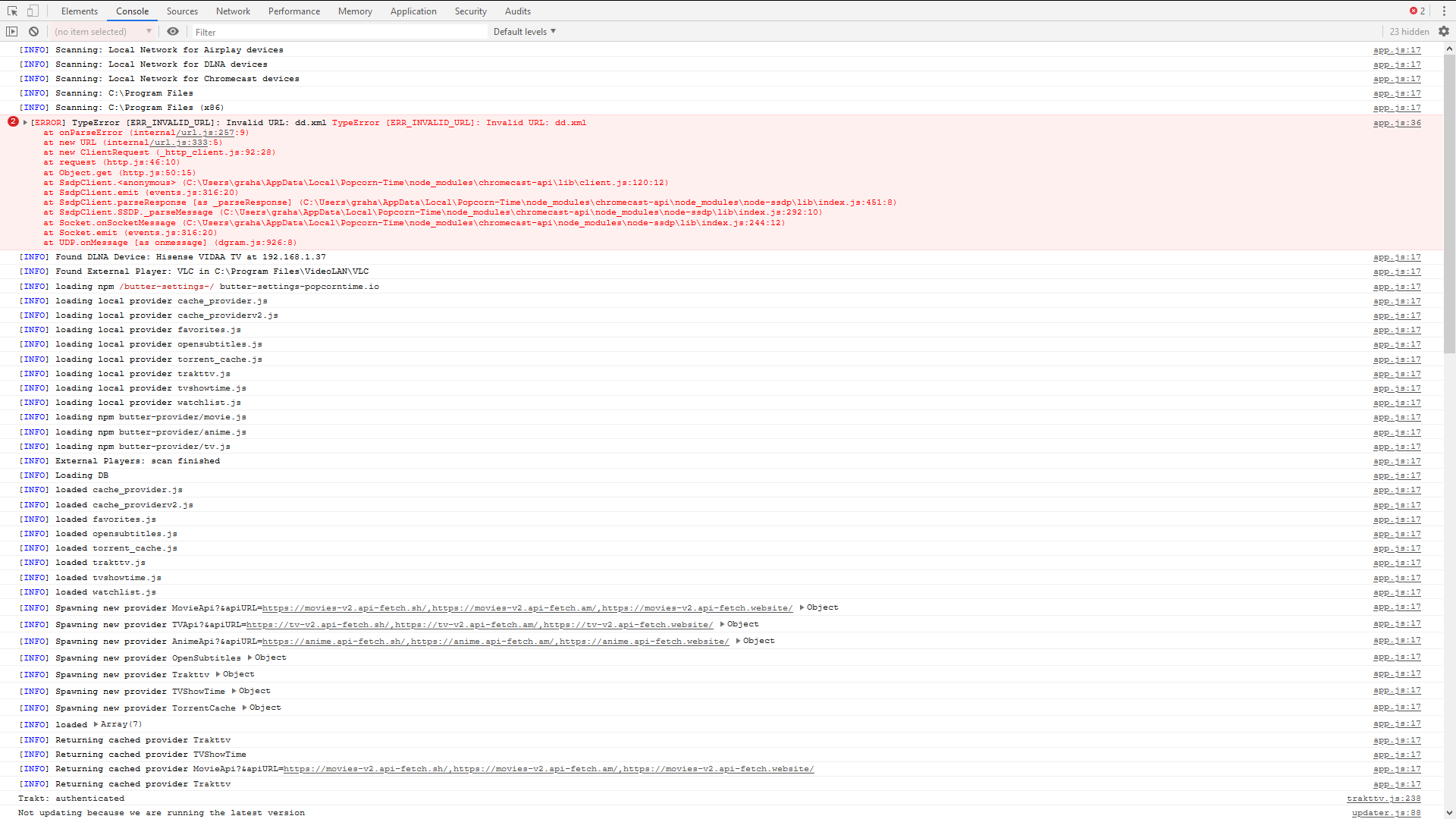
Below is the screenshot of the errors showing on the console.
Aky96
on 27 Nov 2020
I see. Then if it also happens with a clean install its probably something that gets synced from the specific trakttv account that Popcorn Time doesnt like and crashes.
If you want try syncing a different profile on a clean install just to confirm the theory (you can rename your old installation in %localappdata% so you dont mess with it but dont run it until you rename it back to 'Popcorn-Time').
Either way, I guess its something that should be addressed on Popcorn Time's side. Maybe @Persei08 has some ideas?
kiriles90
on 27 Nov 2020
@Aky96 can you retry and enable "all" debug levels (in the console tab.. on the right of the filter field)... It will eventually show some interesting things.
Also you can close this "Debugging connection was closed" popup by clicking its cross, so it allow you to select text or what.
for 3rd screenshot the error is related to chromecast-api, it isn't important here.
Persei08
on 27 Nov 2020
@Persei08 @kiriles90 I've tried a clean install 5 times with 5 different Trakt profiles. 4 of them had the same issue straight away but the last one was working until I closed/restarted the app then it crashed as soon as 'Sync with Trakt' was selected. The app now crashes everytime 'Sync with Trakt' is selected however it does seem to remember the movies I've got 'marked as seen' but clears all the series I've had 'marked as seen'.
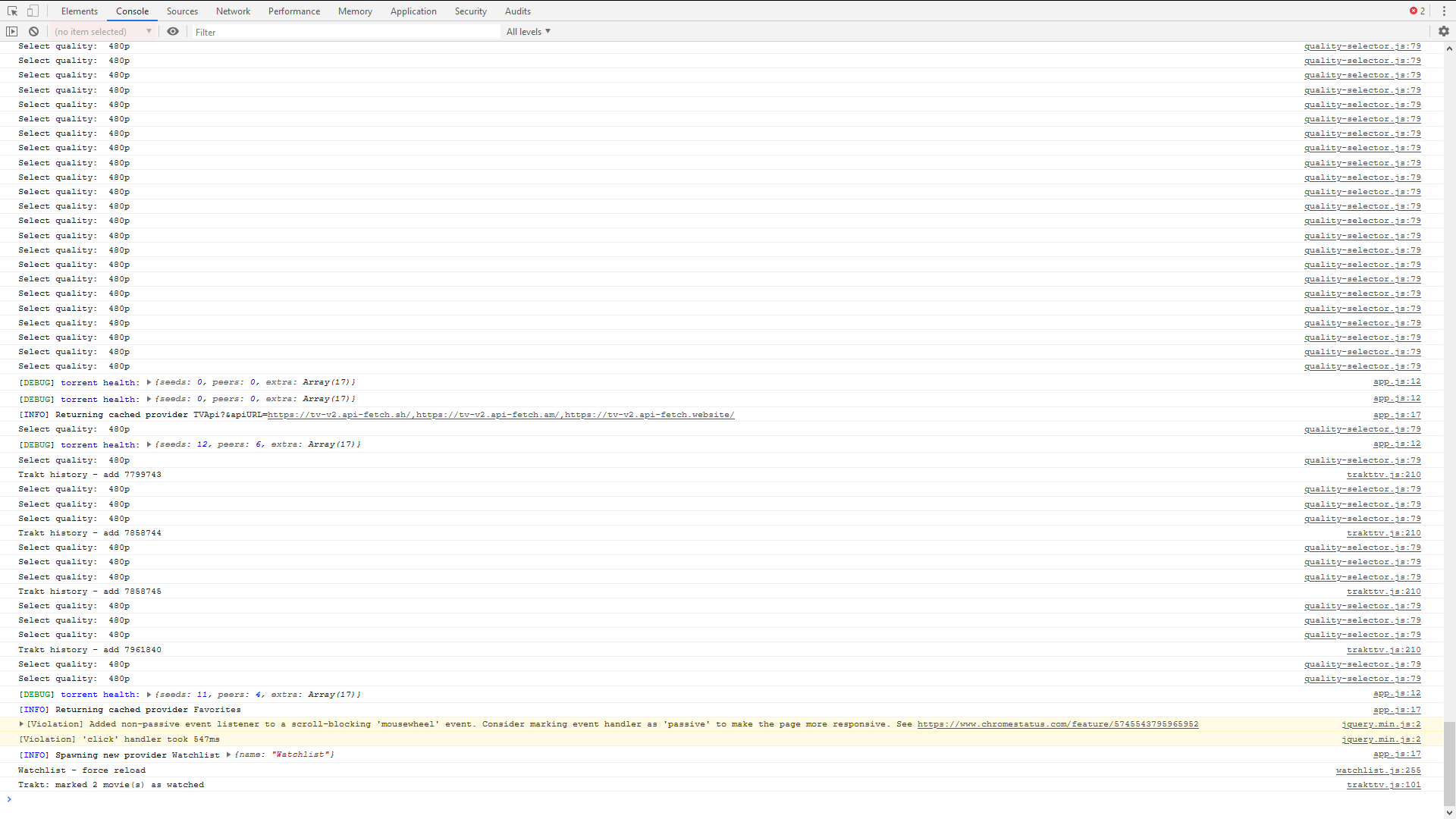
I've also added a screenshot with 'All' debug levels set.
Aky96
on 27 Nov 2020
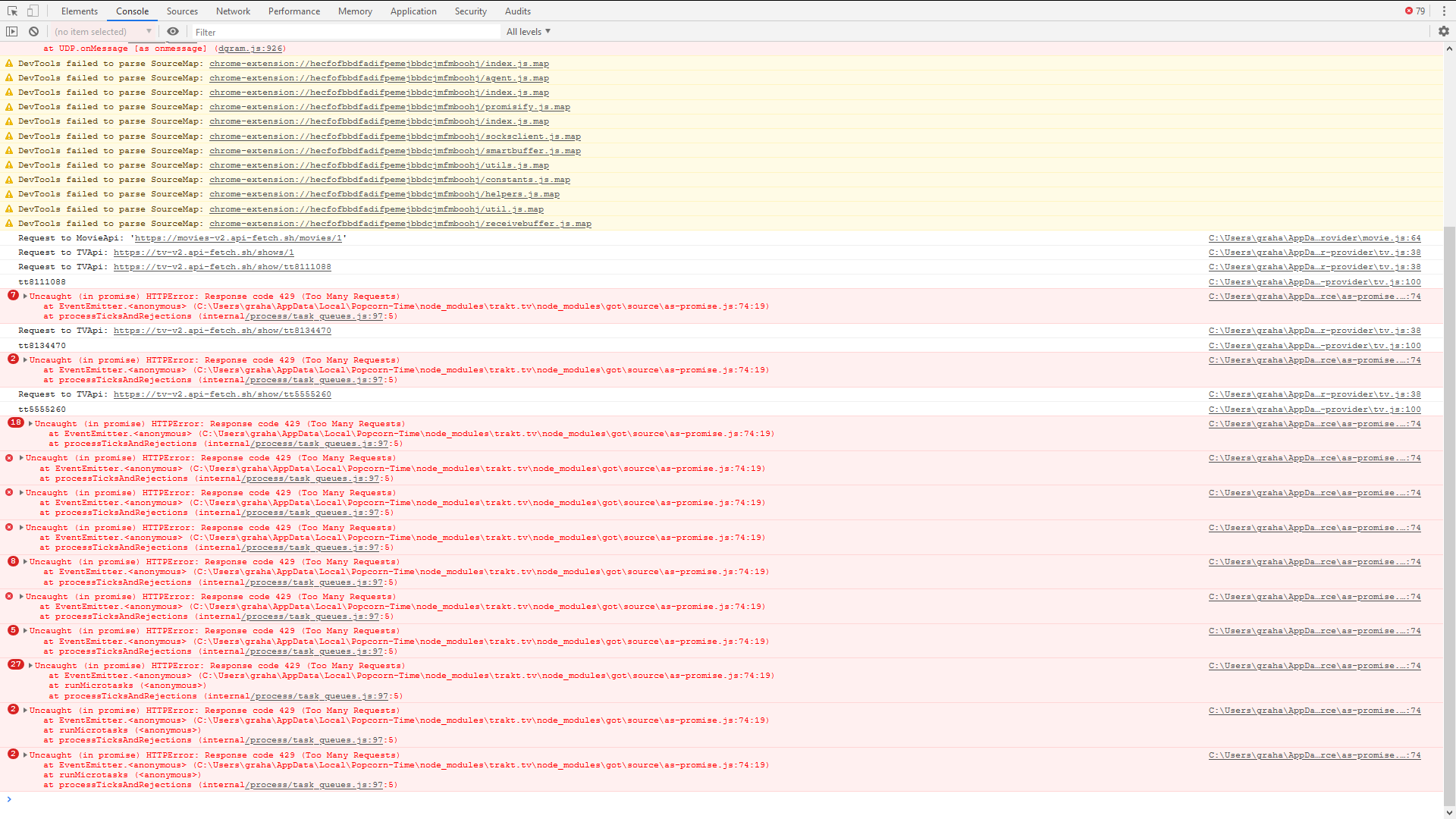
I've also added this screenshot from the inspectable page titled 'generated background page'.
Edit: Sorry for all the comments just trying to pass on the information. Don't know if this helps but with my Trakt account connected when I click on the Watchlist tab the app also crashes/closes. With the account disconnected the app stays open showing 'No Watchlist found...'
Aky96
on 27 Nov 2020
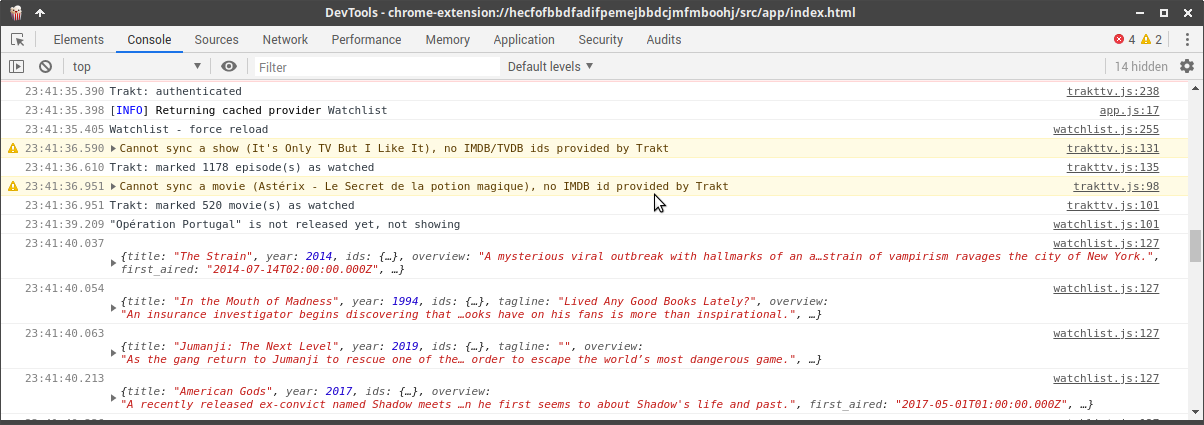
Works for me too. Here this is what what you're supposed to get in console :/ :
Persei08
on 27 Nov 2020
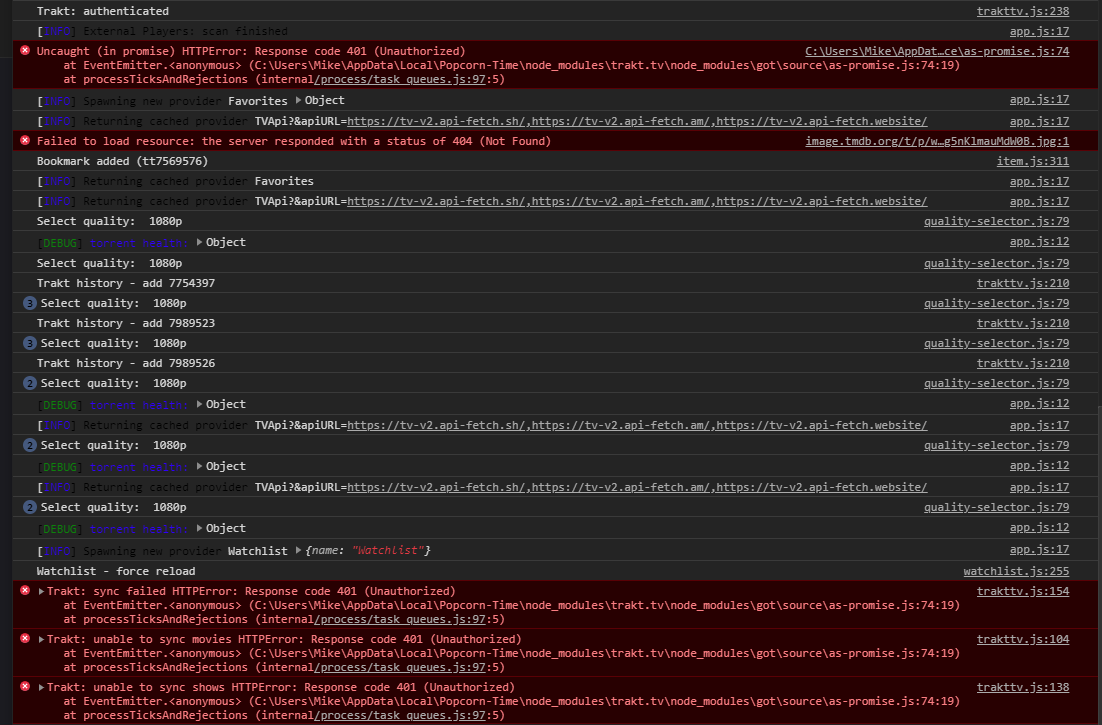
Not sure if helps but I get these errors in console
 dutchy1001
on 28 Nov 2020
dutchy1001
on 28 Nov 2020
@dutchy1001 Not sure, maybe try to disconnect and reconnect to trakt... Maybe there is a issue with trakt api/server
Persei08
on 28 Nov 2020
After reconnect there was no error
dutchy1001
on 28 Nov 2020
I'm determined to get to the bottom of this!!
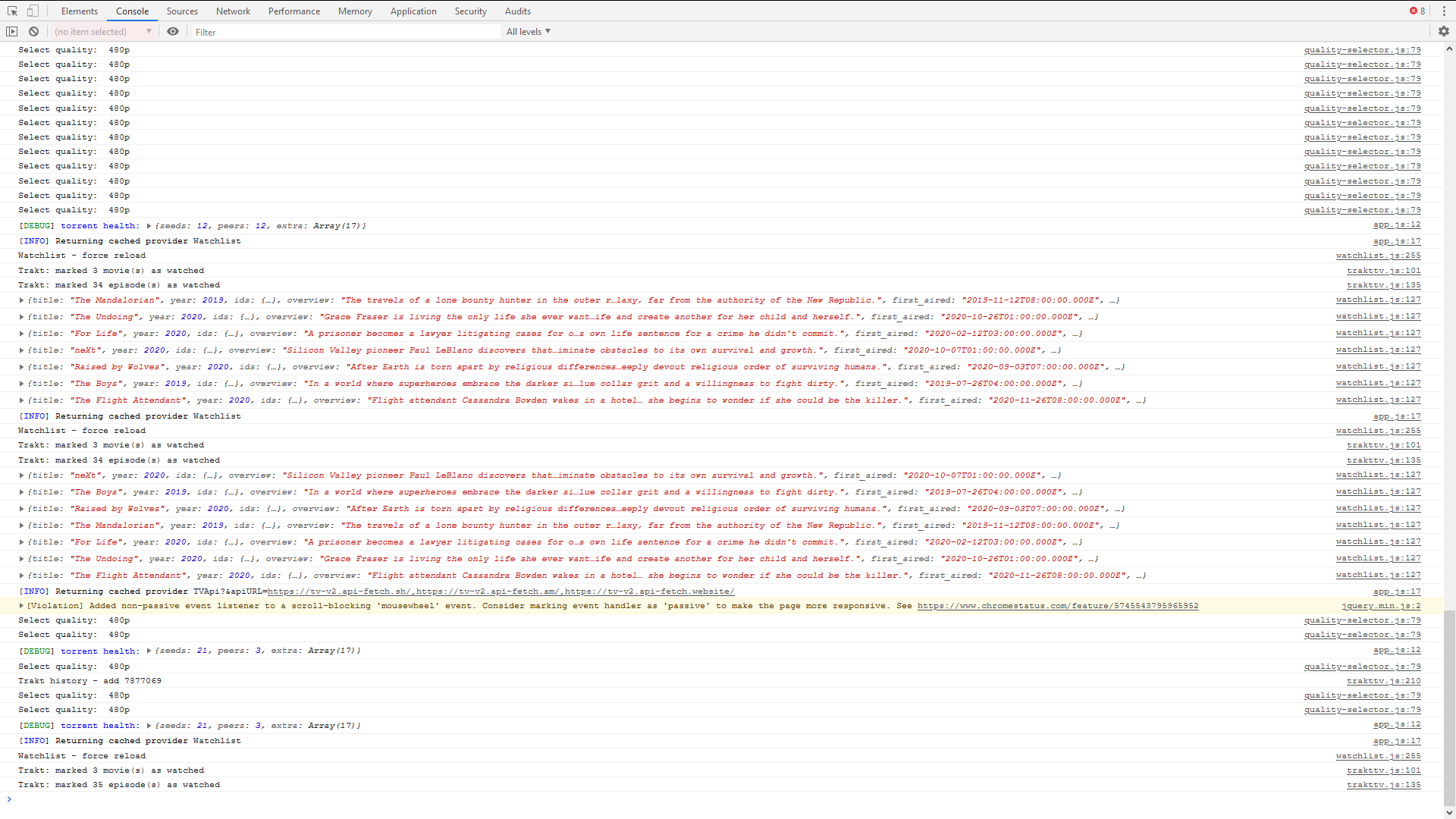
I've now fully uninstalled the app, removed all traces of PCT in the registry, restarted my laptop, created a new Trakt account, clean installed the app, applied my preferred settings and connected my Trakt account. I've then gone adding individual movies/series and syncing after each addition. Everything worked perfectly until I tried to add 'The Undoing S01E05' and then the app crashed/closed (see screenshot). I've tried numerous times marking that episode as unseen/app works and seen/app crashes/closes. I've also added more individual episodes/series after restarting the app (leaving the suspect episode marked as unseen) and it worked as expected. As soon as you add this epsisode as seen again the app will crash. This has got me baffled!
Edit: Still trying random series to see if anything else will recreate this issue. I marked all of the seasons of 'This Is Us' as seen and this causes the app to crash/close. I then tried individual episodes from random seasons (S01E01/02, S02E02, S03E02, S05E01) and these all caused the app to crash/close each time. One thing different this time was that this cleared all of the previous 'marked as seen' from the app and each time I clicked 'Sync With Trakt' the app would crash/close and the only way to get the app working correctly again was to remove any reference to 'This Is Us' from my Trakt account. This issue appears to be very random.
Aky96
on 28 Nov 2020
Nice! I'll try to reproduce it with that episode later, gives us something to start tracking this down so at least it doesnt crash PCT when this (whatever this is) happens.
kiriles90
on 28 Nov 2020
Can't reproduce.
i can mark/unmark as seen Undoing S01E05 without issue and can sync before, between , after... something weird here.
Persei08
on 28 Nov 2020
I've tried PCT with my Trakt account on another laptop & a desktop over the last couple of days and the app worked as expected with no errors at all. I now have a sneaking feeling that the issue is with my ageing laptop (10 y/o Compaq!) somehow especially as no one can recreate this issue or has added a comment to say they have the same issue. Thanks for all your help but I'll close this now as I believe this is just a one-off problem.
Aky96
on 2 Dec 2020
Related issues
 sorin-costea
·
3Comments
sorin-costea
·
3Comments
 rohinarora
·
4Comments
rohinarora
·
4Comments
 123Olairy
·
3Comments
123Olairy
·
3Comments
 kumavis
·
5Comments
kumavis
·
5Comments
 benjavalero
·
4Comments
benjavalero
·
4Comments
Most helpful comment
I've tried PCT with my Trakt account on another laptop & a desktop over the last couple of days and the app worked as expected with no errors at all. I now have a sneaking feeling that the issue is with my ageing laptop (10 y/o Compaq!) somehow especially as no one can recreate this issue or has added a comment to say they have the same issue. Thanks for all your help but I'll close this now as I believe this is just a one-off problem.