Pods: Editing Pods Records in backend - cursor jumps to first Autocomplete field
When you edit a Pod CPT record in the backend, the cursor irritatingly jumps to the first Autocomplete field.
In a big CPT this can take some time to return to where you wanted to be, and the expectation is that you'll be in the first field.
 Brian-Milnes
All 14 comments
👍 - I've noticed this too
 lougreenwood
on 25 Jan 2018
lougreenwood
on 25 Jan 2018
Sounds related to/identical situationally to #4703
 jimtrue
on 25 Jan 2018
jimtrue
on 25 Jan 2018
I see this is added to the Pods 2.7.2 milestone, but that looks like being a long way away. Is there any chance of someone taking a look and coming up with a workaround, please?
My users have a whole load of data to enter in a long Pods CPT - and this behaviour is really annoying when it is happening at each entry or Update, when that's your "task for the day". (It's particularly irksome as it doesn't happen until right to the end of the page load.)
Brian-Milnes
on 17 Mar 2018
@Brian-Milnes can you describe how I can recreate this issue on my end? I'm not seeing it with relation to auto-complete.
 nicdford
on 3 May 2018
nicdford
on 3 May 2018
Hi @nicdford
I am just back after a late evening (1:30 am here)
It will probably be better to give you a login to duplicate site that you can experiment with at your leisure.
I'll sort that out in the morning or over the weekend.
Cheers
Brian
Brian-Milnes
on 4 May 2018
@lougreenwood Since you've also noticed this issue, could you provide a Pods Admin, Components, Migrate: Packages, Export JSON for us to test with? Part of the biggest issue in tracking down problems like these is being able to replicate them.
jimtrue
on 4 May 2018
I'm able to reproduce this with the package here: https://github.com/pods-framework/pods/issues/4504#issuecomment-341858761
The more complex "Package with a larger matrix of fields".
 pglewis
on 6 Jun 2018
pglewis
on 6 Jun 2018
I imported the "Package with a larger matrix of fields" data from your link.
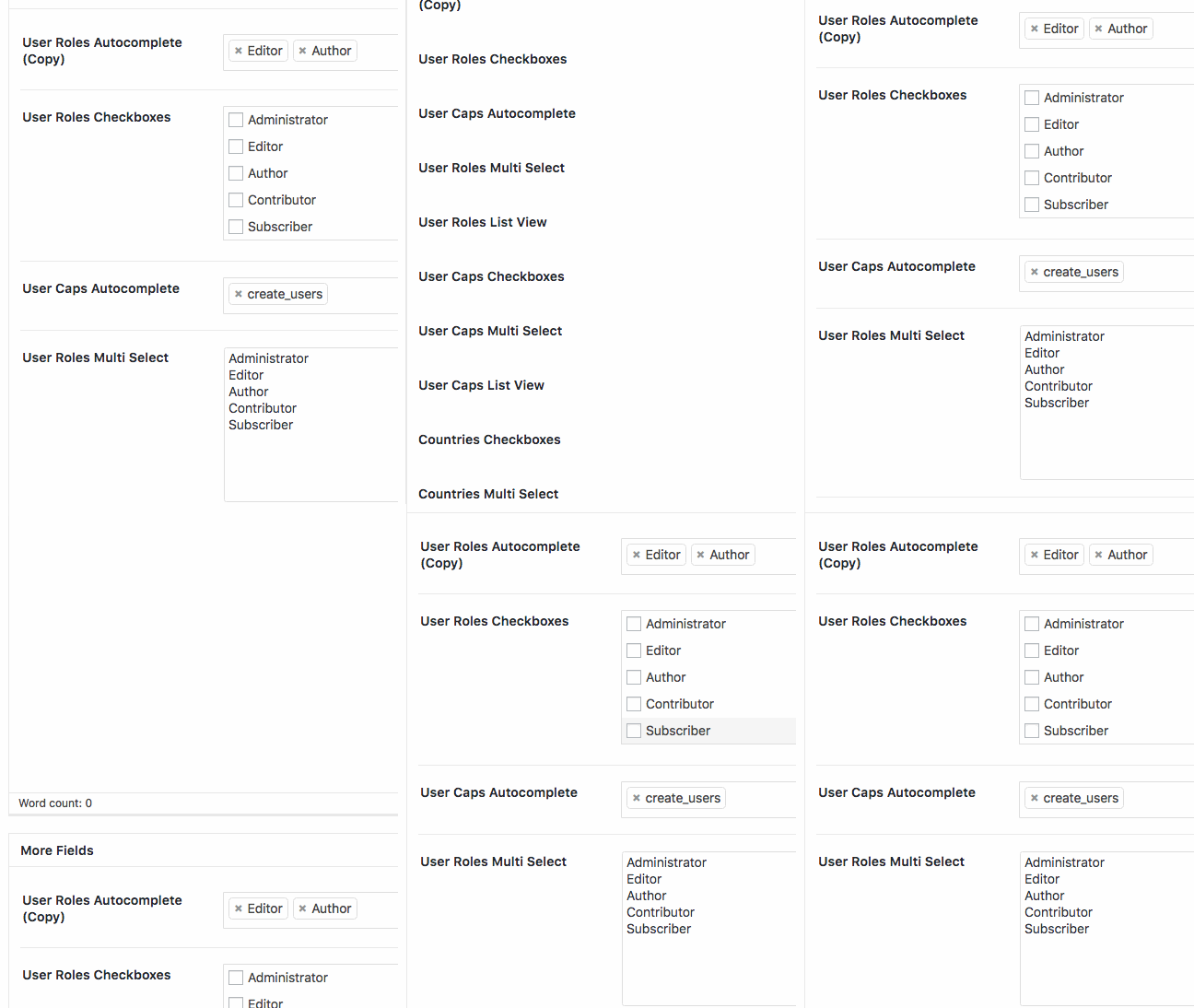
I created an Issue 4504 post, added a title, nothing else, and published it. I went back into the list of Issue 4504 posts and selected the one I just published. Nothing appears to be focused on page load, and the first press of the tab key gives focus to the Administrator checkbox in the User Roles Checkboxes field (first Pods field).
I CAN replicate the issue, by having at least one value selected in the User Roles Autocomplete field. On page load, the focus and cursor jumps to the User Roles Autocomplete field, and the first press of the tab key moves it on to the User Roles List View field which follows.
This happens on a narrow screen (on the desktop) as well. Unlike Chosen, Select2 doesn't appear to disable itself for narrow screen devices.
With JavaScript disabled, or at least the jquery.pods.js file is blocked, none of the pods-dfv-field data loads, so the problem doesn't exist (because the fields do not exist!).
If I block the selectWoo.js file, pods/ui/js/pods-dfv/_src/pick/views/select-view.js throws a TypeError.
Moving the empty User Caps Autocomplete field above the User Role Autocomplete, and the behaviour stays the same - the focus is kept on the populated User Role Autocomplete.
Interestingly, when the User Caps Autocomplete field is populated, the new page load _still_ moves focus to the User Roles Autocomplete field - it is not the first autocomplete field that gets focus.
The only difference between the two autocomplete fields is that they have a relationship to different entities - one is a relationship to User Roles, one is a relationship to User Capabilities.
If I duplicate the User Roles Autocomplete field and keep it at the bottom, the first instance retains focus on page load.
If I move that copy (ID 279) to the top, then the original field (ID 264) still retains focus on page load. If I delete the original, then the User Caps Autocomplete (ID 268) get the focus on page load. Suggests that it's the lowest ID autocomplete field that gets focus.
If I have the dev tools open and focused, and reload the page then focus is retained in the dev tools and the page doesn't jump.
 GaryJones
on 6 Jun 2018
GaryJones
on 6 Jun 2018
In selectWoo.js, there this line:
self.$search.focus();
There are other $search.focus() instances as well, but removing this line in selectWoo.js (with SCRIPT_DEBUG enabled) stops the focus jumping on page load.
Here's a quick capture showing the field not focusing (after the code is removed) after a page load.
Open to view animation
Obviously, amending selectWoo is undesirable. The focus call is made within a conditional:
    // Return cursor to search field after updating.
    // Needs 1 ms delay because of other 1 ms setTimeouts when rendering.
    if ('undefined' !== typeof this.$search) {
      setTimeout(function(){
        self.$search.focus();
      }, 1);
    }
Here, $search refers to the <li> with the <input> inside of it - a key part of the autocomplete functionality, so as long as it's been added to the page, at least for a MultipleSelection.prototype that gets updated, then it looks like it will be focused.
Another part that does a similar focus, is this:
    if (searchHadFocus) {
      this.$search.focus();
    }
Adding this to the MultipleSelection update logic works as well:
View MultipleSelection code
Note the two instances of searchHadFocus.
  MultipleSelection.prototype.update = function (data) {
    var self = this;
    this.clear();

    if (data.length === 0) {
      return;
    }

    var $selections = [];

    for (var d = 0; d < data.length; d++) {
      var searchHadFocus = this.$search[0] == document.activeElement;
      var selection = data[d];

      var $selection = this.selectionContainer();
      var formatted = this.display(selection, $selection).trim();

      $selection.append(formatted);
      $selection.prop('title', selection.title || selection.text);

      $selection.data('data', selection);

      $selections.push($selection);
    }

    var $rendered = this.$selection.find('.select2-selection__rendered');

    Utils.appendMany($rendered, $selections);

    // Return cursor to search field after updating.
    // Needs 1 ms delay because of other 1 ms setTimeouts when rendering.
    if ('undefined' !== typeof this.$search && searchHadFocus) {
      setTimeout(function(){
        self.$search.focus();
      }, 1);
    }
  };
At this stage, I'd suggest that this is an upstream bug, that needs a fix applied, but...
Pods currently uses selectWoo 1.0.1. However, when we look at the selectWoo releases, we see this:
"Fixes some focus issues found in previous releases of selectWoo."
Here are the changes.
One, in particular, stands out: https://github.com/woocommerce/selectWoo/commit/276899e91bc4af7b7a2235e17e4d27a61bd2a5a5
I'll update my local code to use 1.0.2 and report if that fixes things.
GaryJones
on 6 Jun 2018
I copied https://raw.githubusercontent.com/woocommerce/selectWoo/1.0.2/dist/js/selectWoo.js to overwrite my local wp-content/plugins/pods/ui/js/selectWoo/selectWoo.js, force refreshed a few times to make sure, and yes, it seems to stop the issue.
So, there should be a PR that updates all selectWoo references to 1.0.2 (from 1.0.1).
GaryJones
on 6 Jun 2018
So, there should be a PR that updates all selectWoo references to 1.0.2 (from 1.0.1).
I'm looking into that very thing right now.
pglewis
on 6 Jun 2018
PR: #5004
pglewis
on 6 Jun 2018
Thanks for issuing the updated version, guys. It has fixed the problem - no jumping to the AutoComplete field!
Brian-Milnes
on 8 Jun 2018
Yeah, this one was really annoying when you get bitten by it.
pglewis
on 8 Jun 2018
Related issues
 Ramoonus
·
5Comments
Ramoonus
·
5Comments
 wpstudio
·
6Comments
wpstudio
·
6Comments
 benfavre
·
3Comments
benfavre
·
3Comments
 qx54
·
4Comments
qx54
·
4Comments
 demitri
·
3Comments
demitri
·
3Comments
Most helpful comment
Thanks for issuing the updated version, guys. It has fixed the problem - no jumping to the AutoComplete field!