Pnp-sites-core: OfficeDevPnP is no longer there
From Version 3.17 onwards of SharePointPnPCoreOnline the namespace OfficeDevPnP is no longer there and I cannot find any reference to GetWebLoginClientContext or similar - what is the equivalent of these now?
edit: the solution is the .net version - if you use .net 4.6 it does not work after 3.16.1912
 Andrewsimmans
All 4 comments
Thank you for reporting this issue. We will be triaging your incoming issue as soon as possible.
![msftbot[bot] picture](https://avatars.githubusercontent.com/in/26612?v=4&s=40) msftbot[bot]
on 9 Feb 2020
msftbot[bot]
on 9 Feb 2020
Since there has not been any changes on used namespace, can you be slightly more specific on how you use the code, what you use the imports and how the code is referenced. Most likely as a NuGet package, but all details helping to understand your setup would be useful, as we cannot repro this.
Are you having an issue when you reference OfficeDevPnP in your code or having issues when using this code base? Or?
thanks for the details advance, so that we understand how to provide you assistance.
 VesaJuvonen
on 10 Feb 2020
VesaJuvonen
on 10 Feb 2020
Hi,
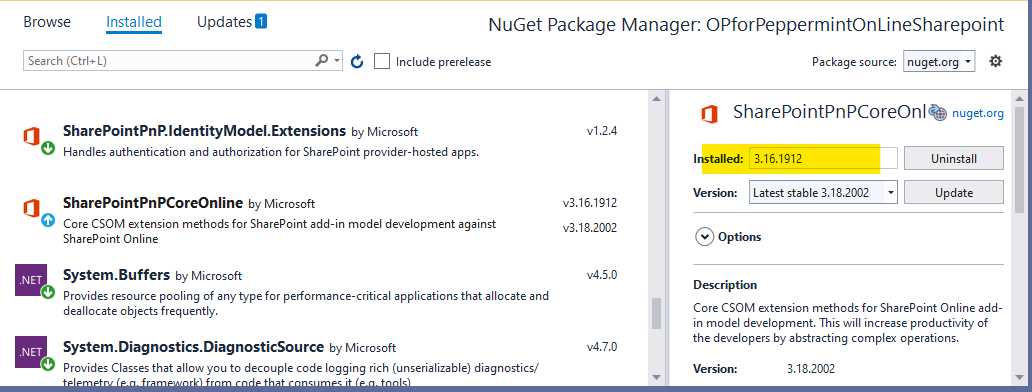
What happens is that I have installed 3.16.1912 via Nuget and followed an example of the web to include in my code the following:
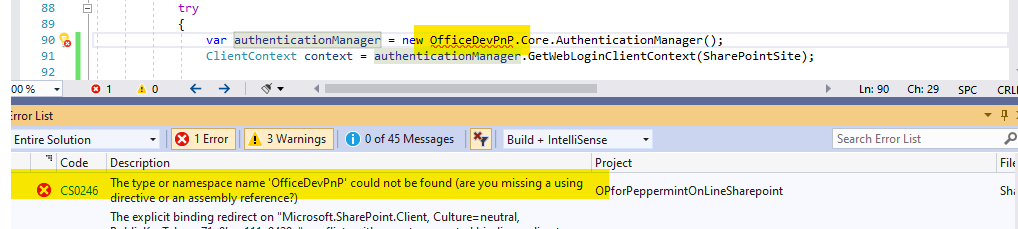
var authenticationManager = new OfficeDevPnP.Core.AuthenticationManager();
ClientContext context = authenticationManager.GetWebLoginClientContext(SharePointSite);
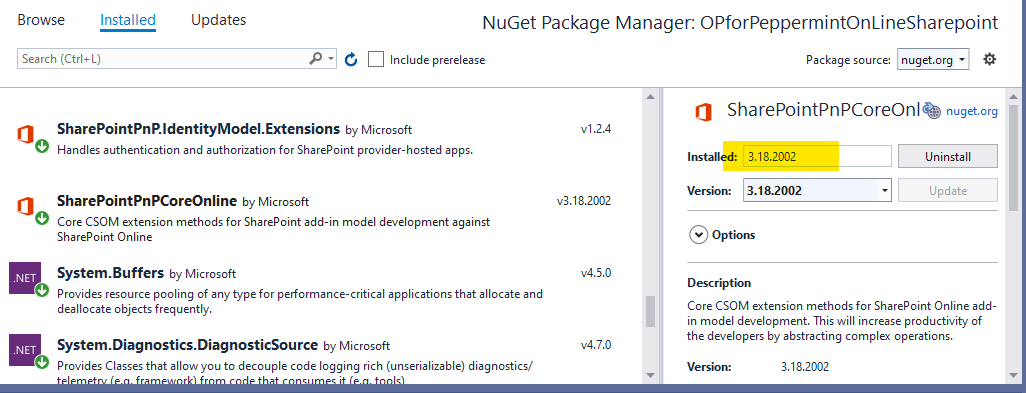
When I upgrade to 3.18.2002 (or any release after 3.16.1912) my code fails to compile and it says "The type or namespace name 'OfficeDevPnP' could not be found (are you missing a using directive or an assembly reference?"
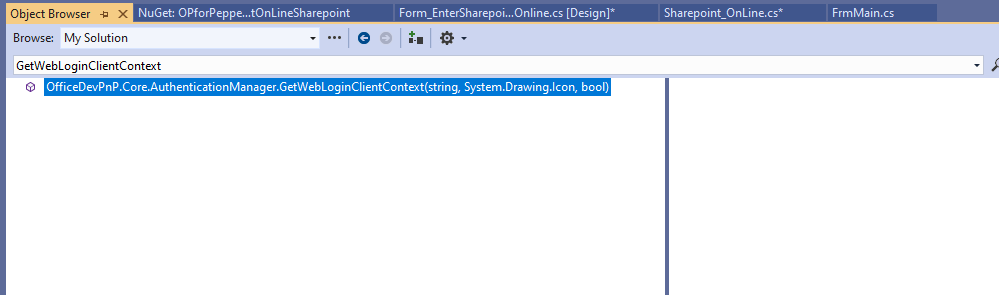
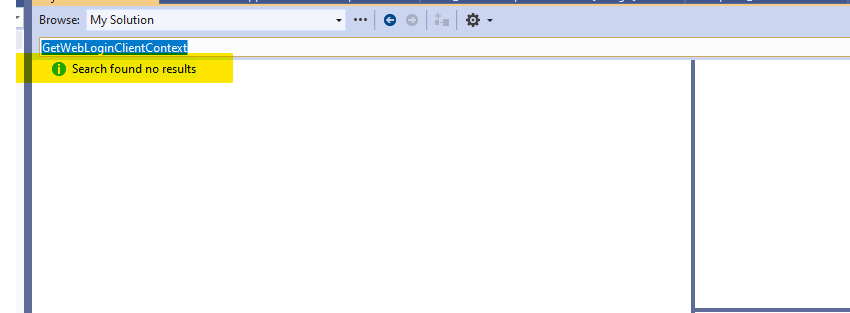
When I search using the object browser for "GetWebLoginClientContext" it appears when I have version 3.16.1912 - but not for later versions.
I am writing in C# using Visual Studio 2019.
I enclose some screen shots - showing the same code with the two different Nuget packages installed.
I guess I should also say that when I go back to 3.16.1912 then everything works OK again!
Also - I am using .net framework 4.6 so I can run on older Windows versions - I am wondering if that is the issue?
I hope that helps as it is really confusing me why something should suddenly "disappear".

Andrewsimmans
on 10 Feb 2020
For anyone else struggling with this - the problem is the .net version - .net framework 4.6 does not work on 3.16.1912 and later - you have to go for a later .net version (sorry I don't know what is the minimum - but it does work on 4.7.2).
Andrewsimmans
on 18 Feb 2020
Related issues
 TanmayDharmaraj
·
4Comments
VesaJuvonen
·
5Comments
TanmayDharmaraj
·
4Comments
VesaJuvonen
·
5Comments
 krunal039
·
3Comments
krunal039
·
3Comments
 JohanVanderBeach
·
6Comments
JohanVanderBeach
·
6Comments
 2toLeadMike
·
7Comments
2toLeadMike
·
7Comments
Most helpful comment
For anyone else struggling with this - the problem is the .net version - .net framework 4.6 does not work on 3.16.1912 and later - you have to go for a later .net version (sorry I don't know what is the minimum - but it does work on 4.7.2).