Plots2: Improve the icon looks when the cursor is pointed on it
Please describe the problem (or idea)
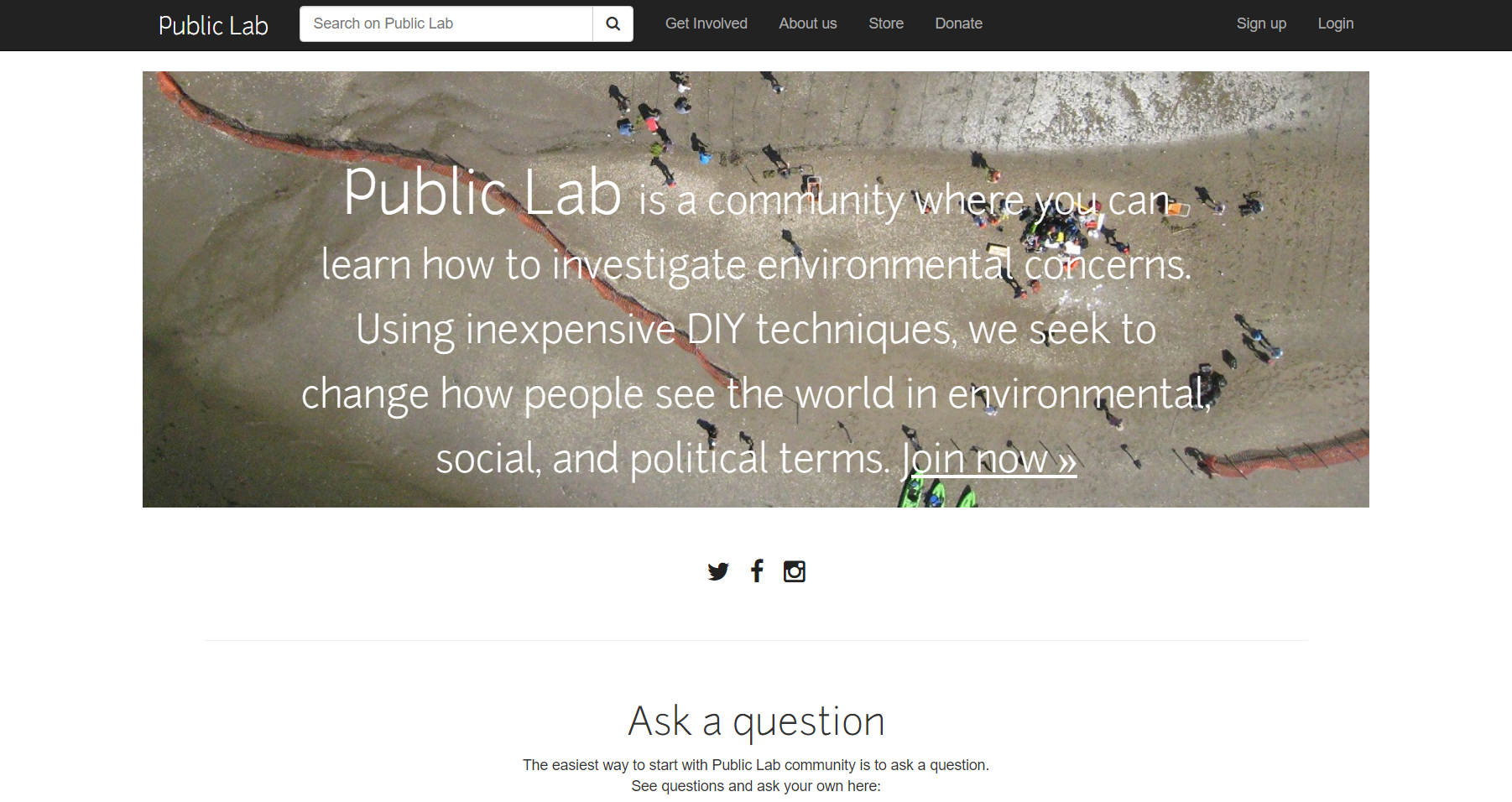
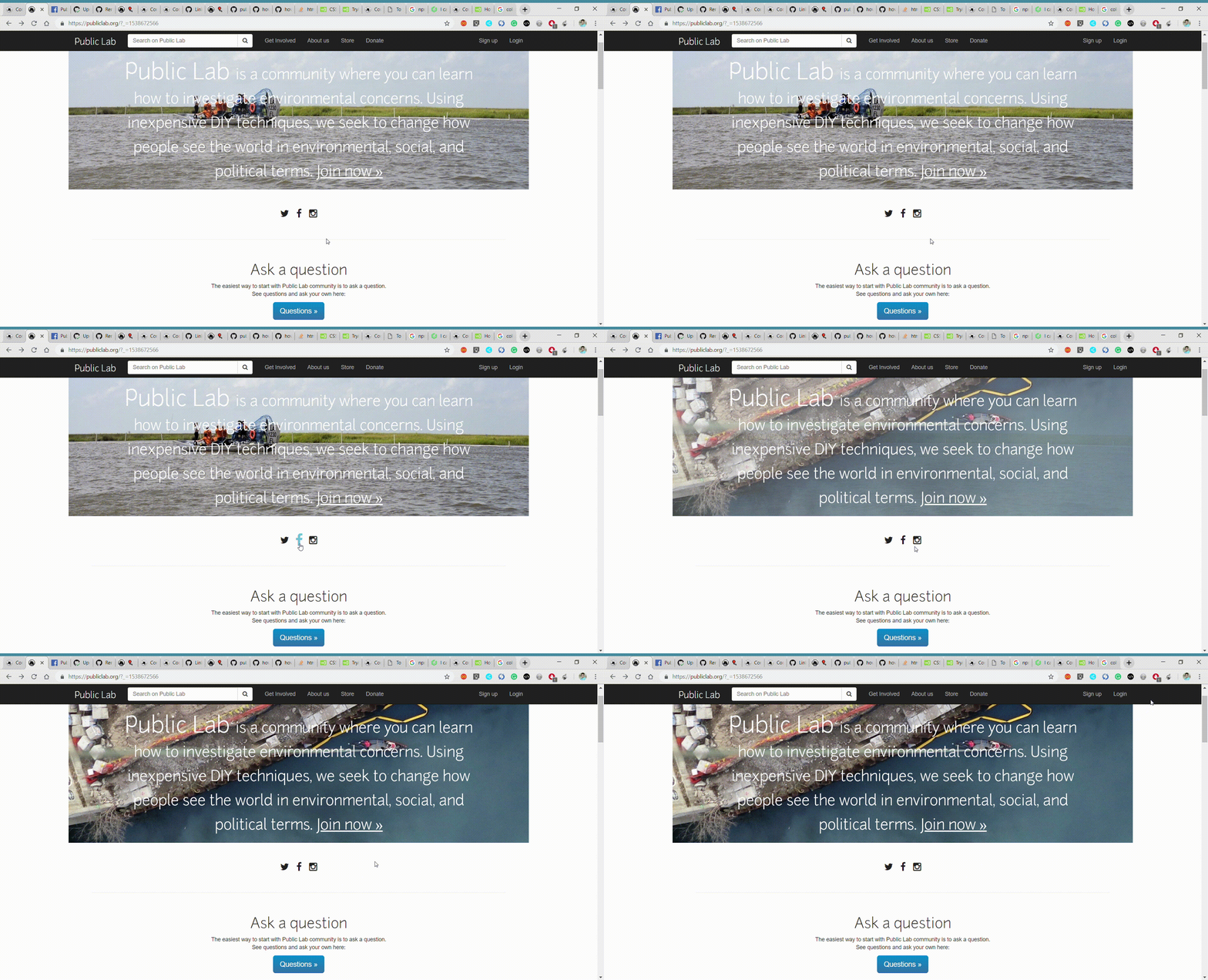
By pointing the cursor on the icons like twitter, facebook, Instagram, the color change to #68bfd8 (color hex code) and also icons are slightly zoomed.
What happened just before the problem occurred? Or what problem could this idea solve?
What did you expect to see that you didn't?
Please show us where to look
What's your PublicLab.org username?
dynamic_daksh
This can help us diagnose the issue:
Browser, version, and operating system
Many bugs are related to these -- please help us track it down and reproduce what you're seeing!
Thank you!
Your help makes Public Lab better! We deeply appreciate your helping refine and improve this site.
To learn how to write really great issues, which increases the chances they'll be resolved, see:
https://publiclab.org/wiki/developers#Contributing+for+non-coders
 DakshGondaliya
All 9 comments
Claiming this issue, thanks!
 quinn-codes-synthesis
on 10 Oct 2018
quinn-codes-synthesis
on 10 Oct 2018
Update:
I can't seem to find the code for these buttons for life of me, but theoretically, this would be a simple fix. CSS of whateverTheButtonClassIs:hover {
transform: scale(1.2);
color: #68bfd8;
} or something similar should do the trick.
Thoughts? Comments? Errors?
quinn-codes-synthesis
on 10 Oct 2018
Hi!!! I'm sorry I'll make a new issue -- what happened is that this is
actually content stored in the production database, not in the codebase.
But we can copy your solution into the database, thanks!
Hang on...
On Wed, Oct 10, 2018, 5:27 PM Quinn notifications@github.com wrote:
Update:
I can't seem to find the code for these buttons for life of me, but
theoretically, this would be a simple fix. CSS of whateverTheButtonClassIs:hover
{ transform: scale(1.2); color: #68bfd8; } or something similar should do
the trick.Thoughts? Comments? Errors?
—
You are receiving this because you are subscribed to this thread.
Reply to this email directly, view it on GitHub
https://github.com/publiclab/plots2/issues/3620#issuecomment-428502897,
or mute the thread
https://github.com/notifications/unsubscribe-auth/AABfJ19nADHotoVXErM0omUrWaIIWmVGks5ujb19gaJpZM4XKk_c
.
 jywarren
on 10 Oct 2018
jywarren
on 10 Oct 2018
Ok, here's one just for you!
https://github.com/publiclab/plots2/issues/3669
On Wed, Oct 10, 2018, 9:50 PM Jeffrey Warren jywarren@gmail.com wrote:
Hi!!! I'm sorry I'll make a new issue -- what happened is that this is
actually content stored in the production database, not in the codebase.
But we can copy your solution into the database, thanks!Hang on...
On Wed, Oct 10, 2018, 5:27 PM Quinn notifications@github.com wrote:
Update:
I can't seem to find the code for these buttons for life of me, but
theoretically, this would be a simple fix. CSS of whateverTheButtonClassIs:hover
{ transform: scale(1.2); color: #68bfd8; } or something similar should
do the trick.Thoughts? Comments? Errors?
—
You are receiving this because you are subscribed to this thread.
Reply to this email directly, view it on GitHub
https://github.com/publiclab/plots2/issues/3620#issuecomment-428502897,
or mute the thread
https://github.com/notifications/unsubscribe-auth/AABfJ19nADHotoVXErM0omUrWaIIWmVGks5ujb19gaJpZM4XKk_c
.
jywarren
on 10 Oct 2018
@jywarren please add this lines of code in the database.
.fa:hover {
color: #68bfd8;
transform: scale(1.4);
}
Thank you.
DakshGondaliya
on 10 Oct 2018
Phew! I'm relieved to know that there's a good reason I wasn't able to find the relevant code. Thank you!
Also, I noticed while inspecting the elements on the webpage that there are multiple items with a class of fa. (Inspecting element on the homepage and then searching for class="fa gives 44 matching lines in 2 files.) Having the code written as .fa:hover instead of classes specific to the buttons we want to adjust might result in unintended behavior!
Double-check my work here, since I don't have access to the production db, but I think it would have to be .fa-instagram:hover { blah blah } and the same with .fa-twitter and .fa-facebook .
Alternatively, it may be a cleaner solution to assign them all a new class of .social-media instead of their individual fa-name classes and do something like .social-media:hover { color: #68bfd8; transform: scale(1.4); } -- my logic being that, if any other social media buttons need to be added in the future, it's probably a lot simpler to add the class="social-media" in the html than to create a whole new class with the same info as the others. Entirely possible that screws something else up somewhere, though.
quinn-codes-synthesis
on 11 Oct 2018
@quinn-codes-synthesis you are right.

Add new class="social-media" at above line is better solution.
Thank you.
DakshGondaliya
on 12 Oct 2018
You're welcome! Glad I could be of help!
quinn-codes-synthesis
on 12 Oct 2018
Hey @jywarren, I checked the website but can't see changes on icons. Could you please add the required CSS as mentioned here - https://github.com/publiclab/plots2/issues/3620#issuecomment-428584722 to make improve the icon look? Also, make sure to close this issue after the changes. Thanks!
 grvsachdeva
on 17 Feb 2019
grvsachdeva
on 17 Feb 2019
Related issues
 keshavsethi
·
3Comments
jywarren
·
3Comments
keshavsethi
·
3Comments
jywarren
·
3Comments
![first-timers[bot] picture](https://avatars.githubusercontent.com/in/4832?v=4&s=40) first-timers[bot]
·
3Comments
grvsachdeva
·
3Comments
first-timers[bot]
·
3Comments
grvsachdeva
·
3Comments
 divyabaid16
·
3Comments
divyabaid16
·
3Comments