Plotly.py: Static Image Export Background
Hi All,
I was looking into using the static image exporting feature of plotly and noticed when it grabs the image it does not grab the plots background image (I am overlaying the a bubble plot on a map). Is there currently a way in which to get the background image to come with the plot or is there no such feature yet?
Thanks,
Andrew
 Aeromus
All 7 comments
Hi @Aeromus, thanks for the report.
Could you add code for an example figure that gives you this problem? Also, please include details on how are you performing the static image export (plotly.io.write_image, clicking modebar "save image" button?) and what image format you're saving to.
When I export the example at https://plot.ly/python/images/#add-a-background-image using plotly.io.write_image(fig, 'out.png') or by clicking the save image modebar button I see the background image coming through.
Thanks!
 jonmmease
on 23 Jan 2019
jonmmease
on 23 Jan 2019
Sure, this is what I had for my code:
```#/usr/bin/env python
import plotly
import plotly.graph_objs as go
from plotly.offline import *
import plotly.io as pio
size = [20, 40, 60, 80, 100, 80, 60, 40, 20, 40]
trace0 = go.Scatter(
x=[26, 112, 333, 445, 225, 146, 197, 89, 229, 120],
y=[11, 132, 130, 151, 422, 136, 192, 193, 123, 121],
mode='markers',
marker=dict(
size=size,
sizemode='area',
sizeref=2.max(size)/(40.*2),
sizemin=4
)
)
data = [trace0]
layout= go.Layout(images= [dict(
source="BSF.jpg",
xref= "x",
yref= "y",
x= 0,
y= 500,
sizex= 500,
sizey= 500,
sizing= "stretch",
opacity= .9,
layer= "below")])
fig=go.Figure(data=data, layout=layout)
plotly.offline.plot(fig, filename='scatter-colorscale.html')
pio.write_image(fig, 'fig1.png')
```
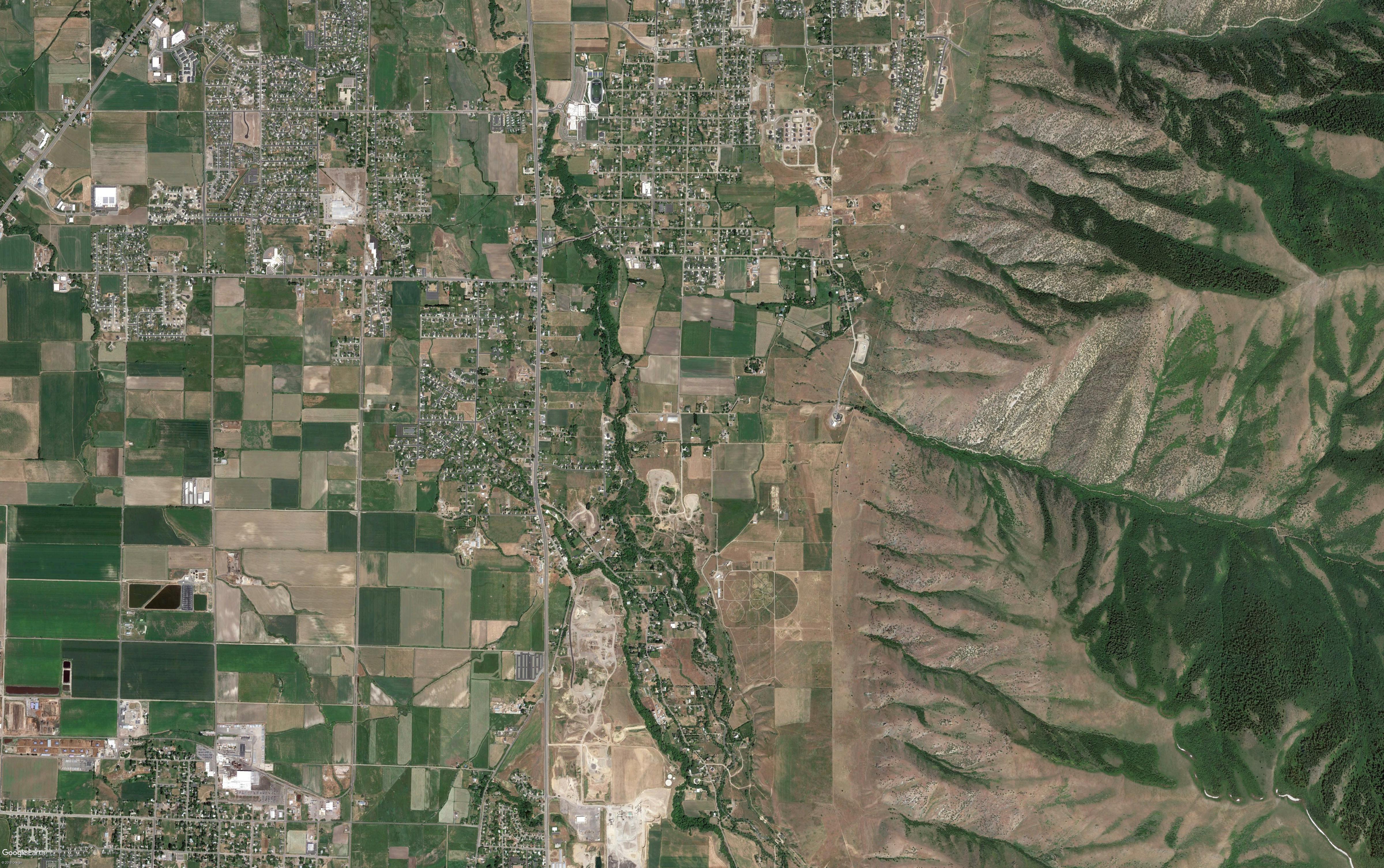
Attached is the background image and what gets saved

Aeromus
on 23 Jan 2019
Hi @Aeromus,
I think the problem is that source="BSF.jpg" is a local filesystem path, not a URL that is available to the browser. I think it happens to work in the notebook because the image is in the same directory as the python kernel, but the orca server isn't necessarily running with the same working directory.
In any case, I recommend opening the the image as a PIL.Image.Image object (this requires the pillow package) and passing that image object as the image source property. This will convert the image into a base64 encoded string and embed it in the figure so that it no longer depends on the file on the filesystem.
from PIL import Image
import plotly
import plotly.graph_objs as go
from plotly.offline import *
import plotly.io as pio

size = [20, 40, 60, 80, 100, 80, 60, 40, 20, 40]
trace0 = go.Scatter(
    x=[26, 112, 333, 445, 225, 146, 197, 89, 229, 120],
    y=[11, 132, 130, 151, 422, 136, 192, 193, 123, 121],
    mode='markers',
    marker=dict(
        size=size,
        sizemode='area',
        sizeref=2.*max(size)/(40.**2),
        sizemin=4
    )
)

data = [trace0]
layout= go.Layout(images= [dict(
    source=Image.open("BSF.jpg"),
    xref= "x",
    yref= "y",
    x= 0,
    y= 500,
    sizex= 500,
    sizey= 500,
    sizing= "stretch",
    opacity= .9,
    layer= "below")])

fig=go.Figure(data=data, layout=layout)

#plotly.offline.plot(fig, filename='scatter-colorscale.html')
pio.write_image(fig, 'fig1.png')

Hope that helps!
jonmmease
on 24 Jan 2019
@jonmmease would it work by using an Uri path?
import pathlib
import os

bsf = os.path.abspath("BSF.jpg")
pathlib.Path(bsf).as_uri()
 jorive
on 24 Jan 2019
jorive
on 24 Jan 2019
Hi @jorive,
The trouble you'll run into is that browsers, by default, are not permitted to load resources like images from arbitrary local URLs due to the "same origin policy" security model.
The threejs docs have a nice page describing the issue and some ways around it: https://threejs.org/docs/#manual/en/introduction/How-to-run-things-locally
jonmmease
on 25 Jan 2019
@Aeromus, does this approach take care of your issue? Is it alright if we close this?
jonmmease
on 28 Jan 2019
Yes Adding the source=Image.open("BSF.jpg"), fixed the problem. Thank you for your help
Aeromus
on 28 Jan 2019
Related issues
 ghtmtt
·
5Comments
ghtmtt
·
5Comments
 fcollonval
·
3Comments
fcollonval
·
3Comments
 binaryfunt
·
5Comments
binaryfunt
·
5Comments
 gv-collibris
·
4Comments
gv-collibris
·
4Comments
 EmilienDupont
·
4Comments
EmilienDupont
·
4Comments