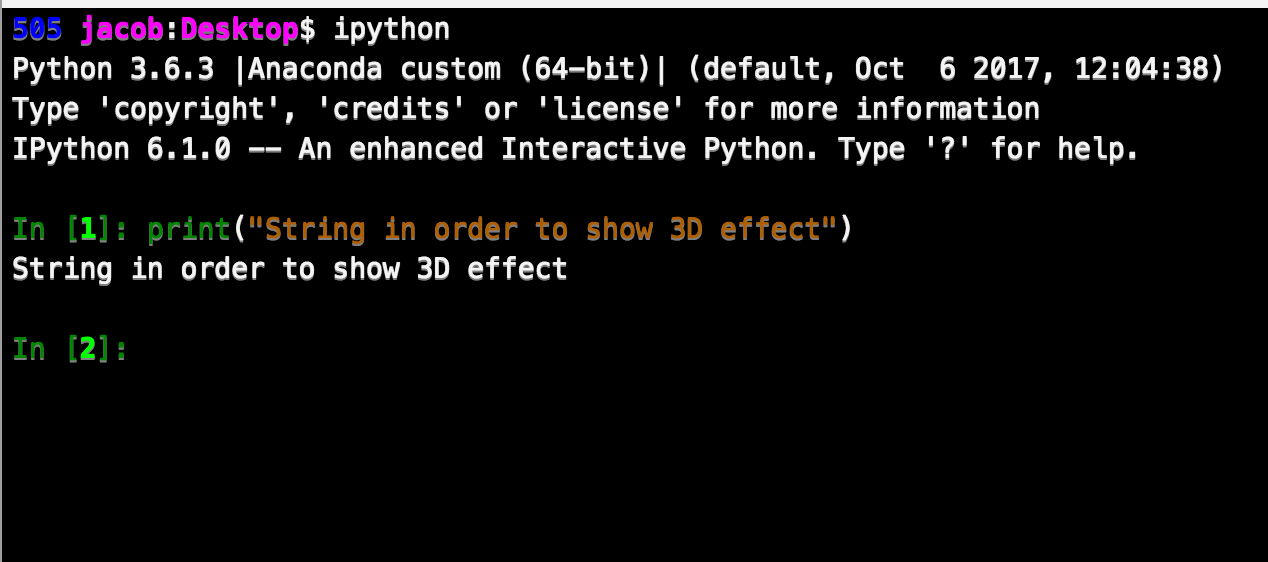
Platformio-atom-ide-terminal: The terminal font has a shadow or 3D effect.
 kingjacob
👍2
All 2 comments
EDIT - HOTFIX
This was annoying me as well, but I found a way to remove the text shadow.
- Go into atom's stylesheet
styles.less - add the following:
.platformio-ide-terminal .xterm {
    text-shadow: none;
}
This is the corresponding terminal-plus issue
I also have this issue.
Atom: 1.27.0
platformio-ide-terminal: 2.8.1
Machine: Macbook Pro w High Sierra
 shiny-eel
on 16 May 2018
shiny-eel
on 16 May 2018
👍3
@ivankravets this was already fixed in #535 please close
 the-j0k3r
on 26 Jun 2018
the-j0k3r
on 26 Jun 2018
Was this page helpful?
0 / 5 - 0 ratings
Related issues
 QuasimodoNZ
·
4Comments
QuasimodoNZ
·
4Comments
 hsaltan
·
4Comments
hsaltan
·
4Comments
 0ski
·
5Comments
0ski
·
5Comments
 alexmylonas
·
3Comments
alexmylonas
·
3Comments
 wo0dpeker
·
4Comments
wo0dpeker
·
4Comments
Most helpful comment
EDIT - HOTFIX
This was annoying me as well, but I found a way to remove the text shadow.
styles.lessThis is the corresponding terminal-plus issue
I also have this issue.
Atom:
1.27.0platformio-ide-terminal:
2.8.1Machine: Macbook Pro w High Sierra