Pixi.js: Visual artifacts but no errors when using multiple spritesheets
I've been struggling with this issue for a few months and would be immensely grateful for any help! I haven't found the same problem searching past issues and forums.
For a game, I had been using one huge spritesheet (8123 x 13025), which gave me expected behavior. But then I learned older systems have maximum texture sizes (e.g., 4096 x 4096). So I tried splitting the huge spritesheet into multiple sheets (9). But using multiple spritesheets, I can't stop getting visual artifacts. I don't see any errors from PIXI or Chrome in the console, which has made this difficult for me to make any headway debugging.
Expected Behavior
Here's an example of hitting crates. The "crate exploding" animation should play after.

Current Behavior
Many different bugs seem to arise when I use multiple spritesheets. The kind of bug seems to vary depending on how I pack the spritesheets. All are visual artifacts. None show any errors in the console.
One kind of bug is that sprites simply seem to be missing. For example, the "crate exploding" animation doesn't play:

Another kind of bug is that the wrong texture snippets seem to be used, leading to weird artifacts rendered where sprites should be:

Another, more subtle bug is when particles (from PIXI.particles.Emitter) seem to get replaced by flapping sheets of paper:

I suspect it's possible these are all different manifestations of the same underlying cause, like the wrong texture being sliced up and rendered.
Possible Solution
Things work fine with a single huge spritesheet, but of course older devices can't load them at all.
My best guess is that there's either a bug or a limit with handling multiple textures internally. I'm not sure how to tell if I'm hitting some limit, or whether I need to clean up resources differently. PIXI.settings.SPRITE_MAX_TEXTURES says 32, which seems like it ought to be plenty, but I'm not sure if I'm hitting it.
Steps to Reproduce
I have a link to the game running in the section below, but unfortunately it's a bit hard for me to give a step-by-step since there's a lot of code and textures :-/
Environment
I've tried packing sheets with both TexturePacker and pixi-packer + pixi-packer-parser. The same issue happens with both.
pixi.jsversion: _4.8.8_ (but I've had the same problem for at least 10 months)- Browser & Version: _Chrome 78_
- OS & Version: _macOS 10.15.1_
- Running Example: It's a bit involved, but you can open the game here, and jump a few levels in by running
g.sceneManager.switchToName("007")in the console. In that level, particles become flapping sheets of paper. The animated sprite I wrote is a simple wrapper, much likePIXI.extras.AnimatedSprite, which you can look at here. The particle emitter isPIXI.particles.Emitter. (The rest of the code is there as well, but there's a lot. I'm happy to help more if I can.)
HUGE thanks for any help. (And huge thanks already for Pixi, which has brought me great joy to work with.)
 mbforbes
All 15 comments
ParticleContainer can work only with one baseTexture. Can't use multiple atlases in one particlecontainer.
Its possible to modify it and make it multi-texture, but do you actually need ParticleContainer? How many sprites will be spawned as a special effects? Maybe simple Container will handle that. ParticleContainer starts winning on 1000+ particles or so.
🍩🍩🍩🍩🍩🍩🍩🍩🍩🍩🍩🍩🍩
Its possible to make multi-texturing particleContainer if you really need it. If you find device where this is actually matters, I'll help :)
I did things like that before, pixi-tilemap has special kind of multi-texturing.
 ivanpopelyshev
on 11 Dec 2019
ivanpopelyshev
on 11 Dec 2019
Btw, I like this thing. How about free port on v5? I'll help in weekend.
ivanpopelyshev
on 11 Dec 2019
Thank you for the reply! I think we have around ~2k particles, and did notice a performance boost with the ParticleContainer. ~Each ParticleContainer is only using one baseTexture.~ _(Note to future readers: I was wrong here. Some ParticleContainers were being forced to use multiple baseTextres. This was the root of the problem.)_
But aside from ParticleContainer, the bigger issue is that we see these problems with ordinary Sprites! Sorry, I realized this might be confusing: the animations of the boxes breaking aren't particles, they are normal Sprites. _(Further note to future readers: I was confused here. The ParticleContainers were the root of the problem. I was putting both "particle" sprites and "normal" sprites in them.)_
mbforbes
on 11 Dec 2019
OK, now its getting interesting! I think something wrong with bound textures cache again, we fixed it many times but it keeps happening :)
ivanpopelyshev
on 11 Dec 2019
I see that the source code is open, I'll try a few experiments tomorrow.
ivanpopelyshev
on 11 Dec 2019
Thank you so much!! The original game is written in Typescript (which you might be able to tell). If you run into troubles working with the transpiled JS, I can setup an export of the original Typescript repository. I'm also happy to run experiments if that might assist debugging.
mbforbes
on 11 Dec 2019
Please!
Use latest version of PIXI core.
PIXI v4 -> 4.8.8 (4.8.9 dev)
PIXI v5 -> 5.2.0 (5.2.1 dev)
Now u use 4.8.5

Then:
- U uses non optimized sprite sheets with very huge (99%) empty area. Repack it. You can pack it in single 4096x4096 or less, instead of 9 sheets pack. (but other sprites in sprite sheet can be private, i talk about i see)
- U can use tilemaped mask instead of fullsize mask texture, it could compress mask to 10% of total texture size.
- U uses level-mask texture greater than 4096x4096, use tilemaps instead ( step 2)
- U uses level-bitmap texture greater than 4096x4096, use tilemaps instead ( step 2)
Tilemap:
https://github.com/Alan01252/pixi-tilemap-tutorial
Ex: https://pixijs.io/pixi-tilemap/
pic 1.

pic 2., pic 3.
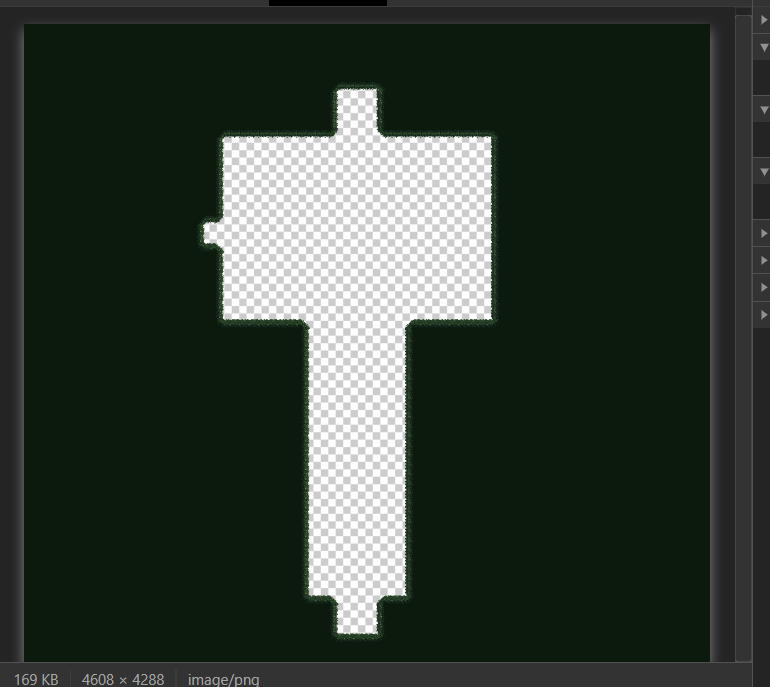
pic 4.
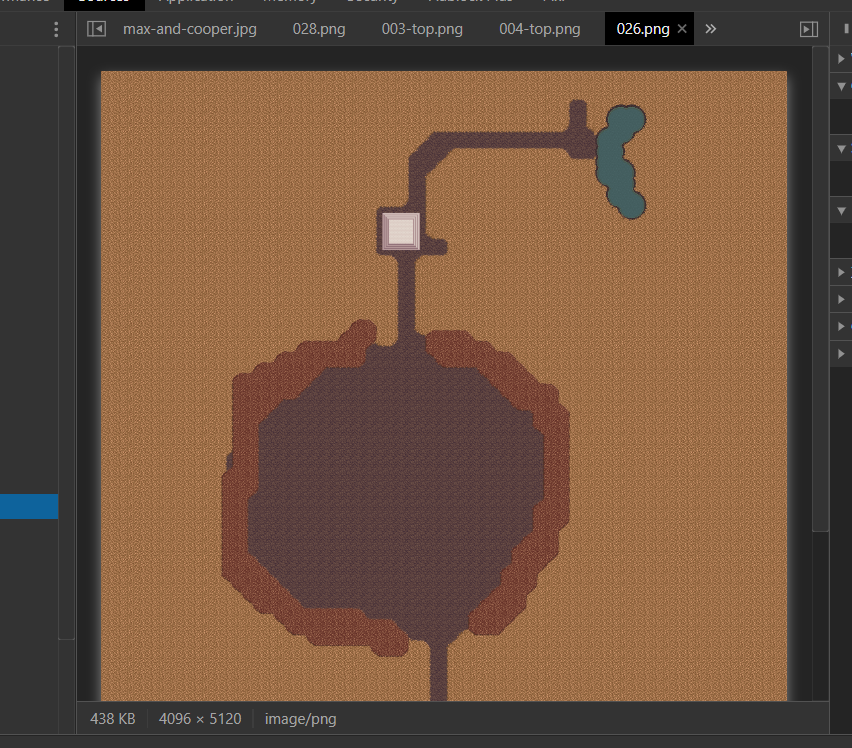
 eXponenta
on 11 Dec 2019
eXponenta
on 11 Dec 2019
Hold your horses, @eXponenta, I think, we are looking at part of the game, that's why atlas is empty, its a test. I still dont know the problem.
btw, dev pixi 4.8.9 is here: pixijs.download/v4.x/pixi.js , but I don't see any changes there that can affect textures.
ivanpopelyshev
on 11 Dec 2019
I've updated pixi to dev 4.8.9 , updated pixi-layers to latest v4, disabled ParticleContainers, set SPRITE_MAX_TEXTURES to 1, and it shows the same thing. Its a mystery.
ivanpopelyshev
on 11 Dec 2019
OK, i thought those red l's are the bug, but its 1-damage, its fine.
Crate animations play if I disable ParticleContainer.
I placed a breakpoint inside ParticleRenderer with condition children[1]._texture.baseTexture !== children[0]._texture.baseTexture and it was triggered. I added a watch on both values.
First child was from b31 , and second from 2d4, second one was crate destruction and it wasnt shown.
Like I said in the first post - its ParticleContainer problem.
So, do you want me to make multitexturing ParticleContainer for pixi-v4 or you can solve it on your side?
ivanpopelyshev
on 11 Dec 2019
Real long shot but are you allowing for sprites to be rotated when you pack, it's an option in texturepacker?
I think pixi-particles doesn't like it if you rotate sprites. The only thing that made me think this is that you said it varies depending on how you pack the sprites.
I expect it's not this but I have seen odd sprites before and this was the cause.
:)
 macguffin
on 11 Dec 2019
macguffin
on 11 Dec 2019
@macguffin you can look at the code by link or just switching from github.io to github.com, he uses custom parser from https://github.com/gluckgames/pixi-packer-parser , and it doesn't care about rotations.
Yes, ParticleContainer doesn't have texture rotation implementation.
ivanpopelyshev
on 11 Dec 2019
But aside from ParticleContainer, the bigger issue is that we see these problems with ordinary Sprites! Sorry, I realized this might be confusing: the animations of the boxes breaking aren't particles, they are normal Sprites.
Particles in pixi are ordinary sprites, yes. Its container that handles stuff differently. For true particles that dont eat extra JS objects you need custom geometry, it exists in pixi-v5.
ivanpopelyshev
on 11 Dec 2019
Ahhhh, I think you're totally right! When you mentioned ParticleContainer, I immediately thought of where I use PIXI.particles.Emitter, which are then stored in ParticleContainers. But I also use ParticleContainers to store other Sprites, which I had totally forgotten! 🤦♂(And I now understand that the particles are also just ordinary sprites, and the container is the thing that changes.) I hope this didn't lead you down the wrong path for too long.
I'm attempting to pack sprites that end up in the same container onto the same sheet, but I must be missing some cases, which then end up causing them to use different textures. I'll look through more carefully and make packing and/or container changes.
Thank you so much for debugging this!!
mbforbes
on 11 Dec 2019
Yes, repacking to ensure everything using the same ParticleContainer ends up on the same texture seems to resolve all of these issues. Huge thanks again—it's so great to get this resolved!
mbforbes
on 11 Dec 2019
Related issues
 YuryKuvetski
·
3Comments
YuryKuvetski
·
3Comments
 finscn
·
3Comments
finscn
·
3Comments
 samueller
·
3Comments
samueller
·
3Comments
 gigamesh
·
3Comments
gigamesh
·
3Comments
 sntiagomoreno
·
3Comments
sntiagomoreno
·
3Comments