Hello Pixi,
please would someone explain me: how Fabric JS did it.. Fabric always has good quality of image (when i am resizing image) unlike pixi which still losing quality? i was trying turn on mipmapping in order to get best quality.
So i tried changed the scale mode to LINEAR (small images look smudgy) and then to NEAREST (some sizes were okay but most of them looks really bad).
I want to let people manually resize image but dont want to offer them ugly pictures.
I tried your another similiar issues (http://www.html5gamedevs.com/topic/24558-down-scaling-quality-loss/?_fromLogin=1) but any help me.
Thank you all
Expected Behavior
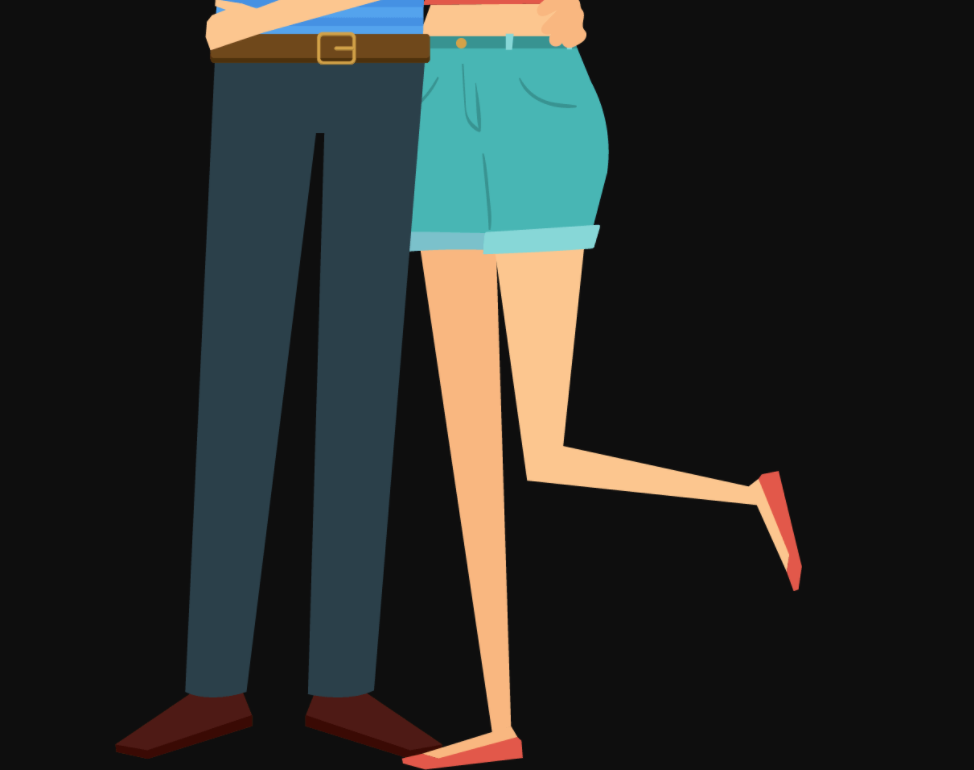
Original:
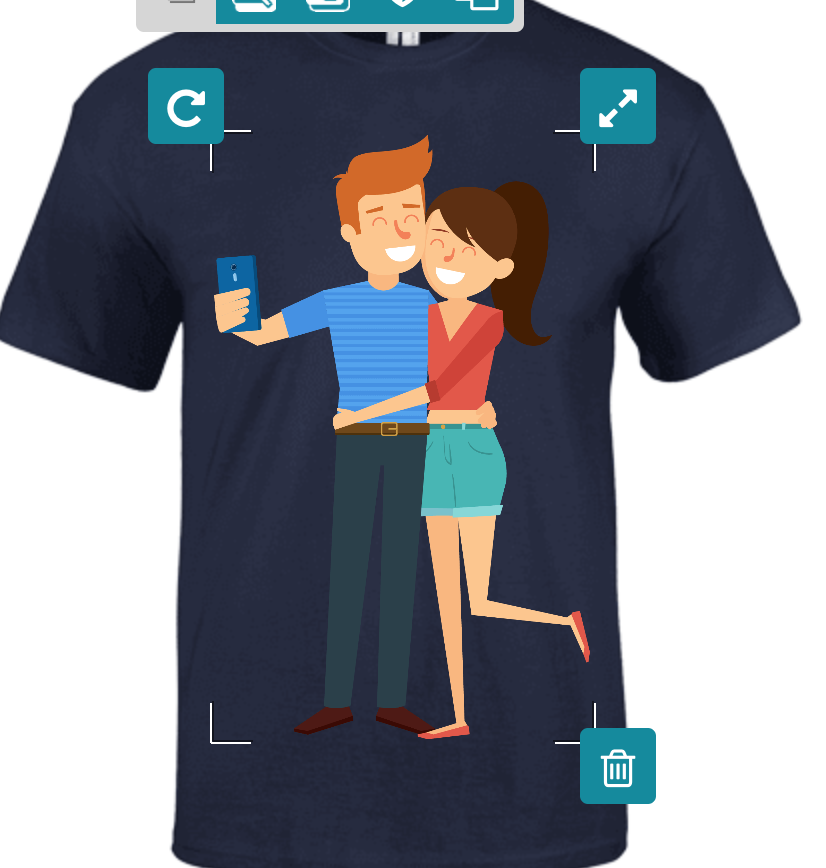
Fabric:
Current Behavior
Pixi js -> mipmapping linear

Pixi js -> mipmapping nearest
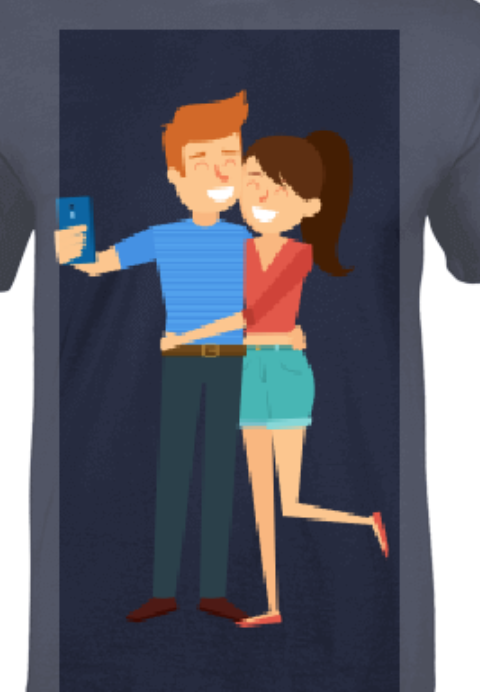
Steps to Reproduce
- Take big image scale him down.
Environment
pixi.jsversion: _e.g. 4.7.1_- Browser: _e.g. Chrome 67_ (mac)
- Device: _e.g. Desktop_
 martinboksa
All 12 comments
i was trying turn on mipmapping in order to get best quality.
For WebGL1, mipmapping works only for textures that have power-of-two size (256x512 or so)
 ivanpopelyshev
on 12 Apr 2018
ivanpopelyshev
on 12 Apr 2018
Yes sorry, i forget, texture is 2048x2048 in example. ( so it is power-of-two ). And mipmapping is definitely turned on otherwise it's look more pixelated.
Original:

martinboksa
on 12 Apr 2018
Can you make a fiddle of it, please? :)
ivanpopelyshev
on 12 Apr 2018
Yes, thank you for help.
Pixi JS: https://jsfiddle.net/de2o3c5s/22/ ( ver 4.7.1 )
Fabric JS: https://jsfiddle.net/bokos/954hwedm/4/ (ver 1.7.7 )
martinboksa
on 12 Apr 2018
https://jsfiddle.net/de2o3c5s/27/
Changes:
- sprite doesnt have mipmap, baseTexture has it
- we have to set it to false to get same picture as fabric :) or make texture non-pow-2
Just a note: There's no antialiasing parameter, the name is antialias in both pixi and webgl, in your case it doesnt matter
ivanpopelyshev
on 12 Apr 2018
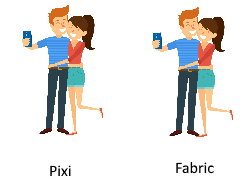
Thanks but if you can notice there is still big difference on my pc (retina).
Fabric ( https://jsfiddle.net/bokos/954hwedm/4/ ):

Pixi ( https://jsfiddle.net/de2o3c5s/27/ ):

So it doesnt solve a problem :/.
-- i tried it on another pc with lower resolution and there images look same.
martinboksa
on 12 Apr 2018
 ivanpopelyshev
on 12 Apr 2018
ivanpopelyshev
on 12 Apr 2018
If you want to make better quality for resize for particular purpose, you have to use sequence of rendertextures with filters applied, and i dont know which filters are suited for it.
ivanpopelyshev
on 12 Apr 2018
@Bokos-
You have to set resolution manually by your displays pixel ratio for pixi.js.
I updated your example https://jsfiddle.net/de2o3c5s/40/
 hendrysadrak
on 16 Apr 2018
hendrysadrak
on 16 Apr 2018
Good Job! Thanks.
martinboksa
on 21 Apr 2018
FYI check it now.
martinboksa
on 23 Apr 2018
This thread has been automatically locked since there has not been any recent activity after it was closed. Please open a new issue for related bugs.
![lock[bot] picture](https://avatars1.githubusercontent.com/in/6672?v=4&s=40) lock[bot]
on 23 Apr 2019
lock[bot]
on 23 Apr 2019
Related issues
 SebastienFPRousseau
·
3Comments
SebastienFPRousseau
·
3Comments
 gaccob
·
3Comments
gaccob
·
3Comments
 softshape
·
3Comments
softshape
·
3Comments
 zcr1
·
3Comments
zcr1
·
3Comments
 madroneropaulo
·
3Comments
madroneropaulo
·
3Comments
Most helpful comment
FYI check it now.