Pipelines: kfp not compatible with Kubeflow 1.2
What steps did you take:
[A clear and concise description of what the bug is.]
Heres a sample MNIST training example:
mnist_complete_train.py.zip
Here is a reproducible docker image:
FROM ubuntu:18.04
RUN apt-get update

RUN mkdir -p /testdocker
RUN apt-get install -y software-properties-common

RUN apt-get update \
  && apt-get install -y python3-pip python3-dev \
  && cd /usr/local/bin \
  && ln -s /usr/bin/python3 python \
  && pip3 install --upgrade pip

RUN apt-get update && \
    apt-get upgrade -y && \
    apt-get install -y git


WORKDIR /app

RUN git clone https://github.com/kubeflow/pipelines.git

WORKDIR /app/pipelines/sdk/python

RUN pip3 install -r requirements.txt

RUN python3 setup.py install

ADD mnist_complete_train.py /app/pipelines/sdk/python
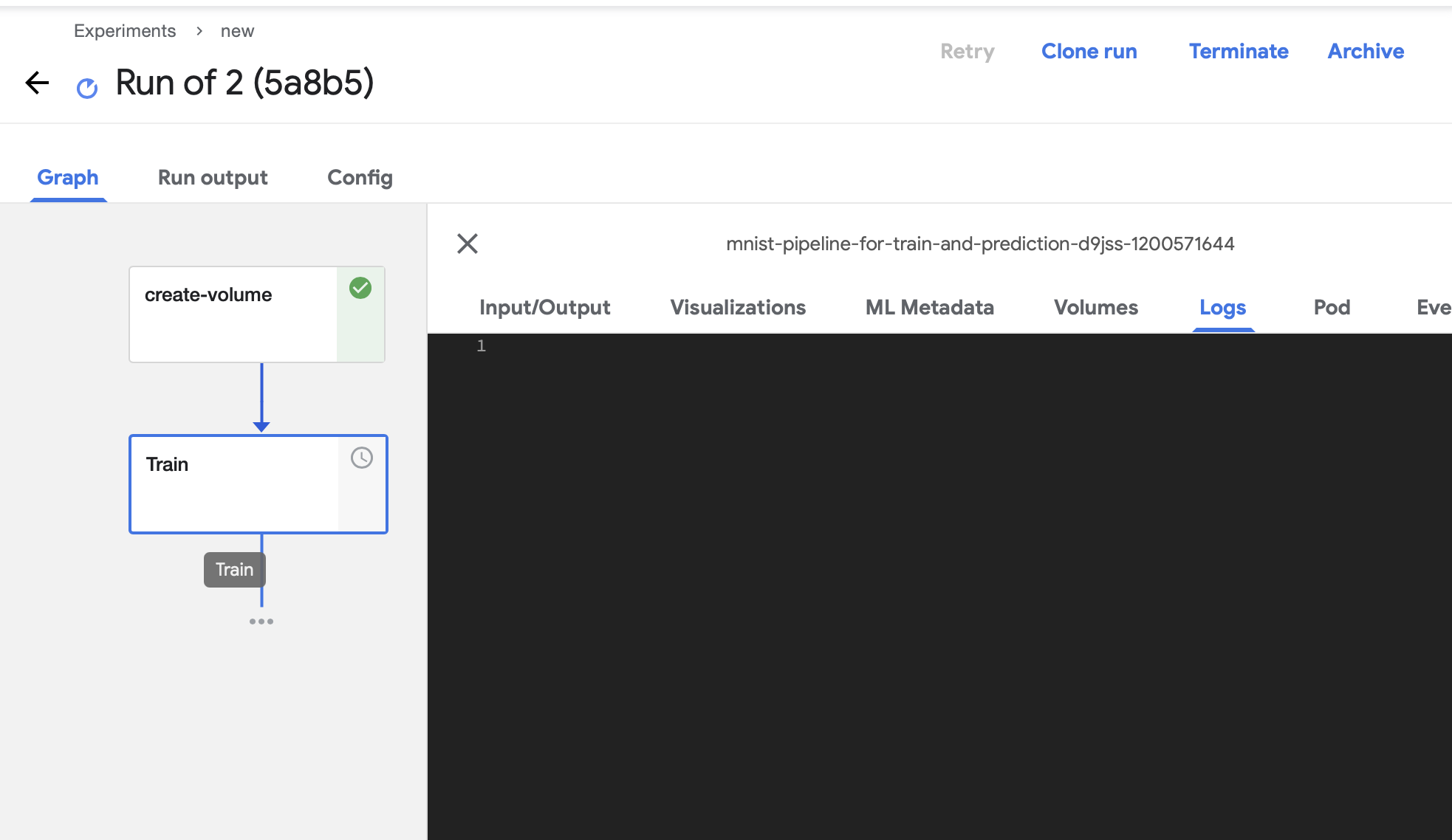
This docker image builds kfp from the main (https://github.com/kubeflow/pipelines.git) GitHub repo. After building kfp I run python3 mnist_complete_train.py this python file is attached above as a zip. Running this generates a yaml file. Now, we upload the yaml file to Kubeflow Dashboard, but the pipelines is stuck without any reason:
What happened:
Pipeline is stuck in Run, its hard to debug as the pipeline does not fail with any error message.
What did you expect to happen:
When I do pip3 install kfp this problem is not seen, the Run gets executed properly. Its only when I install kfp from pipelines repo I encounter this issue.
Environment:
attaching Dockerfile to reproduce the bug
Dockerfile.zip
How did you deploy Kubeflow Pipelines (KFP)?
KFP version:
KFP SDK version:
kfp                      1.3.0
kfp-pipeline-spec        0.1.3.1
kfp-server-api           1.2.0
Anything else you would like to add:
[Miscellaneous information that will assist in solving the issue.]
/kind bug
/area sdk
/area backend
/area engprod
 ajinkya933
All 14 comments
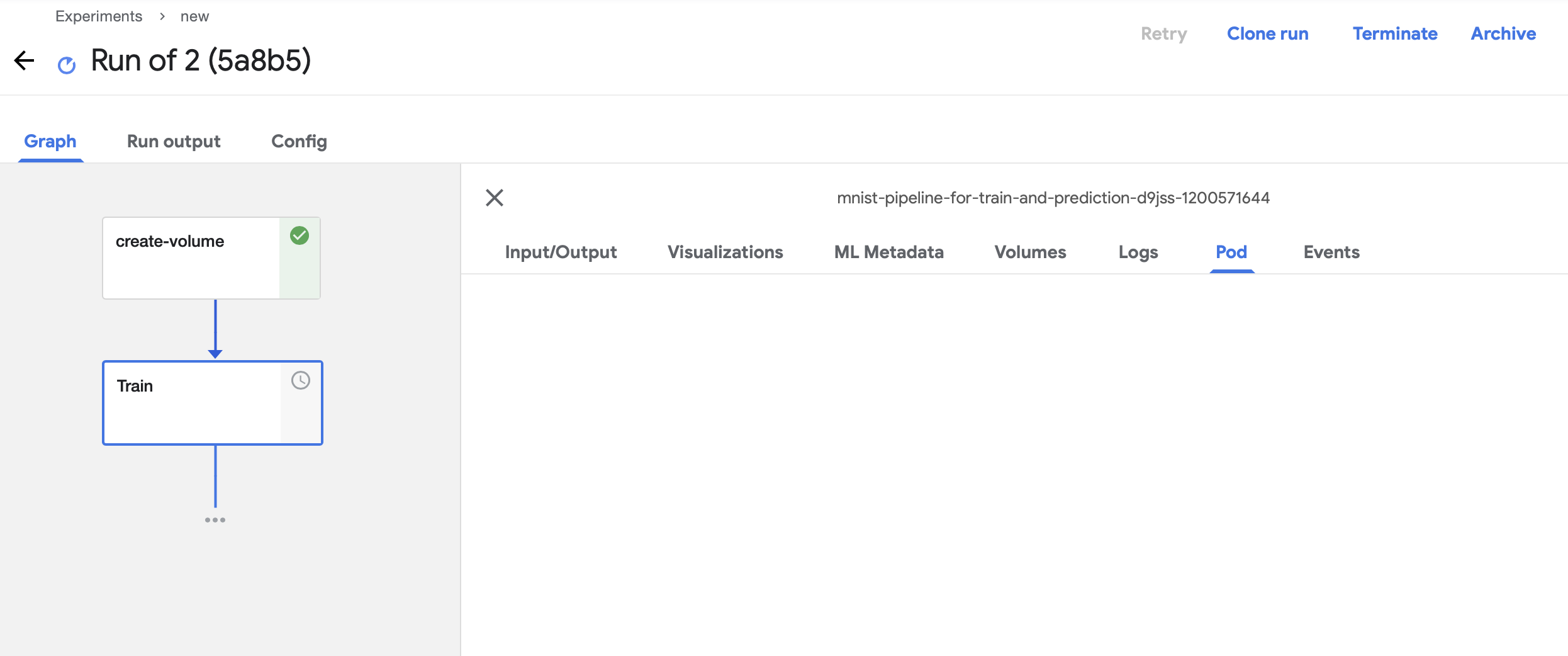
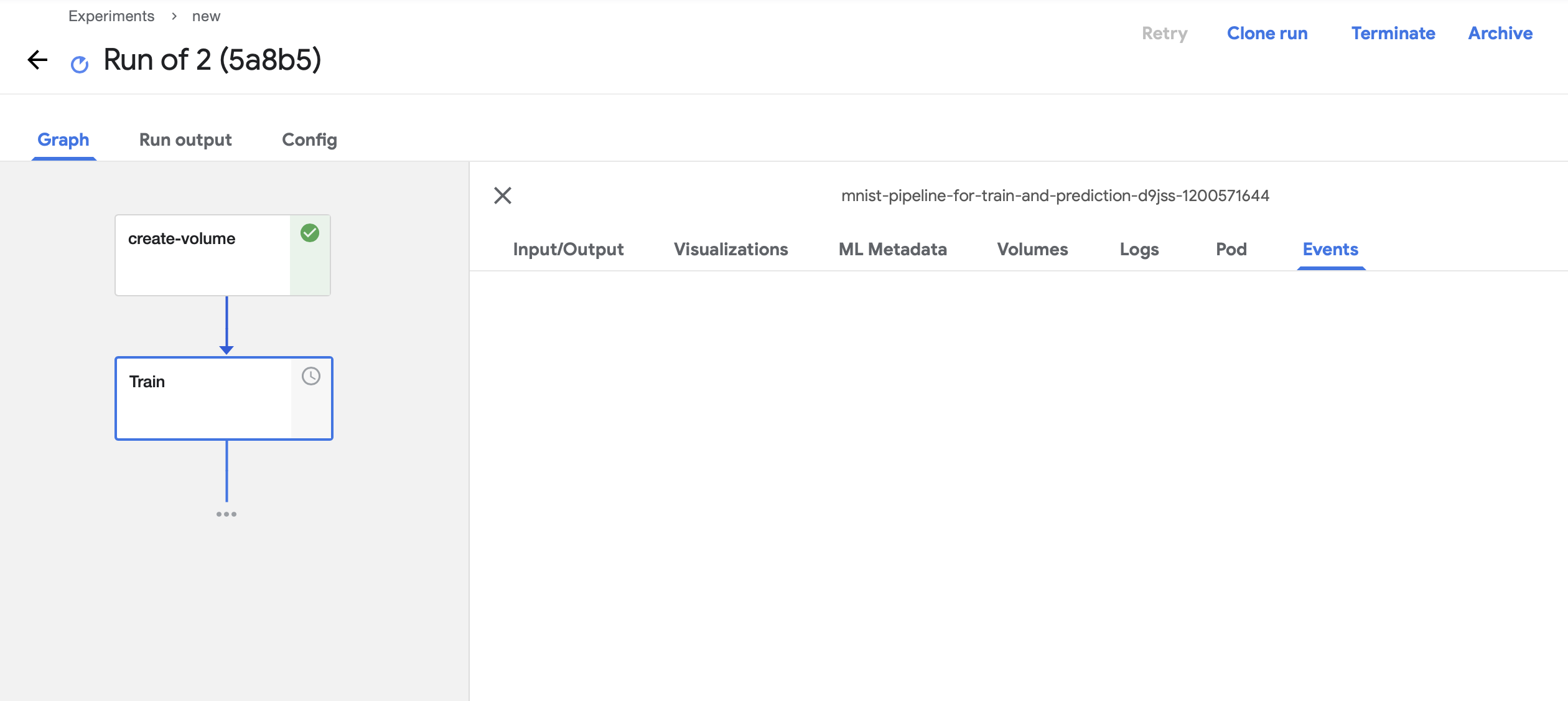
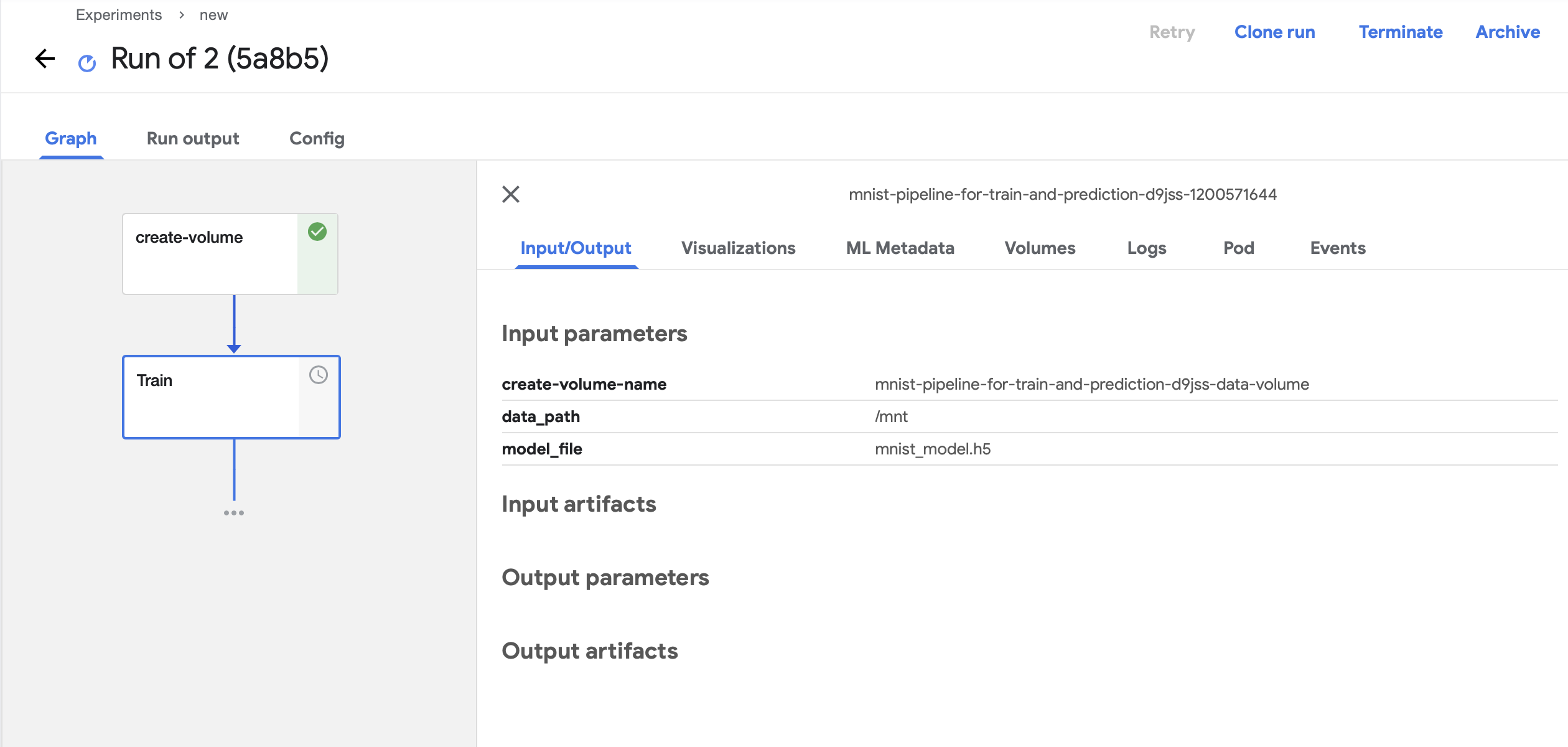
Hi @ajinkya933, can you click Pod and Events tabs and copy paste content here for debugging purposes?
 Bobgy
on 8 Jan 2021
Bobgy
on 8 Jan 2021
@Bobgy
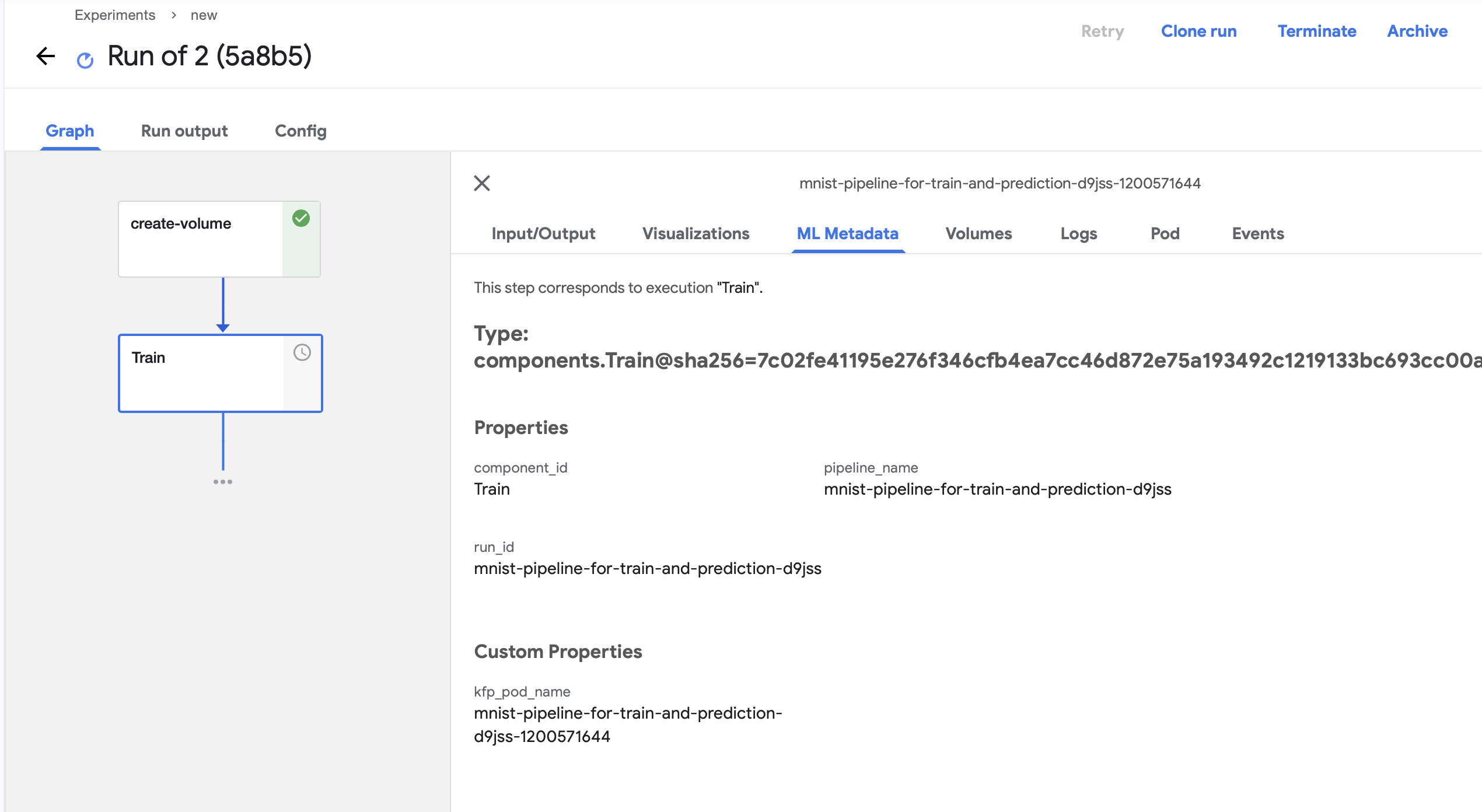
ajinkya933
on 8 Jan 2021
What does the Pod say? If you have access to the Pod status via console and/or kubectl can you see what its status is?
 parthmishra
on 8 Jan 2021
parthmishra
on 8 Jan 2021
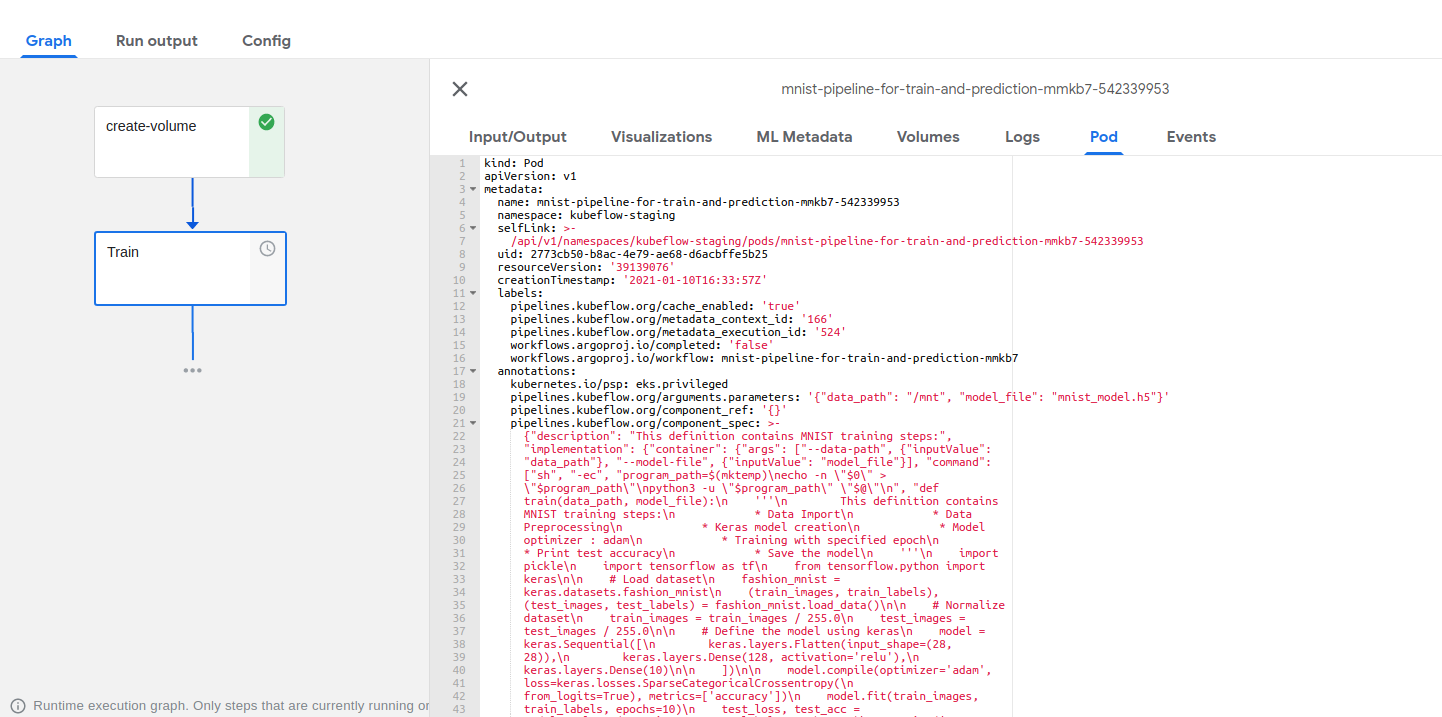
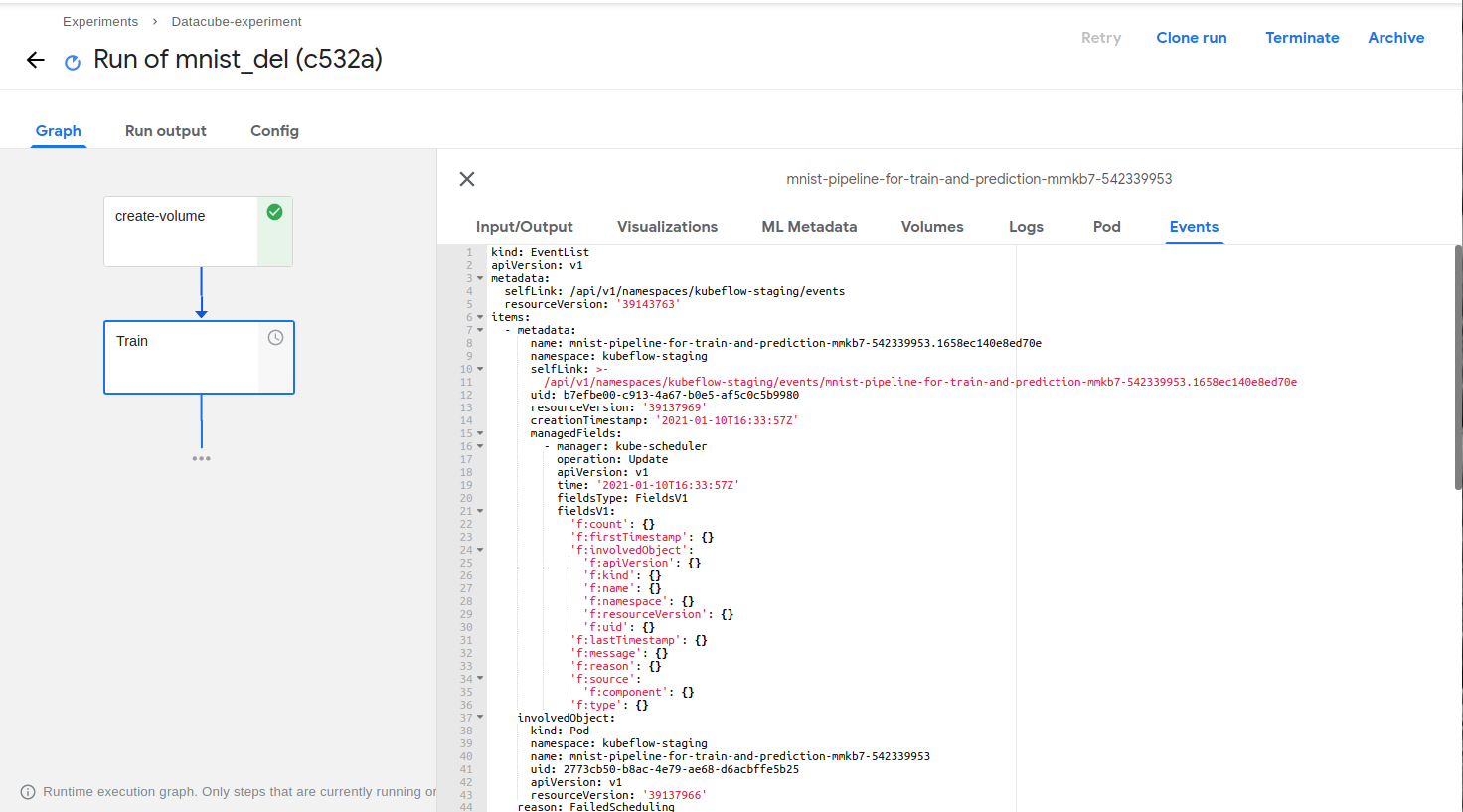
Here is the pod.yaml and events.yaml
Here are the screenshots (attached above is the zip file which contains yaml):
ajinkya933
on 10 Jan 2021
@parthmishra @Bobgy ^
ajinkya933
on 13 Jan 2021
Hi @ajinkya933,
your Pod events include a warning message:
    reason: FailedScheduling
    message: >-
      Failed to bind volumes: provisioning failed for PVC
      "mnist-pipeline-for-train-and-prediction-mmkb7-data-volume"
so it seems something went wrong with the PVC provisioning
Bobgy
on 14 Jan 2021
I think we can probably refactor the Pod Events tab UI, so that it emphasis more on warning/error messages. That will make these problems easier to find.
Bobgy
on 14 Jan 2021
Hi @Bobgy When I do
pip install kfp
And then convert the python code to yaml and then run the yaml I don't see this problem.
Heres my python file attached
. It is reproducible and relies on open source docker. You can also reproduce the results by running :
ajinkya933
on 14 Jan 2021
ajinkya933
on 14 Jan 2021
But when I install kfp from GitHub its only then I see the above issue
ajinkya933
on 14 Jan 2021
@ajinkya933 can you first take a look at why that PVC failed provisioning? I think that can help us a lot on understanding the root cause
Bobgy
on 14 Jan 2021
Not fully sure, can it be related to issue like: https://github.com/kubeflow/pipelines/pull/4993
Bobgy
on 14 Jan 2021
The issue can be solved by replacing: modes=dsl.VOLUME_MODE_RWM with modes=dsl.VOLUME_MODE_RWO in the input python script.
ajinkya933
on 28 Jan 2021
5046
ajinkya933
on 28 Jan 2021
Related issues
Bobgy
·
5Comments
 zijianjoy
·
5Comments
zijianjoy
·
5Comments
 goswamig
·
5Comments
goswamig
·
5Comments
 kim-sardine
·
5Comments
kim-sardine
·
5Comments
 discordianfish
·
4Comments
discordianfish
·
4Comments
Most helpful comment
I think we can probably refactor the Pod Events tab UI, so that it emphasis more on warning/error messages. That will make these problems easier to find.