Pimcore: Content overwrite of Content-Master-Document is deleted on Content-Master-Document connection delete
Bug Report
Expected behavior
- Content-Master-Document connection is deleted
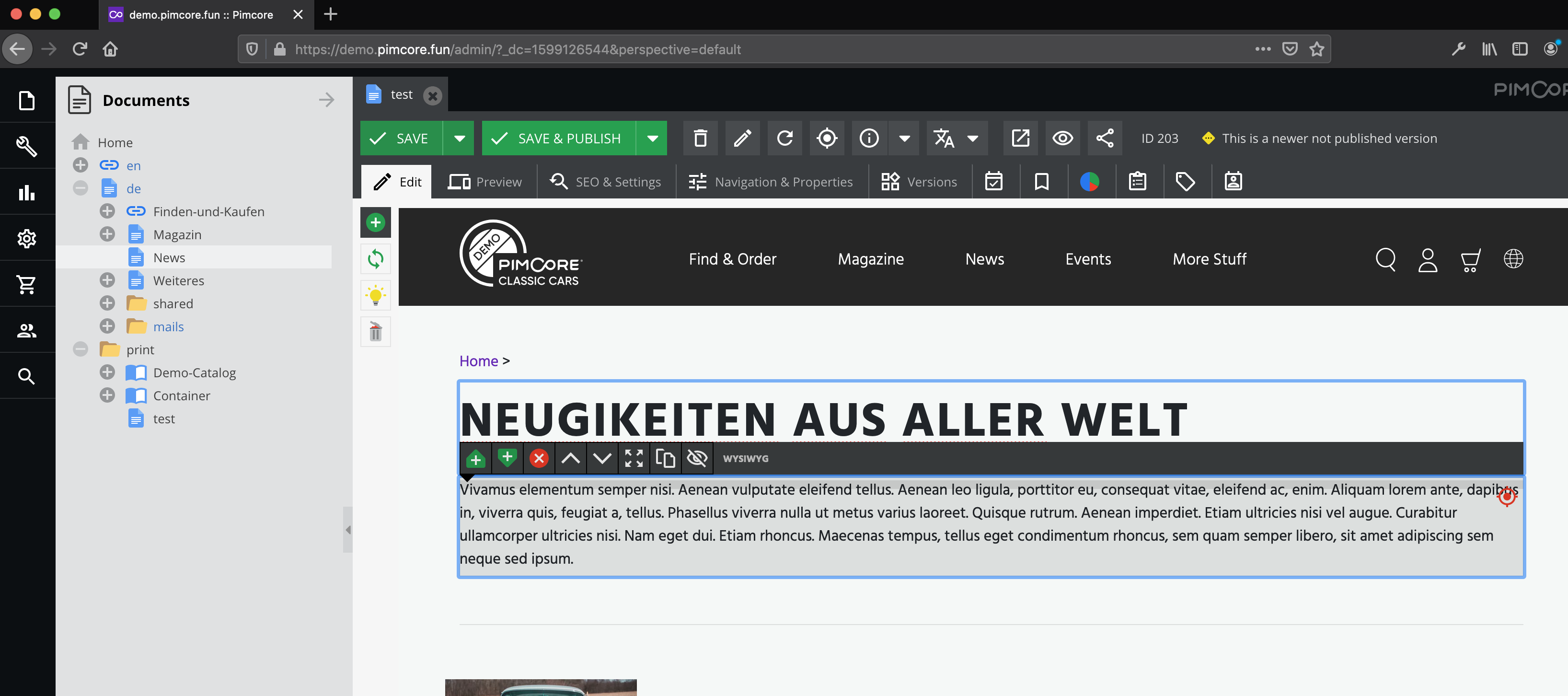
- Content which has been overwritten is still on the page and not deleted
or
- Content-Master-Document connection is deleted
- Warning pops-up which explains that this will delete the entire document
- On approval the document is deleted
Actual behavior
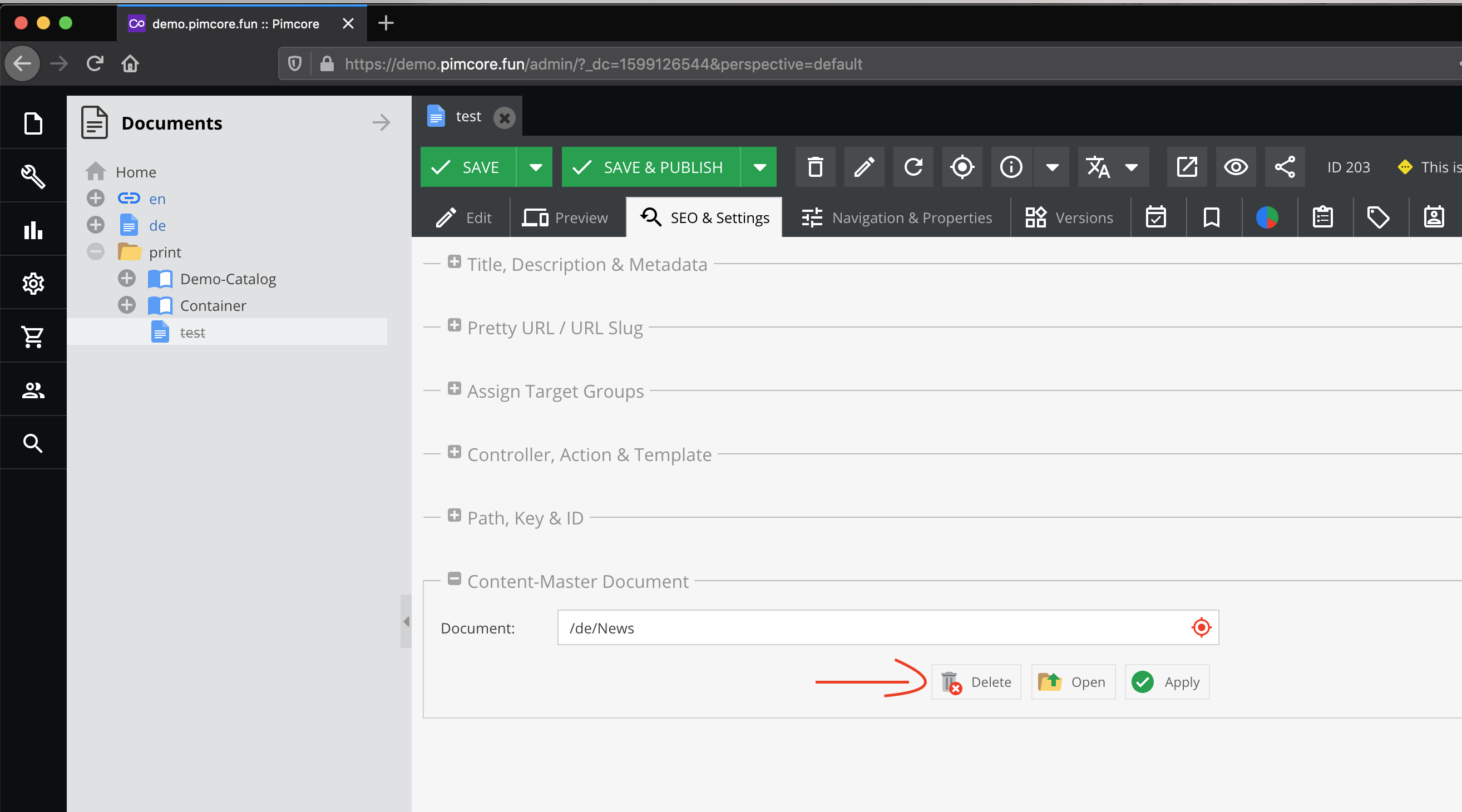
- Content-Master-Document is deleted
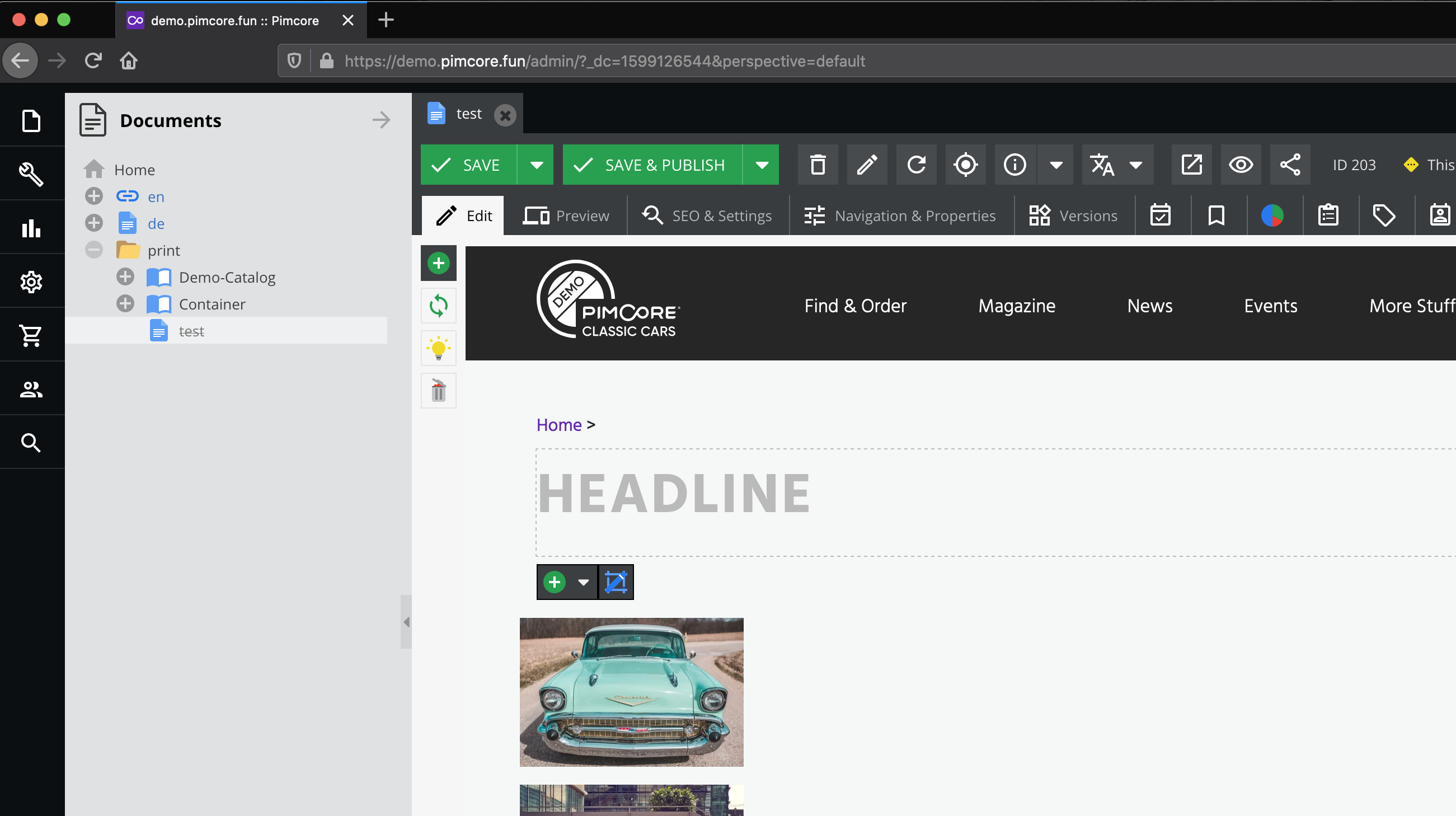
- Page is emptied, all content deleted
Steps to reproduce
- Create a document that inherits from another document (e.g /fr/test inherits /de/news as content-master)
- Open SEO & Settings TAb
- Delete Content-Master-Document
Existing Issue for similar problem
https://github.com/pimcore/pimcore/issues/6118
Feature Request
- Content which is overwritten in child is not deleted
and Warning is displayed upon delete of the pages content
Documentation for Content-Master-Document is updated
Feature description
 florian25686
All 5 comments
This is not really a bug, please read the info message you have to confirm when unlinking a master document:
https://github.com/pimcore/pimcore/blob/a9f787995202fa4729ab26405c940464ae7f35f4/bundles/AdminBundle/Resources/public/js/pimcore/document/settings_abstract.js#L130
 brusch
on 9 Sep 2020
brusch
on 9 Sep 2020
If I overwrite something, like an entire page, and than delete the content master document all changes I've made are lost. How can I handle this if a customer has this problem due to lack of knowledge to first delete the content master and then recreate the entire page?
florian25686
on 9 Sep 2020
Reading the info message and not just clicking "ok" probably helps 😉
brusch
on 9 Sep 2020
But then it's too late, because everything is already customized :wink:
 jdreesen
on 9 Sep 2020
jdreesen
on 9 Sep 2020
I can either click "yes" and loose all information or click "no" and nothing happens.
A more userfriendly way in my opinion:
- Keep all overwritten blocks, bricks etc
- Delete the content master document connection
florian25686
on 14 Sep 2020
Related issues
 cleggypdc
·
6Comments
cleggypdc
·
6Comments
 andreas-gruenwald
·
4Comments
andreas-gruenwald
·
4Comments
 Yivan
·
4Comments
Yivan
·
3Comments
Yivan
·
4Comments
Yivan
·
3Comments
 Cruiser13
·
4Comments
Cruiser13
·
4Comments