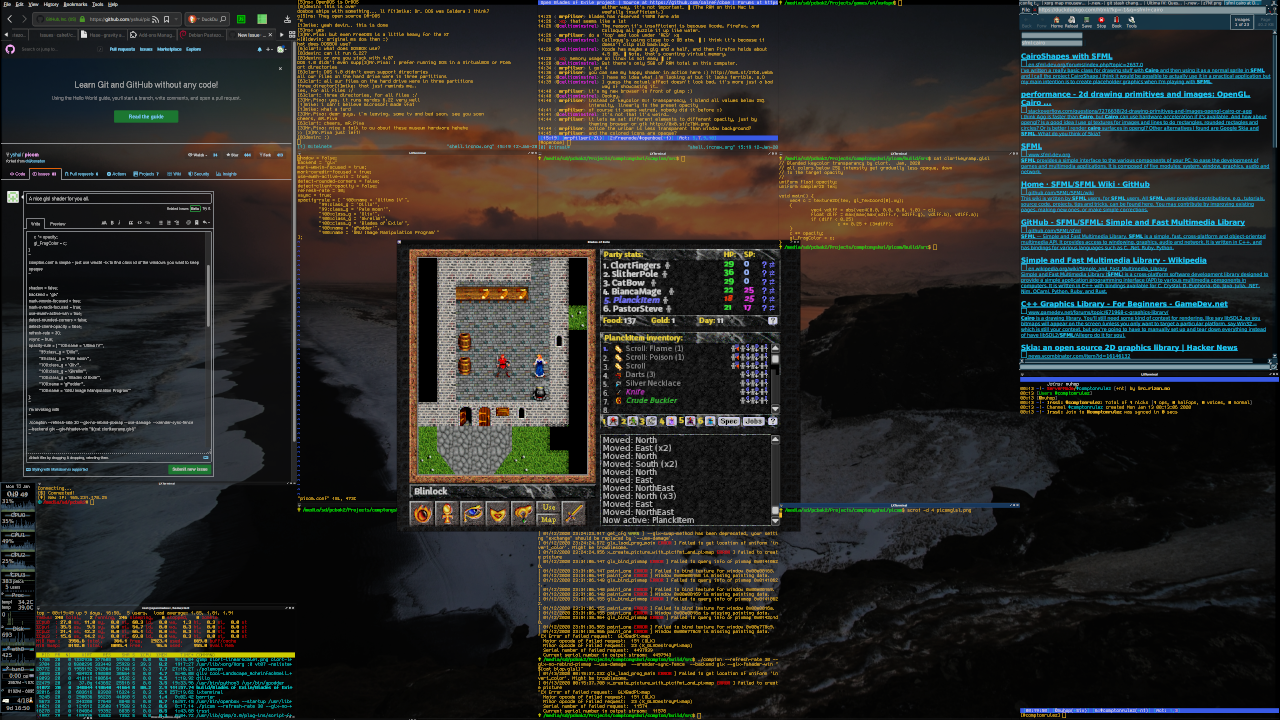
One thing that always bugged me about compositors on linux is they made everything transparent: enabling compositing dimmed your text and made things you wanted to see opaque transparent.
Thanks to compton and now picom and glsl, I don't have to suffer any longer!
// Blended keycolor transparancy by clort.  Jan, 2020
// all colors below 25% intensity get gradually less opaque, down
// to the target opacity
//
uniform float opacity;
uniform sampler2D tex;

void main() {
    vec4 c = texture2D(tex, gl_TexCoord[0].xy);
    {
            vec4 vdiff = abs(vec4(0.0, 0.0, 0.0, 1.0) - c);
            float diff = max(max(max(vdiff.r, vdiff.g), vdiff.b), vdiff.a);
            if (diff < 0.25)
                      c *= 0.25 + (3*diff);
    }
    c *= opacity;
    gl_FragColor = c;
}
compton.conf is simple - just use wmctrl -lx to find class id of the windows you want to keep opaque. you can use names too, but some window names will be changed by the application or content..
shadow = false;
backend = "glx"
mark-wmwin-focused = true;
mark-ovredir-focused = true;
use-ewmh-active-win = true;
detect-rounded-corners = false;
detect-client-opacity = false;
refresh-rate = 30;
vsync = true;
opacity-rule = [ "100:name = 'Ultima IV'",
        "99:class_g = 'Dillo'",
        "99:class_g = 'Pale moon'",
        "100:class_g = 'Gliv'",
        "100:class_g = 'Gkrellm'",
        "100:class_g = 'Blades of Exile'",
        "100:name = 'gPodder'",
        "100:name = 'GNU Image Manipulation Program'"
];
i'm invoking with
./picom --refresh-rate 30 --glx-no-rebind-pixmap --use-damage --xrender-sync-fence --backend glx --glx-fshader-win "$(cat clortkeyramp.glsl)"
Xorg does have a bit of work to do at 4k (on a little ARM cpu) but picom needs only ~10% of one core. Beautiful.
(picom git master, jan 2020)
 clort81
All 22 comments
Thanks for sharing but I'm having some errors. Can you help me with this? Thanks:)
[ 01/15/2020 20:26:29.810 gl_create_shader ERROR ] Failed to compile shader with type 35632: 0:14(15): error: could not implicitly convert operands to arithmetic operator
0:14(7): error: operands to arithmetic operators must be numeric
[ 01/15/2020 20:26:29.810 glx_load_prog_main ERROR ] Failed to create GLSL program.
[ 01/15/2020 20:26:29.810 session_init FATAL ERROR ] Failed to initialize the backend
I'm also launching picom using:
picom --refresh-rate 30 --glx-no-rebind-pixmap --use-damage --xrender-sync-fence --backend glx --glx-fshader-win "$(cat clortkeyramp.glsl)" --config picom.conf
 ghost
on 15 Jan 2020
ghost
on 15 Jan 2020
Hi xcbdz! I don't understand what causes that, sorry. If I find out I'll let you know!
clort81
on 15 Jan 2020
Thanks @clort81 ! I already fixed it by adding a #version 130(I have OpenGL 1.30) at the top of the shader.
ghost
on 16 Jan 2020
Thanks!
Maybe we should have a repository for collecting window shaders.
 yshui
on 17 Jan 2020
yshui
on 17 Jan 2020
Oh it's the great yshui! Dude, i'm trying to figure out how to get compton / picom to pass a time float to the shader - to animate it. Any thoughts?
Would be SOOO cool...
clort81
on 17 Jan 2020
That shouldn't be too hard to add, depends on what kind of time you want.
Do you just need any kind of monotonic time? (or time since boot? unix
timestamp?)
yshui
on 17 Jan 2020
Not sure what the ideal scale for the time would be. Most shaders expect a float.
I'll look what shadertoy sends.
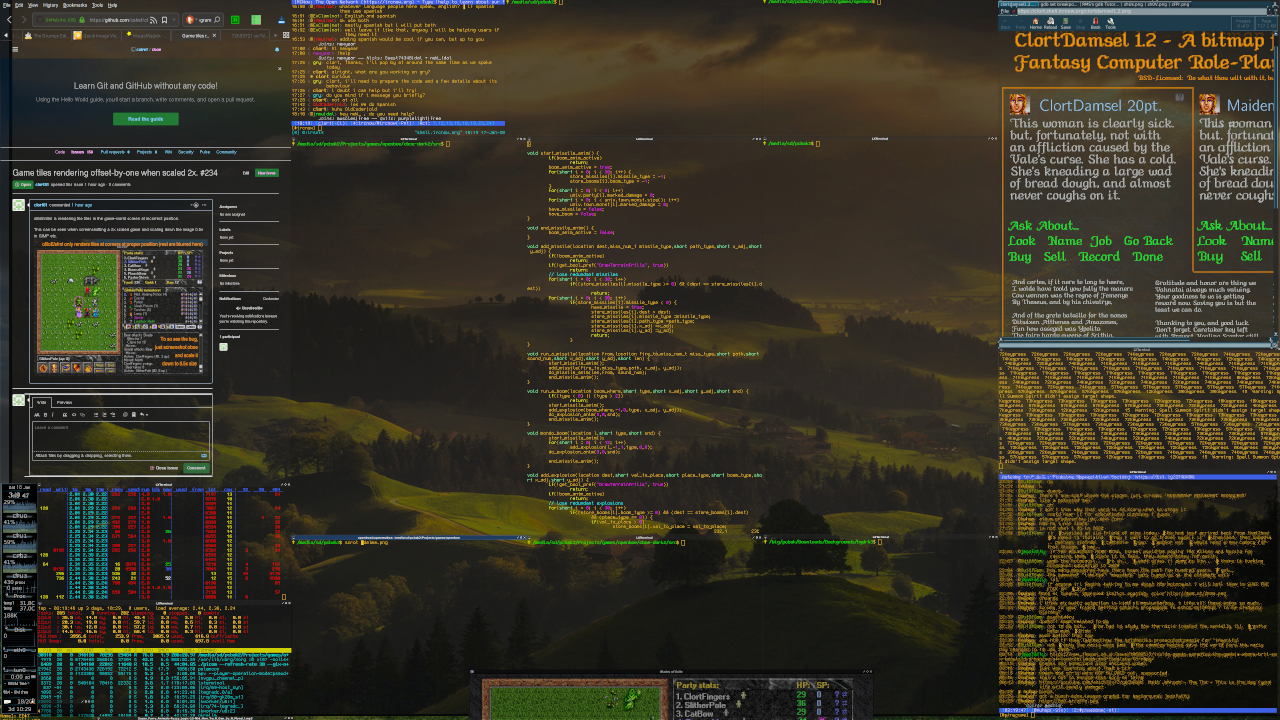
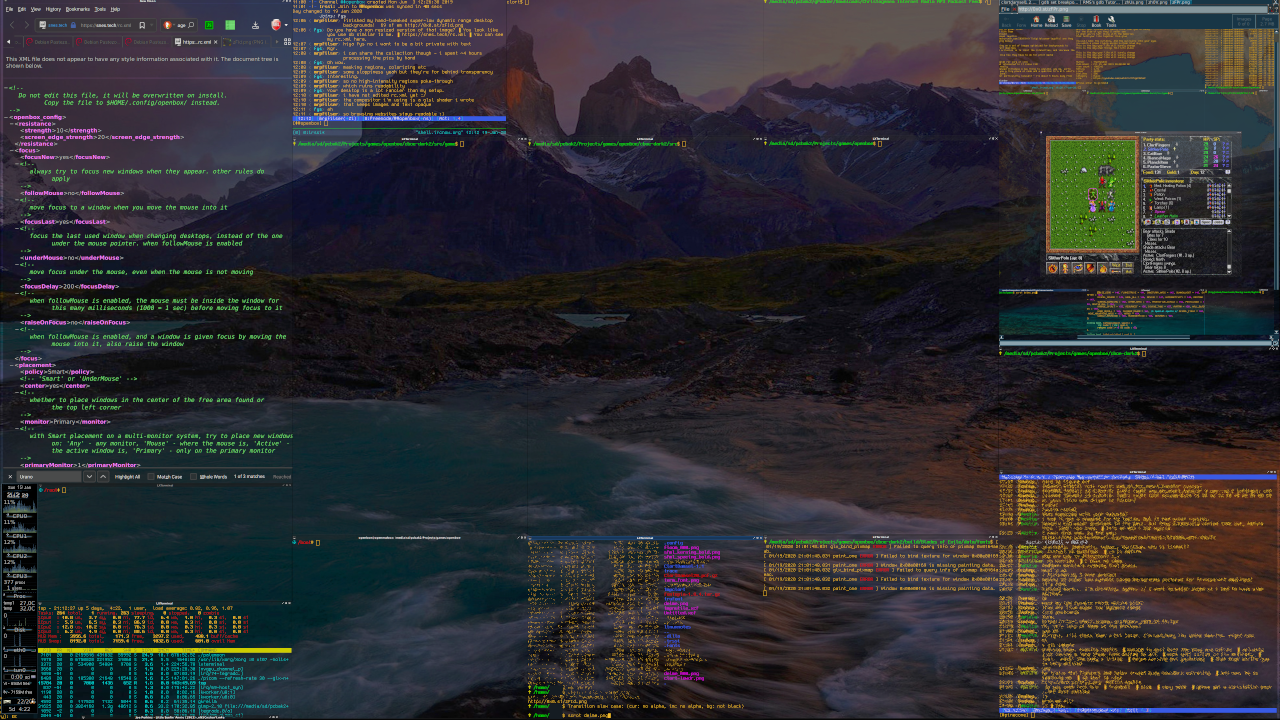
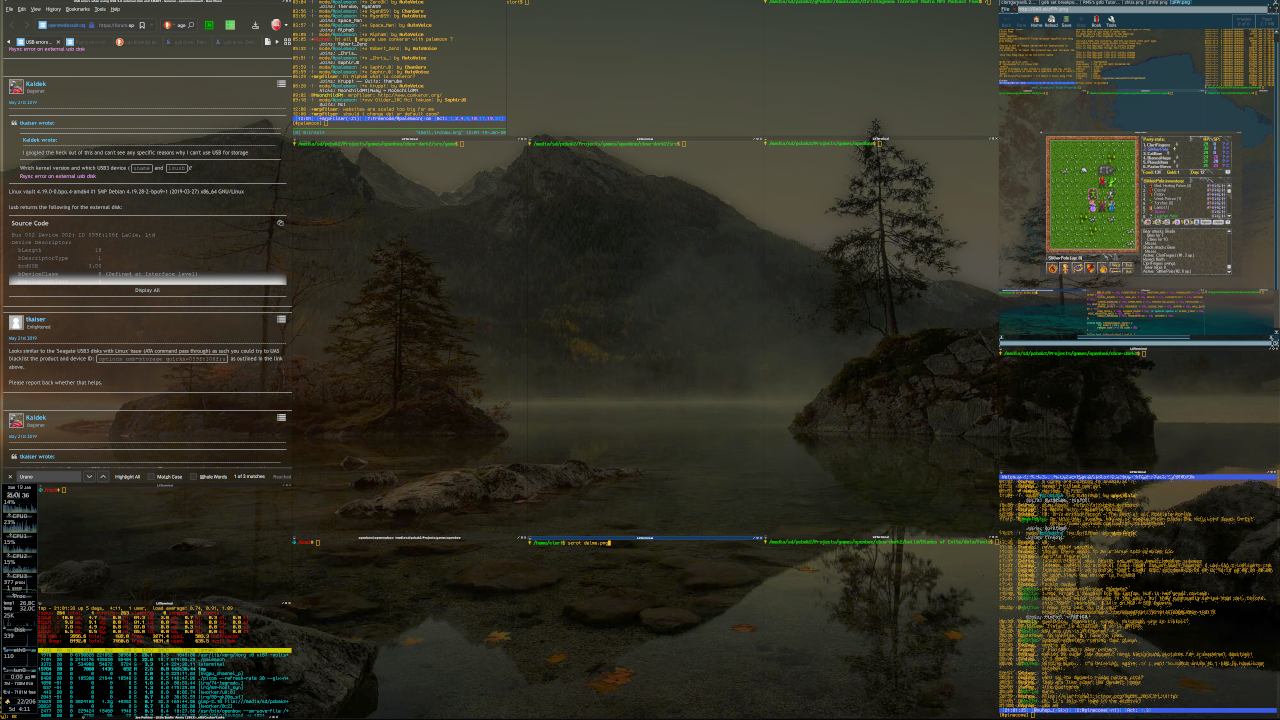
Btw a bit more on topic - the trick to good backgrounds for transparent windows is to compress the dynamic range to max 50% intensity - and it helps if you pull up gamma so that not everything gets too dark.
Here's a sample. I have a growing collection of background optimized images! :)
clort81
on 18 Jan 2020

you can get nice animated shaders behind your keycolor transparent window with glslsandbox-player

I invoke the following shader:
with command:
./glslsandbox-player -E -N -W 3840 -H 2140 -w 6 -s 0.06 -q -Q high -R 3 -P 66.6666 -F turbulent.frag
and it runs happy mellow clouds behind all my windows
https://clort.shell.ircnow.org/keycolor_compositing.mp4
https://clort.shell.ircnow.org/ascii_patrol_clouds.mp4
with very low (but sometimes not so low?) cpu load.
I also have patches to picom to make animated shaders, now. But they cause very high cpu use, and require the -benchmark option to force all window redrawing. Is too ugly to use.
clort81
on 16 Feb 2020
3-layered shaders
clort81
on 17 Feb 2020
I've also been working on getting animated shaders working.
For now I've hardcoded a refresh with a delay, instead of using the benchmark flag. Saves a lot of cycles. I also had to remove the damage/staling for now as it doesn't take into account the resulting changes from the shader. I'm no expert in opengl or how picom functions so theres probably a better way to handle these things. Do you have any suggestions @yshui ? (might just be easier to make a draft pull request then asking for speculation)
I think with a few extra values you could do some pretty powerful effects with minimal effort. Gonna try adding a timer that starts when a window is created so I can get some startup animations going
 resloved
on 26 Feb 2020
resloved
on 26 Feb 2020
@resloved Did you export new variables to the shader?
yshui
on 27 Feb 2020
@yshui I added a new uniform which gets updated before being passed to the shader, if thats what you mean. For example this is the shader I used in the streamable:
uniform float opacity;
uniform bool invert_color;
uniform sampler2D tex;
uniform float time;

float amt = 300.0;

void main() {
        float pct = mod(time, amt)/amt;
        vec2 pos = gl_TexCoord[0].st;
    vec4 c = texture2D(tex, pos);
        if (pos.x + pos.y < pct * 4.0 && pos.x + pos.y > pct * 4.0 - .5 * pct
           || pos.x + pos.y < pct * 4.0 - .8 * pct && pos.x + pos.y > pct * 3.0)
           c *= vec4(2, 2, 2, 1);
        if (invert_color)
        c = vec4(vec3(c.a, c.a, c.a) - vec3(c), c.a);
    c *= opacity;
    gl_FragColor = c;
}
Right now it just passes the number of times the shader has been drawn, but that easily could be swapped out with whatever method you want to use to get the time.
resloved
on 27 Feb 2020
@resloved nice. can you open a PR for your changes?
yshui
on 6 Mar 2020
@yshui Done. See https://github.com/yshui/picom/pull/330
resloved
on 9 Mar 2020
I've opened a page in wiki: https://github.com/yshui/picom/wiki/Shader-Shop, if you want you can put your shaders there. You should have permission to change the page, if not, let me know.
I am going to close this issue after a while.
yshui
on 10 Mar 2020
ping @clort81 @resloved
yshui
on 10 Mar 2020
Great idea! I was thinking of making a repo to host my stuff, but having it directly in the wiki is a better idea.
Also, I can probably get around to https://github.com/yshui/picom/issues/332 sometime this week, but I'm not too familiar with the experimental backend changes so it might take me a bit.
resloved
on 10 Mar 2020
@resloved the new glx backend doesn't support custom shaders at the moment, that issue is more a placeholder.
yshui
on 11 Mar 2020
@yshui I was pretty confused about that, but I did get a custom shader working with a pretty small change. I think with a couple fixes it might be worth looking at.
resloved
on 11 Mar 2020
@resloved if you are willing to look into implementing it, it will be great.
we should be a bit careful here, as I want the glsl shader support in the new backends to have a usable, stable, and well documented interface, that people could depend on.
a couple considerations:
- the new glx backend uses shader for opacity, inverted colors, etc. if custom shader is used, does it have to reimplement all those? what if we introduce more post-processing?
- we can provide a function that the shader can call to get the default behaviour. Or
- the custom shader is applied after the usual postprocessing is done.
- third option?
- the interface needs to be backward compatible, we will have to carry all the mistakes we make now with us.
yshui
on 11 Mar 2020
@yshui I would probably try to apply it after all the other postprocessing. The work being done in https://github.com/yshui/picom/issues/312 is probably ideal, but I just want to setup a simple/barebones way to use an external shader.
By backward compatibility do you just mean that --glx-fshader-win should function the exact same in the old and new backend or do you have something else in mind?
resloved
on 12 Mar 2020
@resloved For backward compatibility I was more talking about from this point forward. Ideally existing shaders should keep working, but it's not that big of a problem.
yshui
on 12 Mar 2020
Related issues
 Spheerys
·
12Comments
Spheerys
·
12Comments
 arielnmz
·
3Comments
arielnmz
·
3Comments
 buitrung
·
12Comments
buitrung
·
12Comments
 kleshas
·
12Comments
kleshas
·
12Comments
 steinex
·
8Comments
steinex
·
8Comments
Most helpful comment
@yshui I added a new uniform which gets updated before being passed to the shader, if thats what you mean. For example this is the shader I used in the streamable:
Right now it just passes the number of times the shader has been drawn, but that easily could be swapped out with whatever method you want to use to get the time.