Pengwin: Can't login to Azure with VSCode
Describe the bug
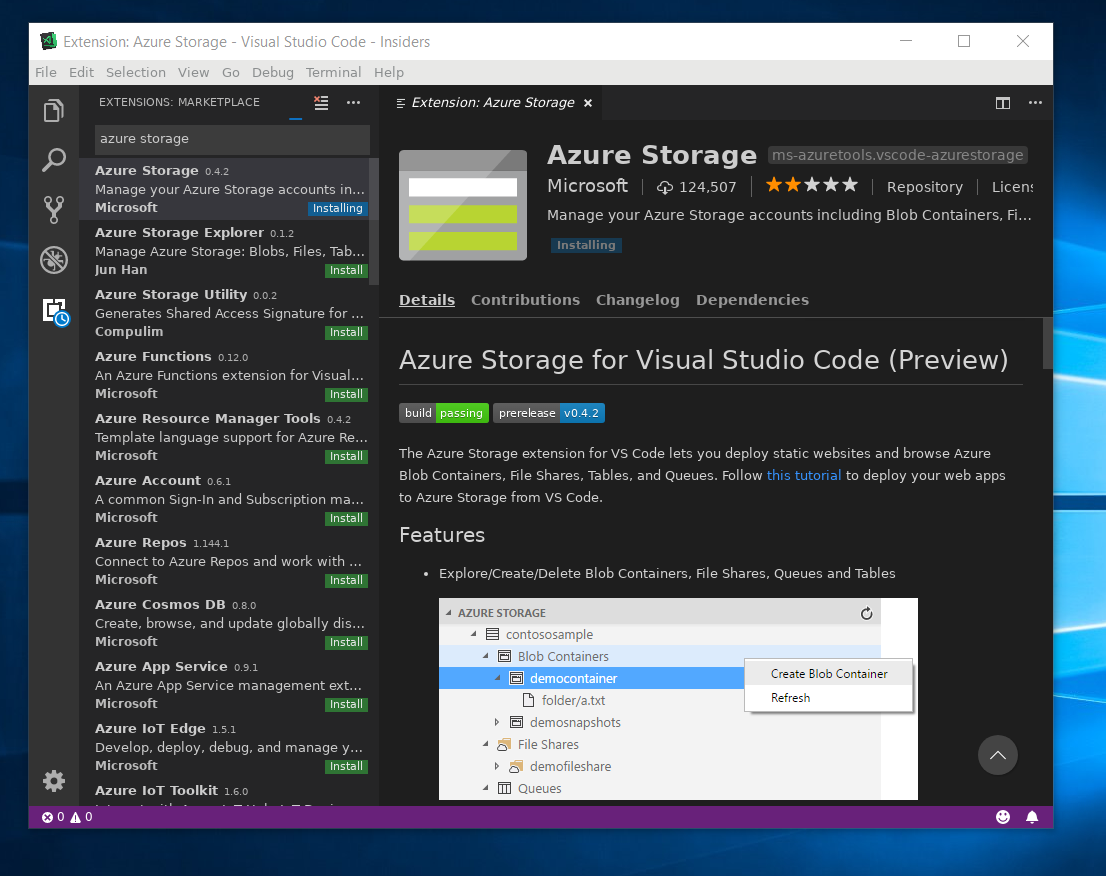
Install any VSCode extension that requires login to Azure. i.e. "Azure Tools" extension. Although it happens with any VSCode extension that tried to login into Azure.
To Reproduce
Steps to reproduce the behavior:
- Install VSCode
- Install Azure Tools Extension
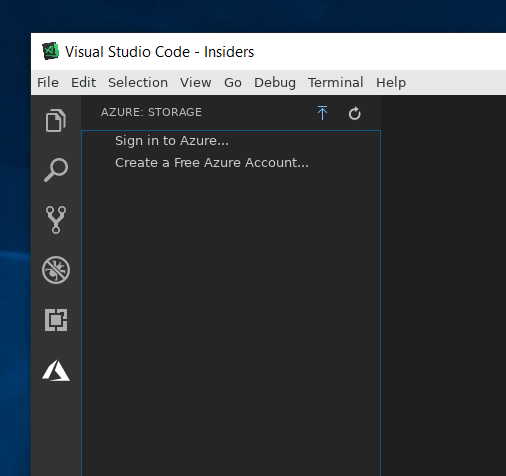
- Try to login to Azure using new Tab
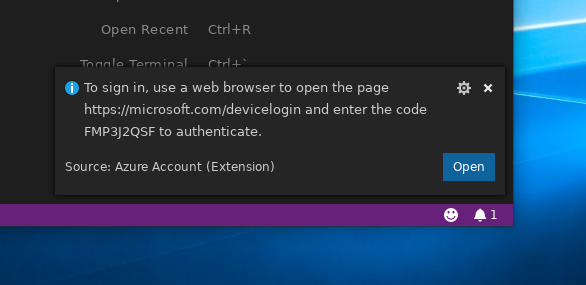
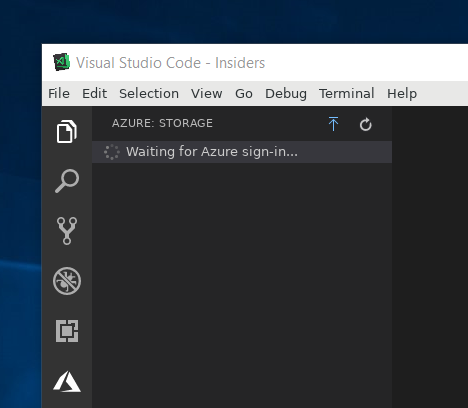
- Looks like everything works but nothing happens
Expected behavior
To see my Azure resources in VSCode
WLinux Version
1.1.23.0
Windows Build
OS Name: Microsoft Windows 10 Pro Insider Preview
OS Version: 10.0.18277 N/A Build 18277
OS Manufacturer: Microsoft Corporation
OS Configuration: Standalone Workstation
OS Build Type: Multiprocessor Free
BIOS Version: American Megatrends Inc. 1002, 7/2/2018
 AceHack
All 4 comments
I can confirm this bug.
This bug can be reproduced on other WSL distros as well, it is not isolated to WLinux.
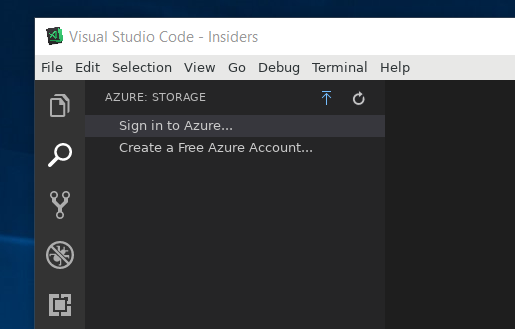
Adding Azure extensions to VS Code, then logging in by OAUTH2 via microsoft.com/devicelogin does not appear to 'stick'. Code says 'waiting for Azure login', and then reverts to options to Sign in or Create an account.
Because it is not isolated to WLinux, I recommend opening a bug report with the upstream project.
I came across one issue that suggested installing gnome-keyring. That did not fix it for me.


 sirredbeard
on 13 Nov 2018
sirredbeard
on 13 Nov 2018
I am closing this issue here, for now, and have opened an issue with Azure.
If it is later determined to be an issue with WLinux I will of course re-open and address.
Thank you for this report.
sirredbeard
on 13 Nov 2018
A note for anyone that comes across this. This is a problem in every distro really. You do need to install gnome-keyring and then run these lines when opening an app that requires keyring access, I just put them in my .zshrc at the bottom:
eval $(dbus-launch --sh-syntax);
eval $(echo -n "" | /usr/bin/gnome-keyring-daemon --login);
eval $(/usr/bin/gnome-keyring-daemon --components=secrets --start);
it will notify you if you are missing any other required packages.
Shutdown your distro and start it back up, open vscode and you should be able to login to Azure, Github, etc.
 devcircus
on 5 Jun 2020
devcircus
on 5 Jun 2020
Excellent thank you for sharing
 crramirez
on 5 Jun 2020
crramirez
on 5 Jun 2020
Related issues
 WSLUser
·
4Comments
WSLUser
·
4Comments
 BhavyaJain7
·
3Comments
BhavyaJain7
·
3Comments
 patmolloy
·
4Comments
patmolloy
·
4Comments
 pnelsonsr
·
5Comments
pnelsonsr
·
5Comments
 OttoDidac
·
5Comments
OttoDidac
·
5Comments