Pdfmake: Any option to change color of table border ?
Is there any solution available to change table cell border color ?
 athimannil
All 6 comments
Example from http://pdfmake.org/playground.html
layout: {
                                                        hLineWidth: function(i, node) {
                                                                return (i === 0 || i === node.table.body.length) ? 2 : 1;
                                                        },
                                                        vLineWidth: function(i, node) {
                                                                return (i === 0 || i === node.table.widths.length) ? 2 : 1;
                                                        },
                                                        hLineColor: function(i, node) {
                                                                return (i === 0 || i === node.table.body.length) ? 'black' : 'gray';
                                                        },
                                                        vLineColor: function(i, node) {
                                                                return (i === 0 || i === node.table.widths.length) ? 'black' : 'gray';
                                                        },
                                                        // paddingLeft: function(i, node) { return 4; },
                                                        // paddingRight: function(i, node) { return 4; },
                                                        // paddingTop: function(i, node) { return 2; },
                                                        // paddingBottom: function(i, node) { return 2; }
                        }
 jthoenes
on 2 Mar 2015
jthoenes
on 2 Mar 2015
@jthoenes can this not be controlled on a cell by cell basis?
 douglasg14b
on 21 Jun 2018
douglasg14b
on 21 Jun 2018
exactly like in the code above. Make your function react on the i param and you're there.
jthoenes
on 21 Jun 2018
@jthoenes That's for the table as a whole, not controllable for each individual cell is it? Like how you can control what borders are visible or hidden per item?
Say I have a single cell somewhere in the table and I need the right vertical border to be 2 pixels. How can I achieve that with the above example.
douglasg14b
on 21 Jun 2018
@jthoenes @douglasg14b: I'm also interested how this can be done? I tried to loop through the nodes, rows and cells but this doesn't make sense or?
 imamdev
on 27 Jun 2018
imamdev
on 27 Jun 2018
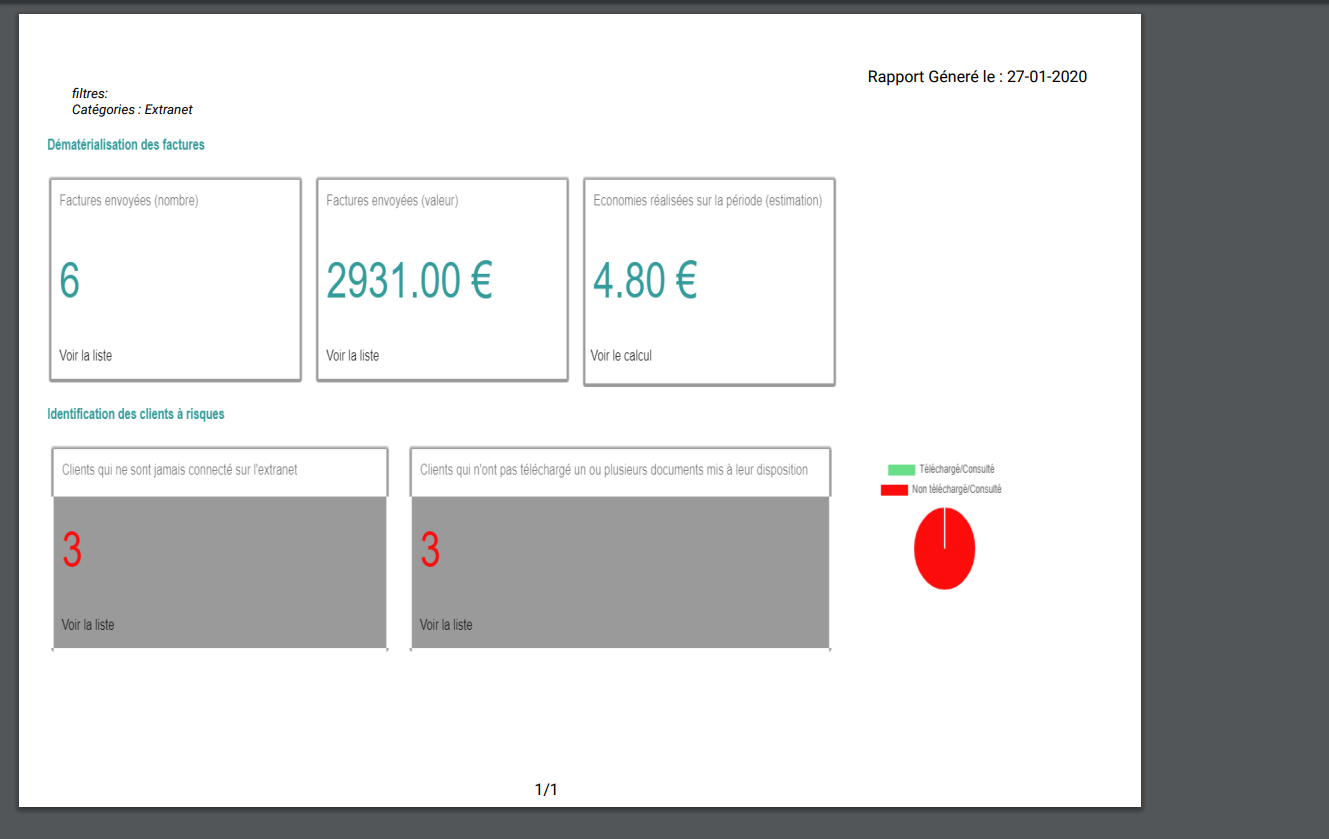
Hi, Did anyone face the same problem?
 hamzachaouch
on 28 Jan 2020
hamzachaouch
on 28 Jan 2020
Related issues
 sayjeyhi
·
3Comments
sayjeyhi
·
3Comments
 kumarandena
·
3Comments
kumarandena
·
3Comments
 svenyonson
·
3Comments
svenyonson
·
3Comments
 dmatesic
·
3Comments
dmatesic
·
3Comments
 imoum007
·
3Comments
imoum007
·
3Comments
Most helpful comment
Example from http://pdfmake.org/playground.html