Pdfmake: Header images increment margins on each consecutive page
Margins are incremented by the margin amount on each consecutive page header. I believe this was marked as fixed earlier but is replicated in the playground with this config:
var dd = {
    header:
    {

                // usually you would use a dataUri instead of the name for client-side printing
                // sampleImage.jpg however works inside playground so you can play with it
                image: 'sampleImage.jpg',
                height: 170,
                width: 10,
                margin: [150,0]


    },
    content: [
        'Here goes your content',
        {text: 'More content', pageBreak:'after'},
        'Other content',
        {text: 'More Content', pageBreak:'after'},
        'Other content'
    ],
    pageMargins: [150,170,0,0]
}
Here is another example, this time without setting margins in the header:
var dd = {
    header:

        {
            style: 'noBorders',
            table: {
                    widths: [100, 'auto'],
                    body: [
                            [ '',
                              { image: 'sampleImage.jpg', height: 120, width: 50}
                            ]
                          ]
                    }
        }
    ,
    content: [
        'Here goes your content',
        {text: 'More content', pageBreak:'after'},
        'Other content',
        {text: 'More Content', pageBreak:'after'},
        'Other content'
    ],
    pageMargins: [150,170,0,0]
}
 mrpea
mrpea
All 11 comments
I have a very similar (and likely related) issue.
I have a page with a button that generates a PDF (in order to be printed or whatever). For each consecutive generation of the PDF (without reloading the page), all of the images are offset by mx, where m is the correct margin and x is the number of times the PDF has been generated. This also goes for centered images, where they are offset by (mx)+(c*x) where c is the margin calculated by pdfmake to make it centered. Reloading the page will reset this effect.
It appears as if the previous margin values are not being cleared before calculating new margins for each generation and are thus being compounded.
However, to make things stranger, this does not appear to happen for all implementations. While I can reliably replicate this for this PDF, elsewhere in the page I am generating another PDF (that includes images) but these are generated correctly.
 EpicWolverine
on 3 Sep 2015
EpicWolverine
on 3 Sep 2015
I can confirm this behaviour. Wihtin the same document, the margin of a header image is multiplied by the page number
 antoinepairet
on 4 Sep 2015
antoinepairet
on 4 Sep 2015
Confirmed here as well...
 psuhas
on 4 Sep 2015
psuhas
on 4 Sep 2015
Found temp solution from another open issue (https://github.com/bpampuch/pdfmake/issues/355)
gabucito answered it
Thx gabucito
In elementWriter.js
image.x = context.x + (image.x || 0);
change to
image.x = context.x;
It is working for me so far.
psuhas
on 5 Sep 2015
Another solution is to define header as a function:
var dd = {
    header:
    function () {
     return {

                // usually you would use a dataUri instead of the name for client-side printing
                // sampleImage.jpg however works inside playground so you can play with it
                image: 'sampleImage.jpg',
                height: 170,
                width: 10,
                margin: [150,0]


    }
    },
    content: [
        'Here goes your content',
        {text: 'More content', pageBreak:'after'},
        'Other content',
        {text: 'More Content', pageBreak:'after'},
        'Other content'
    ],
    pageMargins: [150,170,0,0]
}
 Elyahou
on 5 Sep 2015
Elyahou
on 5 Sep 2015
I confirmed this bug and thanks to @Elyahou for workaround!
 Biktop
on 13 Oct 2015
Biktop
on 13 Oct 2015
@Elyahou you sire are a genius. You literally saved me from insanity.
 bbenezech
on 2 Mar 2016
bbenezech
on 2 Mar 2016
+1 I am having this issue as well. @Elyahou's fix worked for me. My header was already a function but I wrapped it in another function and it worked. It looks like this:
header: function () { return getReportHeader() },
 sirhcybe
on 19 Jul 2016
sirhcybe
on 19 Jul 2016
If I reopen a PDF for printing/downloading/viewing n times on a page, it shifts every image in the client side rendered document by the n*margin size, not only within the header.
Using @psuhas suggestion (change within source) works for us.
 rdelzepich
on 2 Sep 2016
rdelzepich
on 2 Sep 2016
Fix is included in the new version (0.1.22).
 liborm85
on 23 Dec 2016
liborm85
on 23 Dec 2016
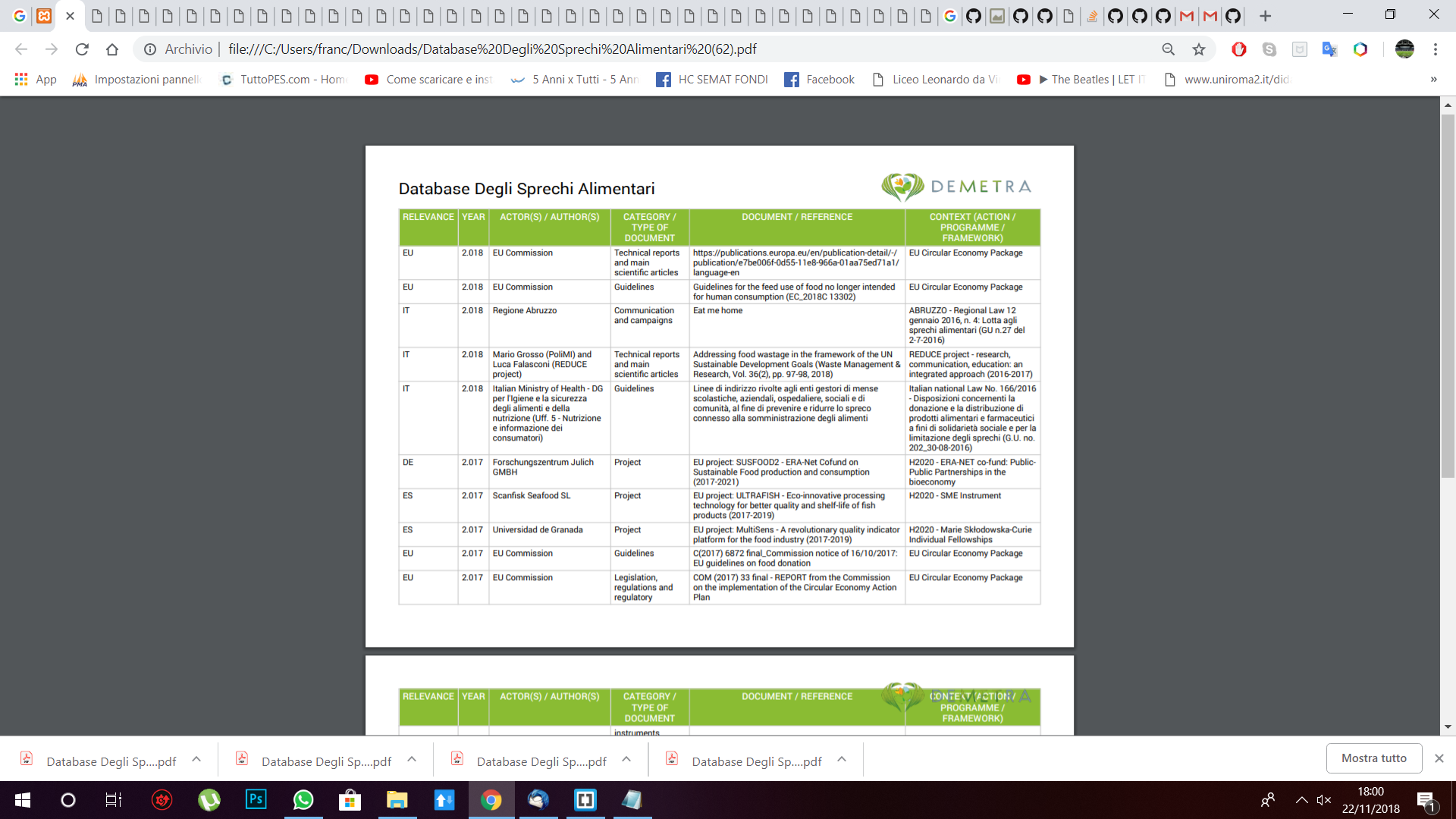
Hello i've this problem, something helps me please? I've tried pageMargin,margin ecc... but not working.
 Fra996
on 22 Nov 2018
Fra996
on 22 Nov 2018
Related issues
 davidyeiser
·
3Comments
davidyeiser
·
3Comments
 dgrice
·
3Comments
dgrice
·
3Comments
 sayjeyhi
·
3Comments
sayjeyhi
·
3Comments
 imoum007
·
3Comments
imoum007
·
3Comments
 MathLavallee
·
3Comments
MathLavallee
·
3Comments
Most helpful comment
Another solution is to define header as a function: