Pannellum: Can we place images in hotspots
I'm wondering if there is a way to add images to hotspots ..??
What I really want to do is display an image thumbnail and when the user clicks on the thumbnail, it should open on the original larger image
 sanjeevgcom
All 11 comments
That would be a nice feature :-)
 DietRedThunder
on 23 Dec 2020
DietRedThunder
on 23 Dec 2020
This can be done with the cssClass parameter. You can define a custom CSS class that sets the desired height, width, and background for the hot spot (see custom hot spot example). To open the full size image, you can either link to it or use the clickHandlerFunc to define a custom function to execute to display it.
 mpetroff
on 4 Jan 2021
mpetroff
on 4 Jan 2021
Thanks for your resposne.
Adding image as background of CSS class works well if we need to use the same image at multiple hotspot like the marker that's being used. In my case, I need different images (of diff shaped and sizes) for each hotspot and adding those many CSS classes will not work well.
Is there a way to pass the image to the hotspot in addition the CSS Class or an alternate solution .. ?
sanjeevgcom
on 6 Jan 2021
You can use
...
"hotSpots": [
        {
            ...
            "createTooltipFunc": hotspot, //function name
            "createTooltipArgs": "Baltimore Museum of Art"
        },
...
and on hotspot TOOLTIP function you can implemente a logic to add class, or styles to a hotSpotDiv
// Hot spot creation function
function hotspot(hotSpotDiv, args) {
  //...
    hotSpotDiv.style.setProperty('background', '#ccc')
  //...
}
 FlokiTV
on 6 Jan 2021
FlokiTV
on 6 Jan 2021
Thanks... would try this out.
It would however be best if we can pass the image file along with the other data for creating the hotspot and then manage it using css / custom functions ..
sanjeevgcom
on 15 Jan 2021
It would however be best if we can pass the image file along with the other data for creating the hotspot and then manage it using css / custom functions
There's nothing stopping you from doing this. Using createTooltipFunc / createTooltipArgs gives you full control over how the hot spot is constructed.
mpetroff
on 17 Jan 2021
Still none the wiser how to this ? Trying show a little thumbnail image where the "I" icon is.
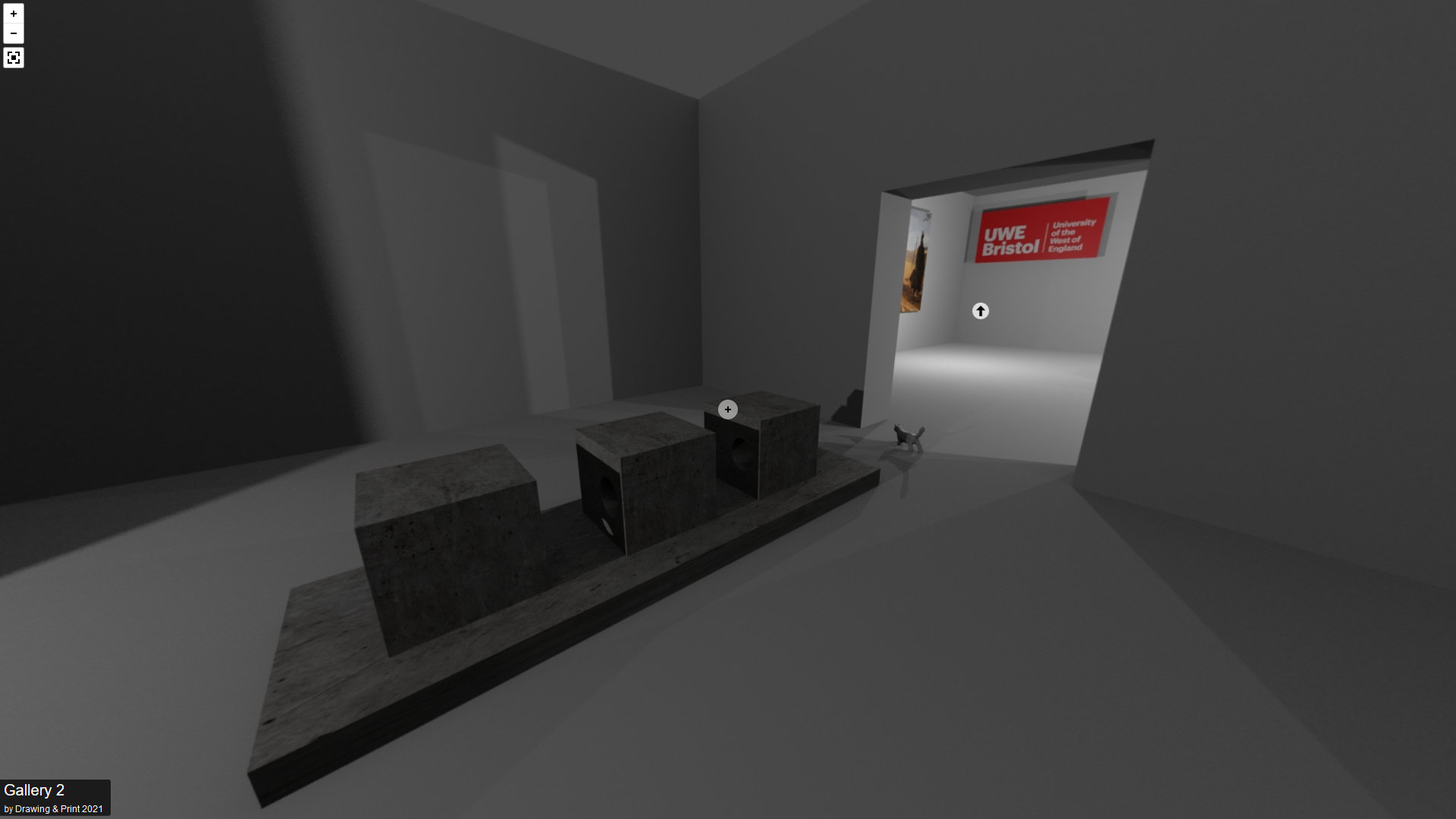
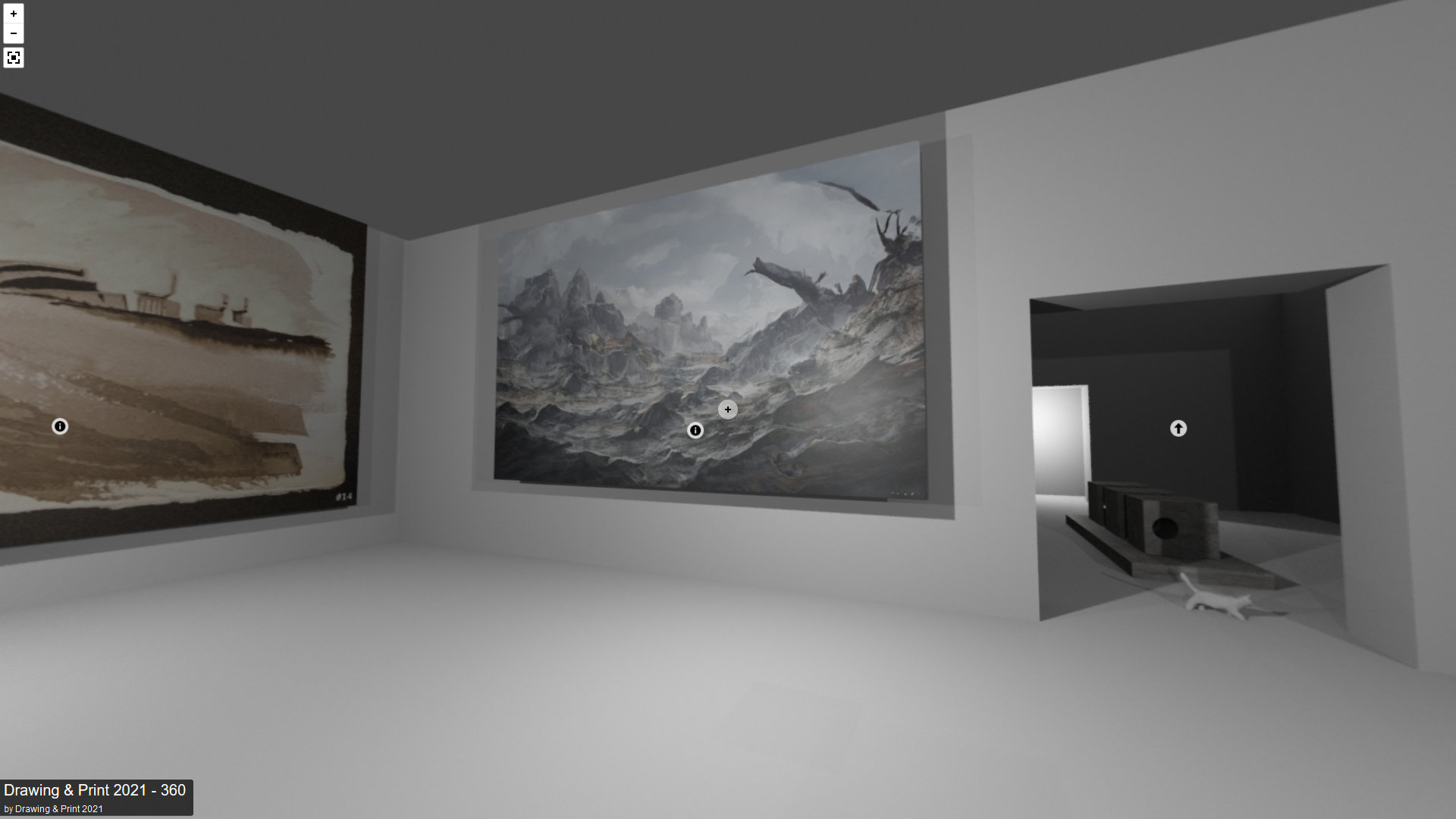
The gallery project so far...
https://www.sidingstudios.com/dap2021/pannellum.htm#config=https://www.sidingstudios.com/dap2021/tour.json&autoLoad=true
DietRedThunder
on 20 Jan 2021
Semi solved.... How do I add the image instead of the red box ?
https://www.sidingstudios.com/dap2021/hotspot.html
Solved... Now with Green Star :-)
Is there any way this can be done in the JSON file only ? Done really want to use an HTML page. But hey, it really works :-)
DietRedThunder
on 20 Jan 2021
No, there's no way to do this with the JSON configuration file. For advanced functionality, the JSON configuration file is insufficient. Although injecting custom CSS could be done from the JSON configuration file, I've decided that it's sufficiently advanced that adding such support doesn't make much sense, given that adding CSS is trivial once the API is used.
mpetroff
on 24 Jan 2021
@mpetroff
Thanks.
I've finally tided up my gallery 360 pannellum project.
https://www.sidingstudios.com/dap2021/pannellum.htm#config=https://www.sidingstudios.com/dap2021/tour.json&autoLoad=true
Two questions
I will be switching of the HotSpot debugger soon as suggested. Why is it a security issue if its left on ? I quite like using it a guide in a 360 scene. Is there a way to have a safe pointer and change its design.
and
Can the "I" information icon be changed to something else, such as another letter or basic icon ?
All great stuff, and thanks again for your work on a superb bit of software.
@mpetroff I would love to send you a Jo-Anne Mc print as a token of thanks. Message if your interested.
DietRedThunder
on 27 Jan 2021
I will be switching of the HotSpot debugger soon as suggested. Why is it a security issue if its left on ?
It's not a security issue. The only thing it does is display the guide and log the click coordinates to the console. The recommendation to switch it off is based on the assumption that most people don't want the guide in the middle of the panorama view.
Can the "I" information icon be changed to something else, such as another letter or basic icon ?
This can be changed two ways (without modifying the default CSS). The first is to just use custom hot spot styling. The second is to override the CSS styling for the .pnlm-hotspot.pnlm-info selector, specifically the background-image and background-position properties. The default icons are in the src/css/img/sprites.svg file (I suppose the third option would be to edit that file and have Pannellum use it with .pnlm-sprite {background-image: url('edited-sprites.svg');}). For overriding the CSS, you'll want to add your custom CSS after including the pannellum.css file.
mpetroff
on 28 Jan 2021
Related issues
 littlee
·
8Comments
littlee
·
8Comments
 truszko1
·
5Comments
truszko1
·
5Comments
 DStillingfleet
·
7Comments
DStillingfleet
·
7Comments
 afriedle
·
3Comments
afriedle
·
3Comments
 ThunderBoltEngineer
·
3Comments
ThunderBoltEngineer
·
3Comments