Most appropriate sub-area of p5.js?
- [ ] Color
- [x] Core/Environment/Rendering
- [ ] Data
- [ ] Events
- [ ] Image
- [ ] IO
- [ ] Math
- [ ] Typography
- [ ] Utilities
- [ ] WebGL
- [ ] Other (specify if possible)
Details about the bug:
- p5.js version: 0.10.2
- Web browser and version: Latest Chrome/Firefox/Edge/Mobile Safari
- Operating System: Windows 10, iOs 13.3
- Steps to reproduce this:
Hey there,
While working on a demo I noticed that all my lines had a 2px stroke even when I specify the stroke weight to 1.
See the following image where:
- The first line is a rect(0,0,250,1)
- The second line is a line(0,0,250,0) with a strokeWeight(1)
- The third line is a line(0,0,250,0) with a strokeWeight(2)
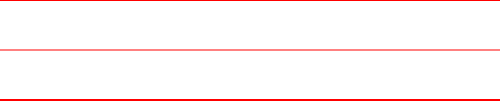
You can also test on this url: https://codepen.io/Mamboleoo/pen/PoqYzJj
I checked on multiple browsers and the result seems to be the same. The second line is always thicker than the rectangle, but a bit less opaque than the third line.
Thanks for having a look
 Mamboleoo
All 5 comments
I cannot replicate this on macOS (Firefox, Chrome, Safari) and iPhone SE (Safari and Firefox). It sounds like a subpixel drawing issue, can you try drawing the second line at a different location to see if it still exhibit that behaviour?
 limzykenneth
on 4 Feb 2020
limzykenneth
on 4 Feb 2020
I cannot try on MacOs right now but here is a screenshot on my iPhone when zooming.
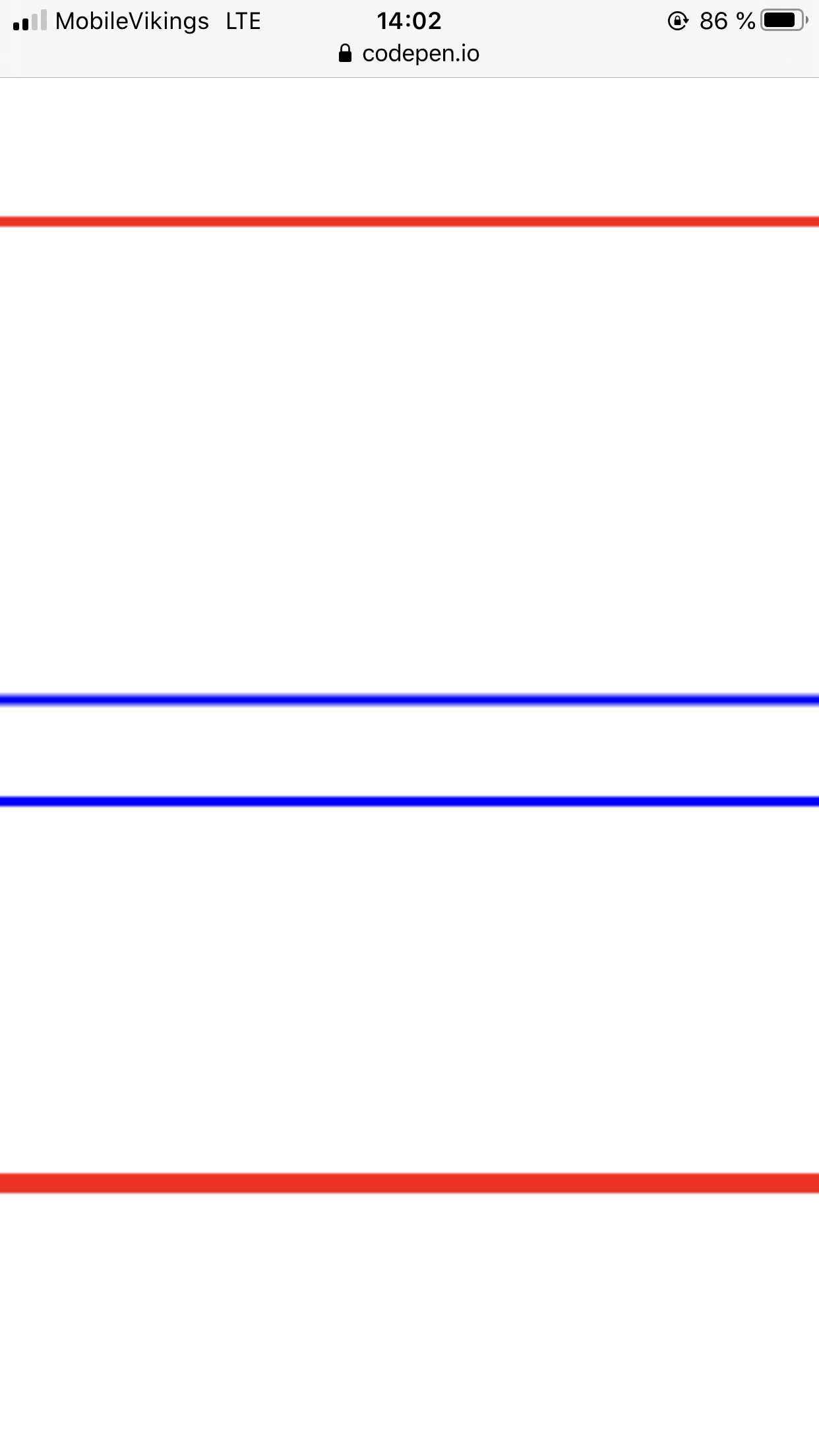
Both blue lines have the same setting with one difference, the y coordinates are [250,250] for the top blue line and [210.5,210.5] for the bottom one.
On my windows laptop the bottom blue line is also displayed well (1px thick).
I seems to be a subpixel issue but I wonder why moving the line by half a pixel makes it sharper?
Mamboleoo
on 4 Feb 2020
Judging by the results of the bluelines I would say it looks more and more like subpixel rendering limitation. This is something native to the HTML Canvas API (and a lot of other drawing programs).
The reason why drawing at half a pixel makes the line sharper is rather subtle. You can find an explanation of it here about 1/4 ways down in a "Ask Professor Markup" section.
limzykenneth
on 4 Feb 2020
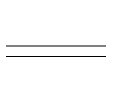
That's exactly it. I just checked with vanilla Canvas API and I'm having the same result (top being round number and below '0.5' coordinates).
Thanks for your answers 🙏
Mamboleoo
on 4 Feb 2020
When w and h are even numbers the line is 2 px thick , if the height and witdh are odd then the line will be one pixel.
0,0 doesn't start from the pixel , but between the pixels.

consider the numbers as a row of pixels.
 7Hero
on 26 Sep 2020
7Hero
on 26 Sep 2020
Related issues
 ogoossens
·
3Comments
ogoossens
·
3Comments
 Vbbab
·
3Comments
Vbbab
·
3Comments
 slowizzm
·
3Comments
slowizzm
·
3Comments
 bassamanator
·
3Comments
bassamanator
·
3Comments
 oranyelik
·
3Comments
oranyelik
·
3Comments