P5.js: ambientLight breaks rendering on iOS mobile devices
Nature of issue?
- [x] Found a bug
Most appropriate sub-area of p5.js?
- [x] WebGL
Which platform were you using when you encountered this?
- [x] Mobile/Tablet (touch devices)
- [ ] Desktop/Laptop
- [ ] Others (specify if possible)
Details about the bug:
- p5.js version: 0.7.3
- Web browser and version: Chrome / Safari
- Operating System: iOS 12 & iOS 11
- Steps to reproduce this: github simple code example
I am playing around with some 3d models (.obj) in p5. Everything works great on the desktop (chrome, safari, firefox) but when I test them on the iPhone, they seem to not show up or load.
The same thing happens with primitives in 3d WebGL. Please check code demo on this github link.
I can see that if I remove the lights, the model runs perfectly on mobile... But when added, nothing shows up.
I've searched and found some sort of similar topics #1991 & #1412 but unfortunately didn't help.
I'm also attaching the sketch code demo here:
let w = window.innerWidth, h = window.innerHeight;
function setup() {
createCanvas(w, h, WEBGL);
}function draw() {
background(0,0,0);ambientLight(150, 150, 150);
directionalLight(200, 0, 0, 300, 230, 1);noStroke();
rotateX(frameCount0.005);
rotateY(frameCount0.005);
rotateZ(frameCount*0.005);box(100);
}
Thanks for checking it out!
- Cristi
 cristigoia
All 18 comments
Hi @cristigoia Thanks for submitting this well-documented issue! I am having trouble reproducing the bug in Safari on iOS 11 iPhone 6. Anybody else able to test this on a different iOS device ?
Also, @cristigoia, would you mind trying to narrow down the issue to either ambientLight or directionalLight since you said it is the lights that are breaking the sketch on your device?
 stalgiag
on 18 Feb 2019
stalgiag
on 18 Feb 2019
@stalgiag Sure thing. The issue persists with only the ambientLight active.
cristigoia
on 19 Feb 2019
Hi, I’m having a similar issue, I think, but on my project the shape doesn’t show up at all on my iPhone (with or without ambientLight or any other kind of lighting), it does have a texture though. Here’s a link to my project:
fernandaruiz.work/torus; it works and shows up perfectly fine on a computer but not on mobile devices.
 fernanda12ruiz
on 27 Mar 2019
fernanda12ruiz
on 27 Mar 2019
@fernanda12ruiz I am able to get your website to work on Android almost exactly as it does on my laptop. There is some glitchiness with text input but that is unrelated to the 3D rendering. I can try to get my hands on an iPhone and see if I can replicate some of these issues.
stalgiag
on 27 Mar 2019
@stalgiag Thank you so much! I don't have an android phone near me nor do I know anybody who owns one, but on my iPhone the torus shape doesn't seem to render; regarding the text input, that is what I am trying to fix but since I can't see the output on the actual shape I can't see how it is behaving :(, if you could try it on an iPhone that would be awesome, thanks again :)
fernanda12ruiz
on 27 Mar 2019
also having this same issue, but for me it persists with both ambient and directional light. works fine on firefox and chrome on desktop, breaks on iOS using an iPhone X.
 cadesix
on 22 Apr 2019
cadesix
on 22 Apr 2019
there is many problem with P5 on iPhone8+ hardware:
https://github.com/processing/p5.js/issues/3293
 danielemichieletto
on 17 May 2019
danielemichieletto
on 17 May 2019
@danielemichieletto this is known. The issue has been that it doesn't seem that any active WebGL contributors have the devices needed for testing. That said figuring out what is going on with iphone 8+ and GL is part of the 0.9.0 milestone so expect some work on this soon.
Also just because it is applicable to your summer work, just wanted to ping @aferriss and @sanketsingh24 to notify both of you of these bugs.
stalgiag
on 17 May 2019
Thanks @stalgiag for pointing out this issue, I will take a look into this.
 sanketsingh24
on 18 May 2019
sanketsingh24
on 18 May 2019
@sanketsingh24 You don't need to look into it unless you are looking for a new task and have the appropriate hardware. I think your project is probably big enough on its own without introducing new challenges :-)
I just wanted you to be aware since you will be working with the Light code quite a bit. I can get to this at some point in June when I get access to the hardware.
stalgiag
on 18 May 2019
@stalgiag @sanketsingh24 I believe I found the issue, and posted a fix here https://github.com/processing/p5.js/pull/3755
For whatever reason the newer hardware doesn't like break statements within a loop, which was a new one for me.
 aferriss
on 19 May 2019
aferriss
on 19 May 2019
I believe this is fixed with #3755 courtesy of @aferriss. I am going to close for now. If someone with the impacted hardware notices that this is still occurring in the master branch build post here and I will reopen.
stalgiag
on 20 May 2019
Sorry for the noob question but does that means it is fixed in the
https://cdnjs.cloudflare.com/ajax/libs/p5.js/0.7.3/p5.min.js ?
 rich-gg
on 21 May 2019
rich-gg
on 21 May 2019
@rich-gg not a noob question! Easy misunderstanding.
Those files on cloudflare only get updated when numbered releases come out. To get a copy of the library with the most recent changes as reflected in the master branch of the github repo you have to build it following the instructions in the developer docs.
But I went ahead and built one for you for easier testing. I think this link should be stable enough to use for testing, though I am not an expert on how these github links work.
https://raw.githubusercontent.com/stalgiag/stalgiag.github.io/master/p5.min-master-5-21-19.js
stalgiag
on 21 May 2019
Ooops, it doesn't work with
<script src="https://raw.githubusercontent.com/stalgiag/stalgiag.github.io/master/p5.min-master-5-21-19.js"></script>
I get
index.html:1 Refused to execute script from 'https://raw.githubusercontent.com/stalgiag/stalgiag.github.io/master/p5.min-master-5-21-19.js' because its MIME type ('text/plain') is not executable, and strict MIME type checking is enabled.
rich-gg
on 28 May 2019
@rich-gg try this url: https://raw.githack.com/stalgiag/stalgiag.github.io/master/p5.min-master-5-21-19.js
 Spongman
on 28 May 2019
Spongman
on 28 May 2019
ok so apparently it works on this
https://rich.gg/iPhone8r/
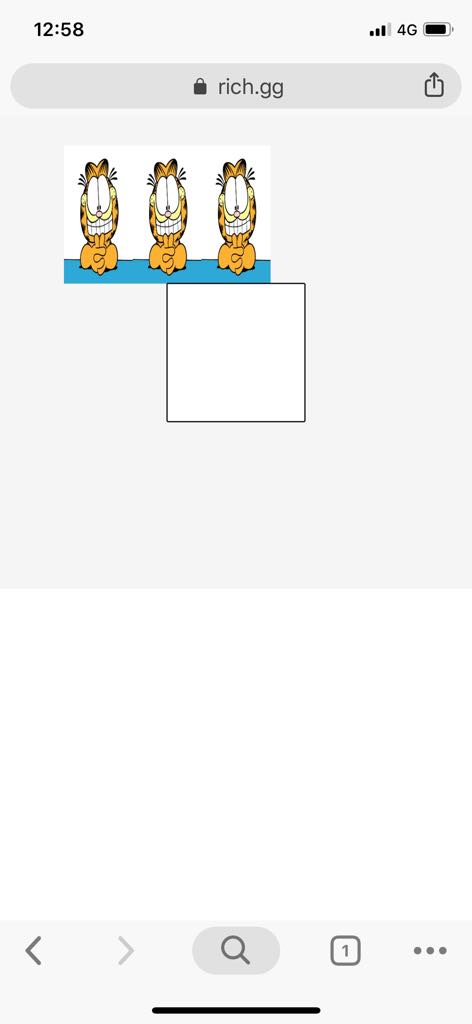
_as seen on a iPhoneX_
But I tried it on my website and it turns every texture into black
which my come from some other rendering parameters
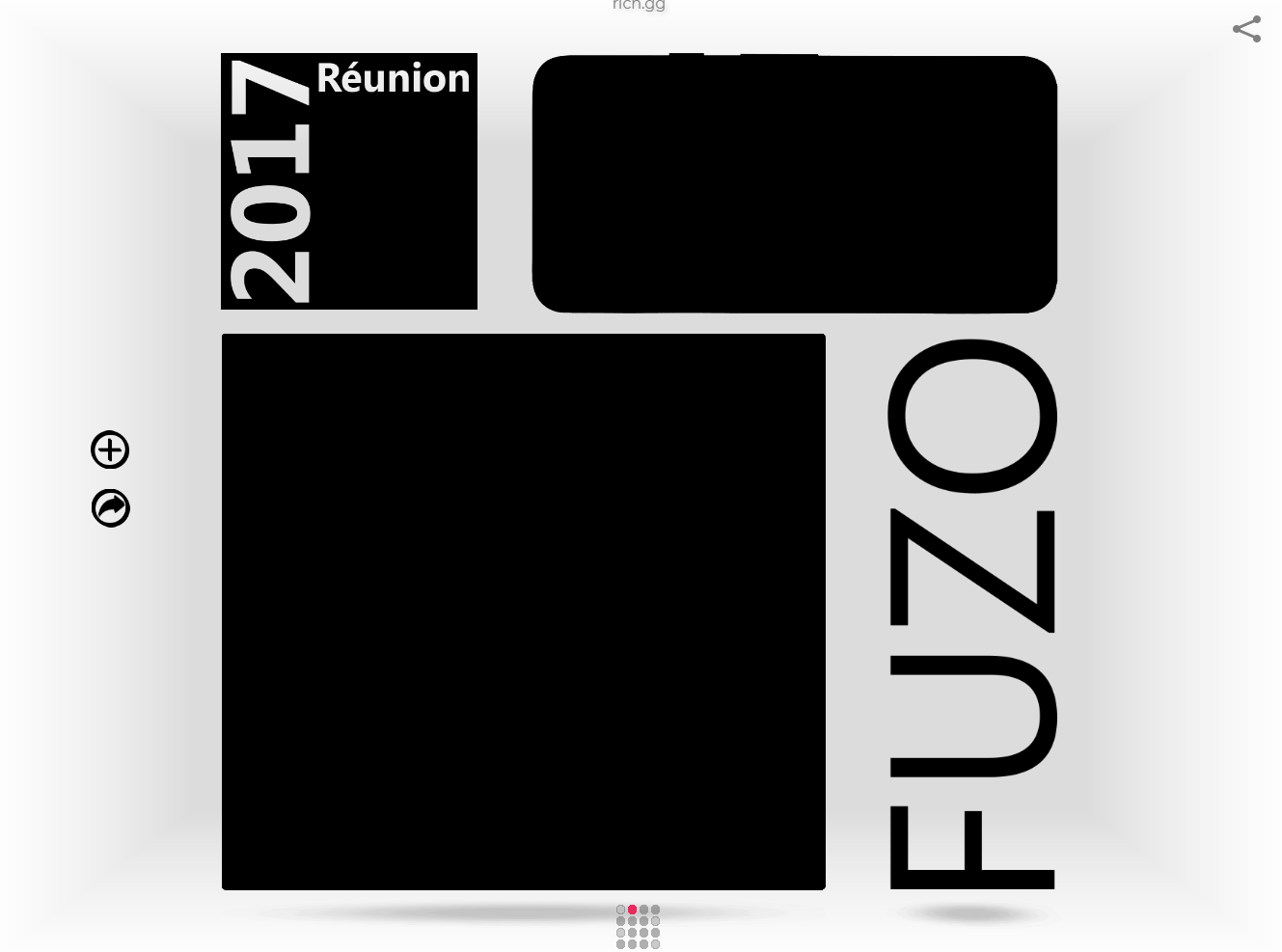
_as seen on a PC_
update
So now I have my website running clean with
https://raw.githack.com/stalgiag/stalgiag.github.io/master/p5.min-master-5-21-19.js
on PC and Android
and iPhone 8S ! 👍
All my textures were black until I commented this line
ambientMaterial(255)
rich-gg
on 28 May 2019
Thanks for fixing the link @Spongman. Good to know that there is a way to do that. I never know where to easily serve js files.
And thanks for the update @rich-gg. I am not entirely sure why you needed to comment out ambientMaterial(255) but I think this can remain closed and we can see what is going on once the dust settles on the GL development a bit.
stalgiag
on 28 May 2019
Related issues
 dhowe
·
3Comments
dhowe
·
3Comments
 NamanSharma5
·
3Comments
NamanSharma5
·
3Comments
 swirly
·
3Comments
swirly
·
3Comments
 kappaxbeta
·
3Comments
kappaxbeta
·
3Comments
 kjhollen
·
3Comments
kjhollen
·
3Comments