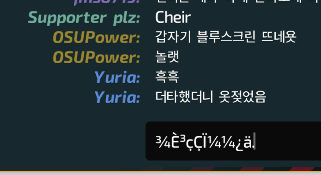
It caused on windows 10 (64 bits).
 libneko
All 15 comments
Looks like a duplicate of #2779
 Morilli
on 14 Aug 2018
Morilli
on 14 Aug 2018
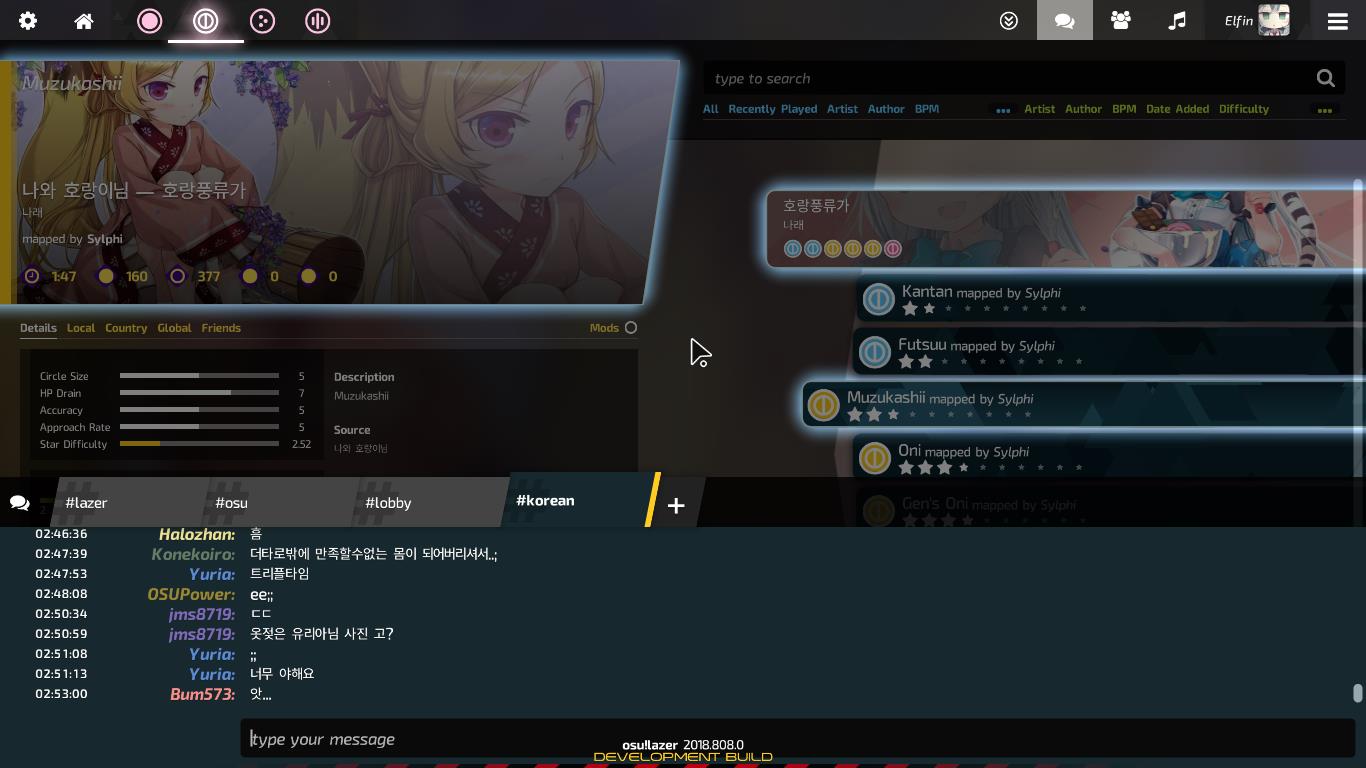
It seems not to be related to it. other korean characters shown without problems...
libneko
on 14 Aug 2018
It also happens on me when I input Chinese with my pinyin input method. And if you input into your notepad and copy paste into the game, it will work fine.
 LovelyA72
on 14 Aug 2018
LovelyA72
on 14 Aug 2018
Unicode Problems?
- Try Disabling And Then Enable It Again "Prefer Metadata On Original Language"
 ZapTech43
on 15 Aug 2018
ZapTech43
on 15 Aug 2018
Looks like IME issue for me.
@libneko
Which build of OS are you using?
And also, Which IME are you using?
Microsoft's one? or Custom one?
 Alex4386
on 15 Aug 2018
Alex4386
on 15 Aug 2018
@Alex4386
I'm using Microsoft IME on Windows 10 Pro 1803 17134.228.
but I opened this issue after I heard that problem from one person and tested it on my computer, so I don't know if it occurs only in this environment.
libneko
on 15 Aug 2018
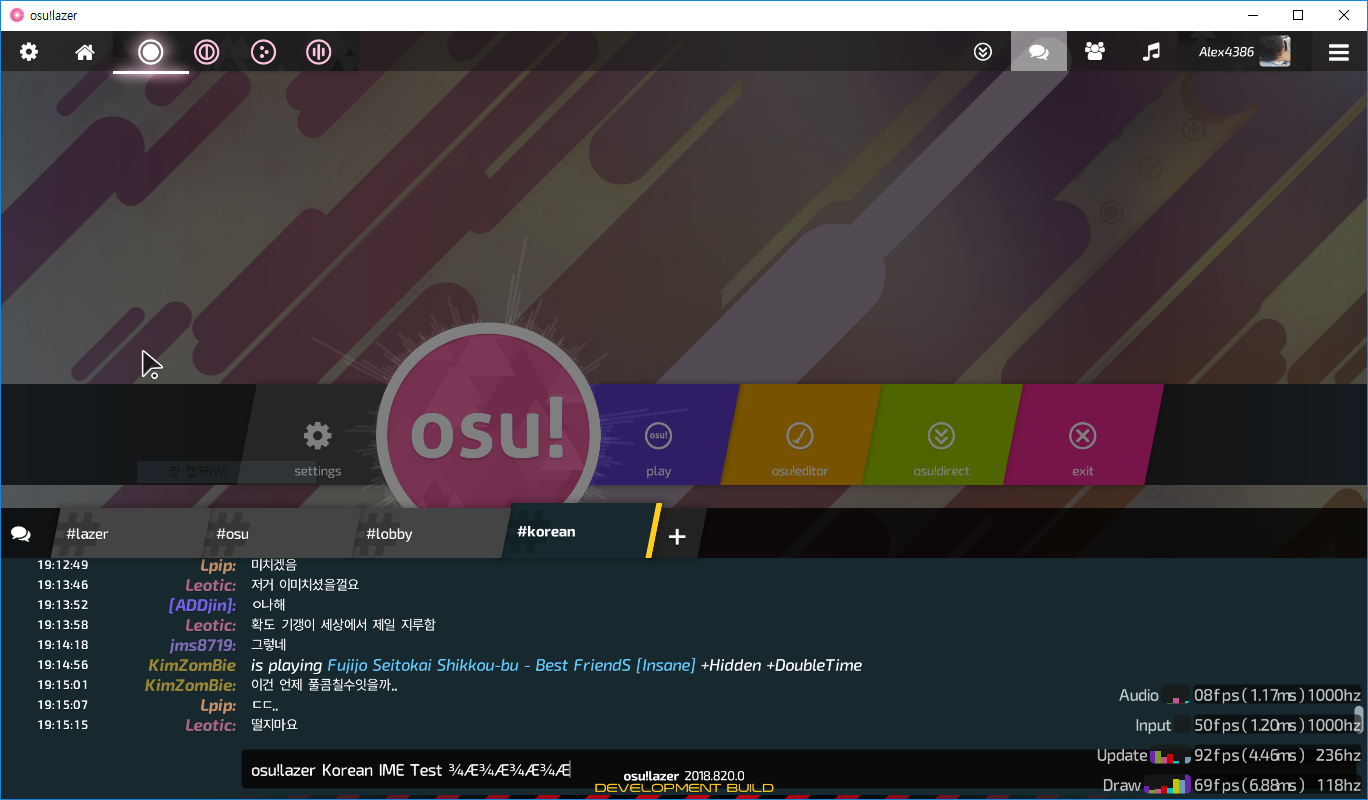
Successfully Reproduced on latest build v.2018.820.0
Technical Details:
Microsoft Windows 10 1803 Build 17134.1
Alex4386
on 21 Aug 2018
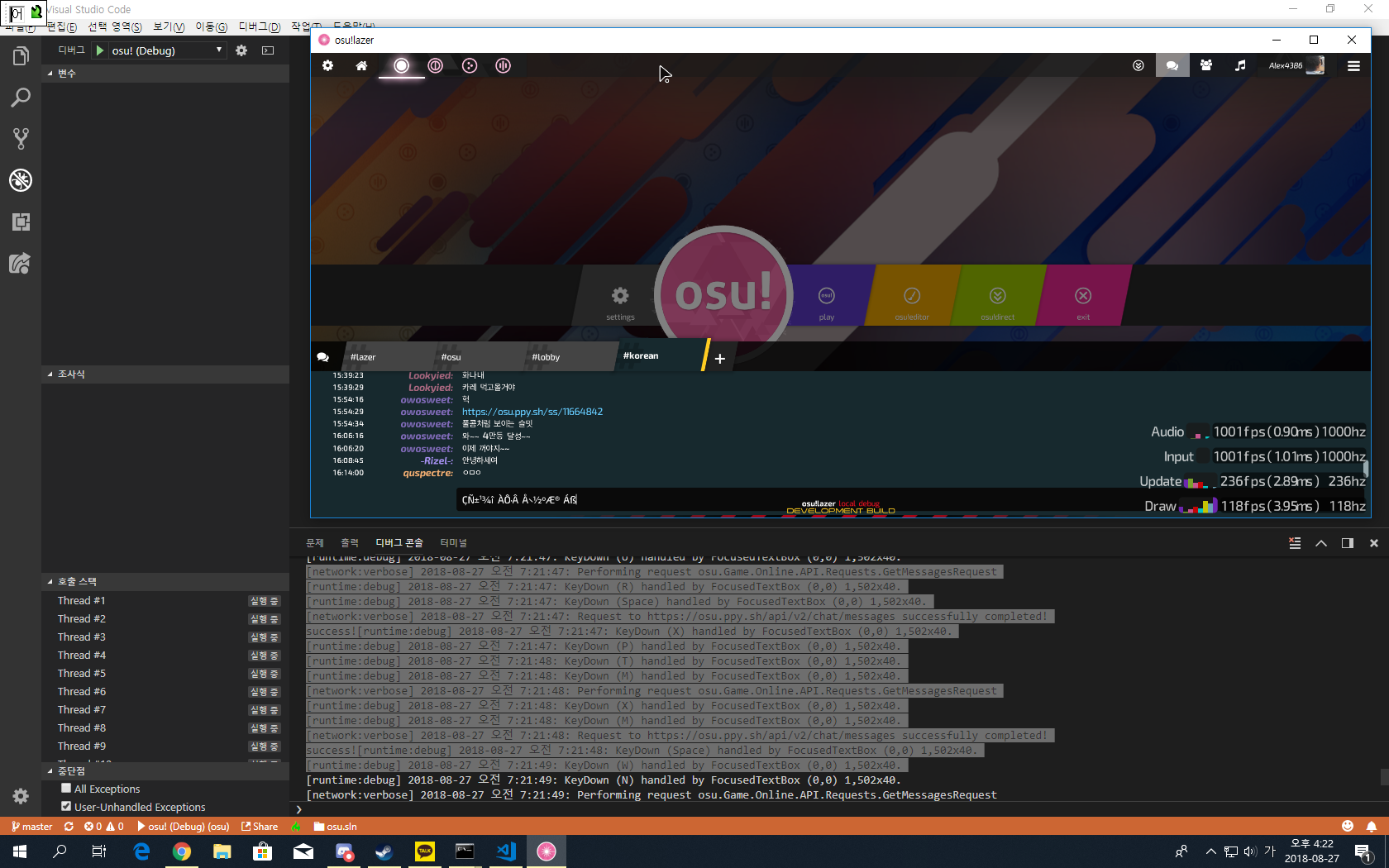
It seems to be framework is not handling the IME Correctly,
Verbose Log says the OpenTK received the key input directly,
but Korean Input requires the IME processing beforehand the character itself is displayed.
Alex4386
on 27 Aug 2018
I guess this is the framework issue.
Could you look at this please? @peppy
Theoretically, This means, every single language input uses ime is not processing the input properly
(e.g. Japanese, Chinese, Korean (a.k.a. CJK))
Will Test Japanese Input right now
Alex4386
on 27 Aug 2018
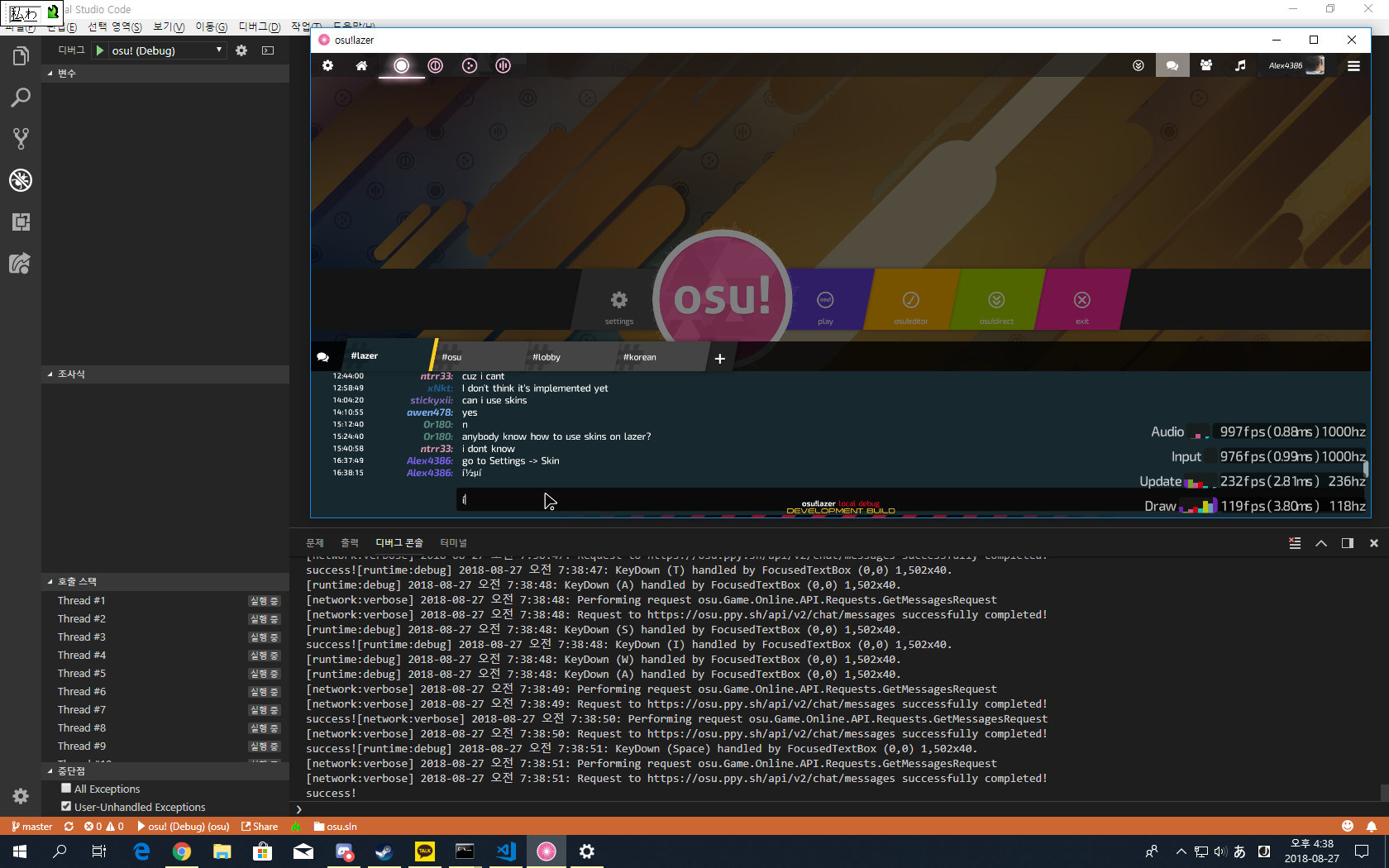
Expected Results were occurred on Japanese Input.
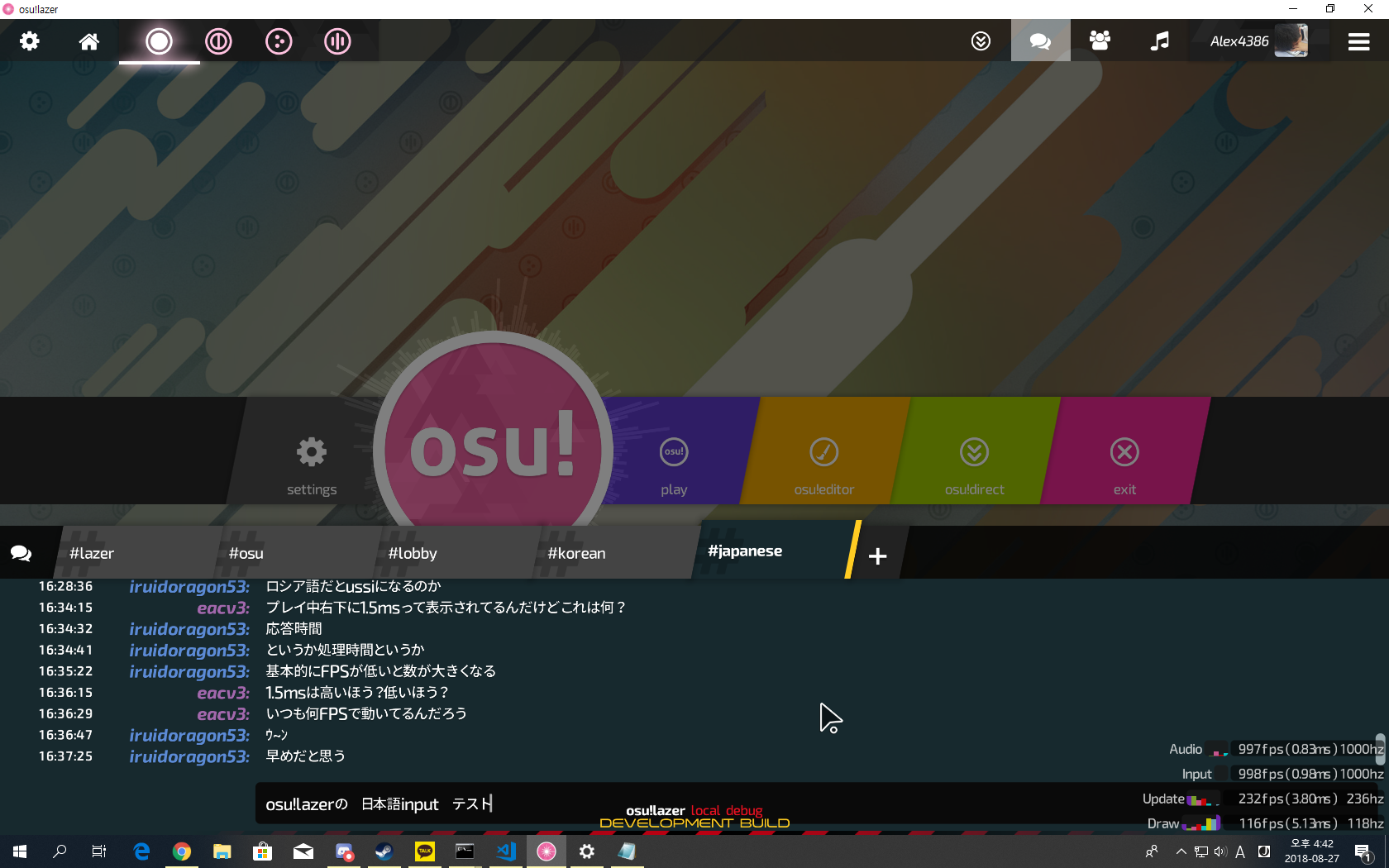
Copy-pasting works pretty well.
Alex4386
on 27 Aug 2018
Just found out that this issue is caused due to Handling Input via Window.KeyPress
check opentk/opentk#437 for more details.
Alex4386
on 27 Aug 2018
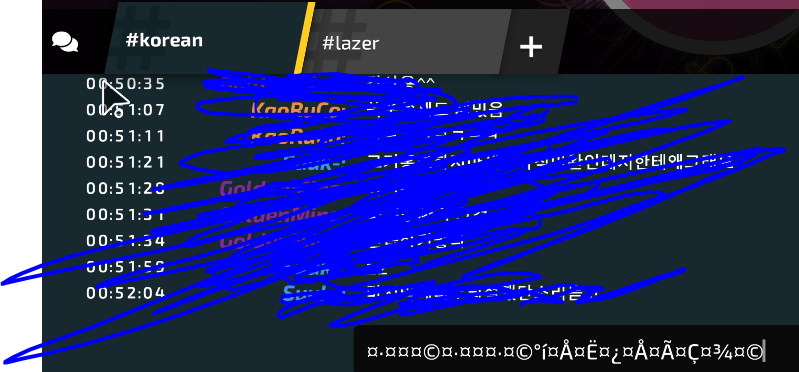
in macOS 10.14.5 Mojave, the FocusedTextBox actually inputs the actual character depending on keypress. (Still not handled by IME perfectly)
while KeyDownEvent Actually recognizes the actual key of the keystroke.
(Please refer to the image below for more detail)

Alex4386
on 22 Jul 2019
Should be the same with ppy/osu-framework#2945 .
 huoyaoyuan
on 19 Nov 2019
huoyaoyuan
on 19 Nov 2019
it does not work on 32bit nighter
 lime9360
on 1 Apr 2020
lime9360
on 1 Apr 2020
Closing as duplicate of https://github.com/ppy/osu/issues/2954.
 peppy
on 8 Apr 2020
peppy
on 8 Apr 2020
Related issues
 Gonzalo-Bruna
·
3Comments
Gonzalo-Bruna
·
3Comments
 stageosu
·
3Comments
stageosu
·
3Comments
 lauthaiming
·
3Comments
lauthaiming
·
3Comments
 elweojus
·
3Comments
elweojus
·
3Comments
 LanTenDragon
·
3Comments
LanTenDragon
·
3Comments
Most helpful comment
Just found out that this issue is caused due to Handling Input via
Window.KeyPresscheck opentk/opentk#437 for more details.