Organizr: Issues with qBittorrent in Organizr
Organizr Version: V 4.21
Branch: Master
WebServer: Nginx
Operating System: Windows 10
Problem Description:
I have Qbitorrent v4.21 installed with nginx for reverse proxy on my Windows 10 machine. When I add a tab to Organizr for Qbittorrent the page loads but I get the attached partially loaded qBittorrent Web UI screen.
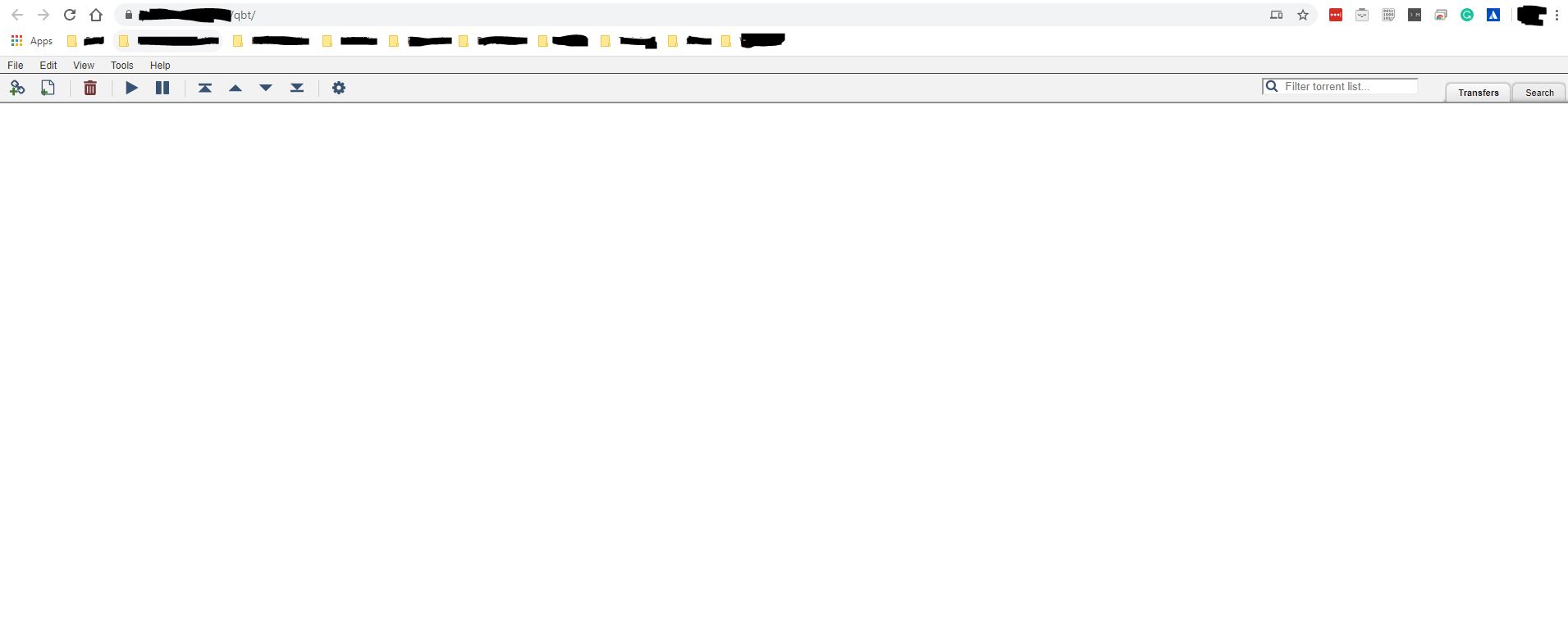
All other apps are reachable from outside the network (sonarr, radarr, organizr etc), Qbitorrent is the only one having this issue.
I have the following location block set in my config file:
location /qbt/ {
            proxy_hide_header  Referer;
            proxy_hide_header  Origin;
            proxy_set_header   Referer           '';
            proxy_set_header   Origin            '';
            add_header X-Frame-Options "SAMEORIGIN";
            rewrite /qbt/(.*) /$1 break;
            proxy_pass http://127.0.0.1:8090;
        }
Any suggestions on how to resolve this?
Errors on screen? If so paste here:
 JimboJamez
All 6 comments
What about the browser console? any errors there?
 Roxedus
on 20 Feb 2020
Roxedus
on 20 Feb 2020
I'm using Chrome @Roxedus . How do I check the console?
JimboJamez
on 20 Feb 2020
Press f12, or right click>inspect element, and go to the console tab in the new window/sidebar
Roxedus
on 20 Feb 2020
Thank you.
I can see the following error:
Refused to load the script 'https://ajax.cloudflare.com/cdn-cgi/scripts/7089c43e/cloudflare-static/rocket-loader.min.js' because it violates the following Content Security Policy directive: "script-src 'self' 'unsafe-inline'". Note that 'script-src-elem' was not explicitly set, so 'script-src' is used as a fallback.
30Refused to load the font '
' because it violates the following Content Security Policy directive: "default-src 'self'". Note that 'font-src' was not explicitly set, so 'default-src' is used as a fallback.
The page loads fine on localhost.
Any ideas what this issue would be?
JimboJamez
on 20 Feb 2020
We usually dont recommend leaving the rocket loader setting in cloudflare as on, due to issues like this.
Roxedus
on 20 Feb 2020
I've turned it off and it is now working!
Thank you @Roxedus , you are a star!
JimboJamez
on 20 Feb 2020
Related issues
 bbviking
·
3Comments
bbviking
·
3Comments
 jaydee99
·
6Comments
jaydee99
·
6Comments
 silentArtifact
·
3Comments
silentArtifact
·
3Comments
 deandmx
·
5Comments
deandmx
·
5Comments
 fana13
·
3Comments
fana13
·
3Comments
Most helpful comment
I've turned it off and it is now working!
Thank you @Roxedus , you are a star!