Orchardcore: Decoupled CMS routing issue using Razor Pages
I am trying to create a custom module (ForumModule) with a Host with Decoupled CMS.
This is my Host system startup.cs
  public class Startup
    {
        public void ConfigureServices(IServiceCollection services)
        {
            services
            .AddOrchardCms()
            .AddMvc();
        }

        public void Configure(IApplicationBuilder app, IHostingEnvironment env)
        {
            if (env.IsDevelopment())
            {
                app.UseDeveloperExceptionPage();
            }

            app.UseOrchardCore();
        }
    }
and this is the Startup at my ForumModule
    public class Startup : StartupBase
    {
        public override void ConfigureServices(IServiceCollection services)
        {
        }

        public override void Configure(IApplicationBuilder app, IRouteBuilder routes, IServiceProvider serviceProvider)
        {
        }
    }
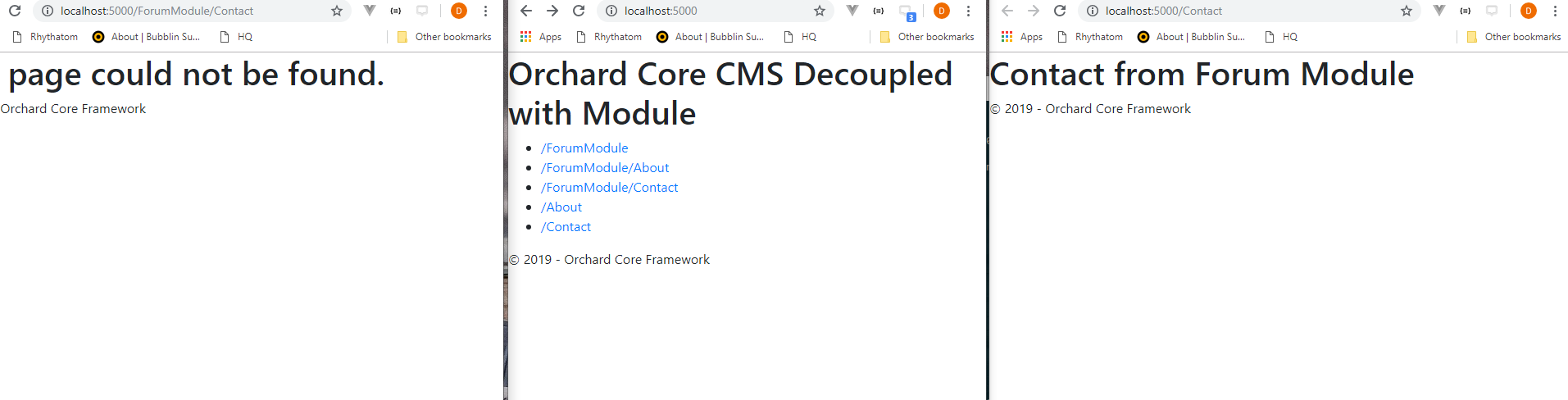
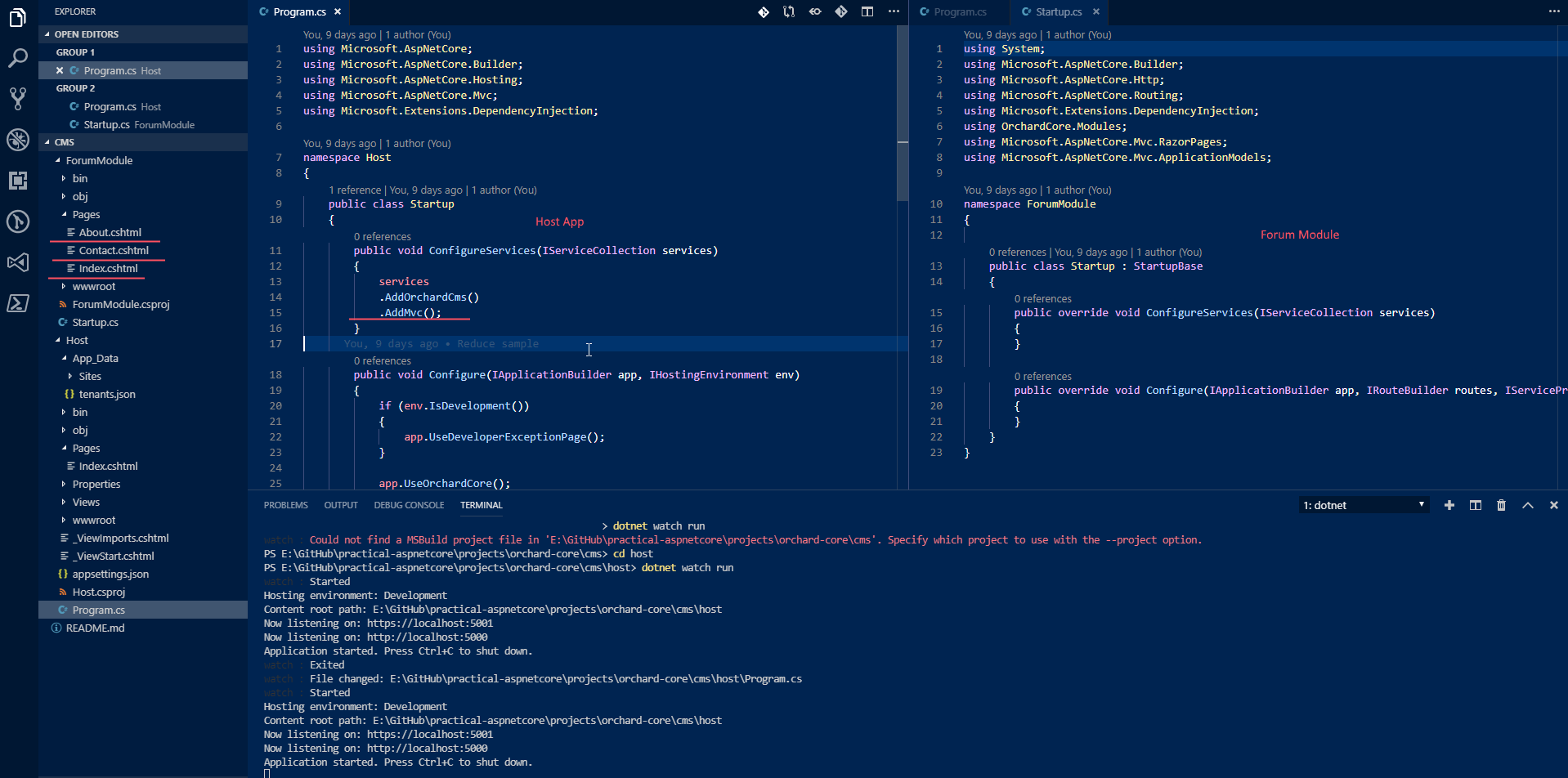
This is the layout of the project

The problem is that neither /ForumModule/ nor /ForumModule/About nor /ForumModule/Contact works.
However /About and /Contact works! This is surprising and I wonder if it's supposed to be that way. Because if I just use services.AddOrchardCore instead of add.AddOrchardCms(), the reverse situation happens.
Contact.cshtml is just consisted of this code so there is no overriding the path at the page level.
@page

<h1>Contact from Forum Module</h1>
The whole project is here https://github.com/dodyg/practical-aspnetcore/tree/master/projects/orchard-core/cms
 dodyg
dodyg
All 12 comments
Hi, I did a Razor Pages sample a while ago. You might want to have a look:
Orchard Core with Razor Pages decoupled
 psijkof
on 10 Apr 2019
psijkof
on 10 Apr 2019
@jtkech is this related to #2549?
 hishamco
on 15 Apr 2019
hishamco
on 15 Apr 2019
@hishamco hmm, yes because around razor pages, but #2549 is more related to home pages and razor page layouts discovering. Normally these issues have been fixed and there is a testing project OC.Application.Pages in our solution.
About this issue, AddOrchardCms call itself our AddMvc which is applied at the tenant level, then it returns the host level service collection. So, applying AddMvc on AddOrchardCms, as it is done here, re-add all mvc services at the host level.
So, @dodyg try to just remove the AddMvc() that you apply on AddOrchardCms.
 jtkech
on 15 Apr 2019
jtkech
on 15 Apr 2019
If they have been fixed .. we need to close them 😊
hishamco
on 15 Apr 2019
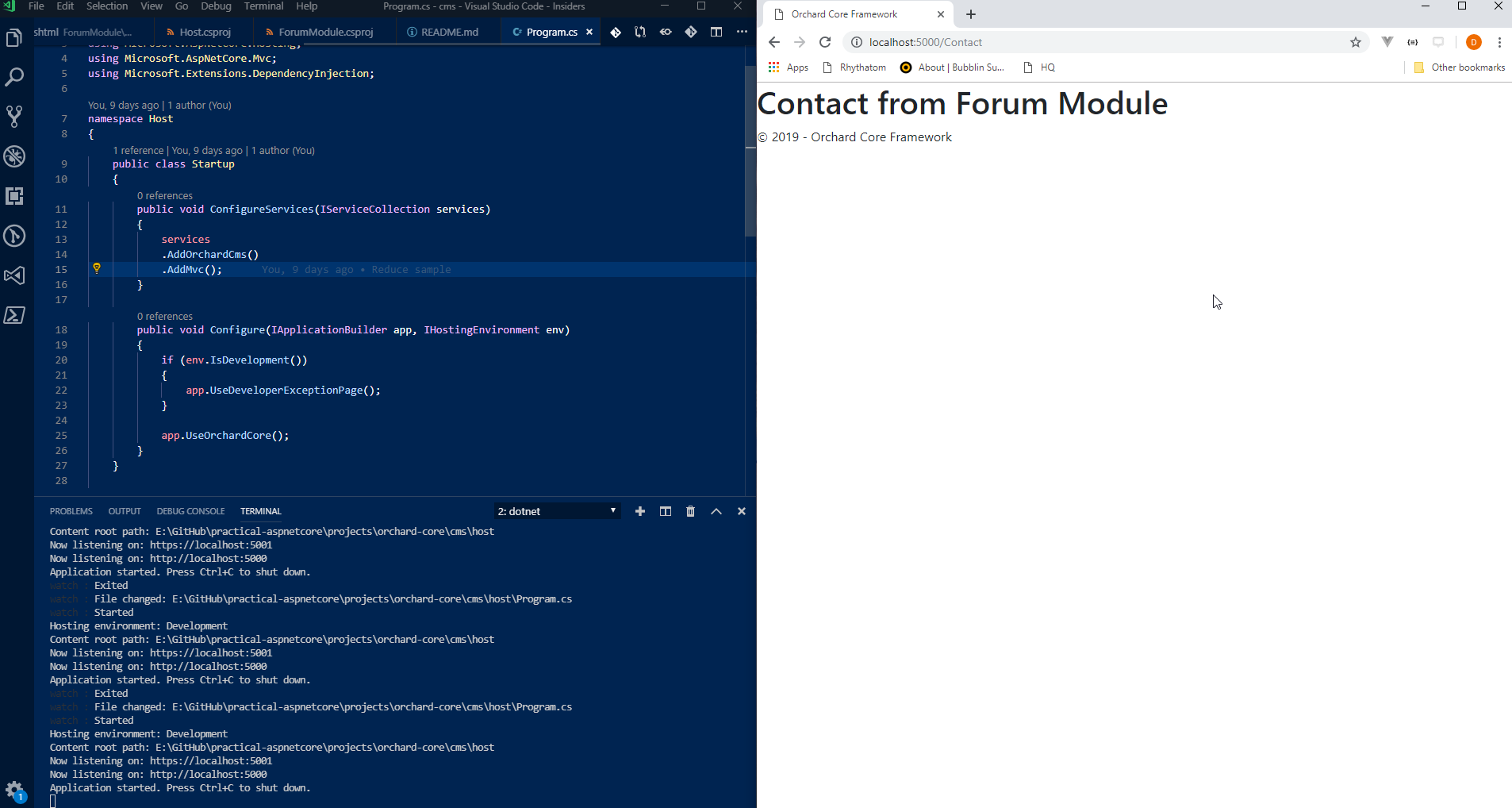
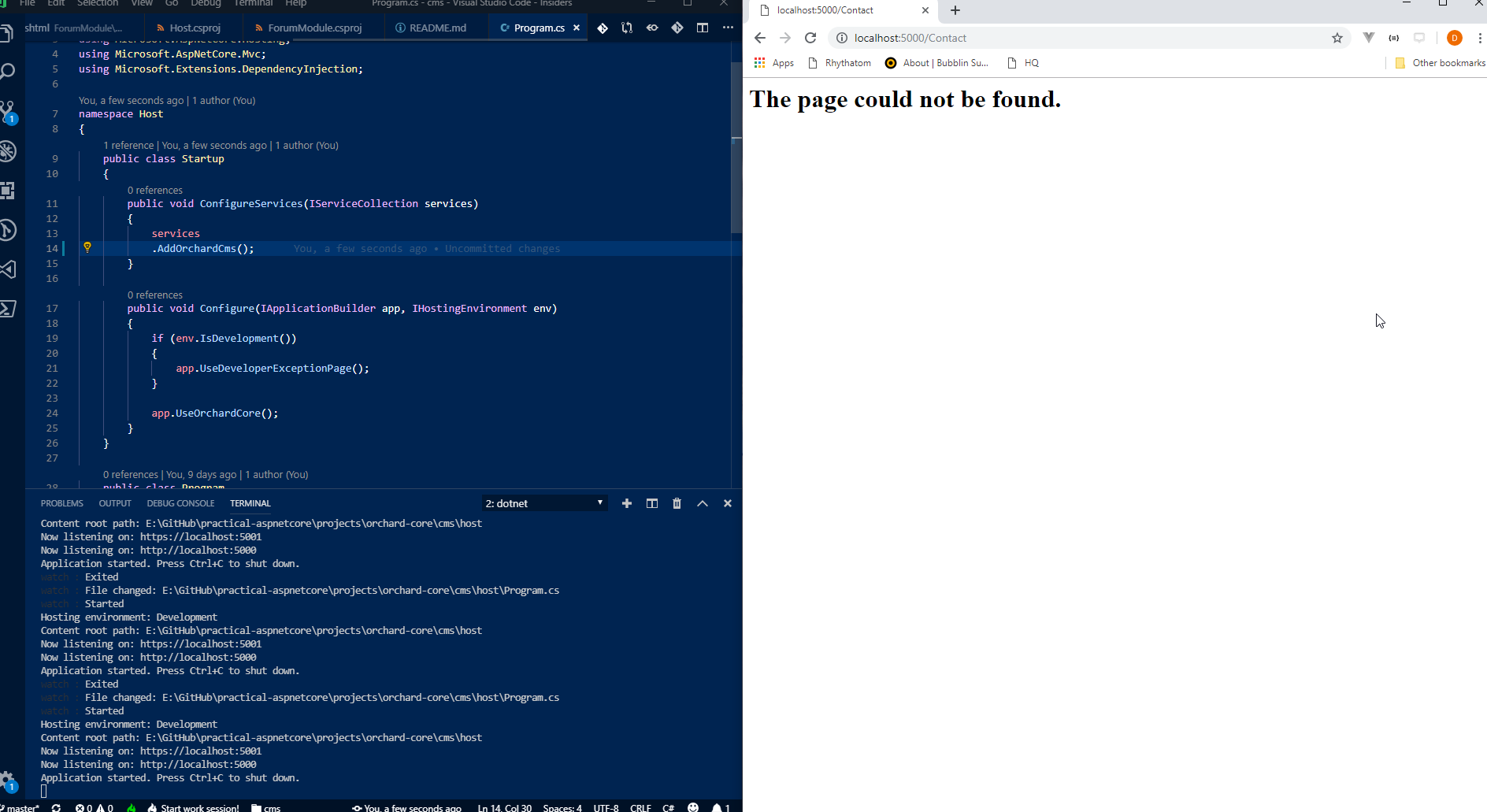
It doesn't work.
With AddMvc()
Without AddMvc()
dodyg
on 16 Apr 2019
@dodyg okay.
Just saw the link to your repo, i can't right now but i will try it this night directly from your repo.
jtkech
on 16 Apr 2019
@dodyg
Just tried your project under the C:\Sources\practical-aspnetcore\projects\orchard-core\routing-3\Host folder of your repo, all was working fine.
When your app reference OC.Application.Mvc.Targets, as it is in your repo, it means that you don't use the full cms and it is not intended that you use AddOrchardCms(). In this case you have to rather use AddOrchardCore() and then AddMvc() on it, as it is done in your repo. So, i first tried your Host application as it is and all was working.
Then, in your app i referenced OC.Application.Cms.Targets and just used AddOrchardCms() without AddMvc() because it is called by AddOrchardCms().
I also created a wwroot folder with a placeholder file so that Image Sharp doesn't fail.
Then, i add to run a setup where i selected the SaaS recipe.
Then, i add to login and go to the admin.
Then, i had to enable the
Forumand theTicketmodules.Then, all links were working fine.
jtkech
on 16 Apr 2019
Hi @jtkech,
Thank you for taking a look at this case. Unfortunately you checked on the wrong code. The code I was referring to is https://github.com/dodyg/practical-aspnetcore/tree/master/projects/orchard-core/cms

The Host project already uses the CMS target to
    <ItemGroup>
        <PackageReference Include="OrchardCore.Application.Cms.Targets" Version="1.0.0-beta3-71077" />
        <PackageReference Include="OrchardCore.Application.Targets" Version="1.0.0-beta3-71077" />
        <PackageReference Include="Microsoft.AspNetCore.App" />
    </ItemGroup>
And the Forum project uses
 <ItemGroup>
    <PackageReference Include="OrchardCore.Module.Targets" Version="1.0.0-beta3-71077" />
    <PackageReference Include="OrchardCore.Mvc.Core" Version="1.0.0-beta3-71077" />
  </ItemGroup>
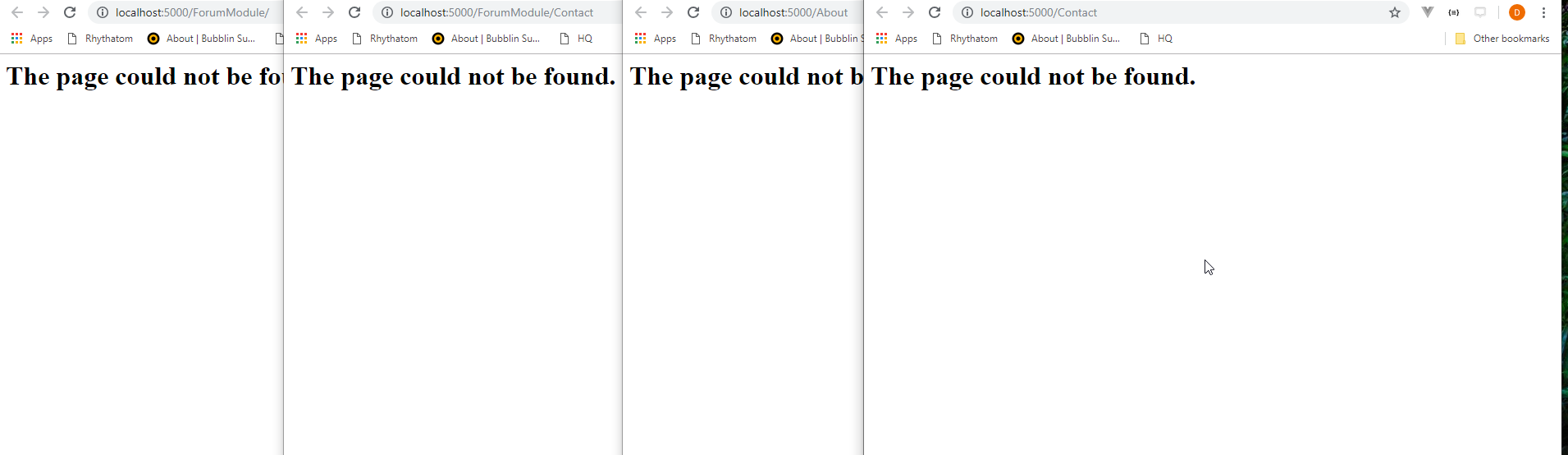
With only AddOrchardCms() nothing works
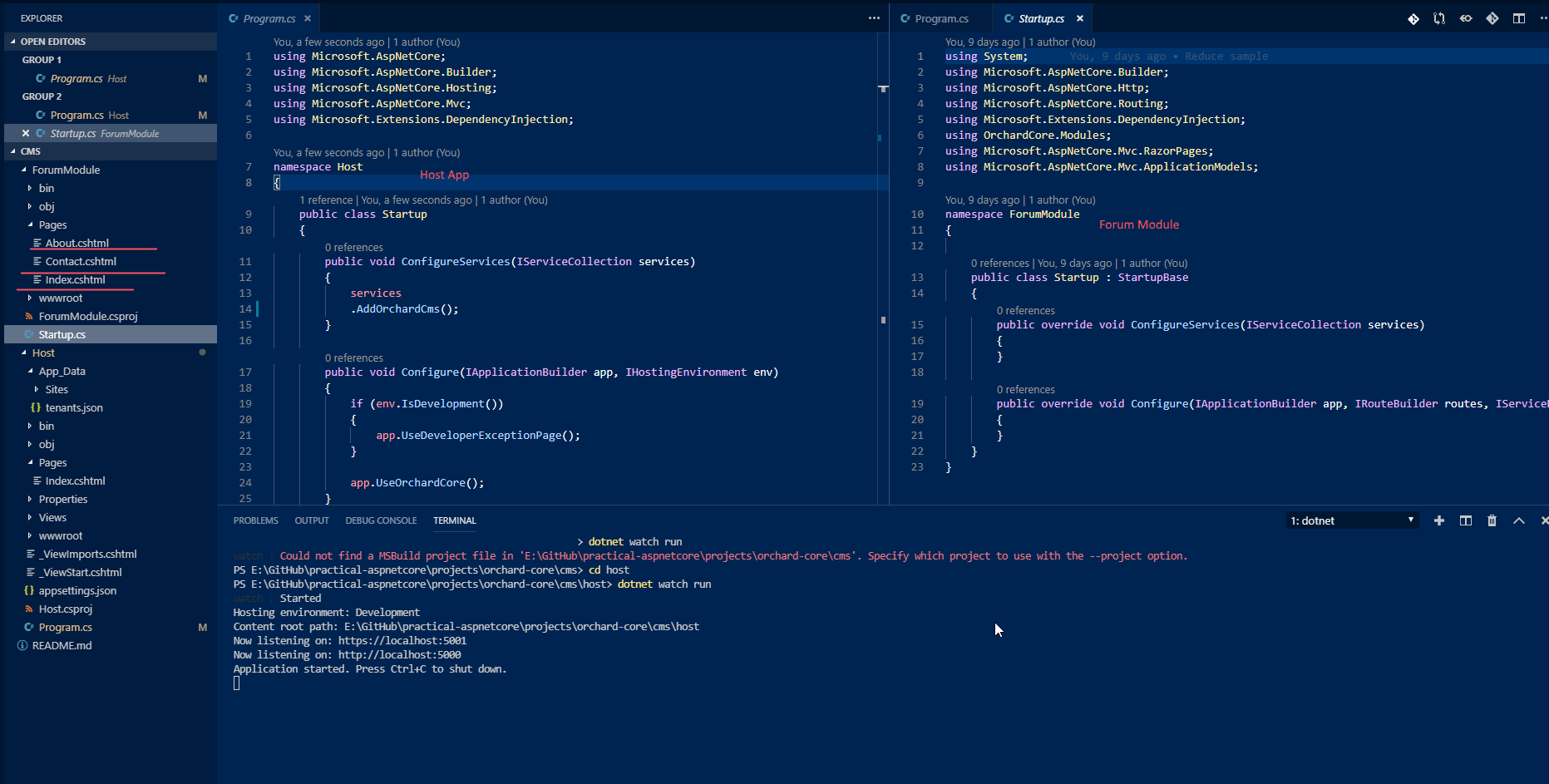
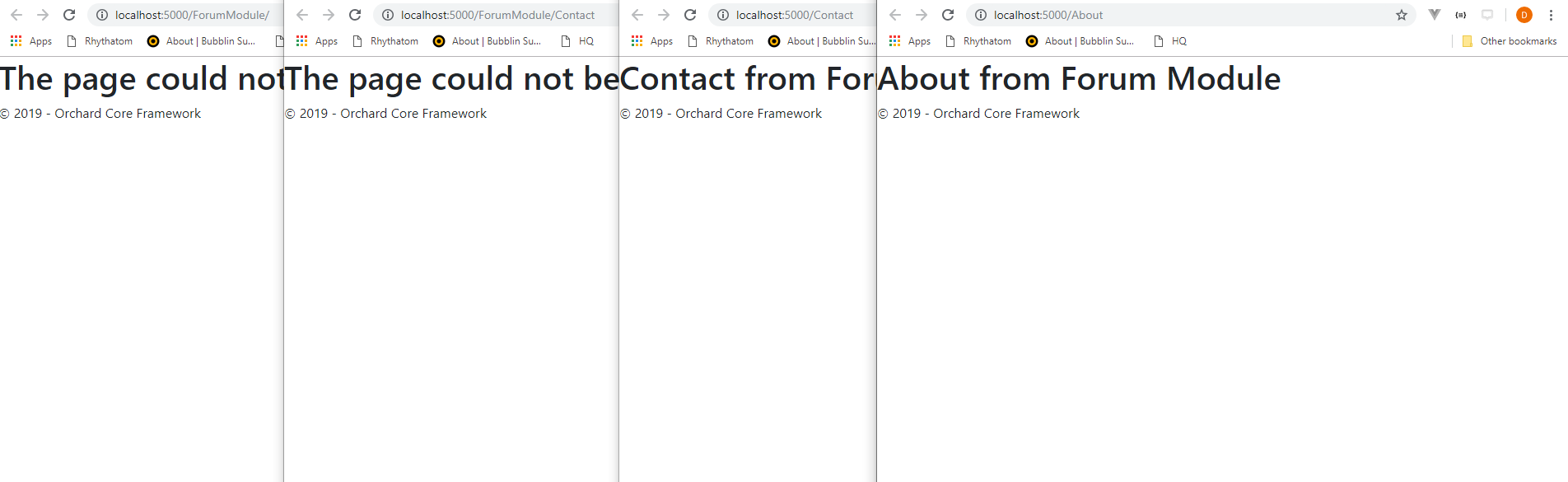
With AddOrchardCms().AddMvc(), some page works, but in an unexpected ways
I am not sure whether this is by design or not. Because if my module was using MVC, the /ForumModule/ or /ForumModule/About or /ForumModule/Contact, they would have worked.
dodyg
on 17 Apr 2019
@dodyg okay no problem, just tried this project.
I removed the
OC.Application.Targetsreference, you don't need it if you referenceOC.Application.Cms.Targets.Then i removed
AddMvc(), just keptAddOrchardCms().The
ForumModulemanifest file was missing so i copy pasted aManifest.cs.Then, i followed the same step as above, run the setup where i selected the blank site recipe, go to the admin and enable the
ForumModuleand so on.Then all links with the module name work as expected. To make working routes without the module name you would have to use razor pages route helpers, as we do in our demo module.
In your
_ViewStartyou can just useLayout = "_Layout";then the layout is naturaly found in the views shared folder, the layout can also be put in thePages/Sharedfolder, then the_ViewImports.cshtmland the_ViewStart.cshtmlcan be put under thePagesfolder.Finally, i removed the
Watch Includein your project file, and i was still able to update the views in live while in debug mode.
jtkech
on 17 Apr 2019
Oh it seems that I missed a lot of steps. Awesome. It works now. Thank you!
dodyg
on 18 Apr 2019
Hi,
can you write the solution and the main steps to get it working
 waelGolli
on 24 Dec 2019
dodyg
on 26 Dec 2019
waelGolli
on 24 Dec 2019
dodyg
on 26 Dec 2019
Related issues
 ns8482e
·
4Comments
ns8482e
·
4Comments
 lzw5399
·
3Comments
lzw5399
·
3Comments
 deanmarcussen
·
3Comments
deanmarcussen
·
3Comments
 khoshroomahdi
·
4Comments
khoshroomahdi
·
4Comments
 chillibug
·
4Comments
chillibug
·
4Comments
Most helpful comment
@dodyg okay no problem, just tried this project.
I removed the
OC.Application.Targetsreference, you don't need it if you referenceOC.Application.Cms.Targets.Then i removed
AddMvc(), just keptAddOrchardCms().The
ForumModulemanifest file was missing so i copy pasted aManifest.cs.Then, i followed the same step as above, run the setup where i selected the blank site recipe, go to the admin and enable the
ForumModuleand so on.Then all links with the module name work as expected. To make working routes without the module name you would have to use razor pages route helpers, as we do in our demo module.
In your
_ViewStartyou can just useLayout = "_Layout";then the layout is naturaly found in the views shared folder, the layout can also be put in thePages/Sharedfolder, then the_ViewImports.cshtmland the_ViewStart.cshtmlcan be put under thePagesfolder.Finally, i removed the
Watch Includein your project file, and i was still able to update the views in live while in debug mode.