Openshot-qt: OpenShot needs proper blur
OpenShot needs out-of-focus blur. The attached picture explains why!

 TavernSenses
All 5 comments
@DylanC - This is an exact dupe of #1554 , but since this issue includes a sample screenshot, I think this should be the one that is kept and the other one closed as the dupe.
If you agree, would you mind adding the "enhancement" tag here and updating the tags on the other issue?
 N3WWN
on 9 May 2018
N3WWN
on 9 May 2018
Dup of #1554.
 DylanC
on 9 May 2018
DylanC
on 9 May 2018
@N3WWN - I will add the tags but I would prefer to keep both if you don't mind.
DylanC
on 9 May 2018
Oh sure thing! I don't mind at all ;)
I'm looking at this right now.
The current blur is supposed to be a Gaussian blur, but it's only being applied in one direction and for one iteration, resulting in a motion blur.
At present, a vertical blur negates the horizontal blur, so the only way to get a horizontal blur is to set the vertical radius to 0. There is currently no way to get both blurs with one effect.
N3WWN
on 9 May 2018
Original image:
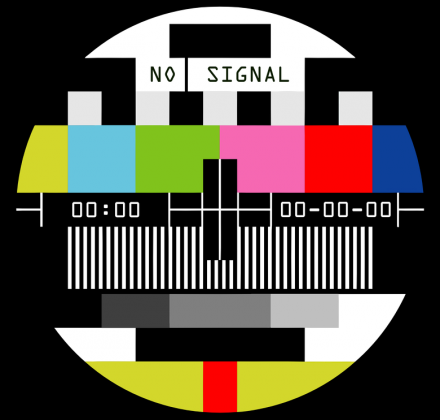
Here is the current blur effect (6 horizontal radius, 3 iterations, 3 sigma, 6 vertical radius):

You can see that the only blur is in the vertical component. Changing the interation value does not alter the effect, either.
Here is the fixed blur effect (same as above: 6 horizontal radius, 3 iterations, 3 sigma, 6 vertical radius) [pending PR]:

Now the horizontal radius can be specified along with the vertical radius (or any combination of the two) and changing the iterations will result in more or less blur.
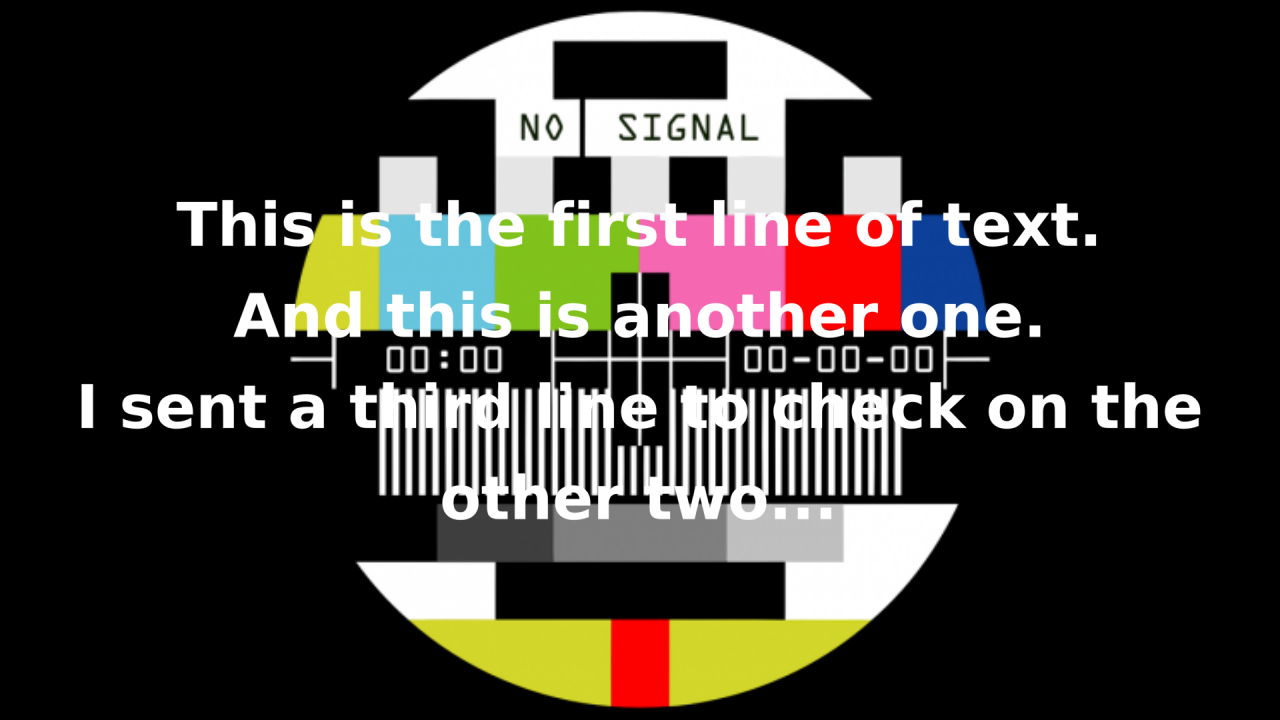
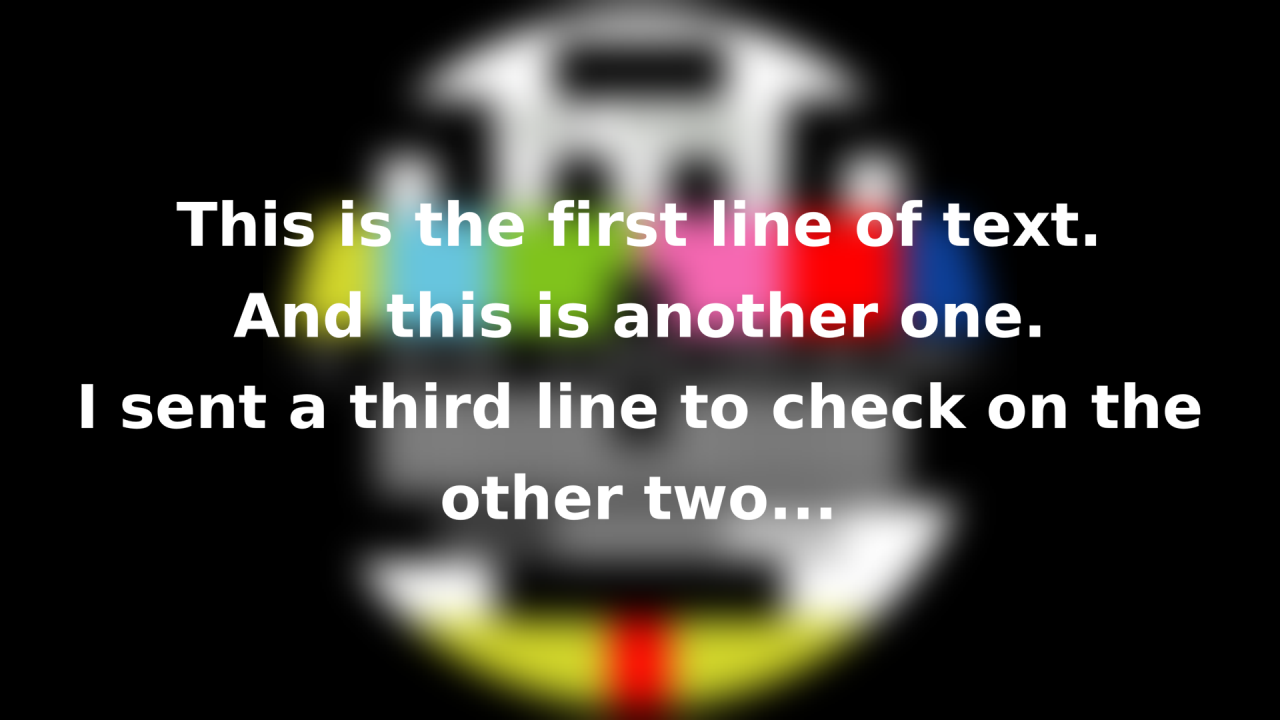
Here's an example with some text overlayed with a "rack focus" (0 horizontal radius, 3 iterations, 3 sigma, 0 vertical radius to 10 horizontal radius, 3 iterations, 3 sigma, 10 vertical radius) over 2 seconds.
Frame 1 (0s) - in focus:
Frame 48 (2s) - out of focus:
N3WWN
on 9 May 2018
Related issues
 LadyReader
·
3Comments
LadyReader
·
3Comments
 gbbbbb
·
3Comments
gbbbbb
·
3Comments
 audioclown
·
3Comments
audioclown
·
3Comments
 Geoff0627
·
3Comments
Geoff0627
·
3Comments
 sspmrsomebody1
·
3Comments
sspmrsomebody1
·
3Comments
Most helpful comment
Original image:
Here is the current blur effect (
6 horizontal radius,3 iterations,3 sigma,6 vertical radius):You can see that the only blur is in the vertical component. Changing the
interationvalue does not alter the effect, either.Here is the fixed blur effect (same as above:
6 horizontal radius,3 iterations,3 sigma,6 vertical radius) [pending PR]:Now the horizontal radius can be specified along with the vertical radius (or any combination of the two) and changing the iterations will result in more or less blur.
Here's an example with some text overlayed with a "rack focus" (
0 horizontal radius,3 iterations,3 sigma,0 vertical radiusto10 horizontal radius,3 iterations,3 sigma,10 vertical radius) over 2 seconds.Frame 1 (0s) - in focus:
Frame 48 (2s) - out of focus: