Openmptcprouter: Unable to move the image to the Router
I downloaded this image to the USB
It booted up but it is missing many components and i was not sure how to move the image
https://twitter.com/rifaterdemsahin/status/1325909939521540097
Image I used
https://twitter.com/rifaterdemsahin/status/1325910424320012288
Script I could not trigger
https://twitter.com/rifaterdemsahin/status/1325911021840715783
I tried to move the image Error I got
https://twitter.com/rifaterdemsahin/status/1325915622778220545
Is there a way that has been done for this ?
Device
This is the device i am installing on
https://youtu.be/rfc2iSnOLsc
 rifaterdemsahin
All 72 comments
Also noted in twitter as a reference
https://twitter.com/rifaterdemsahin/status/1326538212722929667
rifaterdemsahin
on 11 Nov 2020
Difficult to read...
So you can see boot screen but partitions are not mounted ? A driver may be needed but I would need more technical info about the device.
 Ysurac
on 11 Nov 2020
Ysurac
on 11 Nov 2020
Difficult to read
Ok here are all the screenshots
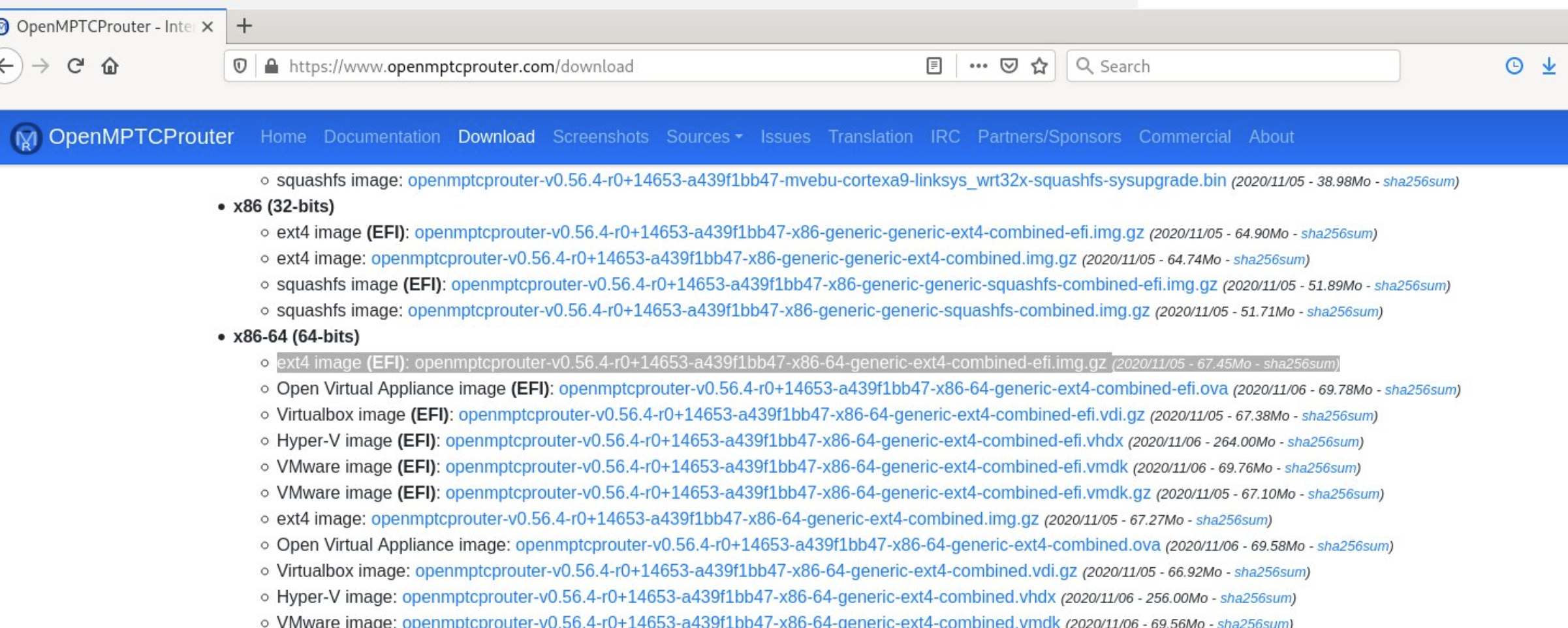
Downloaded Image
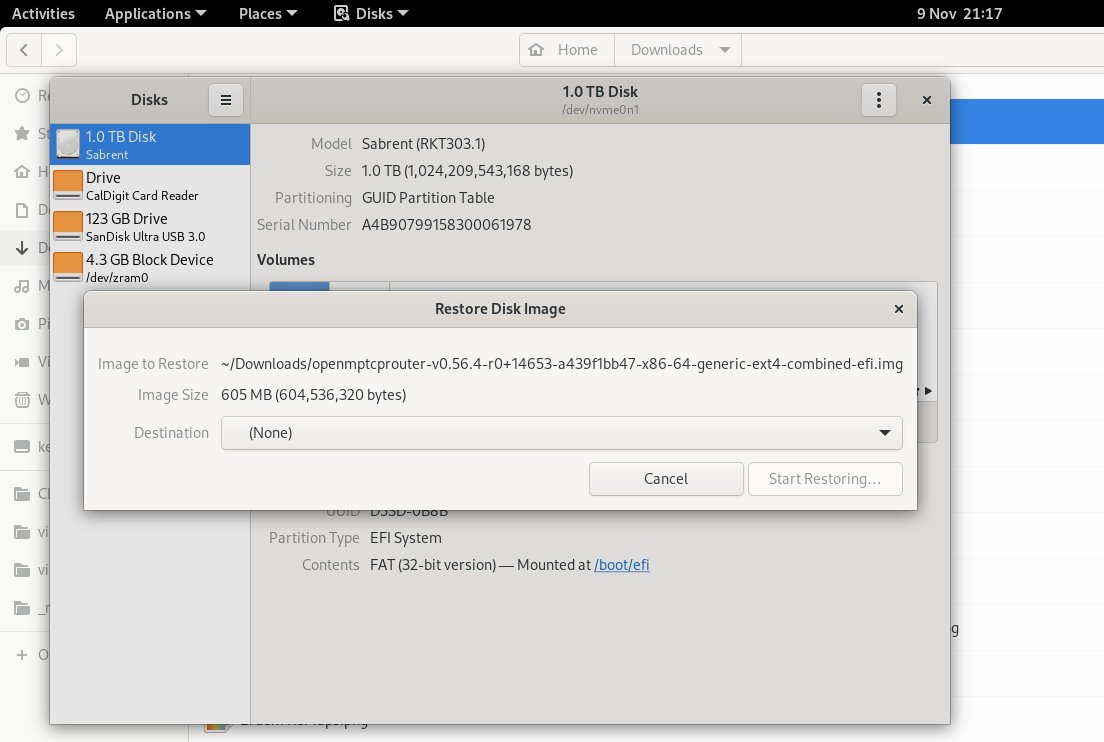
Moved image to usb
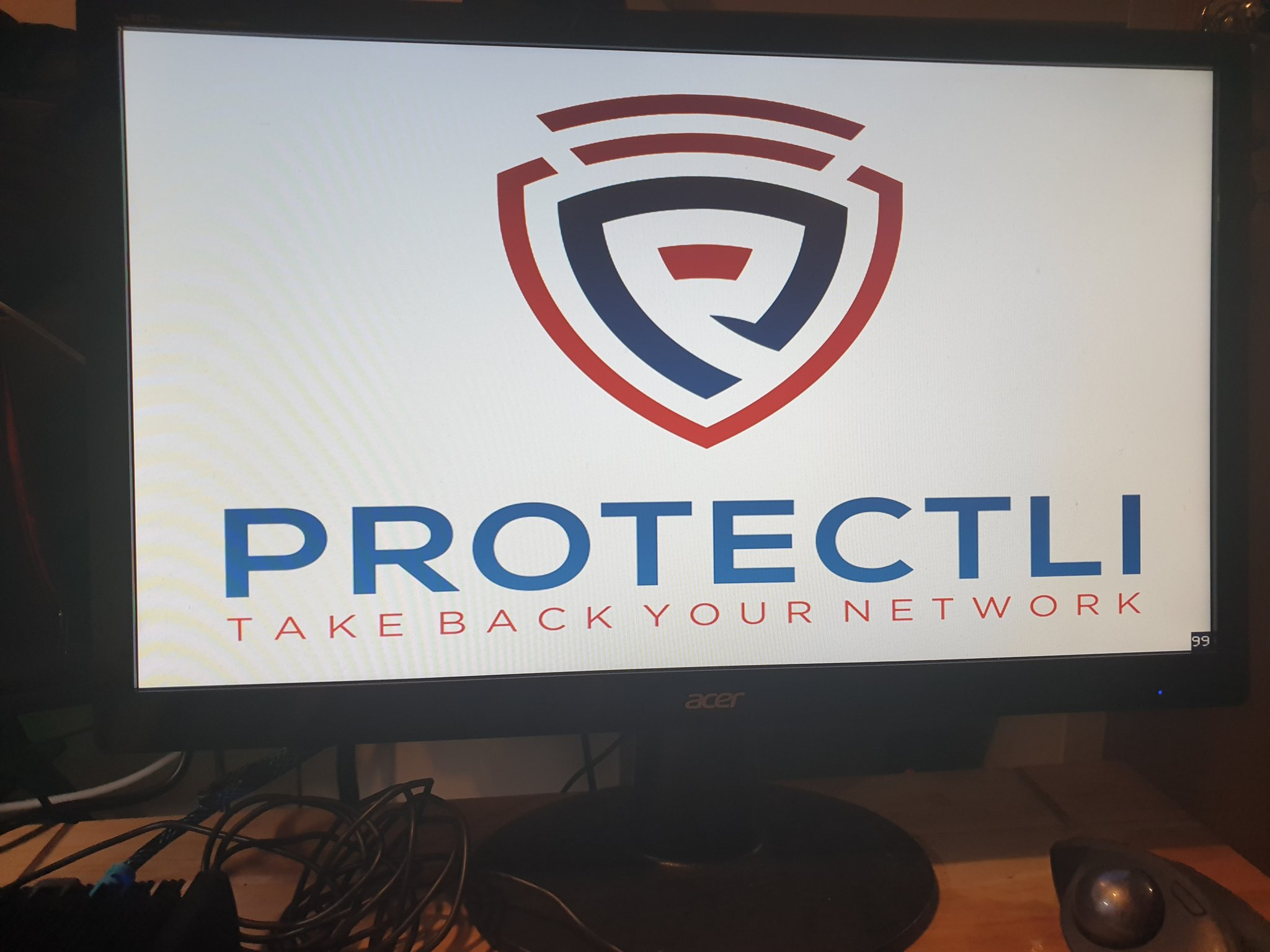
The machine starts like
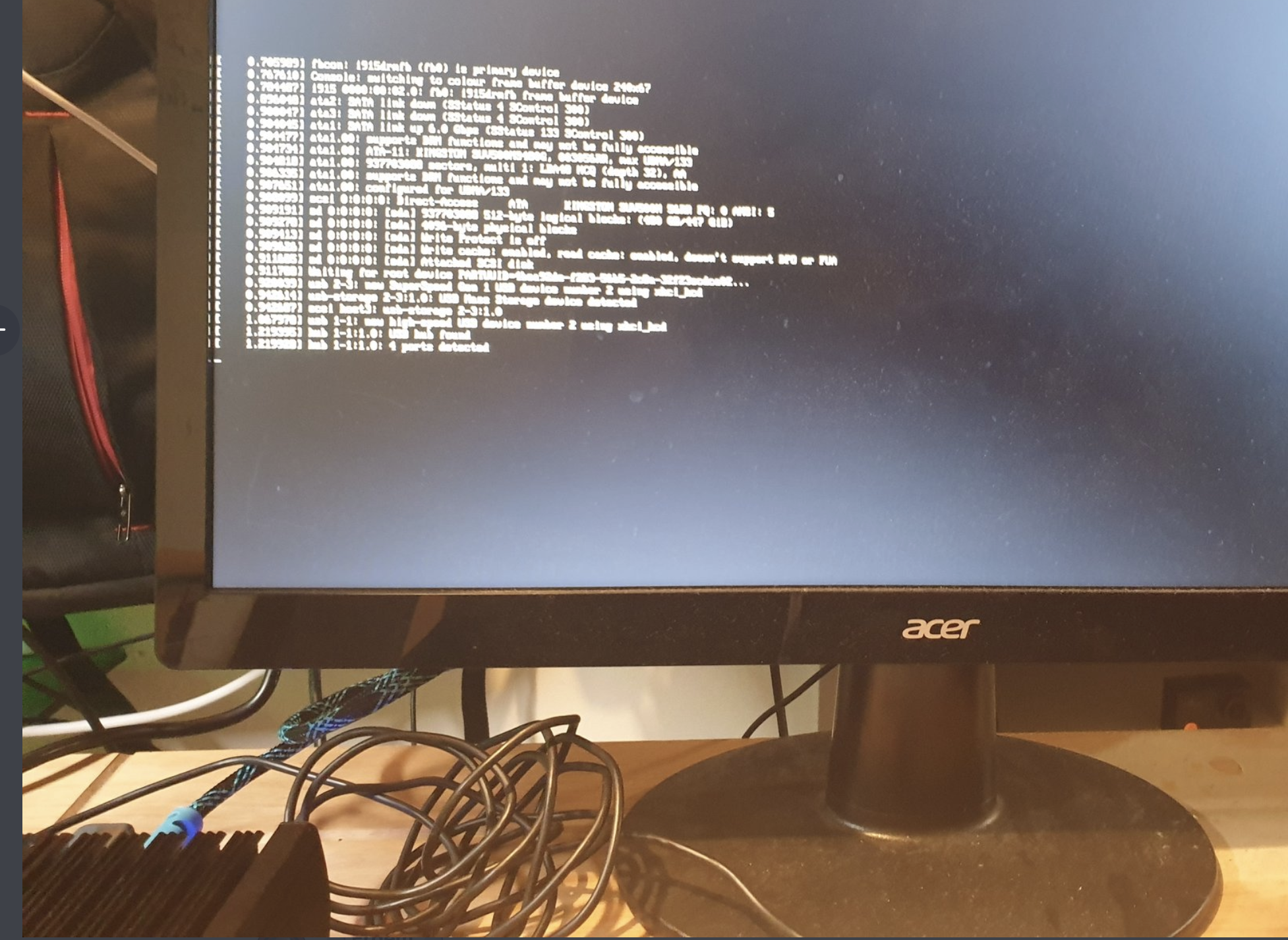
Loads from usb
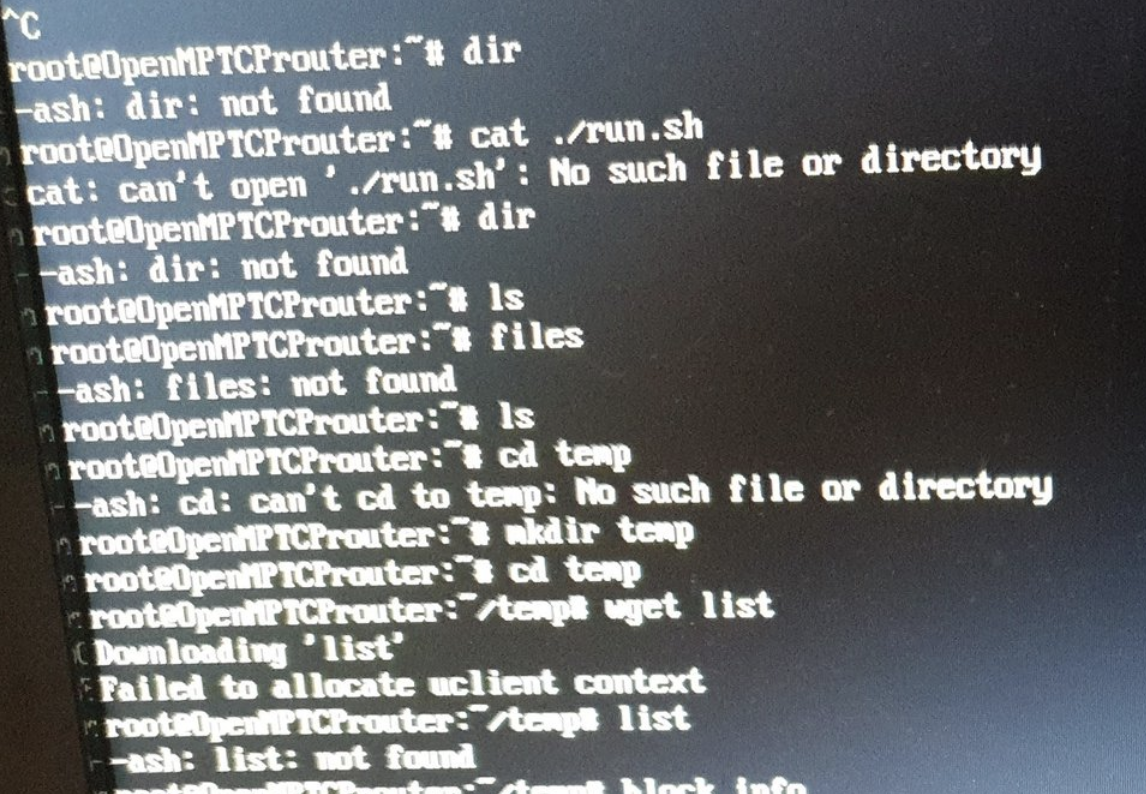
I could not trigger this from the image
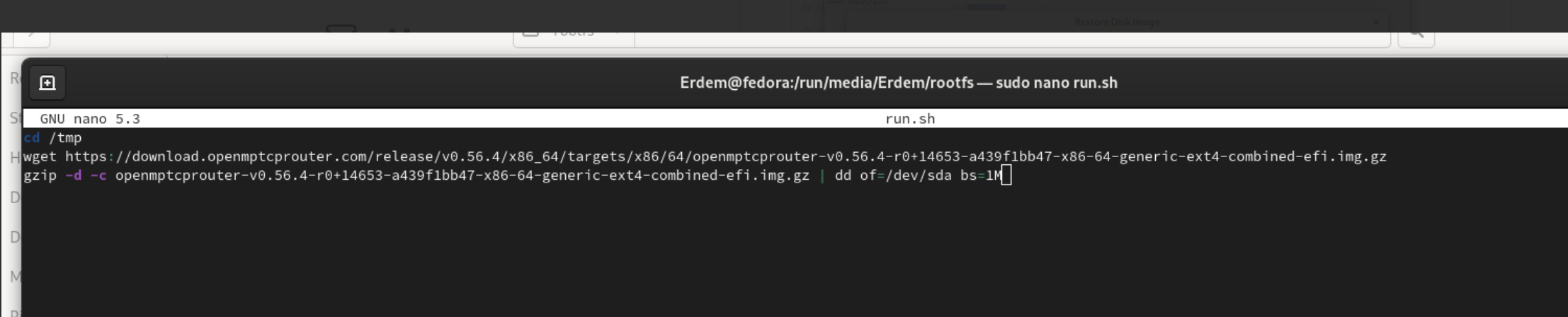
I cant find my script
Script
cd /tmp
wget https://download.openmptcprouter.com/release/v0.56.4/x86_64/targets/x86/64/openmptcprouter-v0.56.4-r0+14653-a439f1bb47-x86-64-generic-ext4-combined-efi.img.gz
gzip -d -c openmptcprouter-v0.56.4-r0+14653-a439f1bb47-x86-64-generic-ext4-combined-efi.img.gz | dd of=/dev/sda bs=1M
Drive

Block Info

rifaterdemsahin
on 11 Nov 2020
So you can see boot screen but partitions are not mounted ?
I cant see the partitions:
A driver may be needed but I would need more technical info about the device.
Device
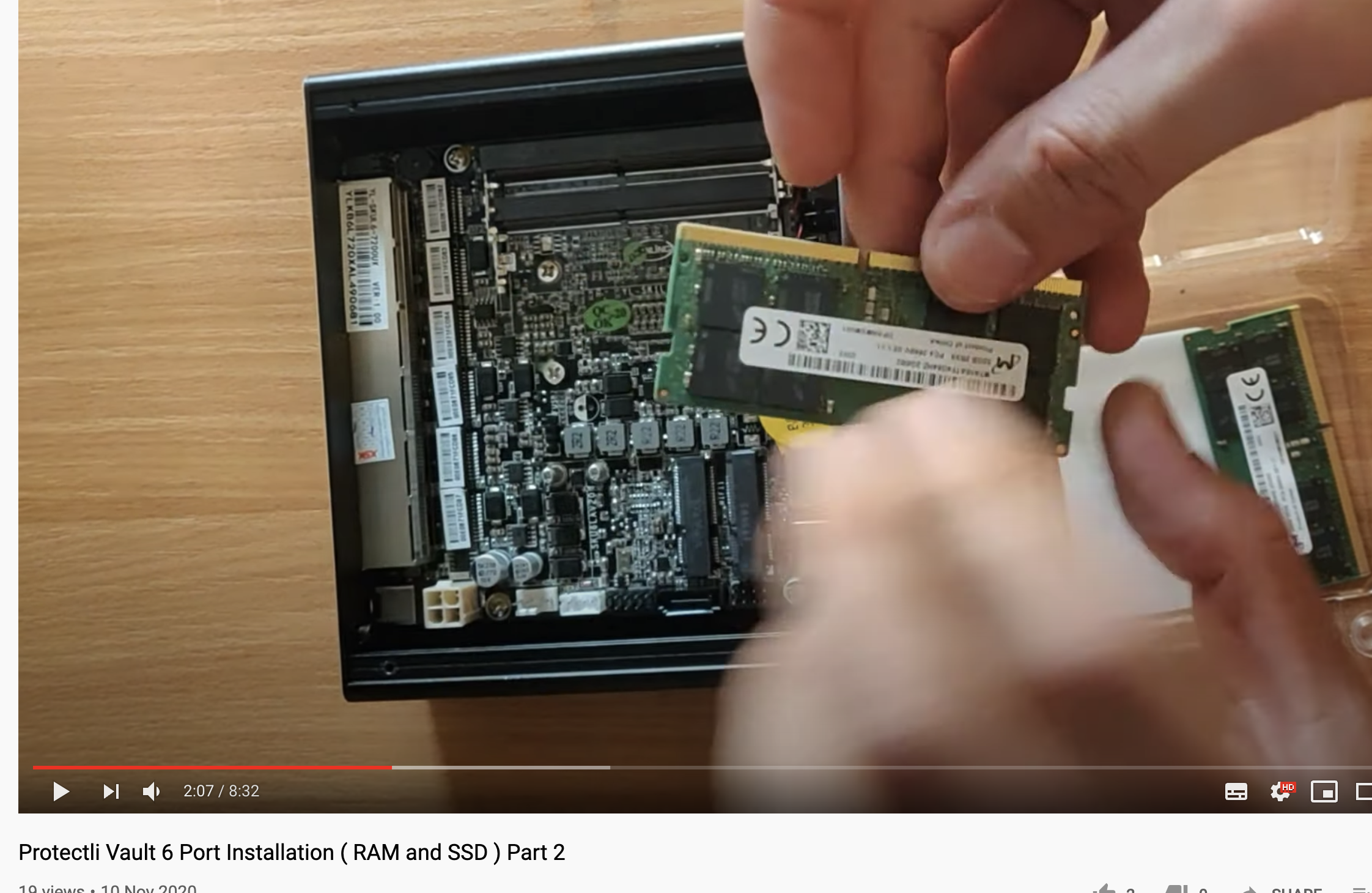
Manufacturer
https://protectli.com/vault-6-port/
rifaterdemsahin
on 11 Nov 2020
Maybe i should install over ESXI ?
https://protectli.com/kb/how-to-install-esxi-on-the-vault/
rifaterdemsahin
on 11 Nov 2020
thsi device seems ton support ubuntu and other distro...
did you try EFI and non EFI img ...
try 0.56.5
do you try to start OMR on a usb key ?
 vinceducat
on 11 Nov 2020
vinceducat
on 11 Nov 2020
why not start this device on usb key like ubunut or other distro and transfert image to SSD
with
gunzip openmptcprouter-.img.gz
dd bs=4M if=openmptcprouter-.img of=/dev/sdX conv=fsync
https://protectli.com/kb/how-to-create-a-bootable-usb-drive-for-software-installation/
vinceducat
on 11 Nov 2020
u seems to be log via SSH on OMR i dont understand why ???
why do you want to launch this script, to copy image u seems to be on an OMR working because u are log in ssh on OMR ...
my idea : launch your device with ubuntu / debian on a live usb.
get OMR img from the web site..
transfert the image to the ssd..
relaunch and select ssd in te boot
vinceducat
on 11 Nov 2020
u seems to be log via SSH on OMR i dont understand why ???
why do you want to launch this script, to copy image u seems to be on an OMR working because u are log in ssh on OMR ...
my idea : launch your device with ubuntu / debian on a live usb.
get OMR img from the web site..
transfert the image to the ssd..
relaunch and select ssd in te boot
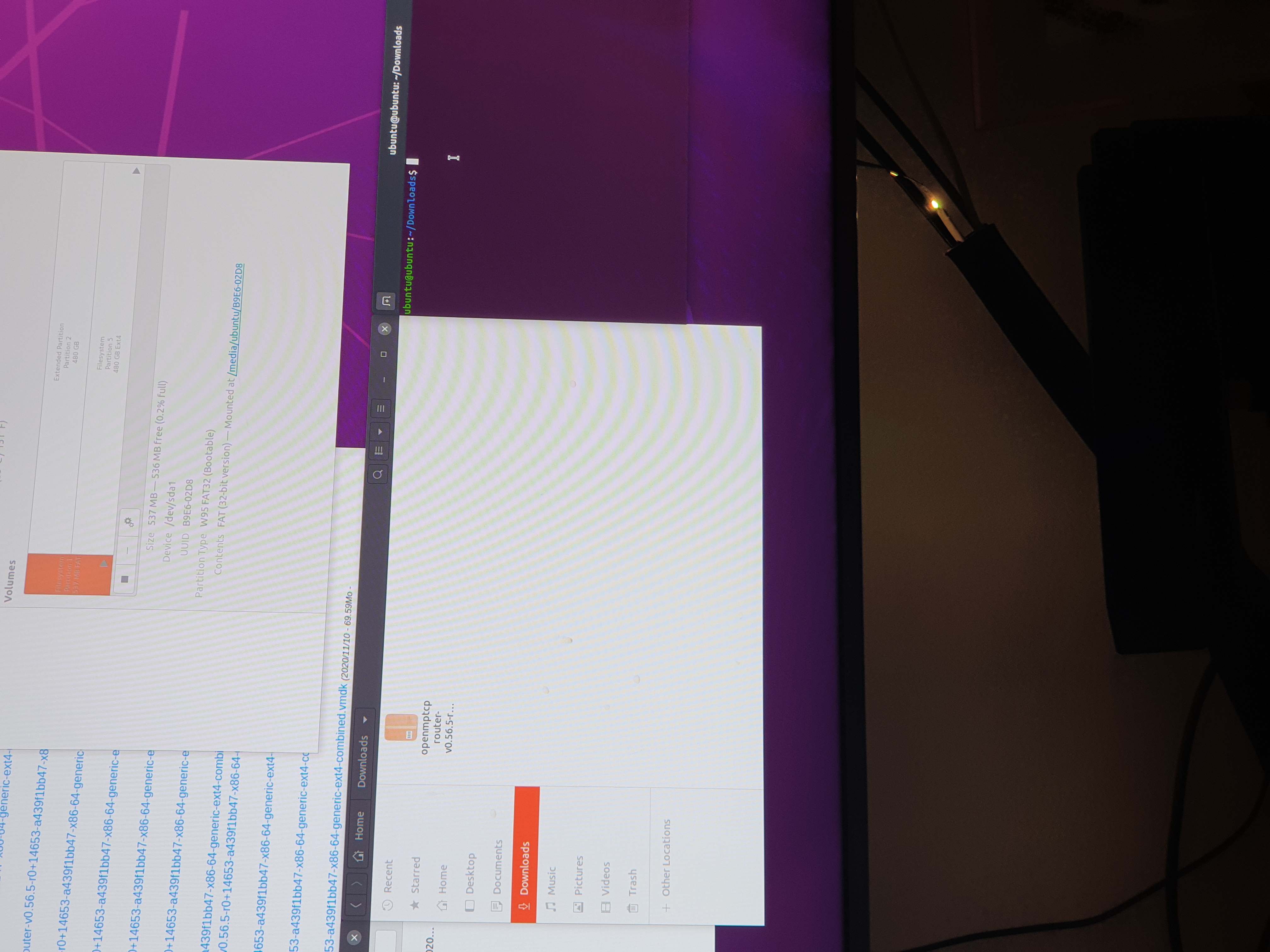
I tried and failed
https://twitter.com/rifaterdemsahin/status/1326667556535603200?s=19
rifaterdemsahin
on 12 Nov 2020
There is only one drive left
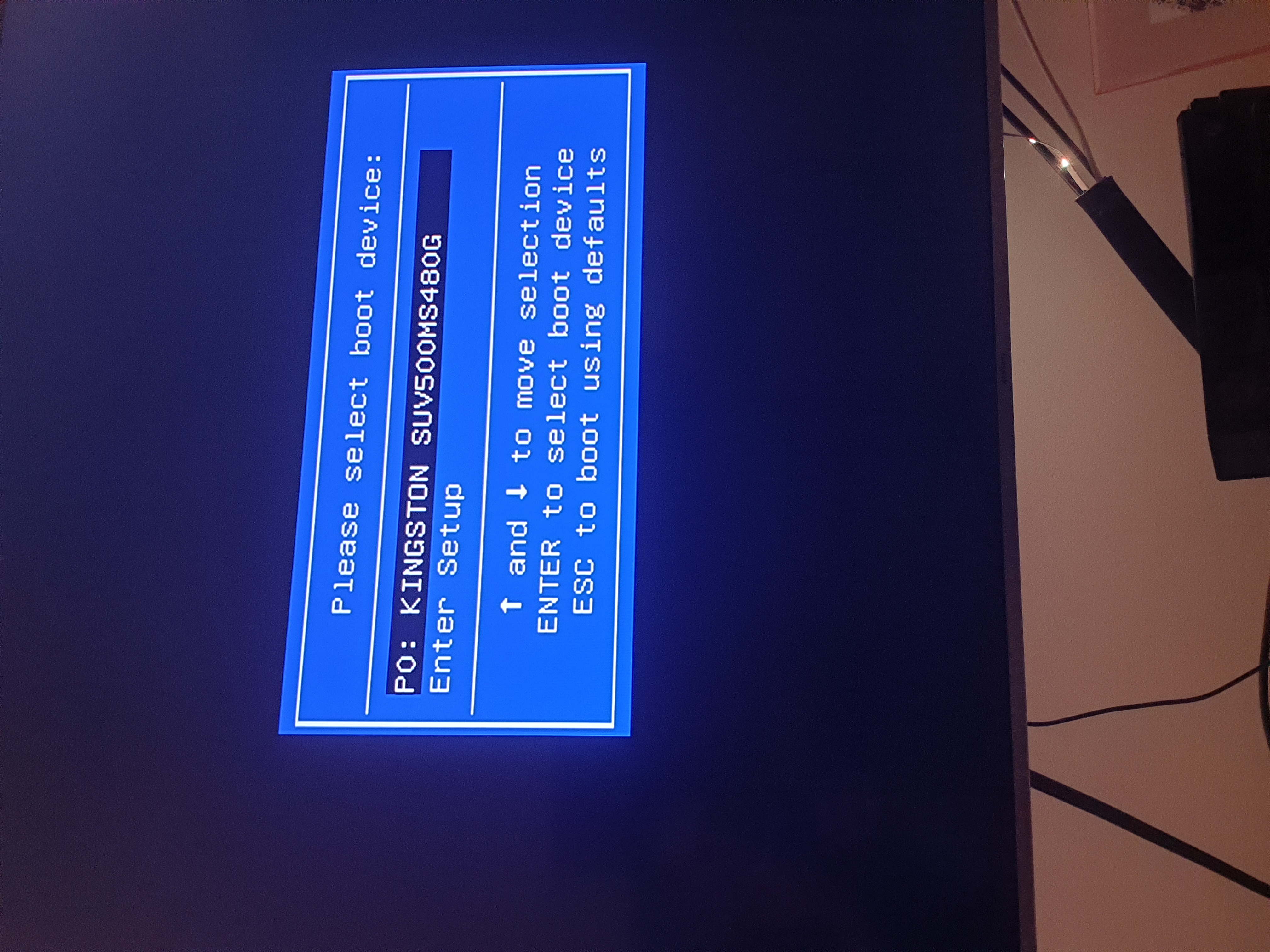
MaYbe my image should not be the generic x64 one ?
rifaterdemsahin
on 12 Nov 2020
Get the last one
vinceducat
on 12 Nov 2020
This also did not work
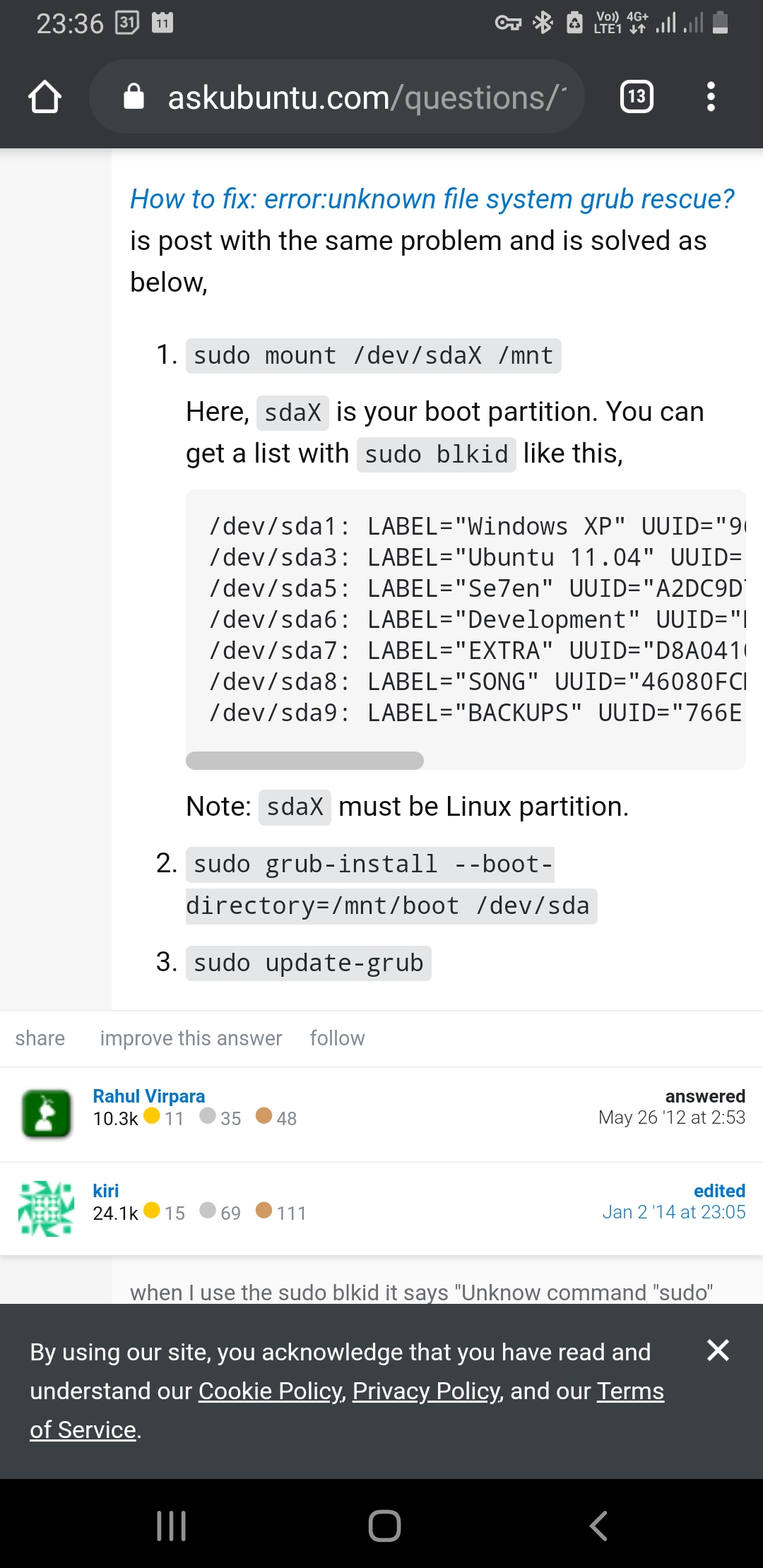
rifaterdemsahin
on 12 Nov 2020
vinceducat
on 12 Nov 2020
rifaterdemsahin
on 12 Nov 2020
If you create an usb omr usb under winfows with img and software like etcher is this usb key with omr start?
vinceducat
on 12 Nov 2020
Under an usb live key with unbuntu is the ssd reconized? Is the ssd active in bios?
vinceducat
on 12 Nov 2020
Ssd active in bios

rifaterdemsahin
on 12 Nov 2020
I did install Ubuntu to the ssd.
Ssd works on that box
rifaterdemsahin
on 12 Nov 2020
So 1st is ssd 2nd is usb key ? Like 3rd
vinceducat
on 12 Nov 2020
With usb omr the box starts but I can't find the ssd when I start with omr usb key.
Should I install debian
And do
https://github.com/Ysurac/openmptcprouter/wiki/Create-image-for-unsupported-platform
rifaterdemsahin
on 12 Nov 2020
P0 is the ssd
rifaterdemsahin
on 12 Nov 2020
If you start a unbuntu live usb is the ssd reconized?
vinceducat
on 12 Nov 2020
If you start a unbuntu live usb is the ssd reconized?
Yes
rifaterdemsahin
on 12 Nov 2020
Is ubuntu reconized ssd?
vinceducat
on 12 Nov 2020
So from ubuntu transfert omr img to the ssd...
vinceducat
on 12 Nov 2020
What is the name of the device under ubuntu? Sdx? Sdb sdc??
vinceducat
on 12 Nov 2020
Download img with wget of from the web browser under ubuntu...
Then i a terminal...
gunzip omr-.img.gz
dd bs=4M if=omr-.img of=/dev/sdX conv=fsync
Replace omr-*.img with the complete name of the download img... ans /dev/sdX with the real name of the sss
vinceducat
on 12 Nov 2020
Wtah was the result?
Send us result of the command...
vinceducat
on 12 Nov 2020
Is ubuntu reconized ssd?
yes I can install ubuntu on to the box
So from ubuntu transfert omr img to the ssd...
How can I transfer if it is a running image
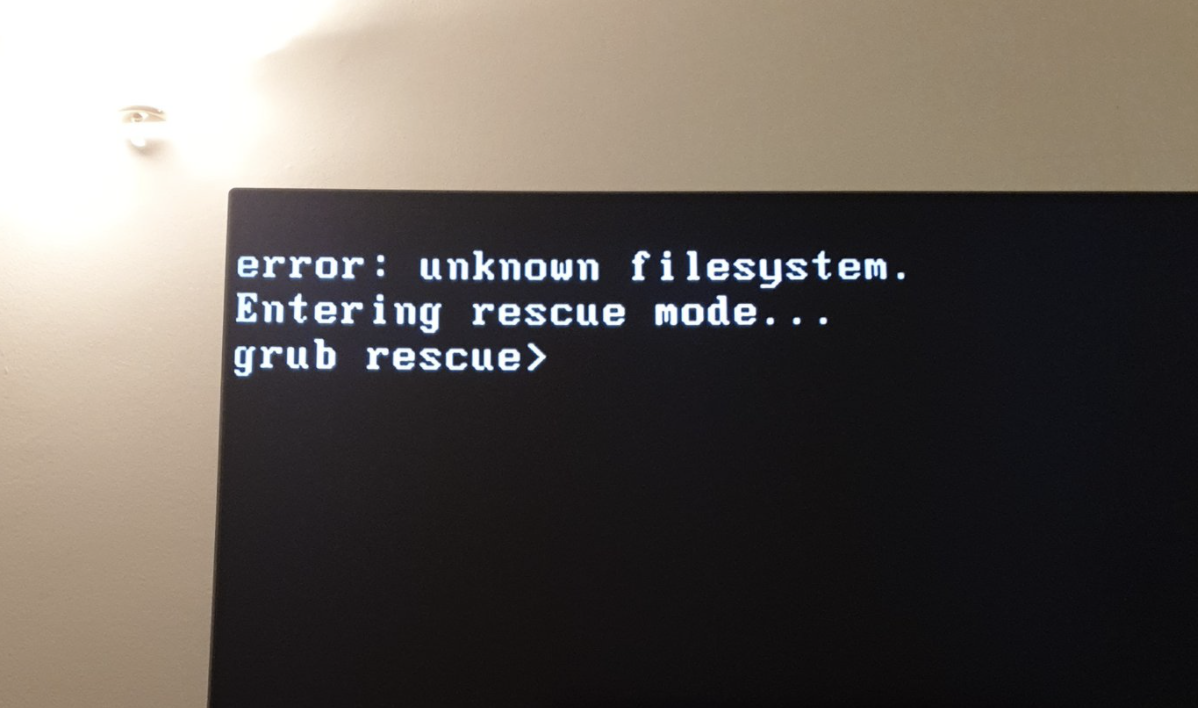
I tried movinng the image with dd from usb key but that throw the errror or : unknow file system
What is the name of the device under ubuntu? Sdx? Sdb sdc??
sda5
Wtah was the result?
I ran dd bs=4M if=omr-.img of=/dev/sdX conv=fsync
I got After boot : unknown file system
rifaterdemsahin
on 12 Nov 2020
https://twitter.com/rifaterdemsahin/status/1326667556535603200?s=09
this did not work
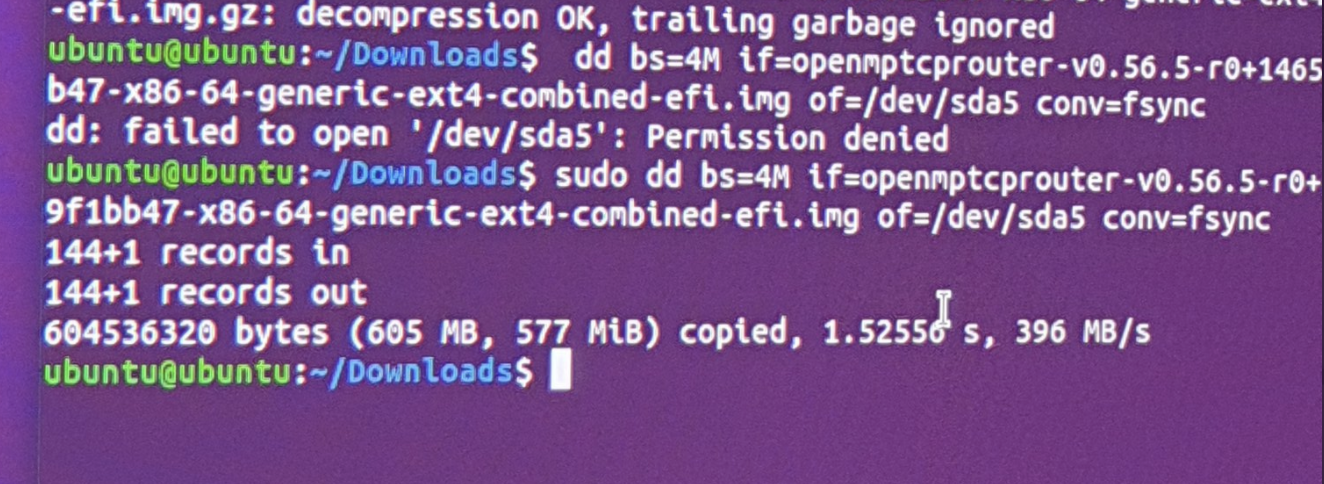
rifaterdemsahin
on 12 Nov 2020
ubuntu sees sda5
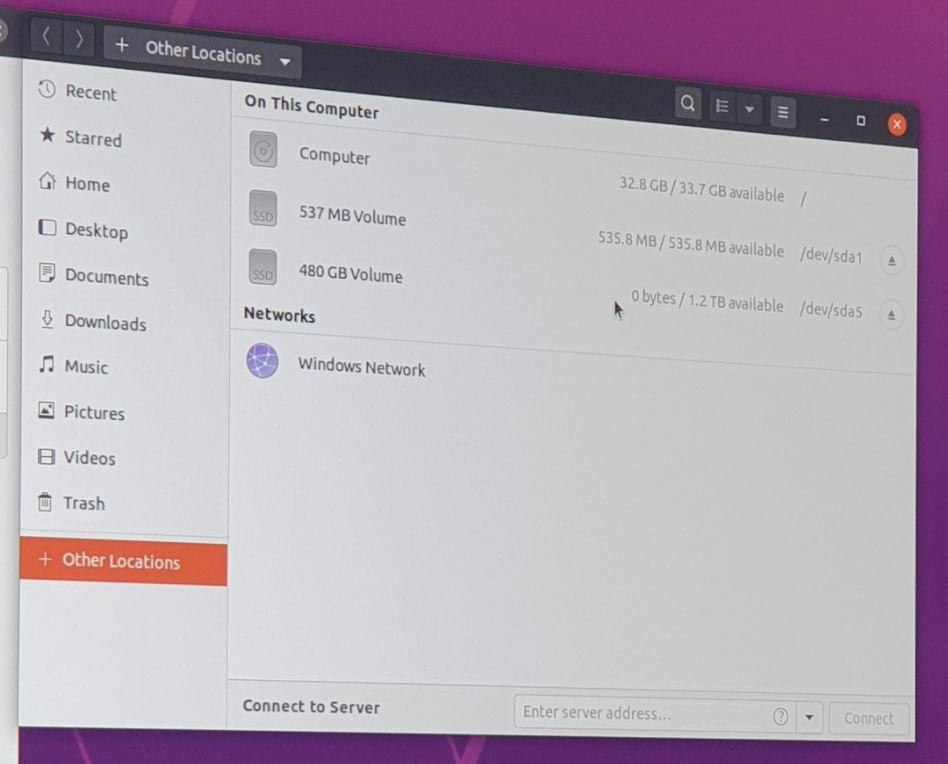
and dd command should have worked but i get
rifaterdemsahin
on 12 Nov 2020
I think hou mixed some...
1st launch ubunutu live usb... dont install ubuntu on ssd just launch.. in live usb start. You will have a system wotking...
Download under ubunutu from website the img for x86-64 ...
Open in ubuntu a terminal and gunzip and dd to the ssd. Shutdown remove usb restart.. and launch the system on the ssd
vinceducat
on 12 Nov 2020
`I think hou mixed some...
1st launcj ubunutu live usb... dont install ubuntu on ssd just launch.. in live usb start. You will have a system wotking...
Dowload under ubunutu from website the img for x86-64 ...
Open in uvuntu a terminql and gunzip and dd to the ssd. Shutdown rdmove usb restart.. and launch the system on the ssd`
I did all. here is the proof
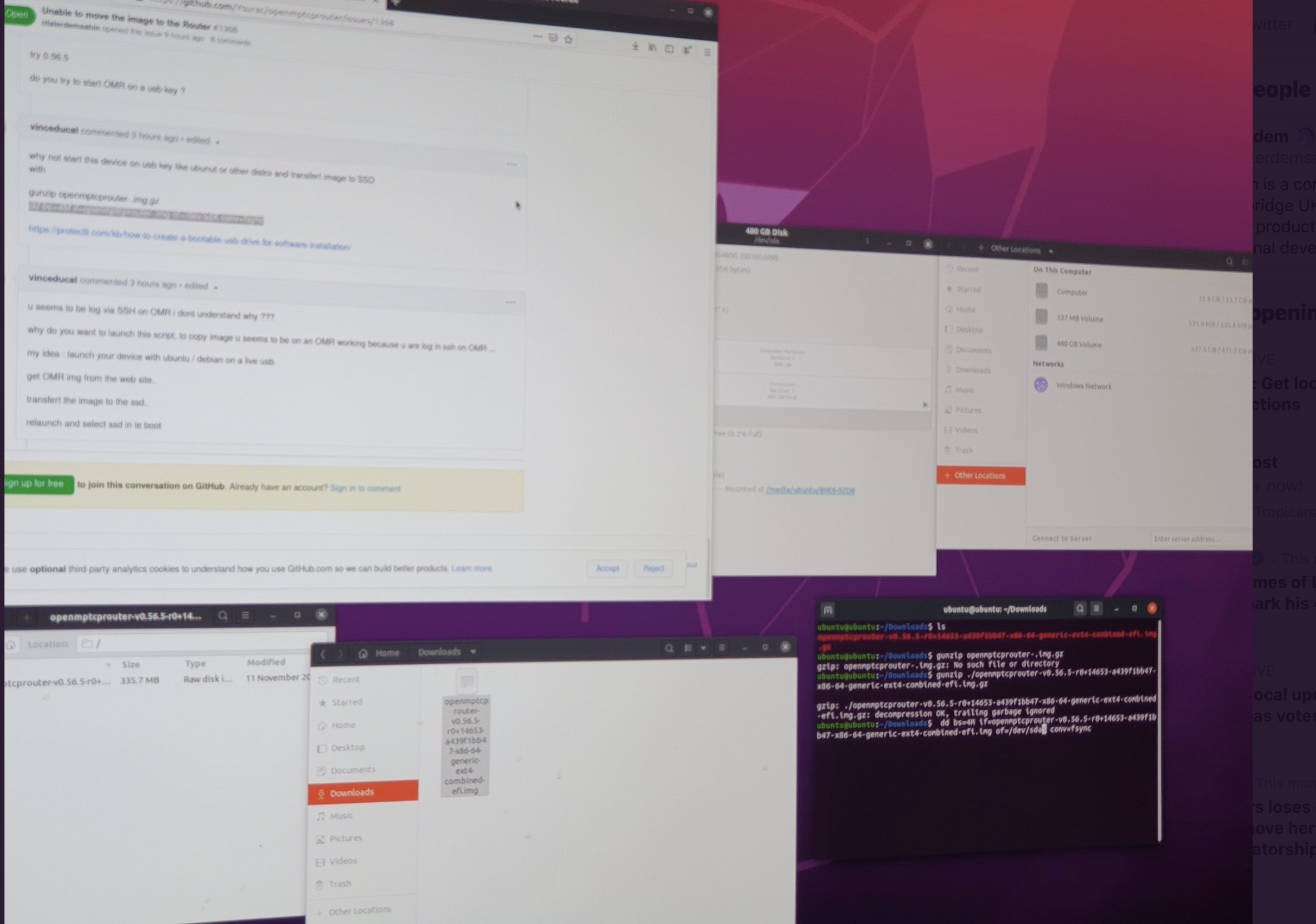
and i got the error/ i removed the USB
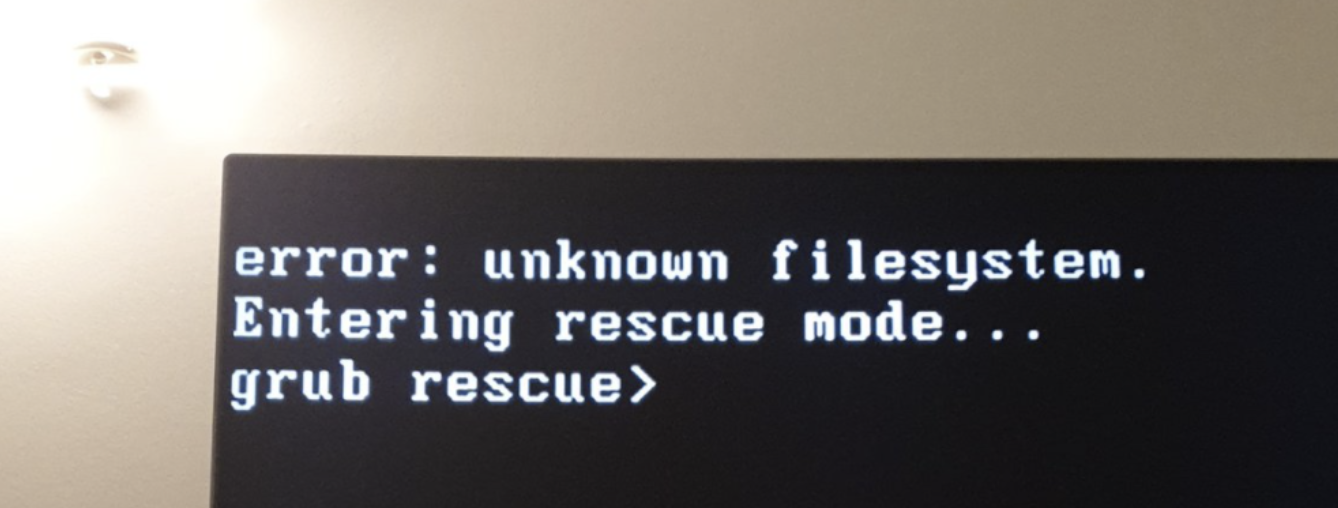
rifaterdemsahin
on 12 Nov 2020
maybe something wrong with the image.
I am too tired and need to go to sleep
the VPS is runnning i would try to set the OMR if i can tomorrow.
Maybe installing debian is the way to go ?
rifaterdemsahin
on 12 Nov 2020
After relaunch omr system will start on ssd....
After that system should be accessible ...throught browser via another machine on your networh
vinceducat
on 12 Nov 2020
I think there is a problem du to your many try...probleme with grub.... not with omr ... because system stop in grub... perhaps @Ysurac can help now....
vinceducat
on 12 Nov 2020
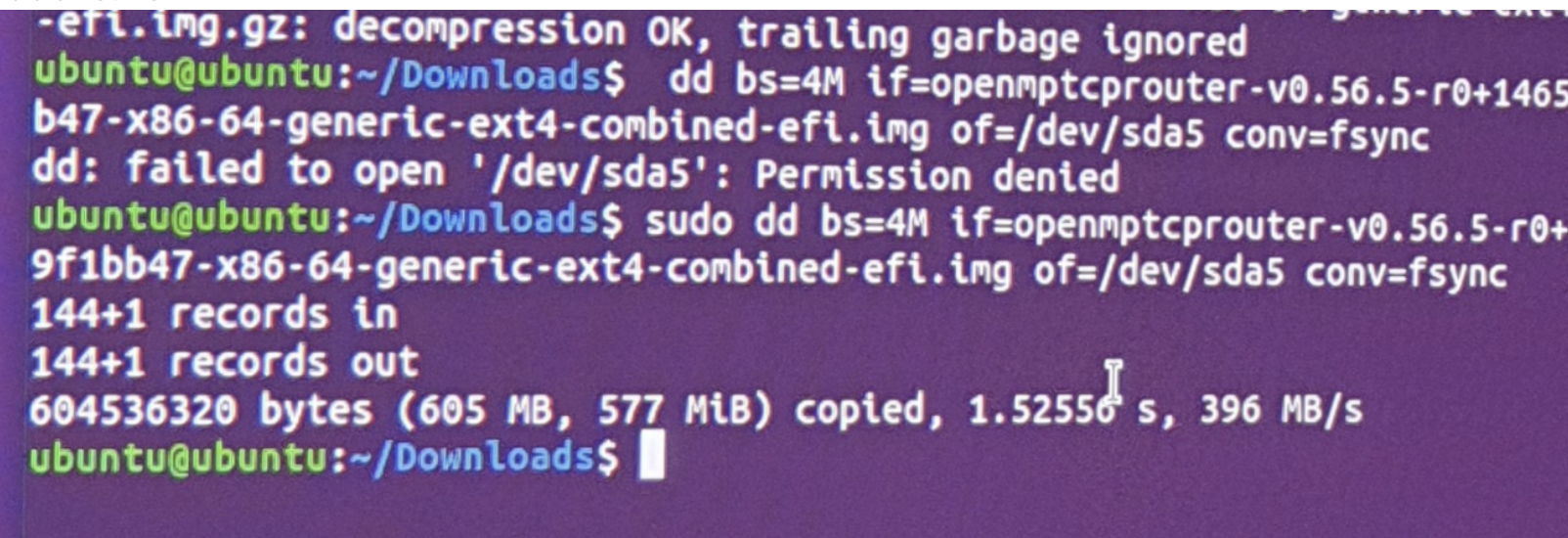
i could not move the image
even though i thought i did or the image is corrupted
rifaterdemsahin
on 12 Nov 2020
The error is ghat the dd command is sda not sda5 ..... i think problem will be solved...
vinceducat
on 12 Nov 2020
I will try this one more time
https://protectli.com/kb/how-to-create-a-bootable-usb-drive-for-software-installation/
i can use the machine from usb and forget the ssd
crappy solution on my end
rifaterdemsahin
on 12 Nov 2020
Try to replace sda5 by sda.....
vinceducat
on 12 Nov 2020
I will try this one more time
https://protectli.com/kb
Try first to replace sda5 with sda😉
vinceducat
on 12 Nov 2020
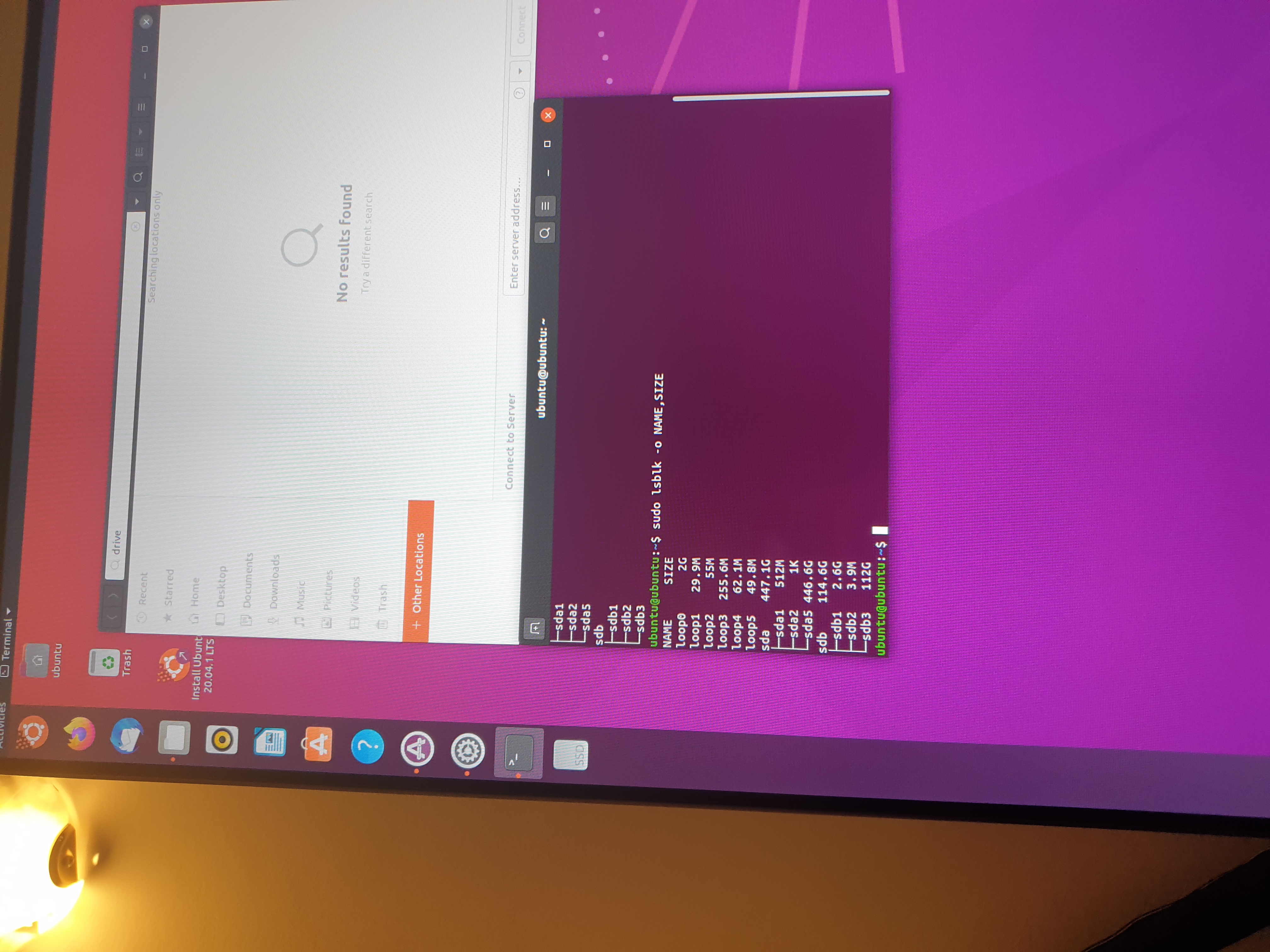
Also can't get the drive names
rifaterdemsahin
on 12 Nov 2020
Try to replace sda5 by sda.....
I will give it a try
rifaterdemsahin
on 12 Nov 2020
Please dont send so big image is difficilt to load for me...
vinceducat
on 12 Nov 2020
Let me know if it is ok ..
vinceducat
on 12 Nov 2020
Could be sda as spam is under sda
rifaterdemsahin
on 12 Nov 2020
Sorry dont understand...
vinceducat
on 12 Nov 2020
Just try the dd command with /dev/sda
vinceducat
on 12 Nov 2020
Sda is your ssd 500Go and sdb your usb key 128Go right...?
Try
gunzip omr-.img.gz
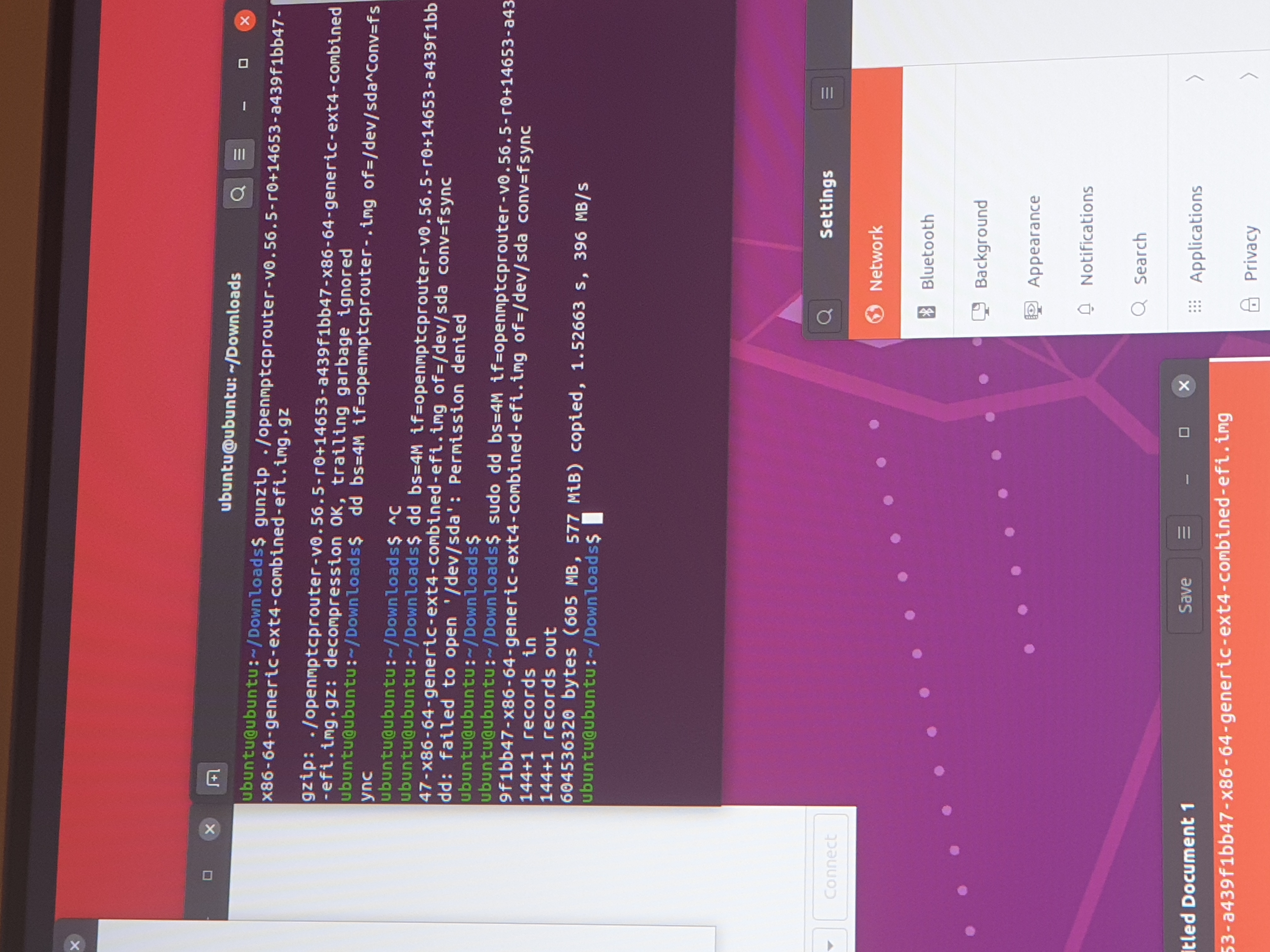
dd bs=4M if=omr-.img of=/dev/sda conv=fsync
vinceducat
on 12 Nov 2020
rifaterdemsahin
on 12 Nov 2020
Sda worked i got stuck
At something different i used the first efi image
rifaterdemsahin
on 12 Nov 2020
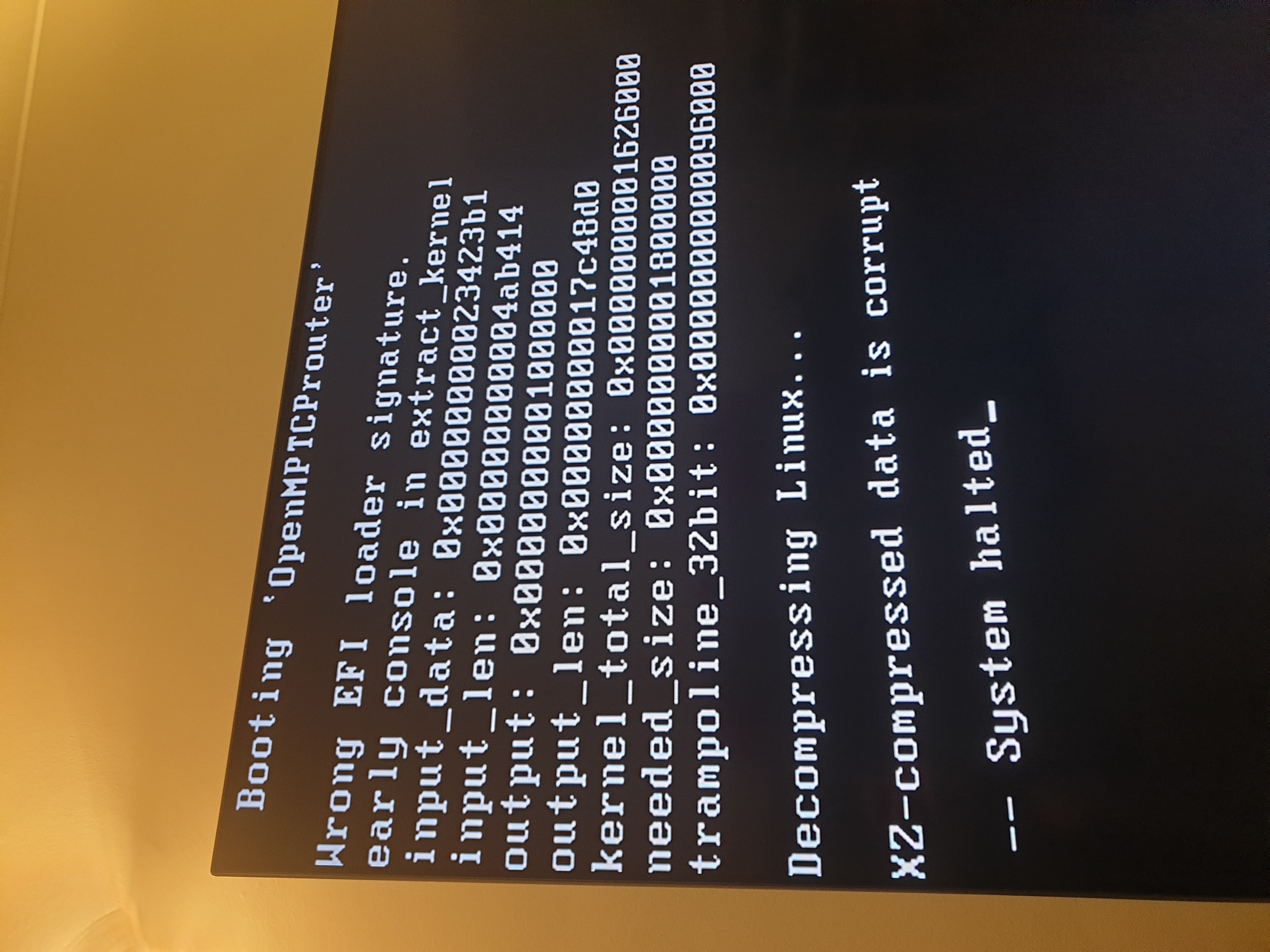
Its better..
vinceducat
on 12 Nov 2020
Thanks a lot by the way
rifaterdemsahin
on 12 Nov 2020
You have a probleme with efi in bios try to disable efi signature or option mike that...
vinceducat
on 12 Nov 2020
Have you check that omr image is not corrupt after download with sha256 sum.. just ho be sure
vinceducat
on 12 Nov 2020
From the boot sequence I selected uefi
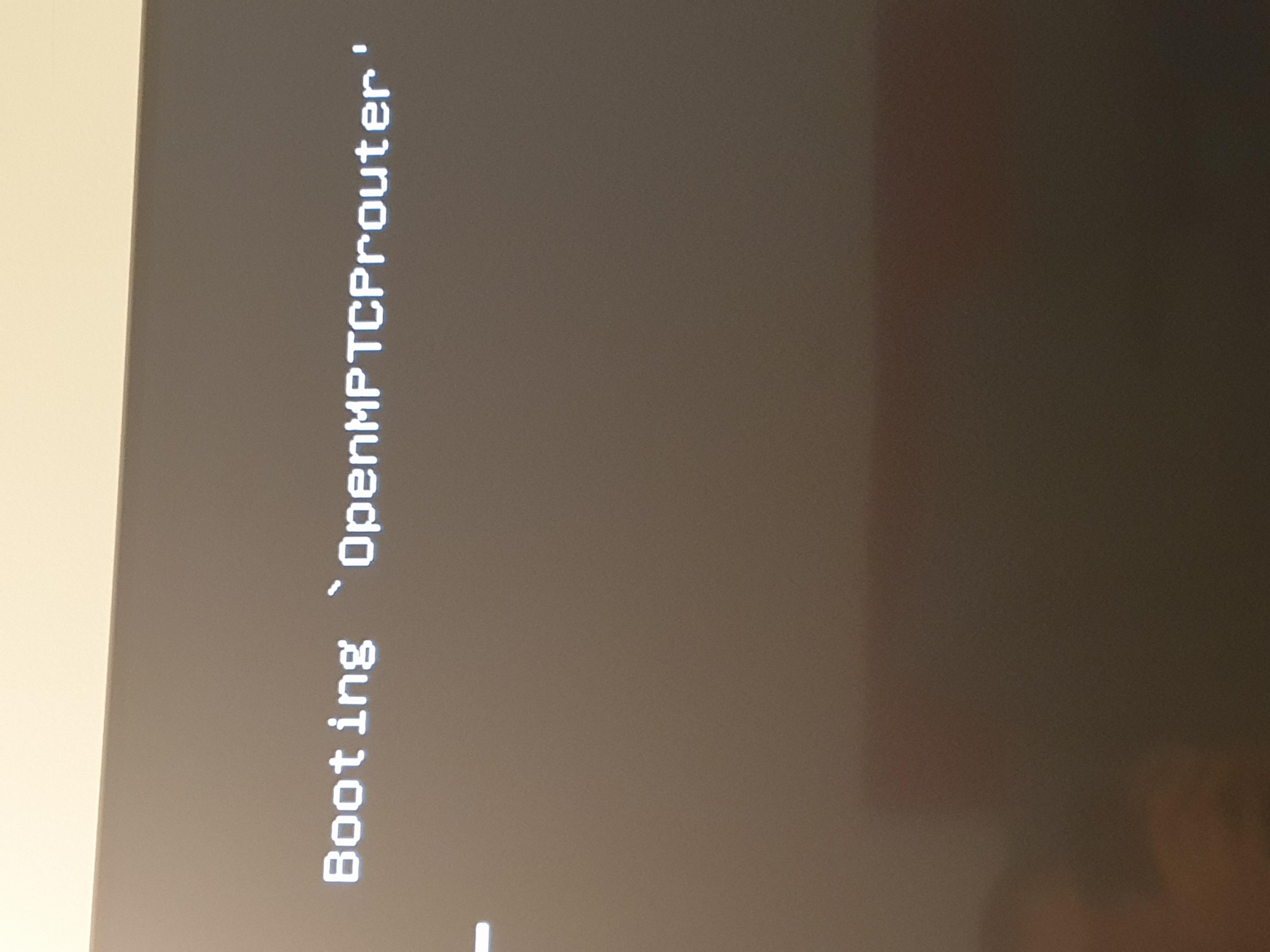
And I now got stuck here
rifaterdemsahin
on 12 Nov 2020
https://forums.gentoo.org/viewtopic-t-1112264-start-0.html leave efi boot but disable secure boot
vinceducat
on 12 Nov 2020
From the boot sequence I selected uefi
And I now got stuck here
Is it starting or stop at this point
vinceducat
on 12 Nov 2020
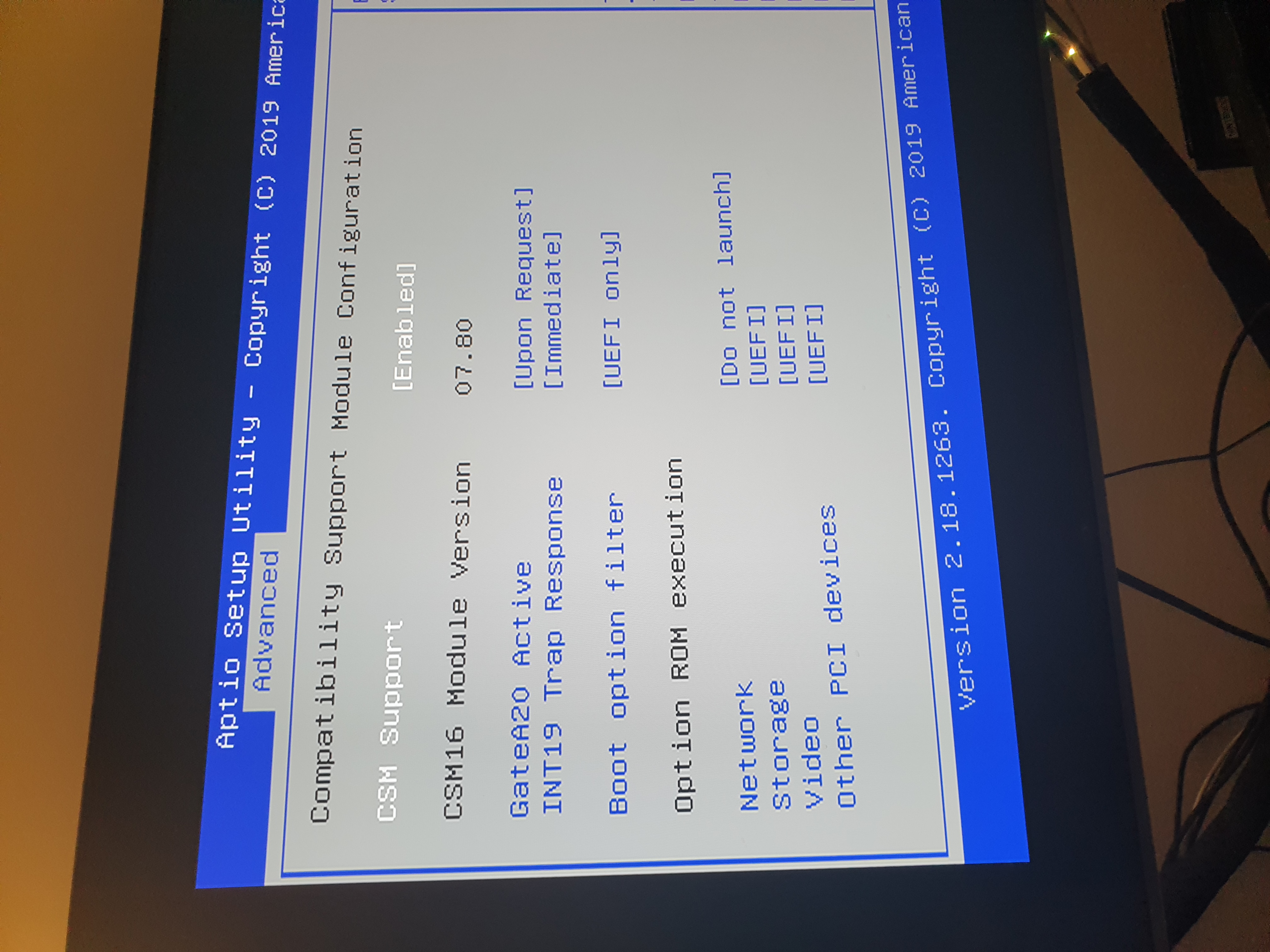
What are the efi option in the bios menu?
vinceducat
on 12 Nov 2020
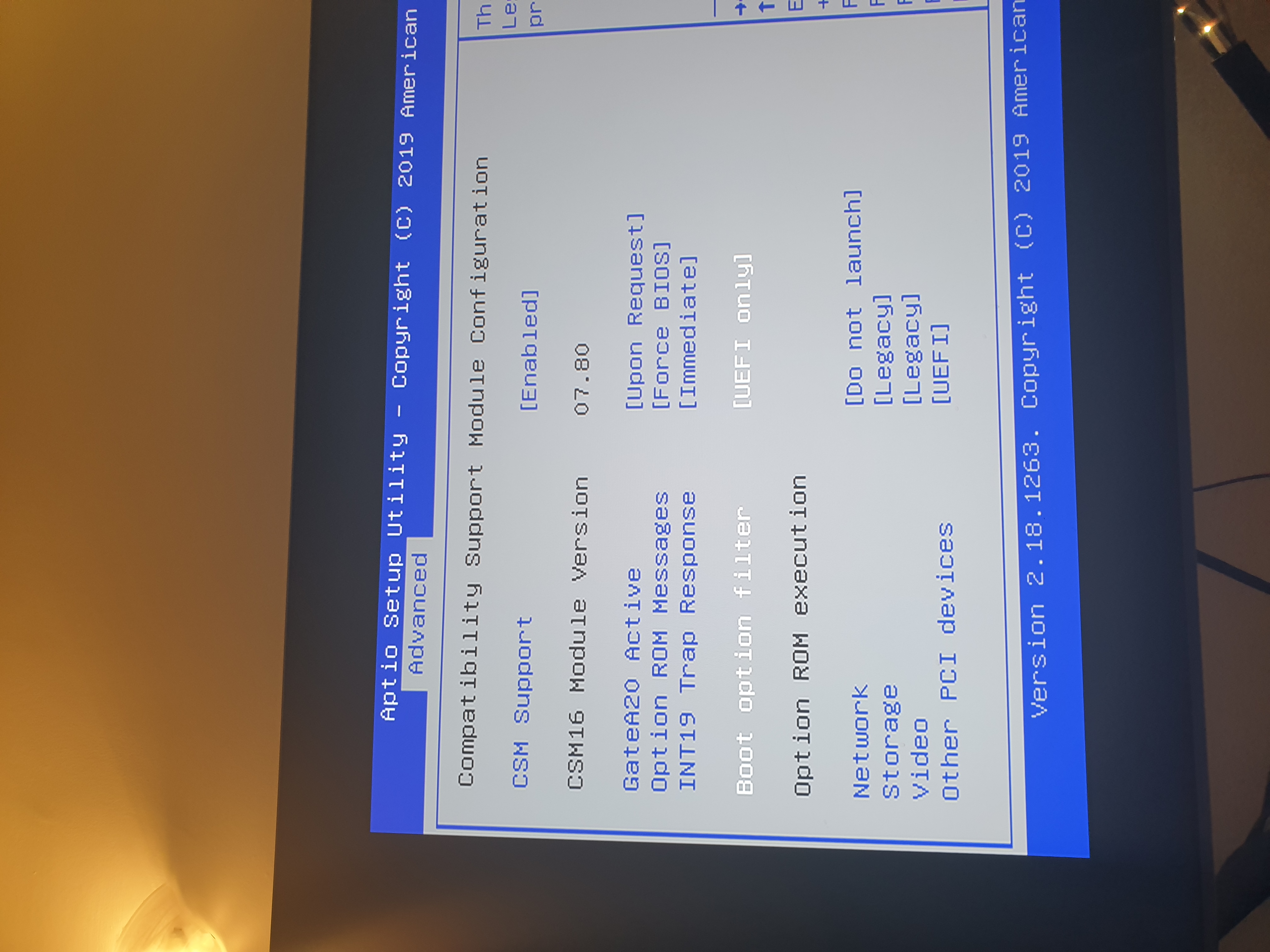
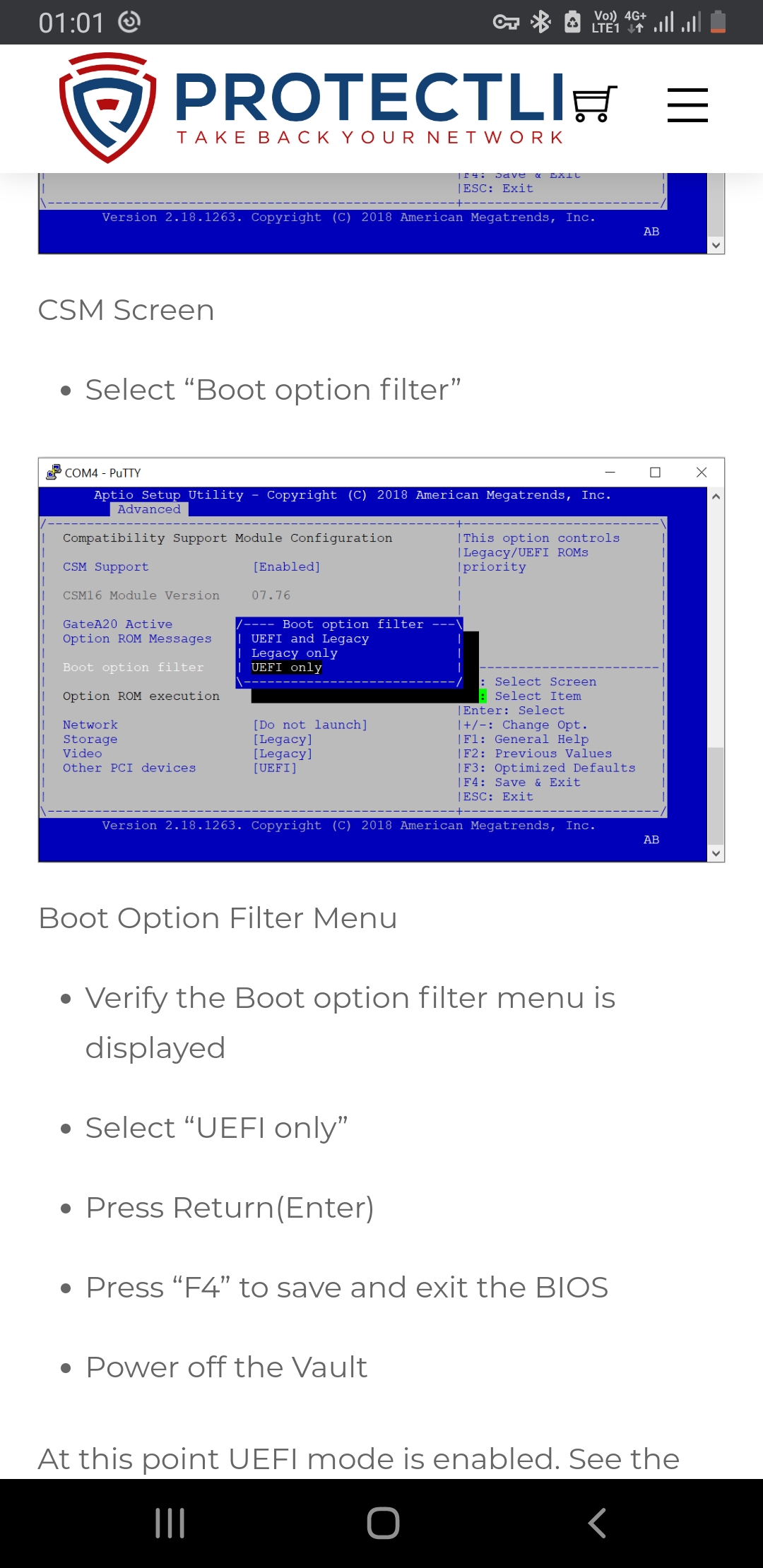
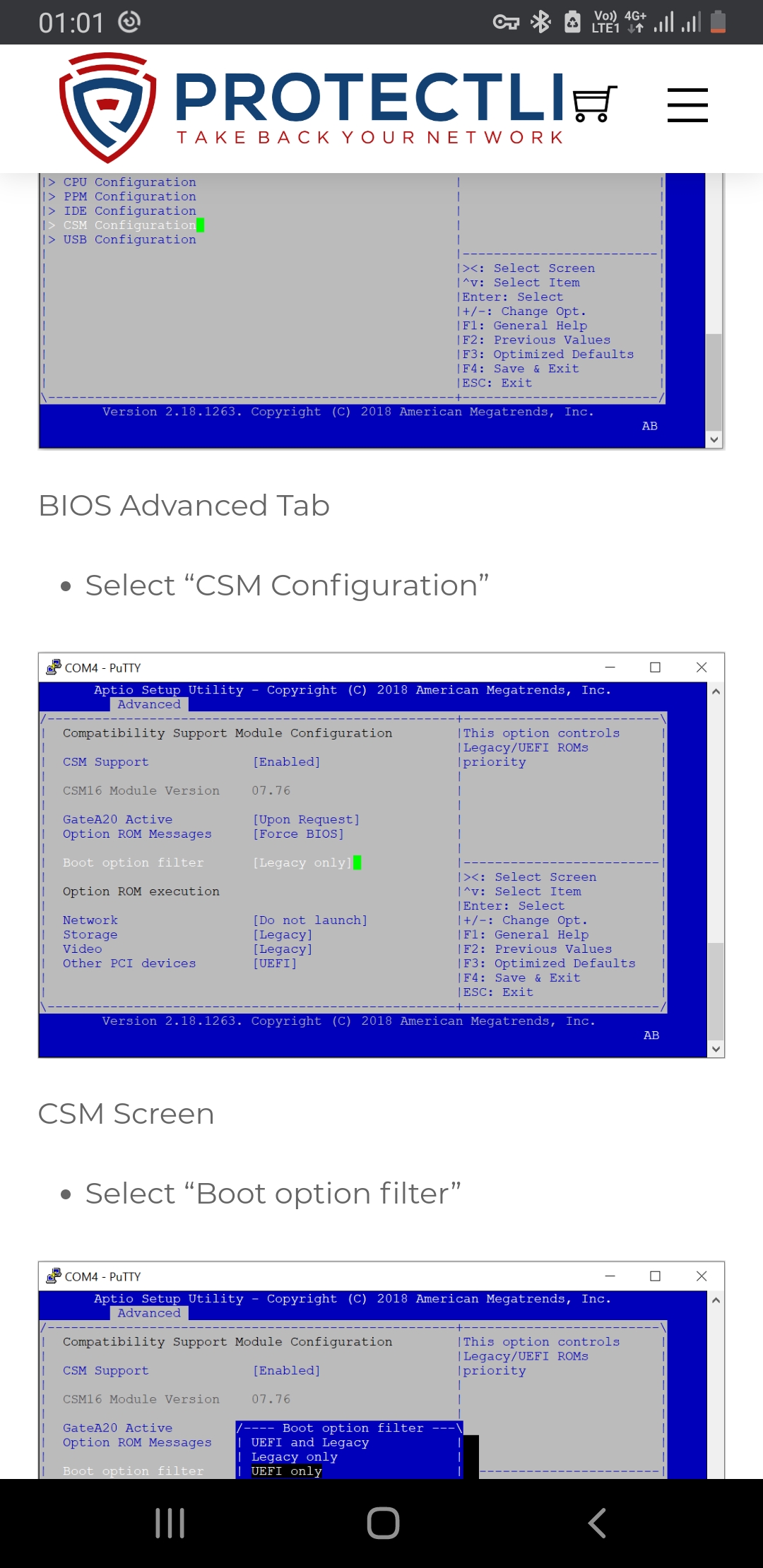


rifaterdemsahin
on 12 Nov 2020
Now I am stuck and it says booti openmptcprouter
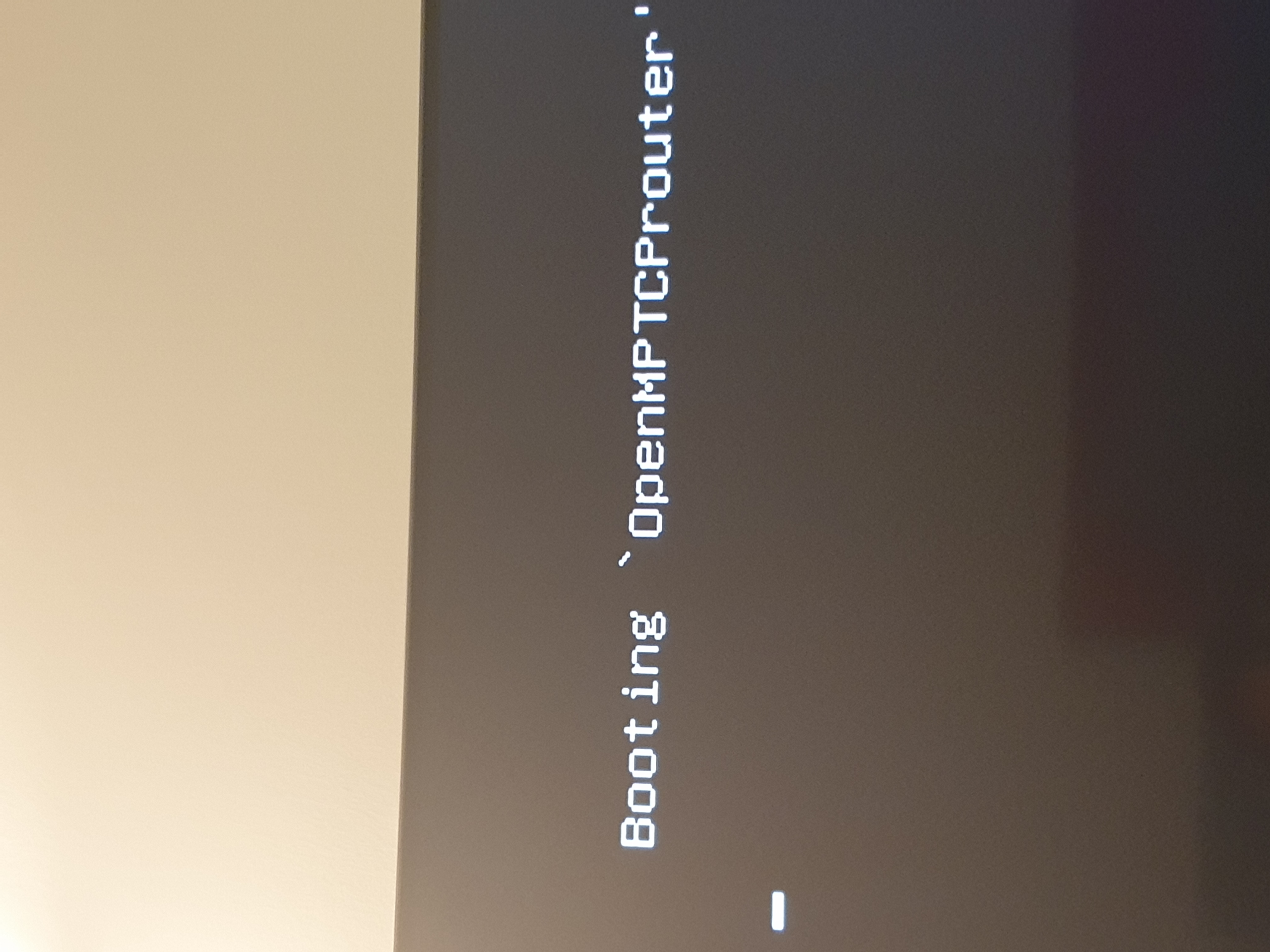
rifaterdemsahin
on 12 Nov 2020
Try to put efi and legacy...
And try different option in the boot menu
Have hou check that the omr image was not corrupt after download...to check if image is really good or not
vinceducat
on 12 Nov 2020
Grub opened up at 3rd reset
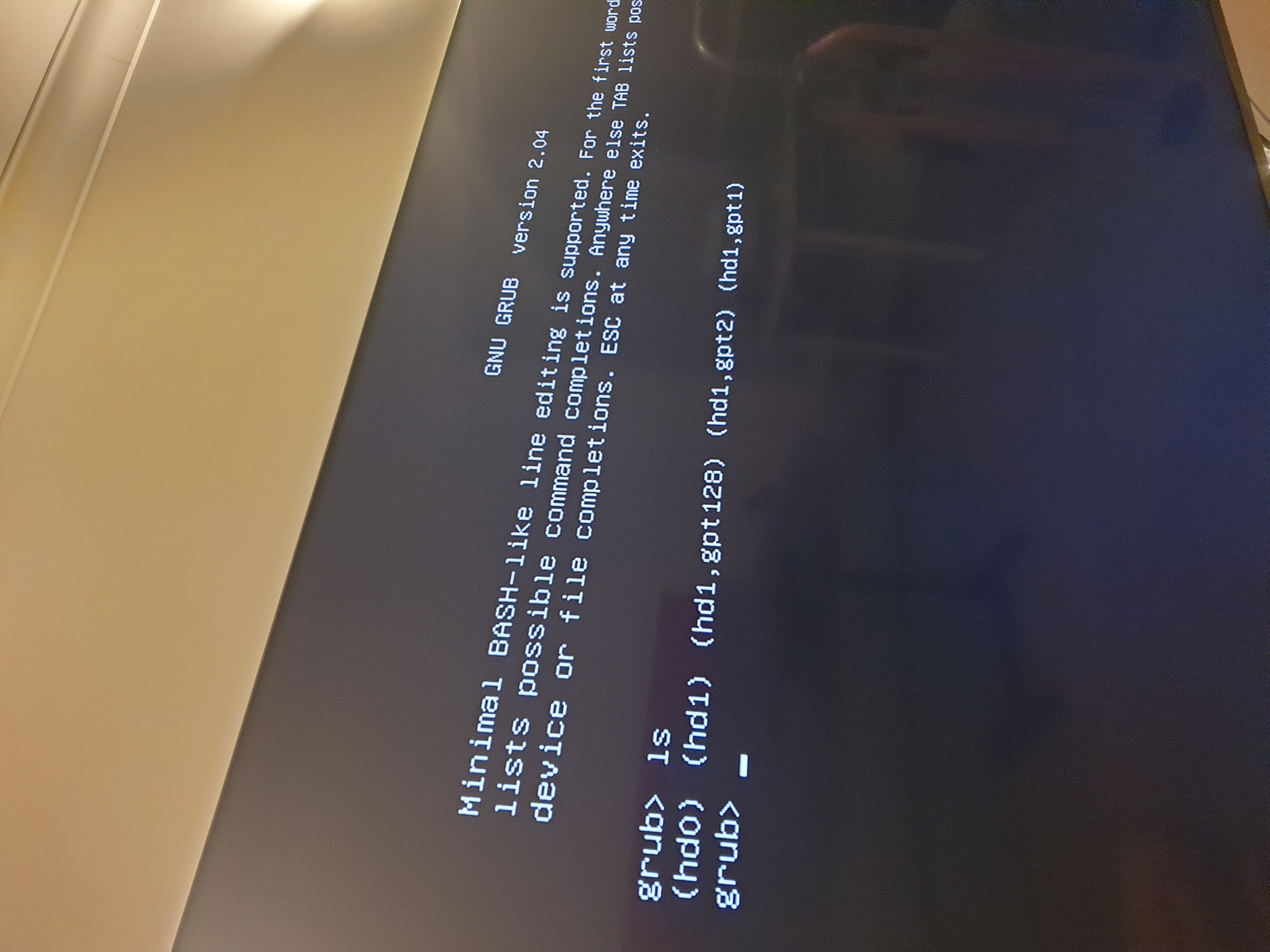
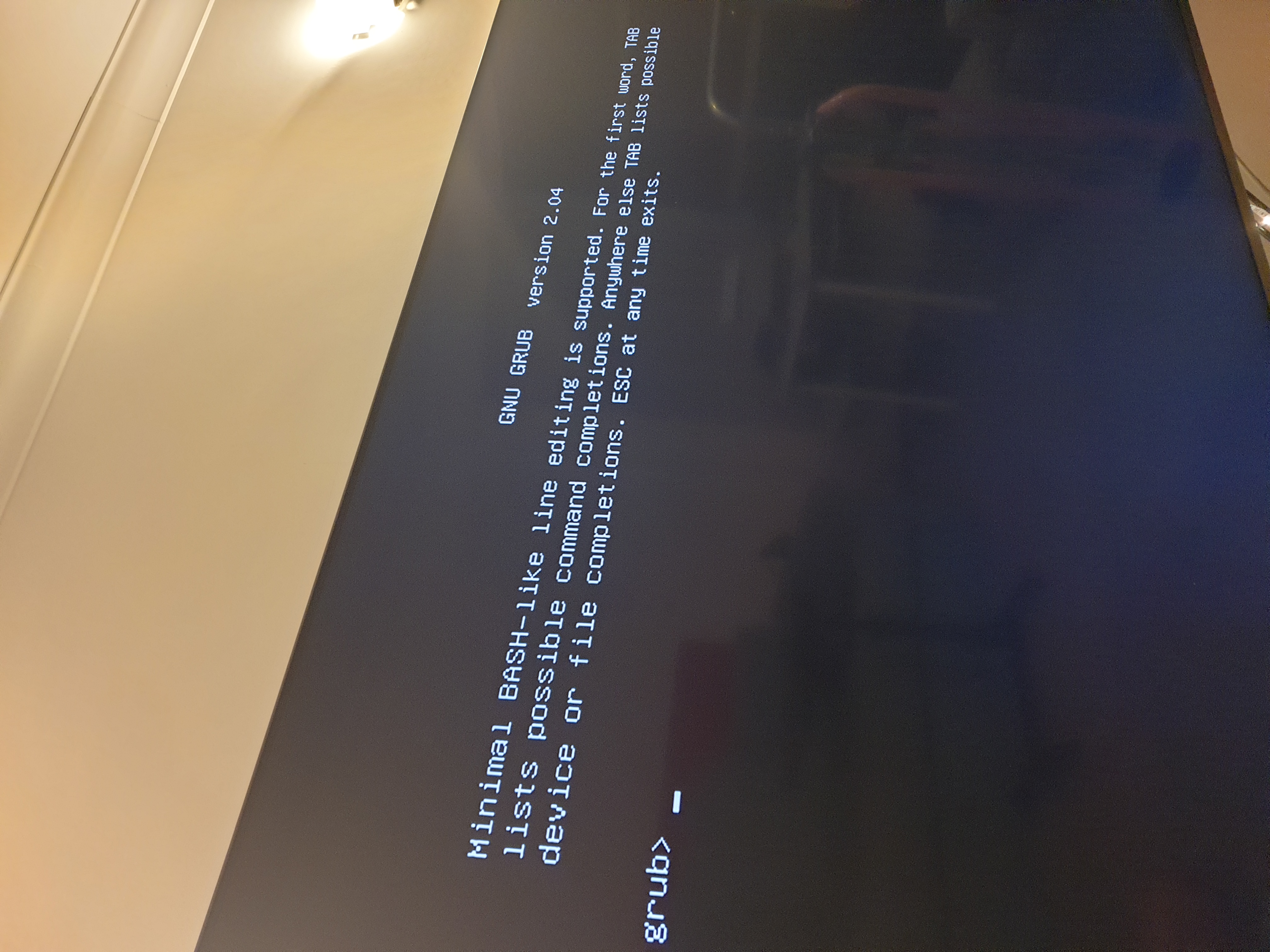
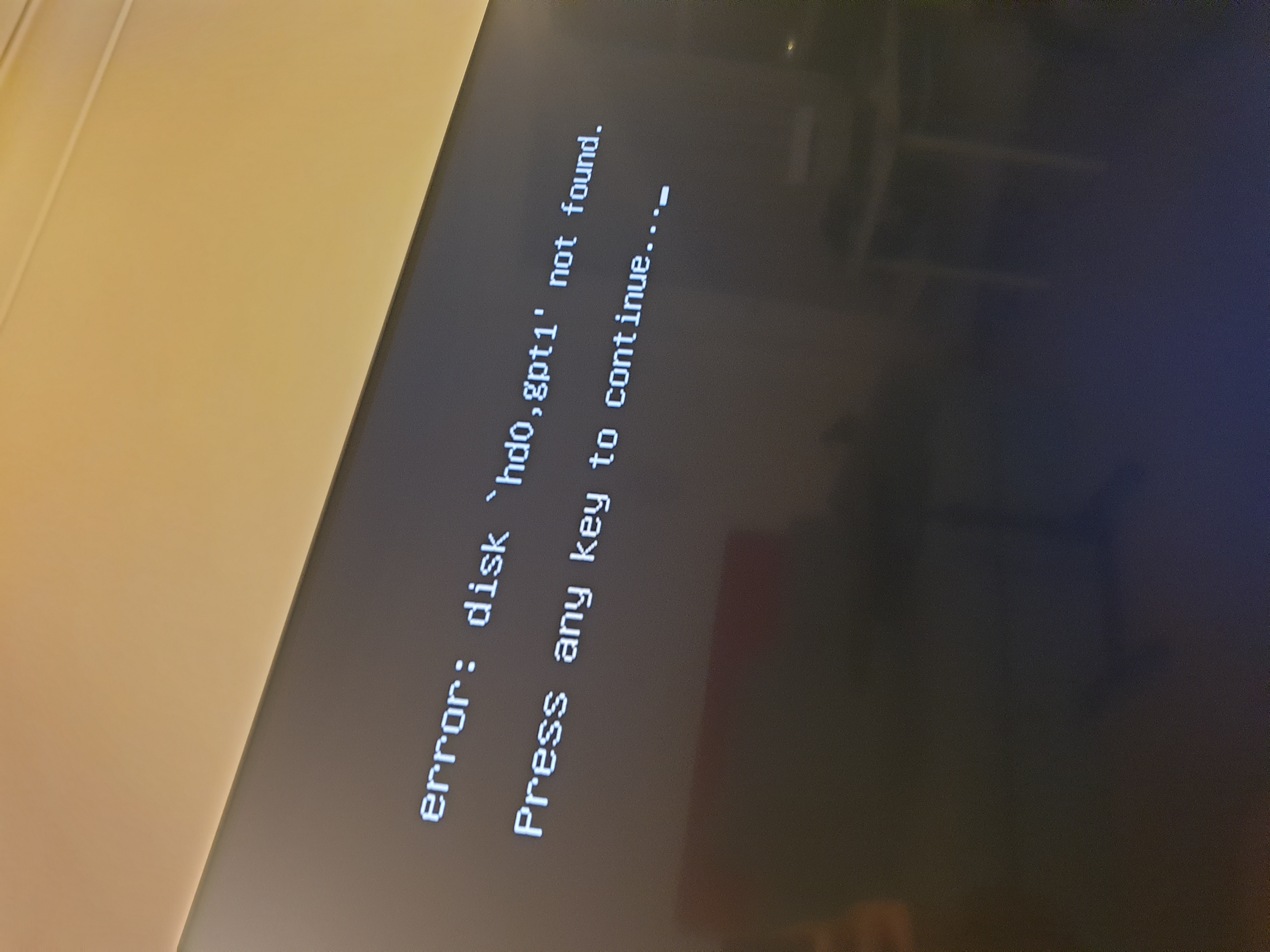
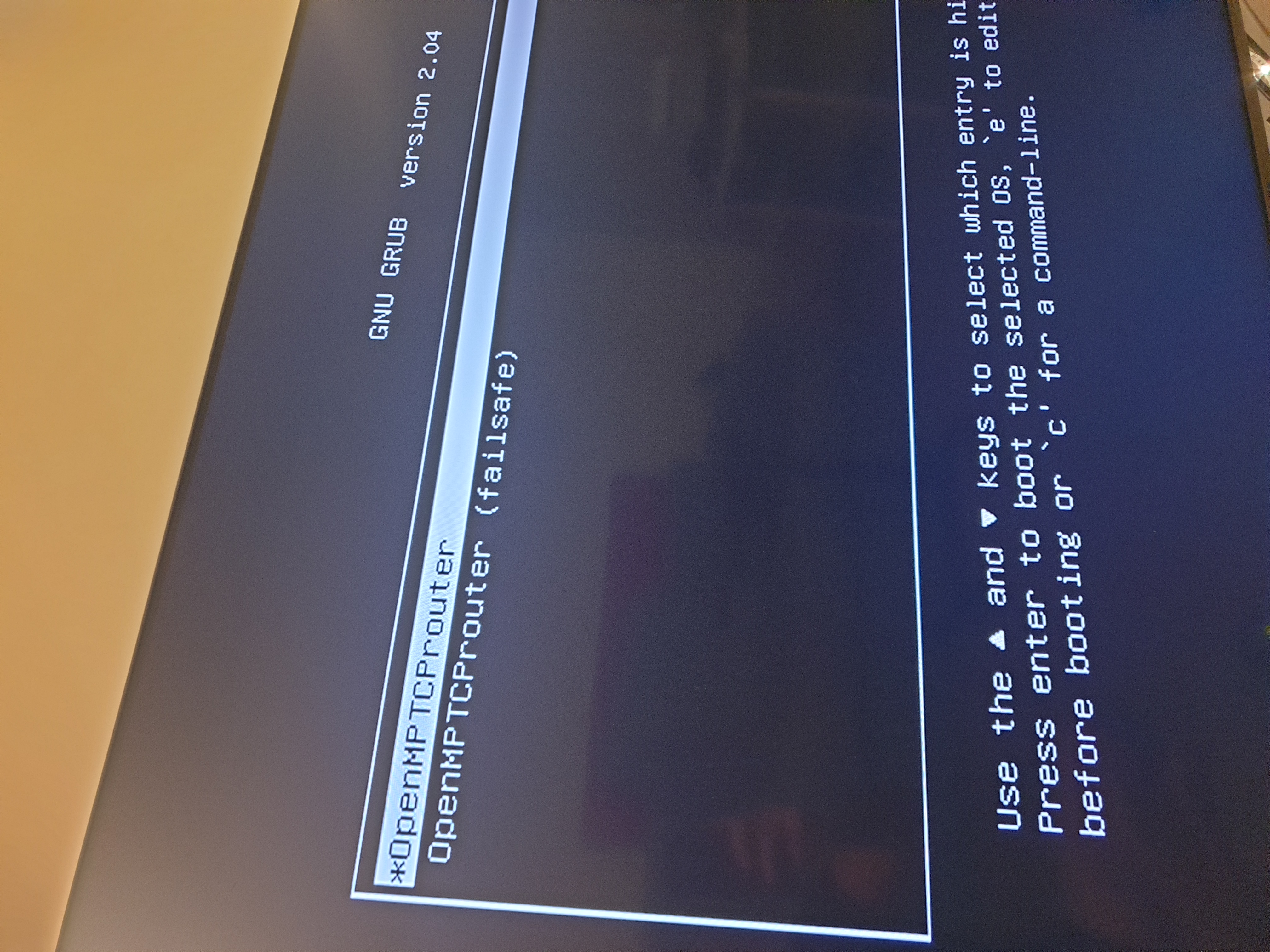
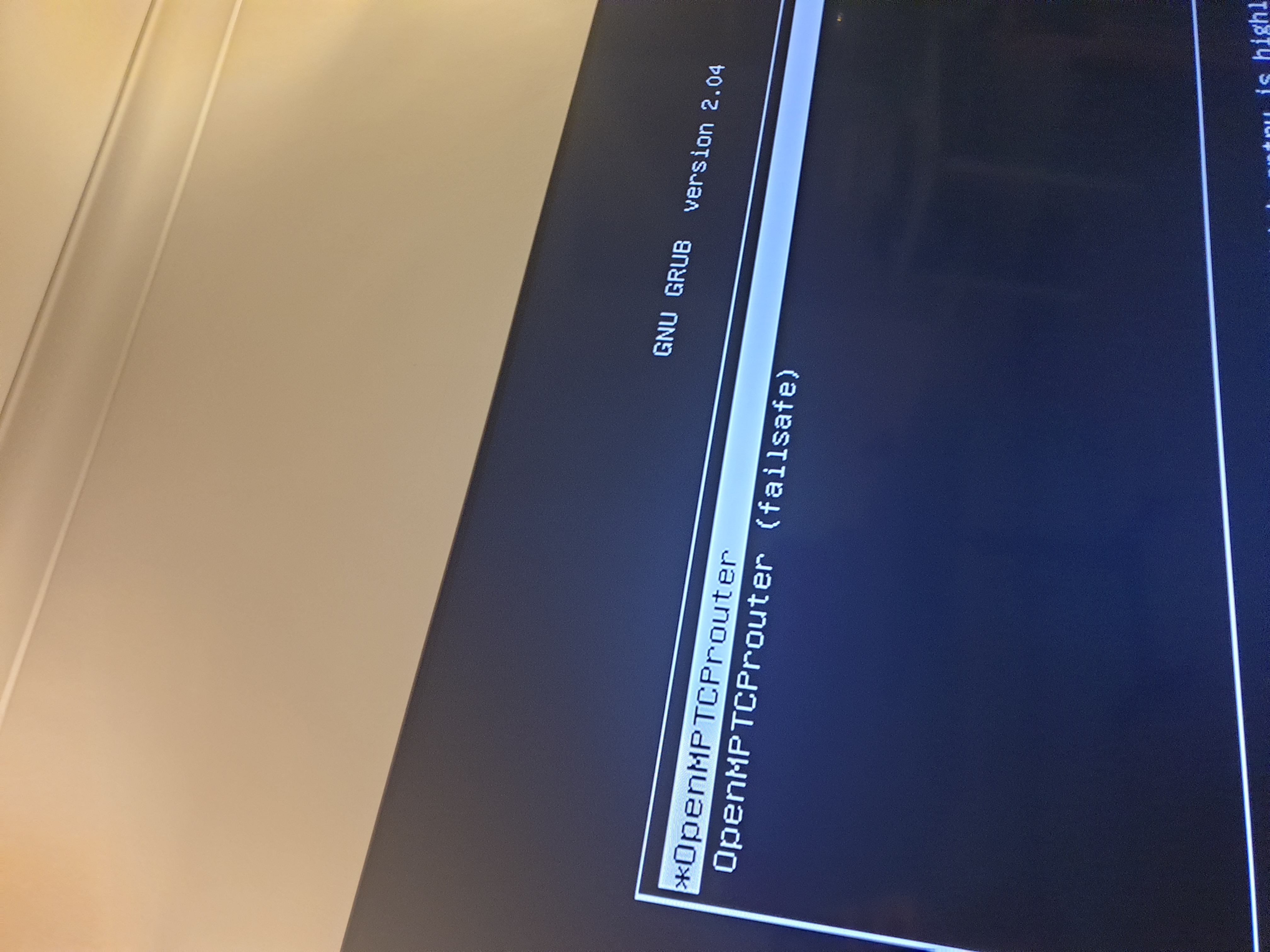
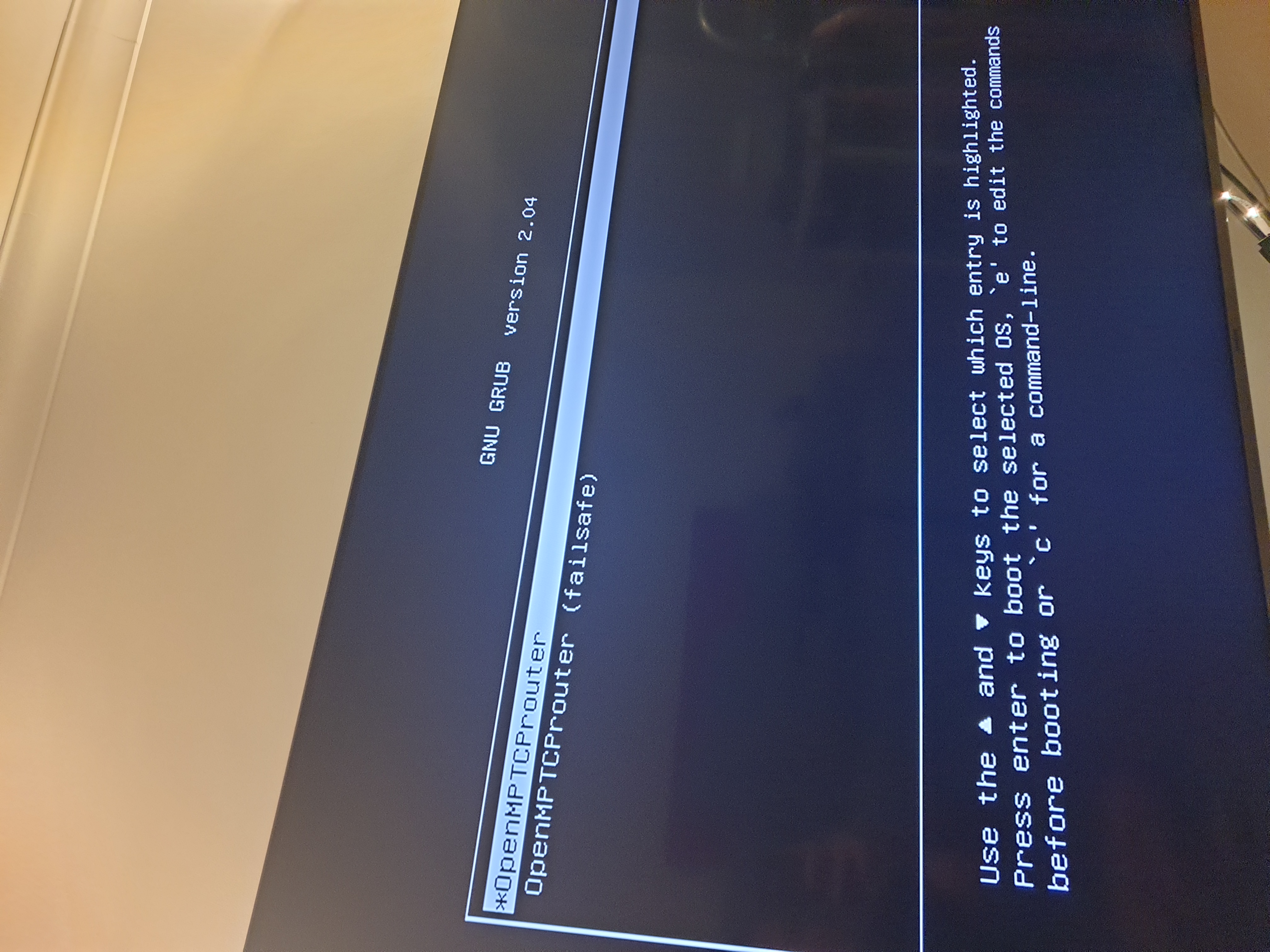
rifaterdemsahin
on 12 Nov 2020
Doing a checksum check
rifaterdemsahin
on 12 Nov 2020
Looks the same will retry than go and sleep
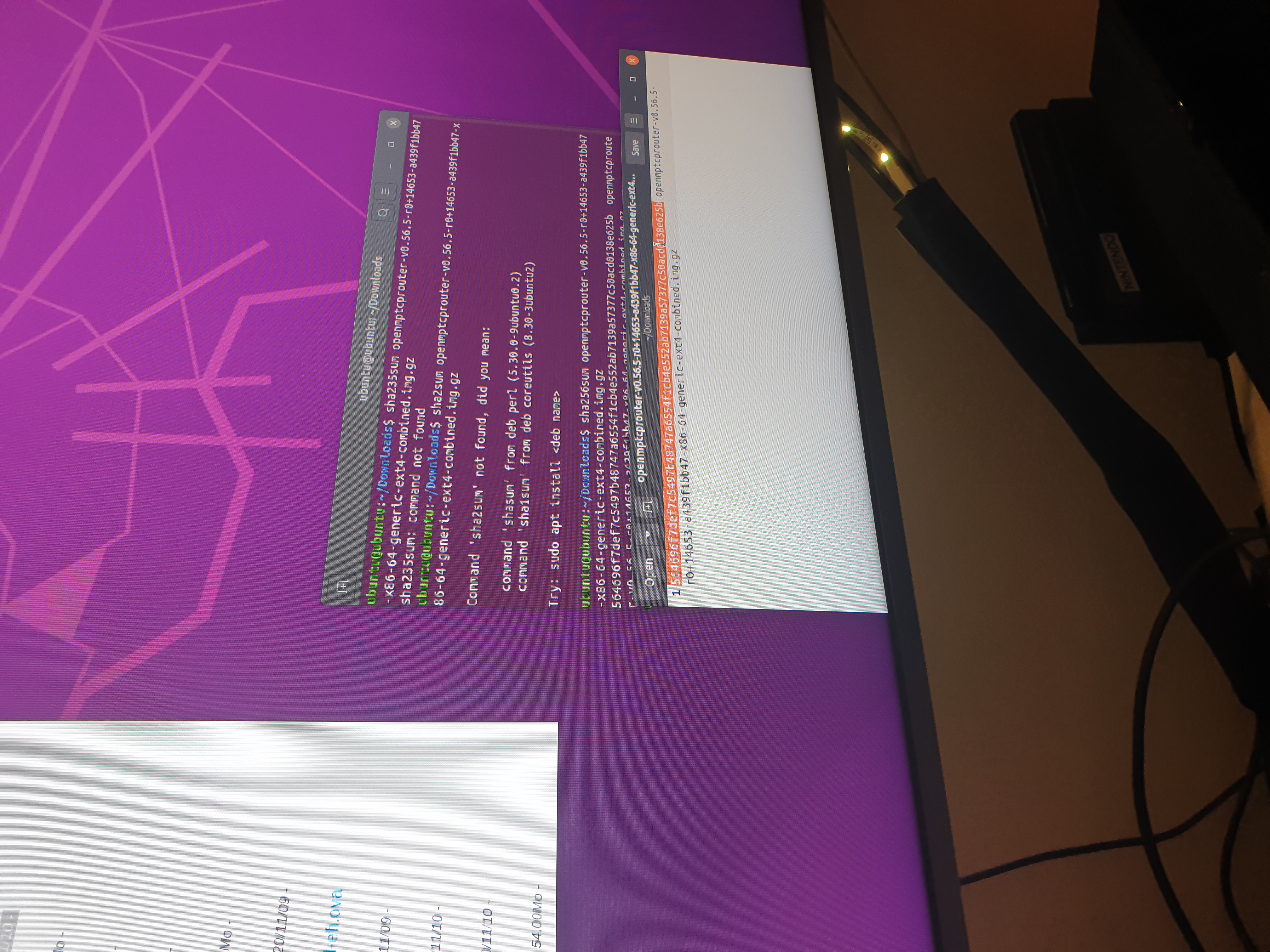
rifaterdemsahin
on 12 Nov 2020
Now the router is in a loop of restarting and entering bios
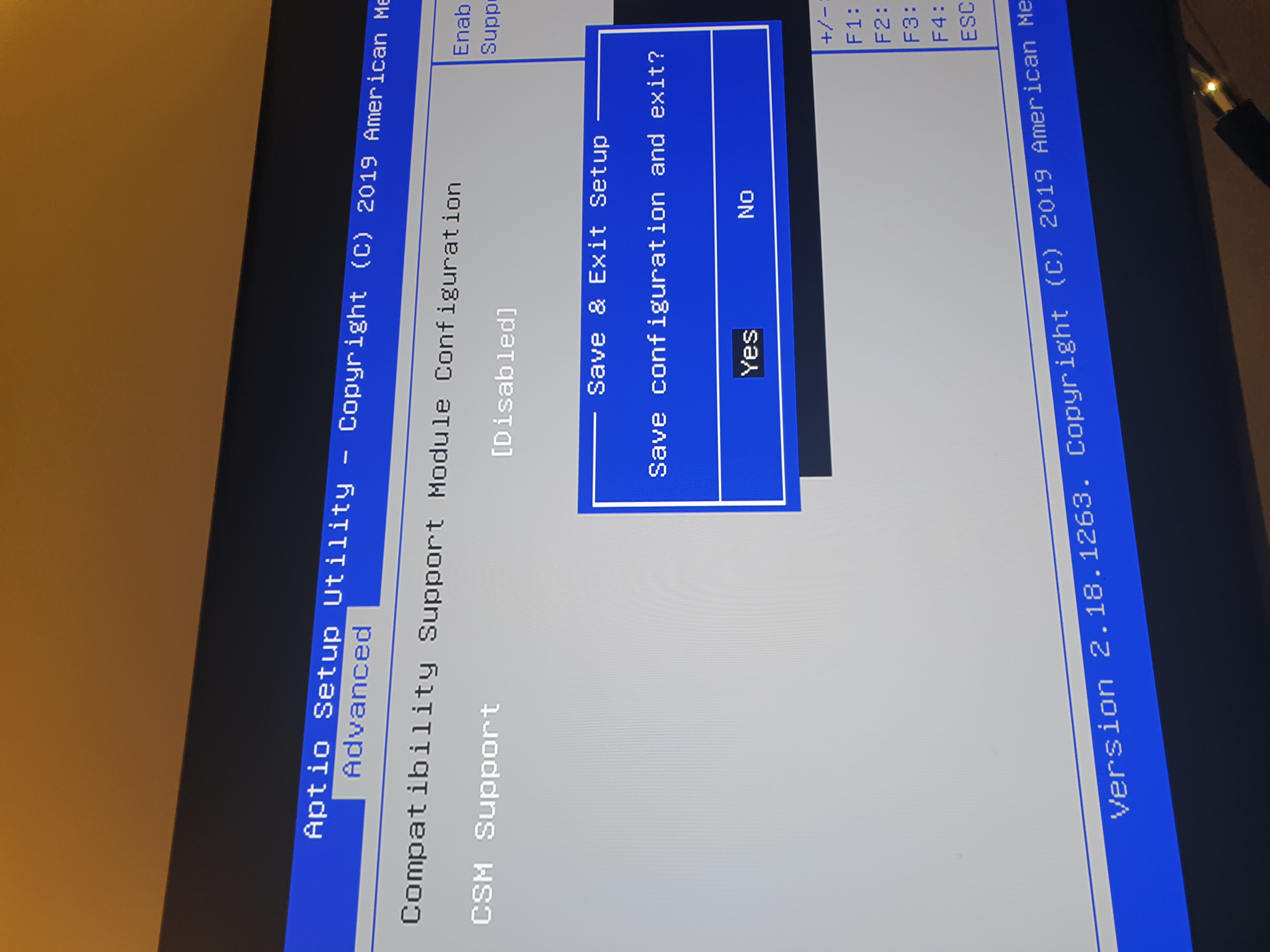
rifaterdemsahin
on 12 Nov 2020
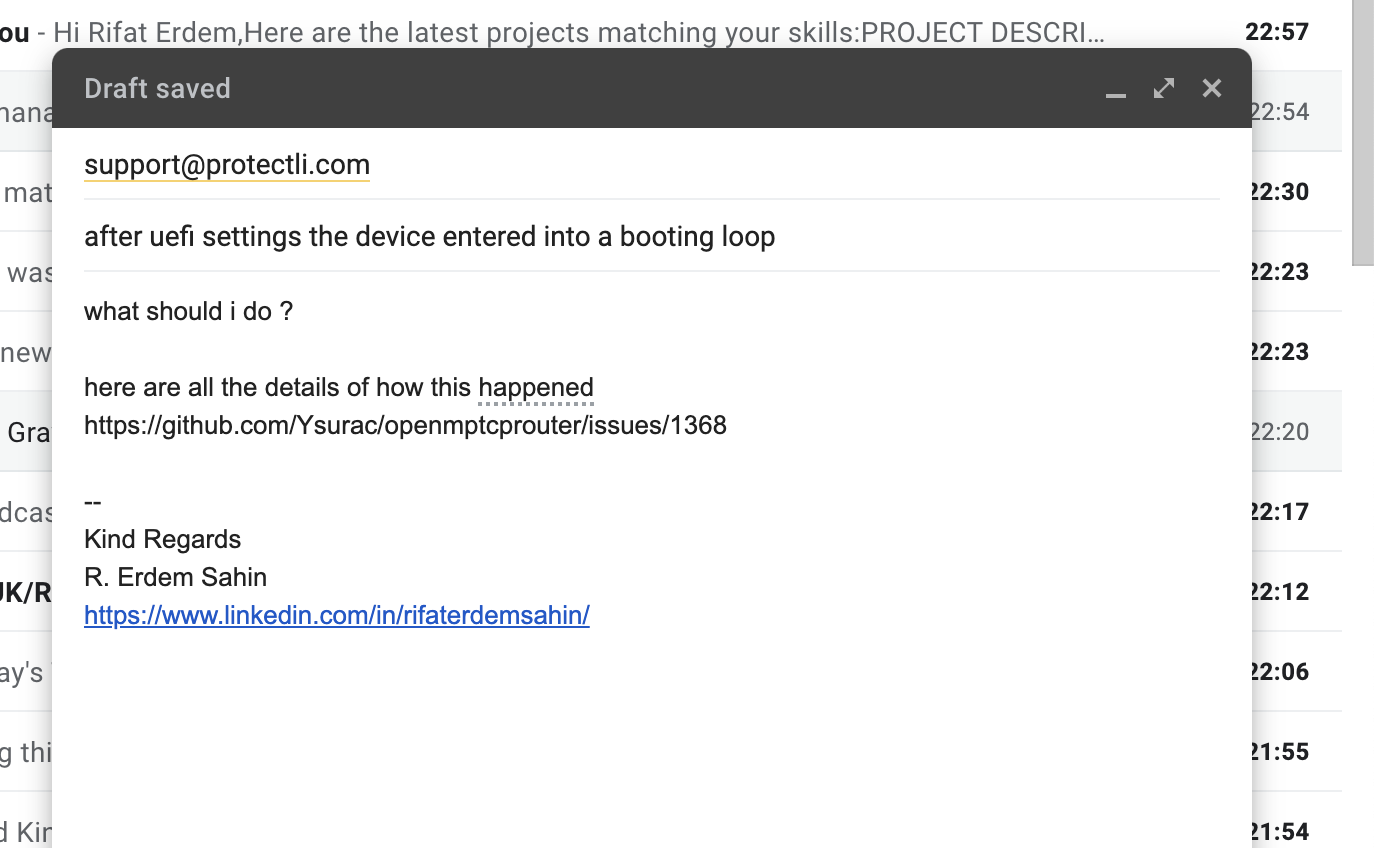
I am contacting the manufacturer [email protected]
as it entered into a booting loop
rifaterdemsahin
on 12 Nov 2020
rifaterdemsahin
on 12 Nov 2020
after uploading defaults and reloading the router opened up. I will try to connect
rifaterdemsahin
on 12 Nov 2020
Sda worked i got stuck
At something different i used the first efi image
After re reading the post i think it was the best result you had. So the question is why this data corruption...
Error in dd command... or other problem
vinceducat
on 12 Nov 2020
I have solved after doing the sda update and the bios reset
now started setting the interfaces
https://twitter.com/rifaterdemsahin/status/1326791203602493440
rifaterdemsahin
on 12 Nov 2020
I have solved after doing the sda update and the bios reset
now started setting the interfaces
https://twitter.com/rifaterdemsahin/status/1326791203602493440
What do you understand by sda update???
vinceducat
on 12 Nov 2020
Related issues
 dnwk
·
8Comments
dnwk
·
8Comments
 Adorfer
·
3Comments
Adorfer
·
3Comments
 ndaptardar
·
3Comments
ndaptardar
·
3Comments
 Scaff31
·
5Comments
Scaff31
·
5Comments
 CurseStaff
·
4Comments
CurseStaff
·
4Comments