Openlibrary: Clicking on hamburger icon on mobile unintuitively doesn't close menu when its open
- Open https://openlibrary.org/
- Open Developer console and toggle to Mobile View.
- Click on the "3-lines button" to open the menu.
- Click it again to close it.
- Actual: Step 4 doesn't do anything.
- Expected: Step 4 should close the menu.
Comments: Clicking outside the box closes the menu.
Details
- Logged in (Y/N)? Y
- Browser type/version? Chrome
- Operating system? Windows 10
- Environment (prod/dev/local)? prod
Stakeholders
 Yashs911
All 10 comments
This bug is not only with hamburger icon but with all dopdown-menu which uses hover event.
 Kartik1397
on 6 Dec 2020
Kartik1397
on 6 Dec 2020
I am working on this issue. Will raise a PR soon :)
 shrey27tri01
on 7 Jan 2021
shrey27tri01
on 7 Jan 2021
At first, I thought this was serious, but now looking into it, the hamburger button works fine for me on my mobile device so this is probably not an issue for real mobile devices.
Note: In developer console,whether you enable or disable this icon will give you different results:
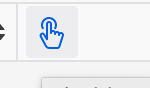
Is this actually a real problem in the real world? Should probably be fixed but also probably not a high priority like I first thought.
 jdlrobson
on 8 Jan 2021
jdlrobson
on 8 Jan 2021
Is this actually a real problem in the real world? Should probably be fixed but also probably not a high priority like I first thought.
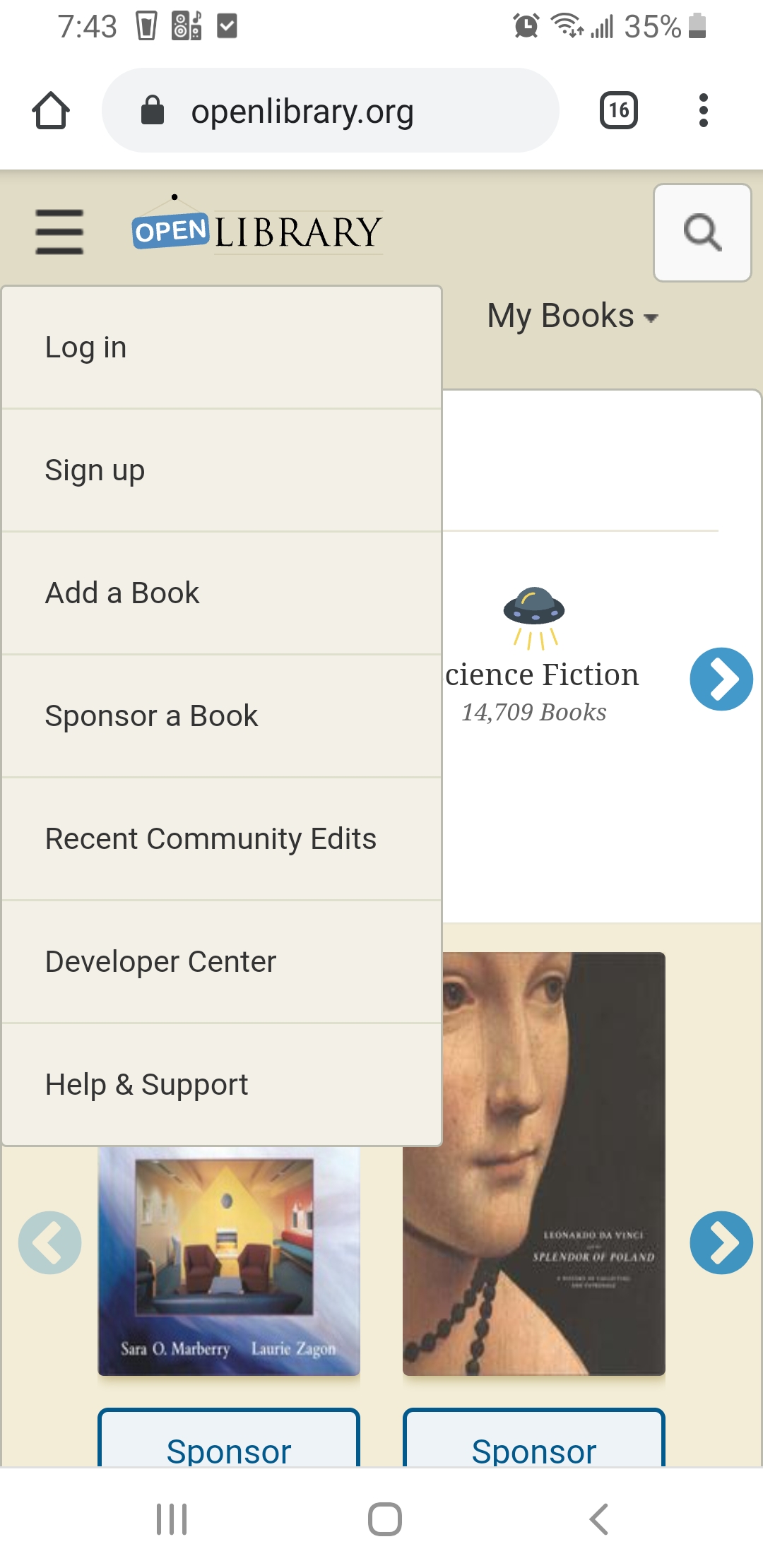
@jdlrobson Yes, I tried to use the hamburger button on my mobile to close it, but it doesn't work.
Yashs911
on 8 Jan 2021
@jdlrobson That's strange, because the hamburger doesn't work on my mobile device, I tried it on both Chrome as well as Firefox.
Maybe it works on only some devices?
shrey27tri01
on 8 Jan 2021
Maybe. Does seem a bit of a delay
jdlrobson
on 8 Jan 2021
Ok I think I see what's happening here. Clicking the button will retain the focus. My books and browse have the same problem.
We should use the checkbox hack for this menu and all the other menus. It will be better than a javascript hack to fix this.
https://css-tricks.com/the-checkbox-hack/
jdlrobson
on 8 Jan 2021
@jdlrobson Really sorry for the late response! Could you please help me regarding which file do I start with? I tried having a look and started with the HTML template files at /openlibrary/templates, but couldn't figure out which static files are being used, and which files do I actually have to change. Could you please help me out here?
Sorry for the novice question! :sweat_smile:
shrey27tri01
on 9 Jan 2021
@shrey27tri01
HTML file nav_head.html
CSS file header-bar.less
Yashs911
on 9 Jan 2021
Hey @jdlrobson, I tried using the checkbox hack, but that doesn't seem to be able to solve the problem at the moment (I think using javascript to achieve this would a viable solution). I have described the problems I am facing in more detail in the pull request I have created over here.
Do check it out and suggest what next to do.
shrey27tri01
on 12 Jan 2021
Related issues
 cdrini
·
4Comments
jdlrobson
·
5Comments
cdrini
·
4Comments
jdlrobson
·
5Comments
 nonom
·
3Comments
nonom
·
3Comments
 BrittanyBunk
·
4Comments
BrittanyBunk
·
5Comments
BrittanyBunk
·
4Comments
BrittanyBunk
·
5Comments