Openfoodnetwork: Release v3.3.0
Steps:
- [x] Include translations:
tx pull --force - [x] [Draft new release]
- [x] Notify #instance-managers of user-facing changes.
- [x] Test: https://semaphoreci.com/openfoodfoundation/openfoodnetwork-2/branches/master/builds/1819
- [x] Update translations if necessary
- [x] Publish and notify #global-community
- [x] Deploy and notify #instance-managers
- [ ] Nudge next release manager
The full process is described at https://github.com/openfoodfoundation/openfoodnetwork/wiki/Releasing.
 Matt-Yorkley
All 10 comments
Update guide for image resizing
Anyone managing an OFN instance should perform these steps to adjust image sizes before deploying this release. It should take 5-10 minutes.
If you've deployed the release already (without following these steps) and then realised the image sizes need to be updated, skip straight to part 2 :smile:
Part 1 - in the app
Log in as an admin user and go to https://<your-domain>/admin/image_settings/edit.
Under "Paperclip Settings" there should be four input fields, and the first two fields for MINI and SMALL images should have: 48x48> and 100x100>. Change these values to: 48x48# and 227x227#. Then scroll down to the bottom and hit the Update button.

Part 2 - in the console
In a terminal, connect to the server via SSH and do the following steps:
ssh openfoodnetwork@<your-domain>
cd apps/openfoodnetwork/current
bundle exec rails console
Wait until the console says: irb(main):001:0>, and then paste this in (and hit enter):
Spree::Image.find_each { |image| image.attachment.reprocess!(:mini, :small) rescue nil }
You should see some console output while it's running. When it stops, type quit to leave the console.
Done :+1:
Checking it's worked
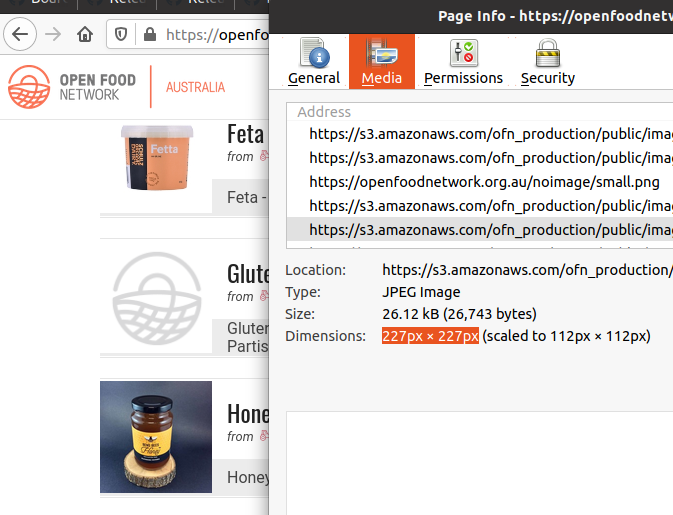
You can verify the resizing was successful by going to a shop, right-clicking a product image in the shopfront and clicking "View Image" and it should say the size is 227px by 227px:
Matt-Yorkley
on 22 Oct 2020
Hey @Matt-Yorkley
I've tested the release in staging-UK, after the fix about your deploy. All good there for a newly created enterprise and added pics.
https://docs.google.com/document/d/18kZlifPhBhFRQArif_z7QCt1CHZ4RFi3WEbQZ0_X3PM/edit#
However, I'm not entirely sure the transition works smoothly between the previous and the new shopfront.
- in stagin-UK, for a pre-existing hub, the pics look like smaller than they should I think
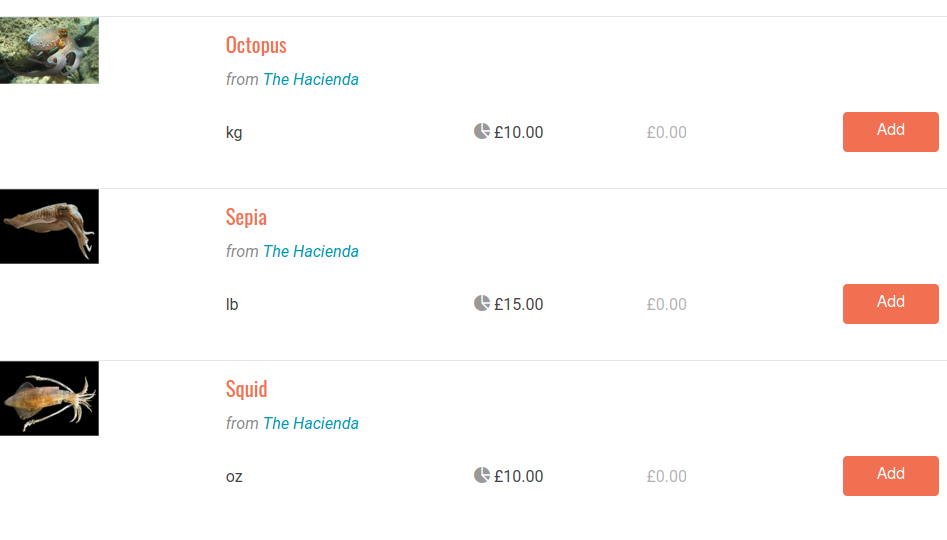
Also, the pics seem to be missing in pre-existing shops, after following the procedure for resizing windows and your fix #6248:
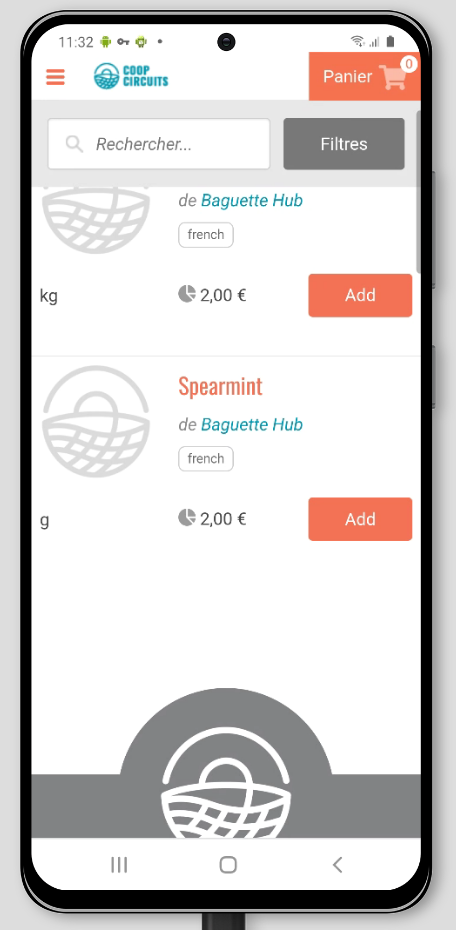
There was a failed staging attempt in this server, so maybe that's the reason. I'll retry the resizing procedure for staging-ES + deploy and report here again in a few mins.
 filipefurtad0
on 26 Oct 2020
filipefurtad0
on 26 Oct 2020
@Matt-Yorkley Did the image resizing tasks happen on staging servers?
 lin-d-hop
on 26 Oct 2020
lin-d-hop
on 26 Oct 2020
Looking now :+1:
Matt-Yorkley
on 26 Oct 2020
I just followed my steps from the guide on UK Staging, and it looks good. Images in this shop were not resized before, and are resized now: https://staging.openfoodnetwork.org.uk/spicy-stuff-hub/shop
There's a few shops that have broken images on UK Staging, but they were broken before :+1:
Matt-Yorkley
on 26 Oct 2020
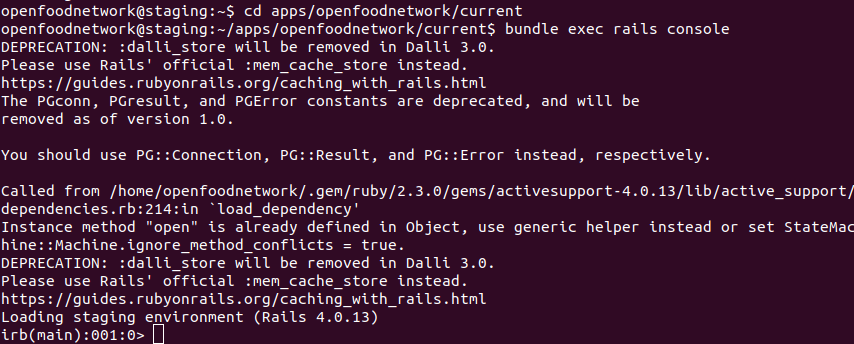
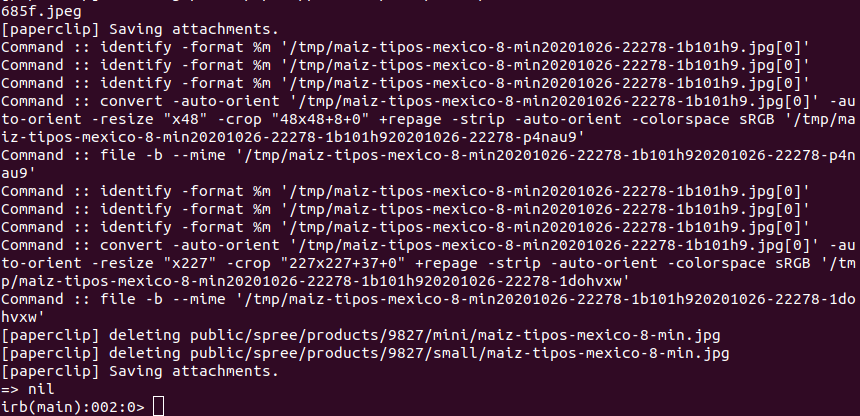
Going to the Rails console:
Pasting in the resizing command:

After resizing has finished:
Matt-Yorkley
on 26 Oct 2020
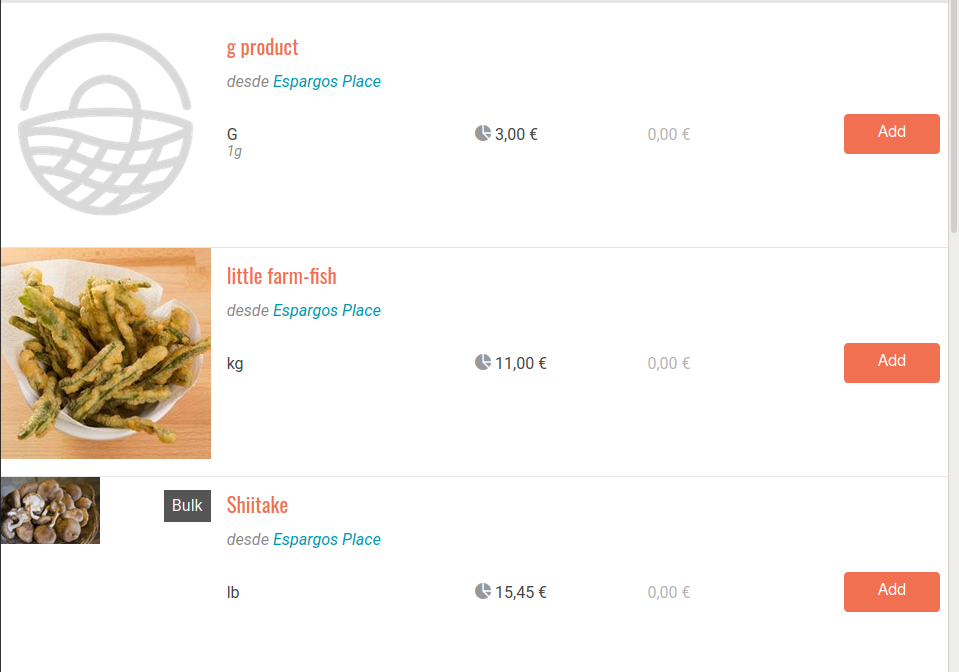
I just double-checked this on staging-ES as well:
Before resizing/deploy:
After resizing/deploy:
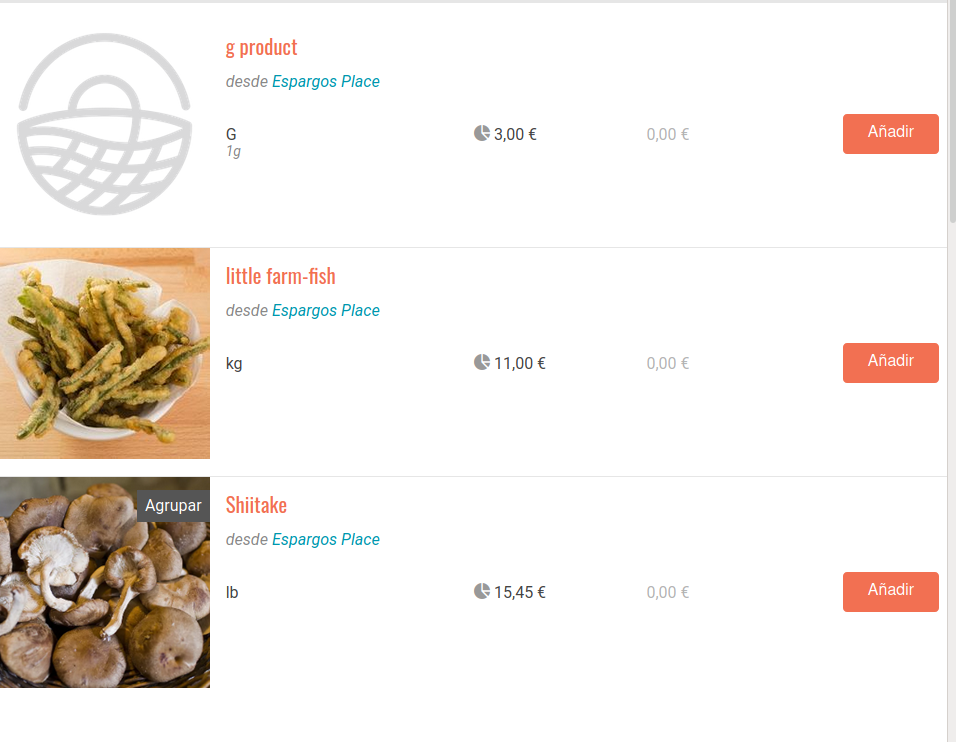
I think we are good here!
filipefurtad0
on 26 Oct 2020
There is a tiny issue shopfront issue, which affects only:
- mobile
- items with prices in EUR
- prices with 4 digits
See below, left side - staging-UK / right side staging-ES

I wouldn't say this is a blocker and will proceeded to open issue #6252 on this but pinging you @Matt-Yorkley @RachL @lin-d-hop for awareness.
filipefurtad0
on 26 Oct 2020
Dear Matt, I'm trying to reproduce your steps on my staging environment and at part 2 I have this error:

Seems there is a missing command.
Thanks in advance!
David
 kabhotz
on 31 Oct 2020
kabhotz
on 31 Oct 2020
Problem solved with the installation of file command on Ubuntu 18.04:
sudo apt-get install -y file
kabhotz
on 2 Nov 2020
Related issues
 kirstenalarsen
·
3Comments
filipefurtad0
·
3Comments
kirstenalarsen
·
3Comments
filipefurtad0
·
3Comments
 myriamboure
·
3Comments
myriamboure
·
3Comments
 RachL
·
3Comments
RachL
·
3Comments
 kristinalim
·
3Comments
kristinalim
·
3Comments
Most helpful comment
I just double-checked this on staging-ES as well:
Before resizing/deploy:
After resizing/deploy:
I think we are good here!