Opencart: Image manager: pagination issues
What version of OpenCart are you reporting this for?
3.1.0.0_b
Describe the bug
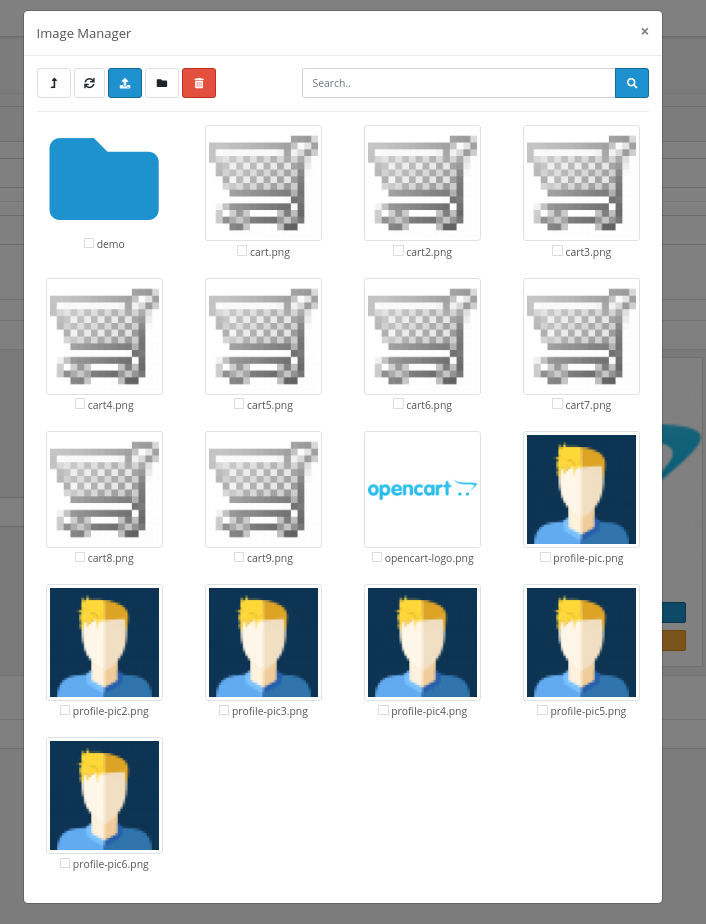
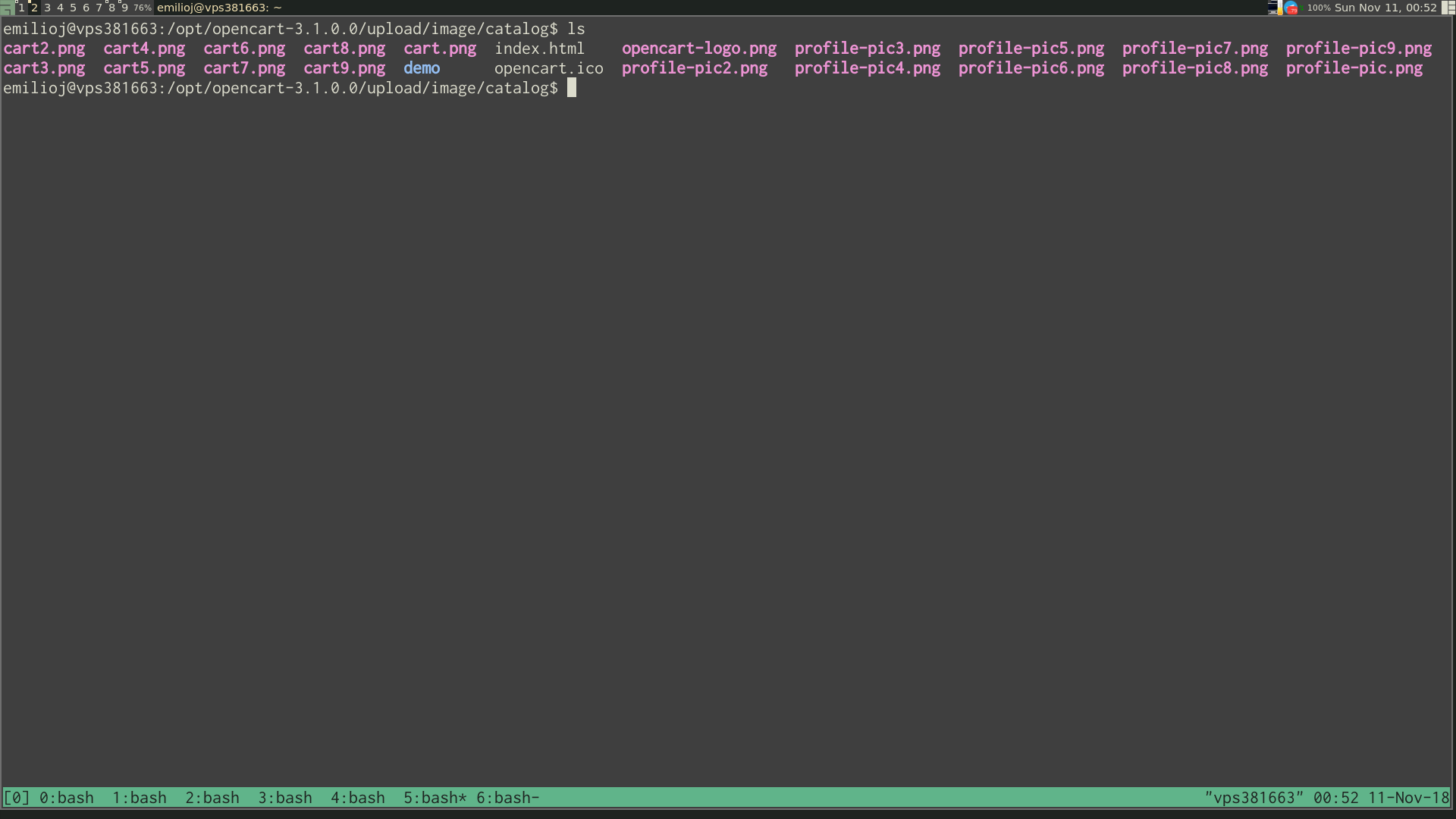
Some image files are not being shown in the image manager in some scenarios, and no page tabs appear to reach the missing image files. For example, a directory with 17 image files lists the first 16, and the last one is not shown. No page tabs are shown. In previous versions of opencart (I've just tested the same thing with last stable, 3.0.2.0), the page tabs appeared with 16 images by default, showing 15 image files per page.
To Reproduce
- Take the out-of-the-box OC-3.1.0.0_b
- Put some more image files in upload/image/catalog (or copy/paste some of the existing ones with new names: cp cart.png cart2.png). Only the first 16 image files are shown in the Image Manager. No page tabs are created to reach the rest.
Expected behavior
Page tabs should be created to browse the arbitrary number of files.
Screenshots / Screen recordings
 emilioj
All 4 comments
Not a bug. In admin/controller/common/filemanager.php file, there's a static value defined, that's why. I already covered these issues on a previous post. However, this seem to be an ongoing issue for users that encounters these defined limitations when setting those values statically as they can't go beyond when the value is higher than the one defined on the backend.
Find this line:
'limit' => 16,
Change 16 to your desired limit value.
 straightlight
on 12 Nov 2018
straightlight
on 12 Nov 2018
Hi, and thank you for your reply!
Not a bug. In admin/controller/common/filemanager.php file, there's a static value defined [...]
Sorry, but I still think there's some bug there.
The issue is not the hard-coded limit you are pointing (16), but the lack of paging buttons when that limit is reached (otherwise, you can not access to part of the files). These buttons appear properly in v3.0.2.0 in exactly the same scenario.
Thanks!
E
emilioj
on 12 Nov 2018
Forgot to delete directory
Replace
$images = array_splice($files, ($page - 1) * 16, 16 - count($data['images']));
To
$images = array_slice($files, max(0, ($page - 1) * 16 - count($directories)), 16 - count($data['directories']));
 ilcomp
on 12 Nov 2018
ilcomp
on 12 Nov 2018
its not required to that the store owner set a limit for number of images.
 danielkerr
on 13 Nov 2018
danielkerr
on 13 Nov 2018
Related issues
 osworx
·
5Comments
osworx
·
5Comments
 Li-Yen
·
3Comments
Li-Yen
·
3Comments
 rk
·
5Comments
rk
·
5Comments
 RadhikaMayani
·
3Comments
RadhikaMayani
·
3Comments
 TWarszawski
·
5Comments
TWarszawski
·
5Comments
Most helpful comment
Forgot to delete directory
Replace
$images = array_splice($files, ($page - 1) * 16, 16 - count($data['images']));To
$images = array_slice($files, max(0, ($page - 1) * 16 - count($directories)), 16 - count($data['directories']));