I'm a bit struggling to understand how to get to a visualization similar to this one but for a mesh instead of a point cloud.
Currently what I'm doing is the following:
mesh = read_triangle_mesh("knot.ply")
mesh.compute_vertex_normals()
mesh.vertex_colors = mesh.vertex_normals
draw_geometries([mesh])
which outputs the following:
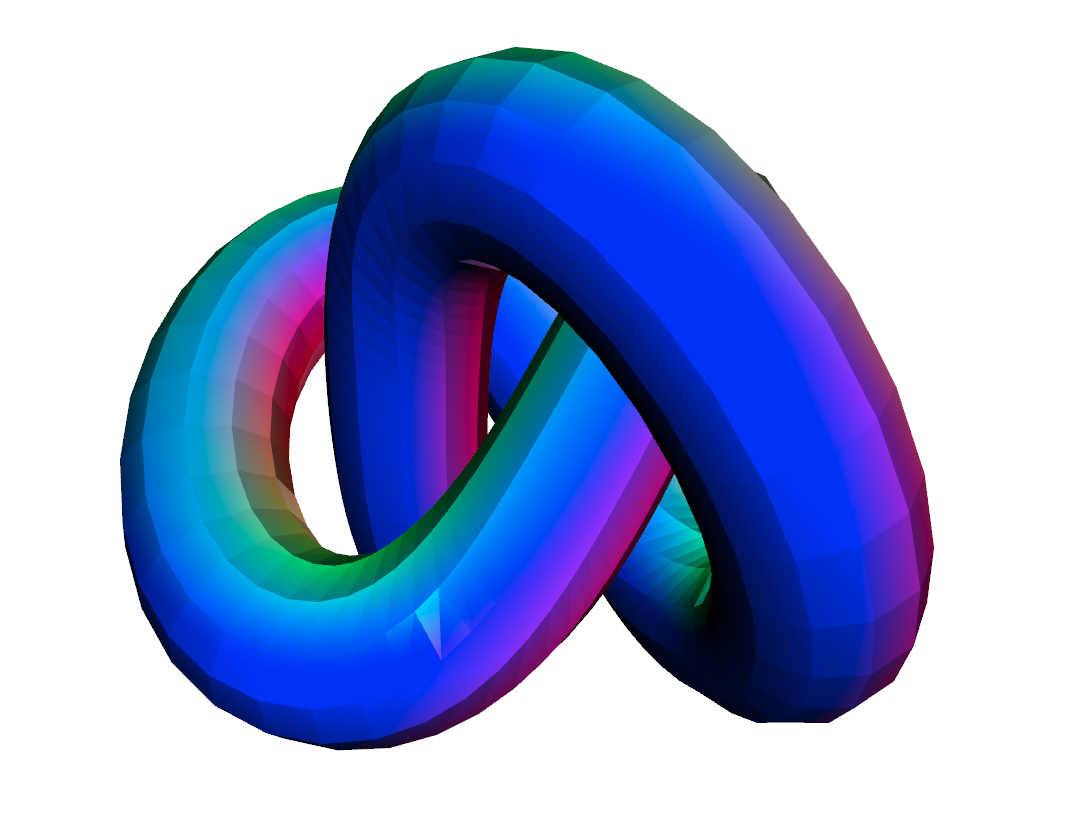
Is it correct / is there a more principled way to do it?
Thank you.
Andrea
 ndrplz
All 8 comments
The easiest way to mimic point cloud normal rendering behavior is to press ctrl+9 to enable normal rendering for mesh (for point cloud it is 9).

 qianyizh
on 8 Jan 2019
qianyizh
on 8 Jan 2019
Thanks, that's what I meant. However, I'd like to toggle this mode automatically.
Currently as a workaround I'm using
opt = vis.get_render_option().load_from_json("renderoption.json")
where in renderoption.json among other options I have
`mesh_color_option` : 9 # normal rendering
(for future readers, mesh color options are here).
Still, I tried to do something like
    opt = vis.get_render_option()
    opt.mesh_color_option = 9
but it doesn't seem to like it.
ndrplz
on 9 Jan 2019
Yeah, it is not exposed right now. The current workaround is to use load_from_json.
In the next restructure (hopefully coming soon) we will expose as many APIs in Python as possible.
qianyizh
on 9 Jan 2019
Cool thanks!
ndrplz
on 9 Jan 2019
Re-opening the issue for a strictly related thing. If I set the mesh_color option in the json to either:
mesh_color_option : 2
mesh_color_option : 3
mesh_color_option : 4
I expect to see the rendering of X, Y and Z heatmaps respectively (analogously to what happens with ctrl+2/3/4). However this doesn't happen. Do I miss something?
ndrplz
on 16 Jan 2019
Thanks for the feedback @ndrplz. Let me work on this.
 syncle
on 16 Jan 2019
syncle
on 16 Jan 2019
I just pushed a new PR for this.
The following code
from open3d import *

geometry = read_triangle_mesh("TestData/knot.ply")
geometry.compute_vertex_normals()
print(geometry)

vis = Visualizer()
vis.create_window()
vis.add_geometry(geometry)
vis.get_render_option().mesh_color_option = MeshColorOption.Normal
vis.run()
vis.destroy_window()
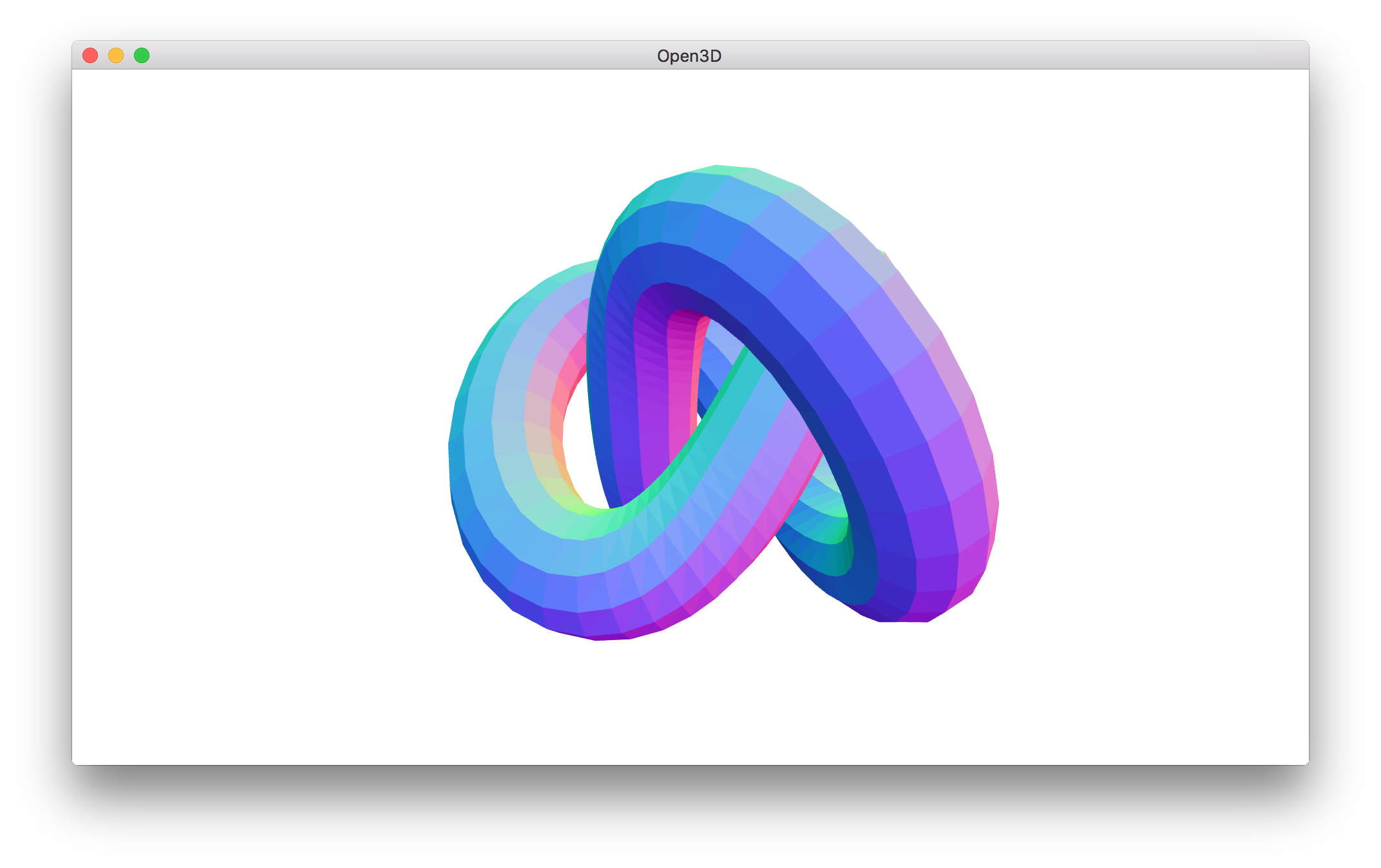
should produce this:
syncle
on 16 Jan 2019
FYI, this fix will be shipped with 0.5 release.
syncle
on 16 Jan 2019
Related issues
 HaiyongJiang
·
3Comments
HaiyongJiang
·
3Comments
 taochenshh
·
3Comments
taochenshh
·
3Comments
 edxsx
·
3Comments
edxsx
·
3Comments
 hzxie
·
4Comments
hzxie
·
4Comments
 martinakos
·
4Comments
martinakos
·
4Comments