Open-event-server: Speaker images not being resized correctly
thumbnail width height is set to 150px but still the image generated is of 500px
https://eventyay.com/e/423d0650/sessions/s/all
Also, if I upload an image of 320x320 px and resize width is set to 500px. It upscales the image to 500px. If the image dimension is less than target dimension, return the original image URL as is
 iamareebjamal
All 26 comments
@codedsun Can you please take a look
iamareebjamal
on 4 Jan 2020
@iamareebjamal - The db values are different from what you mentioned here
thumbnail width height is set to 150px but still the image generated is of 500px
 codedsun
on 5 Jan 2020
codedsun
on 5 Jan 2020
The admin panel shows different values. It means it is not tied to the admin settings - https://eventyay.com/admin/settings/images
And similarly, these are not stored in DB as well. There are only 2 types in DB. event and profile. And admin settings shows profile one as Profile/Speaker images
iamareebjamal
on 5 Jan 2020
iamareebjamal
on 5 Jan 2020
@iamareebjamal - Okay, will check for the case of 150. Thanks
codedsun
on 5 Jan 2020
@iamareebjamal - the flow is working fine. I tried to upload 2 images for 2 diff speakers
- with dimension
724 × 1024
the dimension of thumbnail image is - 150*212
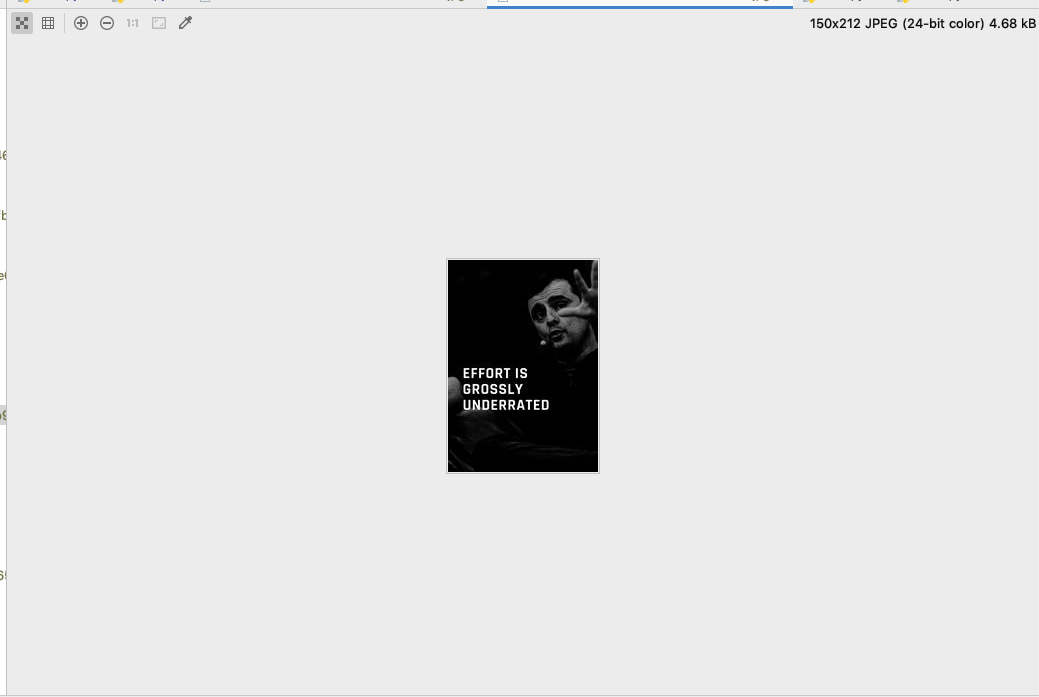
- with dimension
900*750
the thumbnail image dimension - 150*125
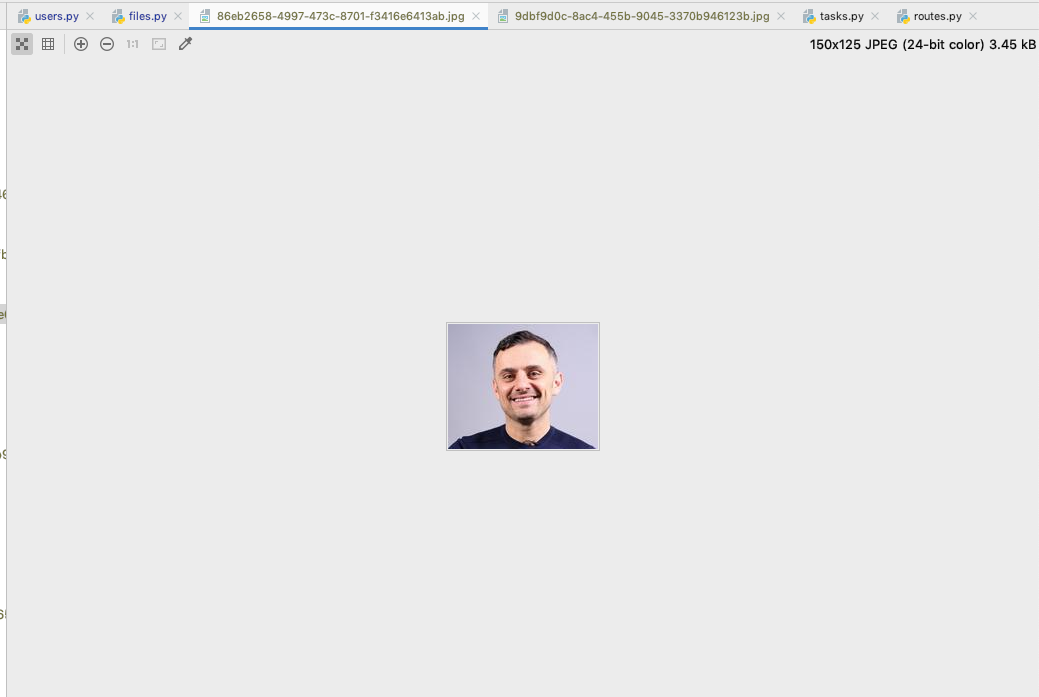
What else can reproduce me this issue.?
codedsun
on 5 Jan 2020
For this
Also, if I upload an image of 320x320 px and resize width is set to 500px. It upscales the image to 500px. If the image dimension is less than target dimension, return the original image URL as is
I shall then set the thumbnail_url to originial_image_url if the following condition arrives.
codedsun
on 5 Jan 2020
Not working in production. I resized them using the manage.py method you created. Thumbnail images are of 500px
iamareebjamal
on 5 Jan 2020
@iamareebjamal - Let me check out this on master branch then.
codedsun
on 5 Jan 2020
Try the manage.py command
iamareebjamal
on 5 Jan 2020
The manage.py command method is not working you meant? Okay will chck
codedsun
on 5 Jan 2020
@iamareebjamal - Resized using manage.py command also, same result(https://github.com/fossasia/open-event-server/issues/6724#issuecomment-570939195). the manage.py command also uses the same celery task which is used while uploading speaker image. Both are working fine for me in dev. What else should I try to reproduce this issue?
codedsun
on 6 Jan 2020
@iamareebjamal - Ping
codedsun
on 7 Jan 2020
Will check why it didn't work in production
iamareebjamal
on 7 Jan 2020
@iamareebjamal - One possibility would be when the values were not found, then only the else condition will execute which takes thumbnail_width_height=500
codedsun
on 7 Jan 2020
What is image_sizes_type? It should be profile
iamareebjamal
on 7 Jan 2020
@iamareebjamal - But the task runs with type speaker-image
https://github.com/fossasia/open-event-server/issues/6724#issuecomment-570913430
We have twoo image_sizes_type
- speaker_image
- event-image
codedsun
on 7 Jan 2020
That's wrong. In production, the type is profile, the same is used in the admin settings - https://api.eventyay.com/v1/speaker-image-sizes
See the type. Check on your local. What's the type
iamareebjamal
on 7 Jan 2020
@iamareebjamal - The celery task also uses the same key speaker-image. The createdb file also creates the same and on my local also shows the same.
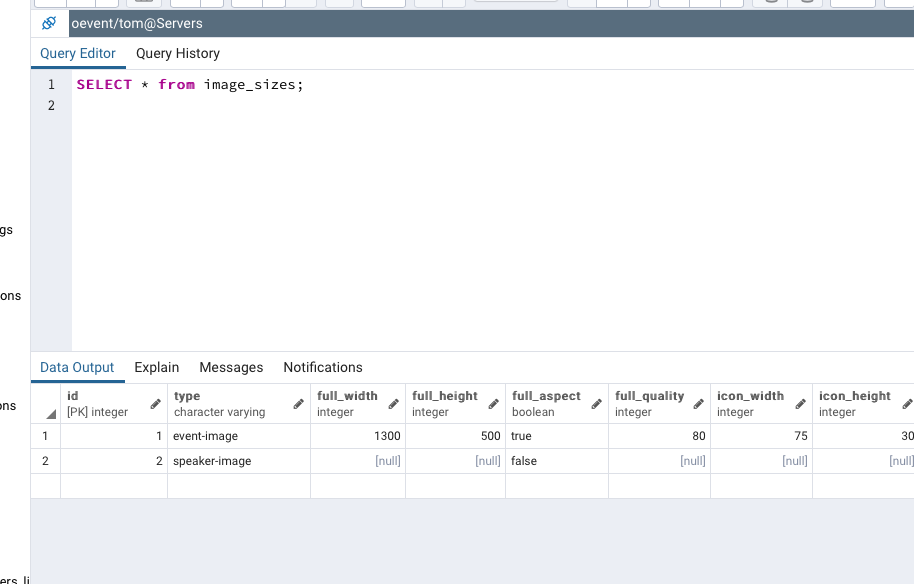
The api running on production says type profile . That's strange
codedsun
on 7 Jan 2020
It's not strange. The API just fetches the row with ID 2 regardless of type. I know it's stupid. I already opened the reimplementation issue for image resizing 1 month ago - #6641 .
For now, try to figure what should be used, profile or speaker-profile. Check where profile is being used
iamareebjamal
on 7 Jan 2020
@iamareebjamal - yes this is the issue, I shall take that up after 1-2 issues.
https://github.com/fossasia/open-event-server/issues/6641
The API just fetches the row with ID 2 regardless of type. I know it's stupid
Also, This should be fixed then.
For now, try to figure what should be used, profile or speaker-profile. Check where profile is being used
It's speaker-image not ~speaker-profile~. I will get back to you
Also, it's strange for me that how does data in production db differs from dev db
codedsun
on 7 Jan 2020
It's pretty normal. profile was being used previously. When speaker image split from it, nobody bothered to create a migration. It's kind of tradition
iamareebjamal
on 7 Jan 2020
@iamareebjamal - speaker-image is used everywhere in dev.
codedsun
on 8 Jan 2020
And profile isn't used?
iamareebjamal
on 8 Jan 2020
Nopes!
codedsun
on 8 Jan 2020
OK. Wow. Then change the logic of API to fetch by type and not ID, it should fix everything
Also, use get_or_create so that if it is not created, it is saved in DB
iamareebjamal
on 8 Jan 2020
Related issues
 poush
·
3Comments
poush
·
3Comments
 mariobehling
·
4Comments
mariobehling
·
4Comments
mariobehling
·
4Comments
mariobehling
·
4Comments
 dr0pdb
·
4Comments
mariobehling
·
4Comments
dr0pdb
·
4Comments
mariobehling
·
4Comments