Officedocs-skypeforbusiness: Dial pad
This article should describe what to do if the number you call, to add a participant, requires you to open the dial pad to navigate through an IVR menu in order to get to the individual’s line. I find that once I’ve entered the 10-digit phone number and am connected to the IVR the dial pad is available to me but pressing and of the dial pad buttons does nothing and I don’t understand why
Document Details
⚠ Do not edit this section. It is required for docs.microsoft.com ➟ GitHub issue linking.
- ID: 5cf7bbd2-ebf4-48e6-c157-8035f976259e
- Version Independent ID: a6897ddf-473b-0109-9f4e-72c59981b631
- Content: Dialing out from a meeting so other people can join - Microsoft Teams
- Content Source: Teams/dialing-out-from-a-teams-meeting-so-other-people-can-join-it.md
- Service: msteams
- GitHub Login: @tonysmit
- Microsoft Alias: tonysmit
 giterdn
All 11 comments
@giterdn Thank you for submitting feedback and contributing to the docs. We are currently investigating this.
 scanum
on 13 Apr 2020
scanum
on 13 Apr 2020
Hi @giterdn, thank you for your feedback.
I cannot test it. Could you please share some screenshot to understand the behaviour you are experiencing? I'll appreciate that.
 dariomws
on 7 May 2020
dariomws
on 7 May 2020
Sure, here are some screenshots
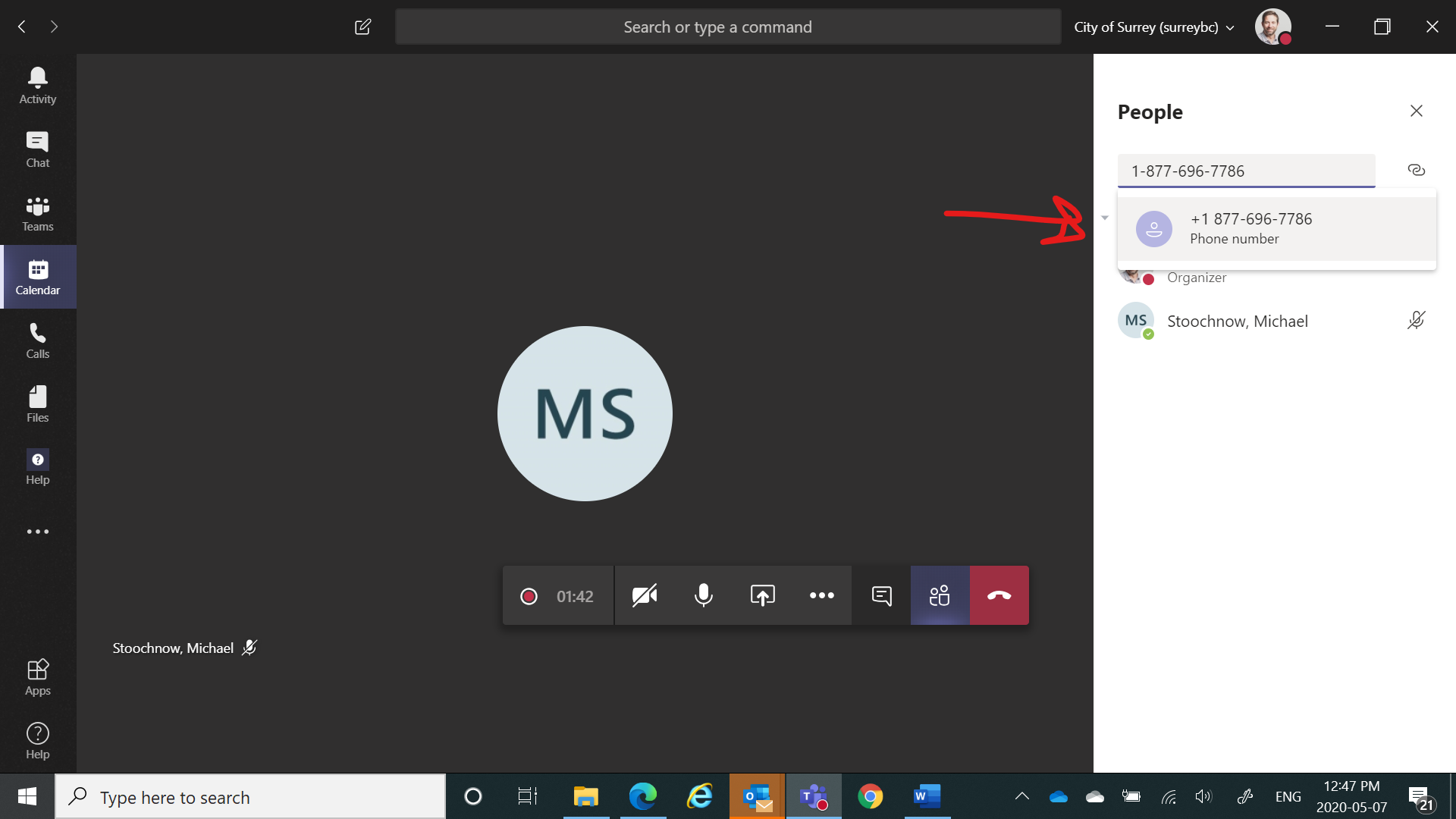
Here you can see I'm in a meeting with someone and now I want to add Microsoft Store support by phone
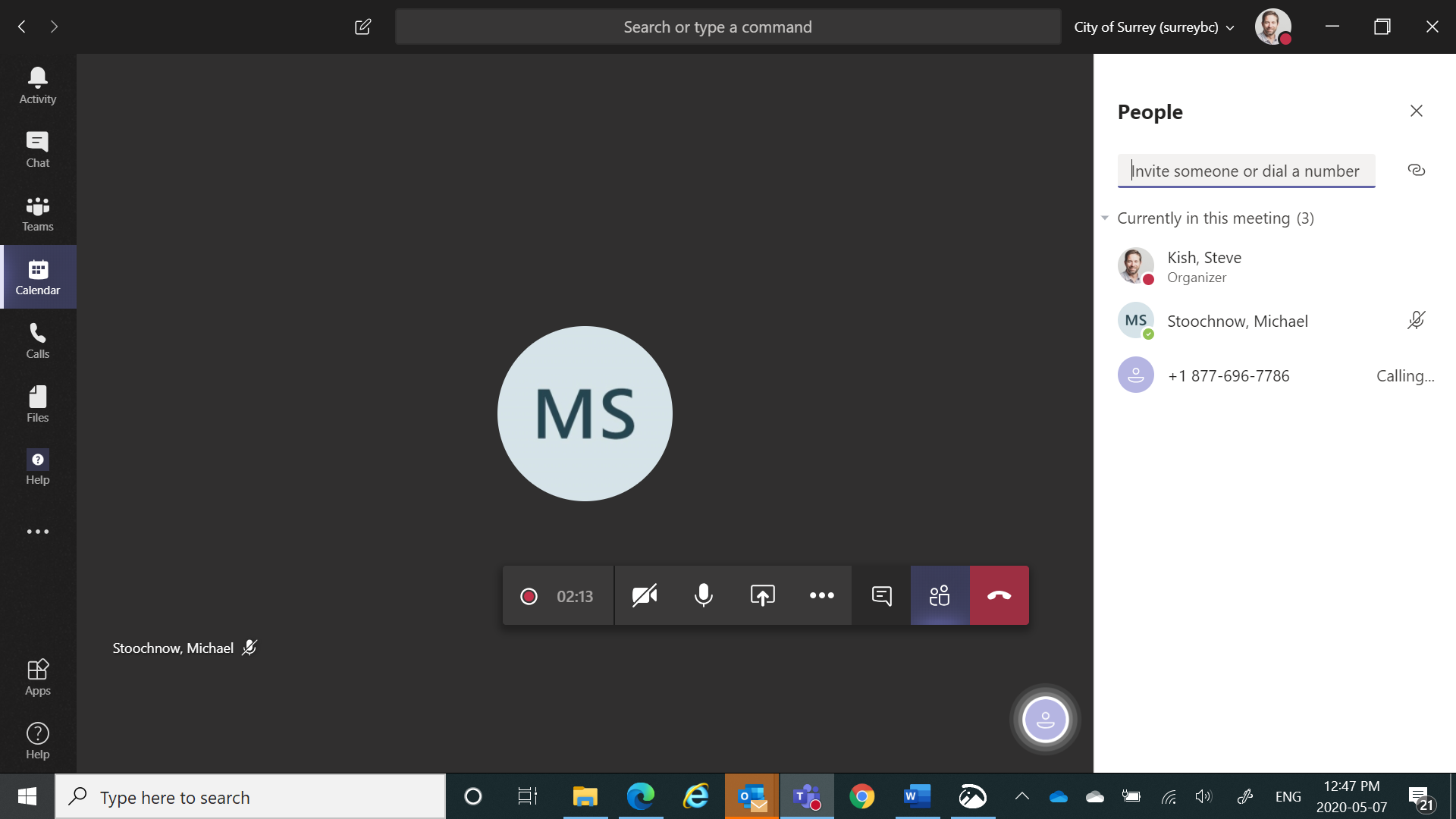
Here you can see the call is being connected
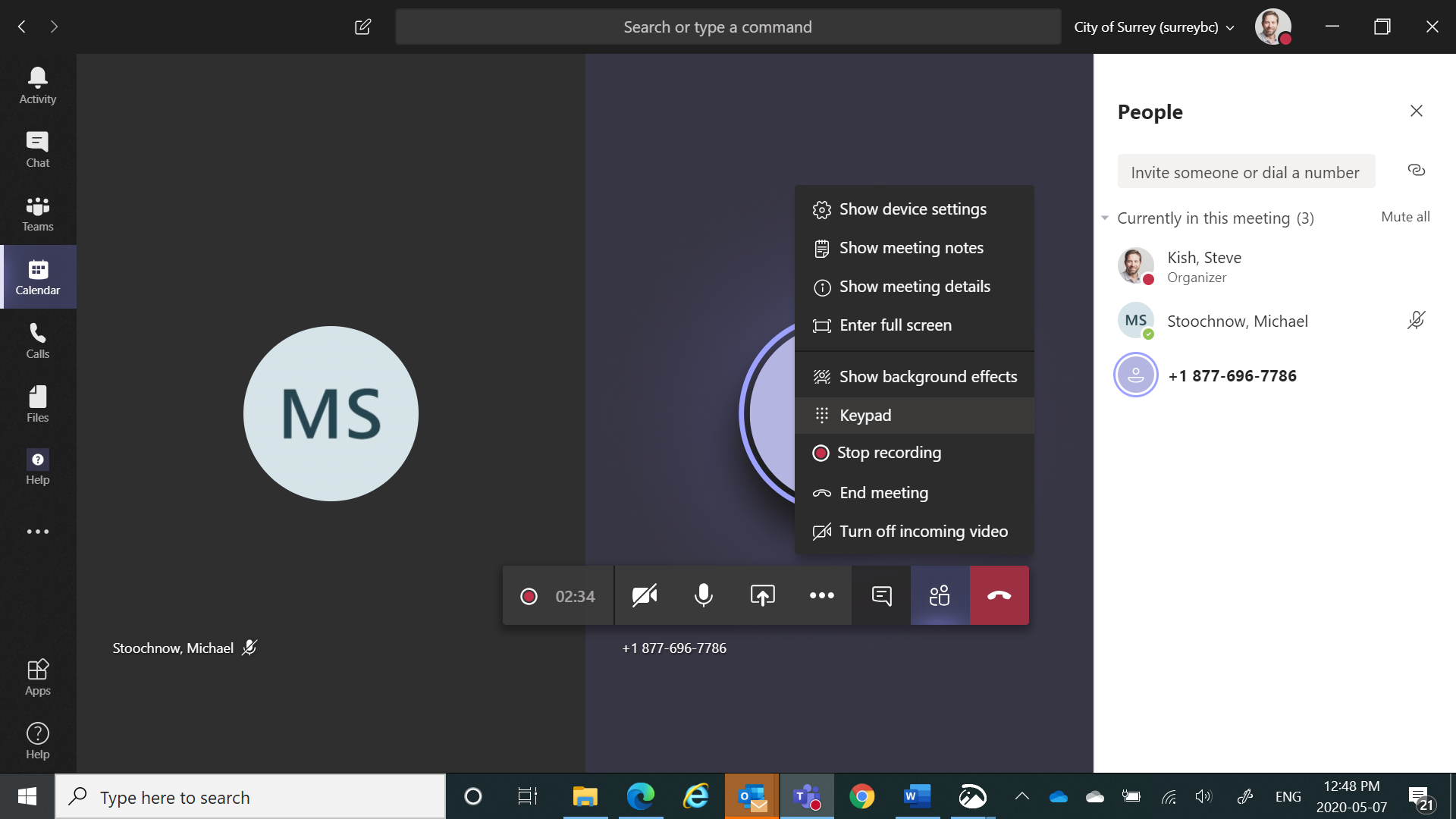
Here you can see the call is connected and the Microsoft Store is asking me to choose from options on my phone, so I am opening the PIN pad from ... menu
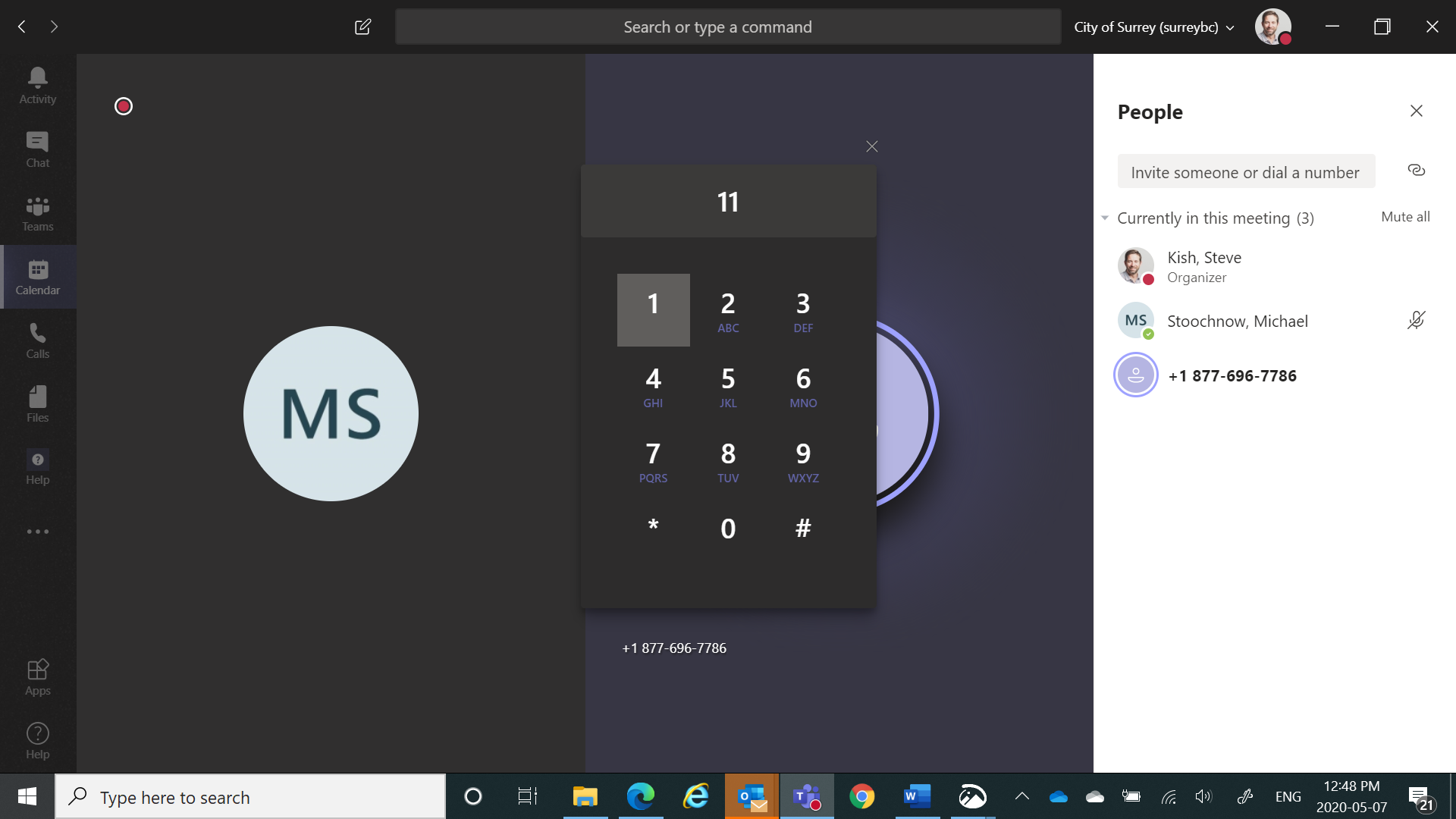
Here you can see the PIN pad is open, but no matter what buttons I press the auto-attendant on the phone keeps saying "I didn't get your response, please try again"
I also have a recording of this meeting. However I am unable to attach it here. If you could hear the video, at 1:27 you'll hear a prompt asking if I am ok with the call being recorded. I respond 1 for yes but it is not registered so I'm told the call will not be recorded. At 1:44 I'm asked for what I want to do with multiple options and I choose 1, but at 2:00 I am told my response was not heard. I end the call and meeting shortly after that.
giterdn
on 7 May 2020
Seems to me this is a bug or it by design, and if by design your article could mention that the PIN pad is currently only for entering a phone number to dial, or for entering a passcode to join a secure meeting, but not for interacting with IVRs that you've connected via phone.
giterdn
on 7 May 2020
Thank you so much @giterdn! Now I understand it, very helpful screenshots.
I will try to confirm if it´s supported. In the meantime, could you please open a support ticket so we can try to get this information from two different channels?
If you wish to know how to open the service ticket, please follow this link: https://docs.microsoft.com/office365/admin/contact-support-for-business-products
@tonysmit could you kindly help to confirm if it´s supported? Thanks!
dariomws
on 7 May 2020
@fafan - can you assist here please?
 tonysmit
on 26 May 2020
tonysmit
on 26 May 2020
Hi @tonysmit, this is most likely a DTMF issue. You probably need to file a ticket to get help from Service Desk.
 fafan
on 27 May 2020
fafan
on 27 May 2020
@giterdn - I'm checking with the client PMs on this. Did you open a support ticket? Thanks, Tony
tonysmit
on 15 Jun 2020
Hi - I did open a ticket and was told this is a known bug that is under development with no ETA
giterdn
on 15 Jun 2020
Hence I think this should be reflected in the article to advise what it is and isn't possible with the numbpad. thanks
giterdn
on 15 Jun 2020
@giterdn - Great! According to the PM there are two bugs against this that hopefully will be fixed in the next month or so. Thanks for calling this to our attention. Would you mind just editing the doc in GH and I will see it and Merge. Thanks! Tony
tonysmit
on 16 Jun 2020
Related issues
 stefandoh
·
3Comments
stefandoh
·
3Comments
 BSiefferman
·
4Comments
BSiefferman
·
4Comments
 Mlavieri
·
6Comments
Mlavieri
·
6Comments
 JAK1047
·
6Comments
JAK1047
·
6Comments
 hyoshioka0128
·
6Comments
hyoshioka0128
·
6Comments
Most helpful comment
Hi @tonysmit, this is most likely a DTMF issue. You probably need to file a ticket to get help from Service Desk.