Office-js: Lots of noise in console
When I want to test my add-in on outlook.office.com I am seeing lots of noise in the dev console, having an impact on my developer productivity.
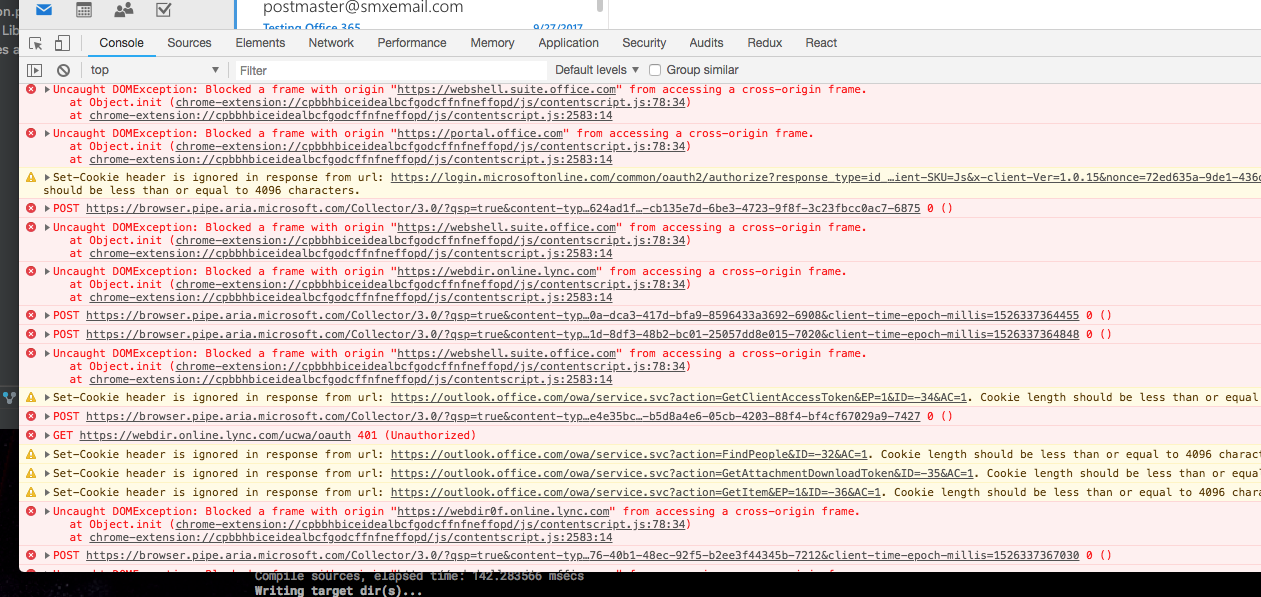
Why are you sending cookies with more than 4096 characters?
 binarykitchen
All 5 comments
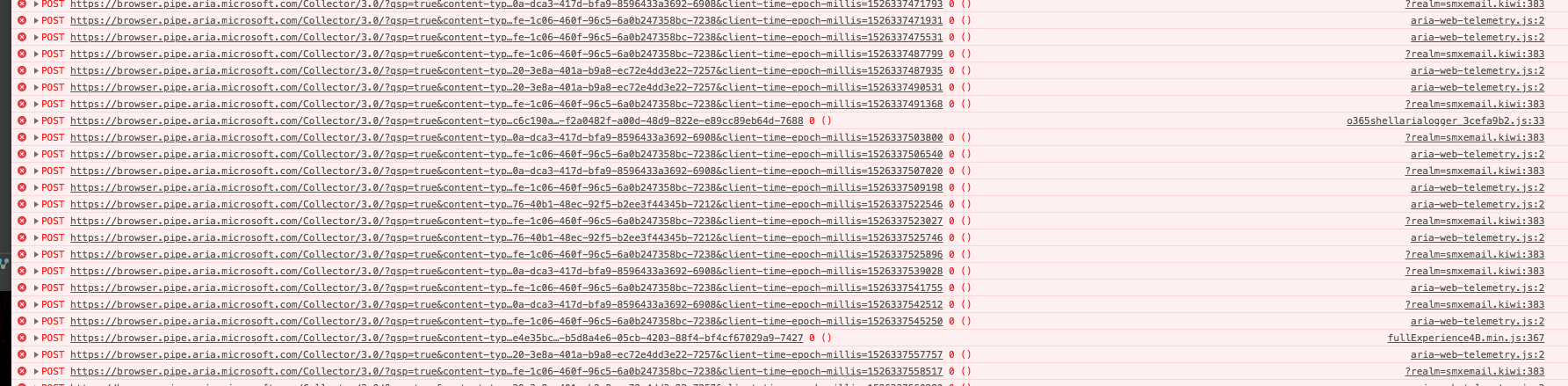
Also too many POST errors for Telmetry:
binarykitchen
on 15 May 2018
These are notifications from OWA, I do not believe there is a way to silence them. Depending on your console debugger, can you filter the console so that you only get messages from your code?
 exextoc
on 16 May 2018
exextoc
on 16 May 2018
Yes I can filter some but then, I won't see any outputs from my code of the same level I have filtered out. Not a good solution. I still would reduce all the above noise for a starter.
binarykitchen
on 16 May 2018
Not sure about other browsers, but at least with Chrome you can select the context for which you want to see the console (“top” in your screenshot), if you select the frame context in which your addin is running, it already becomes a lot more quiet.
And you can also filter some sources (so not based on a level, but based on the is file that generated the log line). Using that also silences the console a lot!
 schmkr
on 17 May 2018
schmkr
on 17 May 2018
Yeah, with those filters I can reduce some noise.
binarykitchen
on 17 May 2018
Related issues
 gordonmleigh
·
3Comments
gordonmleigh
·
3Comments
 rvanlaak
·
4Comments
rvanlaak
·
4Comments
 dgrudenic
·
3Comments
dgrudenic
·
3Comments
 Jarch09
·
3Comments
Jarch09
·
3Comments
 KantilalJadav
·
4Comments
KantilalJadav
·
4Comments
Most helpful comment
Also too many POST errors for Telmetry: