Octoprint: [Brainstorming] Making use of ADVANCED_OK in MarlinFirmware to speed up serial
I've been experiencing slowdowns in printing small complex models due to octoprint not streaming commands to the printer fast enough to stop the buffer for emptying. see: #2799
I've been following #2346 in hopes that it will provide a solution, but it's obvious that the upstream issues with software flow control in the linux usb-serial stack are not something that are likely to be fixed soon, and it's not something i feel competent to take a look at myself.
I have however come across a feature in MarlinFirmware that looks like it could provide a solution: ADVANCED_OK
This feature changes the format of 'ok' messages to include two new fields:
- P: the remaining space in the move planner buffer
- B: the remaining space in the unprocessed command buffer
With this information I believe we should be able to send multiple commands to the printer between ok responses as long as we don't send more than the available unprocessed buffer.
I've had a play and done a hacky implementation in comm.py and the initial results seem great, I've been testing purposfully over detailed gcode that always stalled with the normal communications code and I've been unable to drain the planned buffer regardless of complexity or print speed. It also increased sd transfer speeds although not enough to make it quicker than just unplugging and copying.
So far my implementation is hack and unsuitable for a pull request, and i've only tested with a pi3 on my printer at 250000 baud rate and a fairly large buffer, however if this is something you'd consider adding I'd be happy to spend the time to turn it into an actual feature and PR it.
Things to think about:
- Feature detection: Marlin does't currently report ADVANCED_OK in it's M115 response, however the presence of the P and B parameters in the ok responses is something we could check for along with a setting in the connection settings to manually turn on and off (we can't assume the presence of the P and B parameters anyway as not every ok message includes them even with the feature turned on). Alternatively, maybe MarlinFirmware would accept a PR to add it.
- Resends seem to work from my limited testing, however with a large buffer on the printer it's possible to have sent more commands than the history contains which can kill a print if we recieve a resend request for one of those commands.
- Implementation: The code I've been plaing with so far just skips calling _clear_to_send.clear() if we've sent less than B (space in the unprocessed buffer) commands since the last ok. it's current form is hacky and maybe there is a better way to do it using the functinality of CountedEvent (_clear_to_send), I'm really open to suggestions, python isn't my native programming language so I'm a bit unfamiliar with the tools at my disposal.
Sorry for the wall of text, I'd be glad to hear if this is something useful.
 AshIzat
All 12 comments
Another thing to think about is reaction time. I sometimes have the issue that canceling a print in octoprint doesn't stop the print right away. The printer continues printing (I assume until the buffer is empty) for some time after being canceled.
This will also impact stuff like taking a picture on Layer change, as the time of the layer change for octoprint (I assume) is when it sends of the GCode for the layer change. putting even more commands in the firmware buffer will increase the time difference between sending a GCode and the execution of the GCode.
A solution might be to have an emergency stop function (for the cancel print functionality) and a GCode that instructs the firmware to send a reply once it executes the GCode. Both would be changes in the firmware though,....
 JustAnother1
on 6 Oct 2018
JustAnother1
on 6 Oct 2018
In terms of latency caused by the buffer, this change shouldn't have an effect if you don't increase the buffer size, the buffer does fill up on normal prints anyway, this change is about keeping it filled when gcode is being executed faster than the round tip time of command -> ok -> command ect. a bigger buffer does help with that, but as you said has the issue of latency.
AshIzat
on 6 Oct 2018
Feature detection: Marlin does't currently report ADVANCED_OK in it's M115 response, however the presence of the P and B parameters in the ok responses is something we could check for along with a setting in the connection settings to manually turn on and off (we can't assume the presence of the P and B parameters anyway as not every ok message includes them even with the feature turned on). Alternatively, maybe MarlinFirmware would accept a PR to add it.
One small correction: as of December 2017 with https://github.com/MarlinFirmware/Marlin/pull/8634 Marlin 2.x does report status of ADVANCED_OK support in M115 capabilities report. If you find otherwise please file an issue on the Marlin tracker.
Thanks,
-=dave
 fiveangle
on 23 Oct 2018
fiveangle
on 23 Oct 2018
I would love Advanced OK to be supported by Octoprint as well. I have it enabled in Marlin, and my OKs show that my planner buffer is almost always empty when printing directly from Octoprint. Running a 32-bit Re-Arm, with a buffer of 64 moves, is very sad to have empty all the time.
 msticninja
on 19 Dec 2018
msticninja
on 19 Dec 2018
I think this goes well in hand with issue #450, would fix loads of things!
 Thorinair
on 30 Jan 2019
Thorinair
on 30 Jan 2019
Hopefully this gets turned into a PR. I currently use the virtual SD feature of Klipper to avoid buffer underruns when using Octoprint. I also see people requesting help for stuttering prints all over various printer forums, and inevitably it's because they're using Octoprint. It seems this idea has the potential to fix an issue that's plagued Octoprint for the last 5 years.
 jakep82
on 11 Feb 2019
jakep82
on 11 Feb 2019
Hello everyone.
i'm currently working on that case, https://github.com/linvinus/OctoPrint/commits/asynchronous_serial
 linvinus
on 17 Jun 2019
linvinus
on 17 Jun 2019
@linvinus That's great news. Are you having any successes?
 drewzh
on 21 Jun 2019
drewzh
on 21 Jun 2019
@drewzh Yes, my current patch is working great, now my ender3 printing well on speed 150mm/s and acceleration 2000 (3dbenchy printing time 37 minutes )
here my marlin configuration https://github.com/linvinus/Marlin/commits/myconfig
here my cura starting code (contain acceleration settings) https://gist.github.com/linvinus/84c4a5b20bebb9ad39d9c73b3762ccb4
Video https://youtu.be/giThMkCv8VY
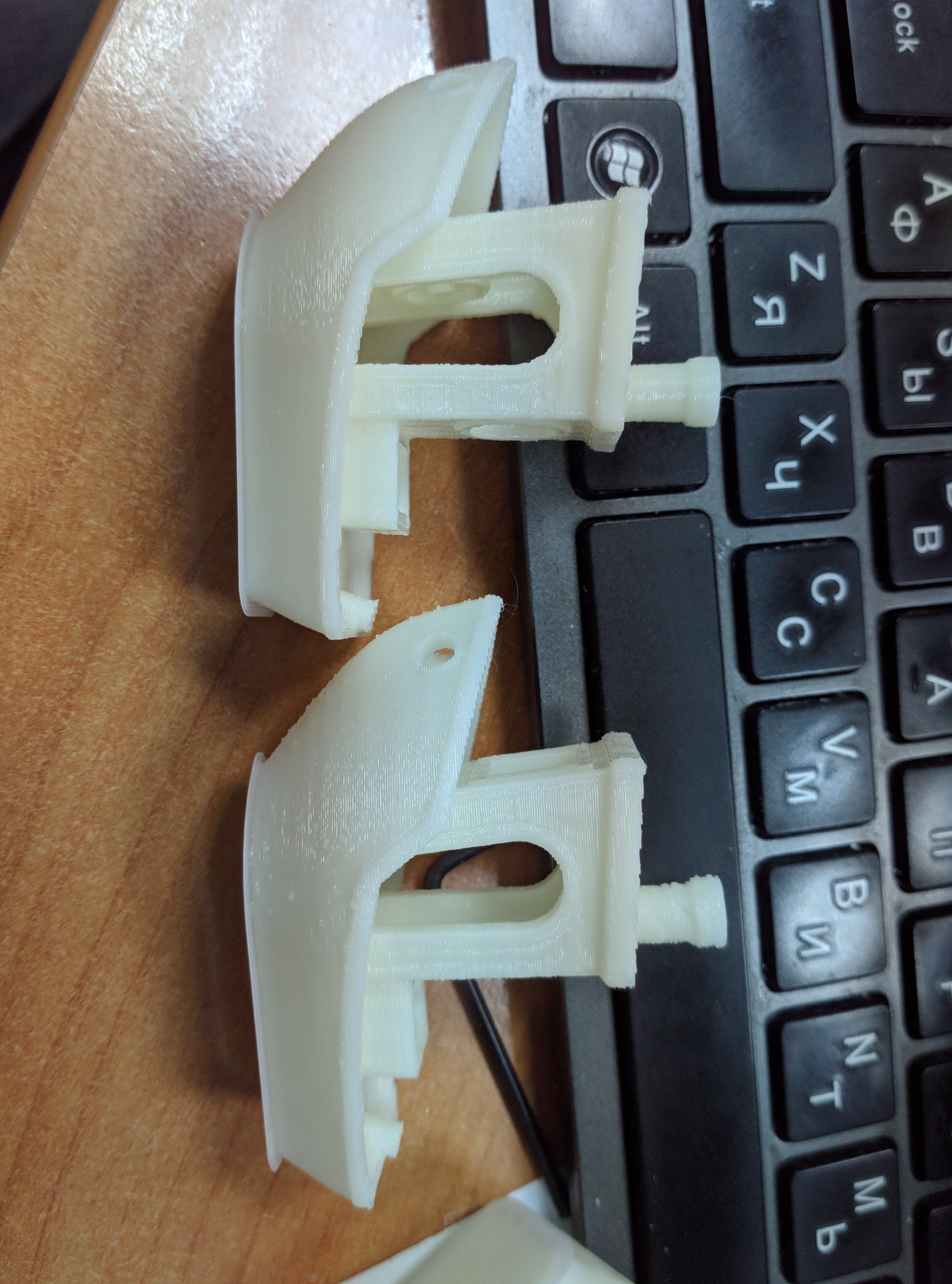
on photo top (left) benchy was printed with patched octoprint, take a look at pipe
also now no bulbs on body
the original ender3 electronics based on atmega1284p with limited memory, so to put BLTouch support, Liner advance and junction deviation I was forced to disable SD Card support, so my only possible solution was printing over USB with octoprint, that is why i create this patch, i have no other way.
linvinus
on 23 Jun 2019
i believe now my patch is production ready, it automatically recognize is marlin with advanced_ok and if so send commands asynchronously,while marlin buffers is free, but not all, commands M109, M190, G4, G28, G29, G30, G32, M400, M226, M600 always running synchronously.
if marlin without advanced_ok then octoprint working as before.
user may configure this exception list under settings->Serial connection->Firmware and protocol->advanced options->Synchronously running commands
how to install manually
following files must be replaced with files from my repository
src/octoprint/server/api/settings.py
src/octoprint/settings.py
src/octoprint/static/js/app/viewmodels/settings.js
src/octoprint/templates/dialogs/settings/serialconnection.jinja2
src/octoprint/util/comm.py
if octoprint was installed in env then local files will be placed under env directory, something like
/home/octoprint/OctoPrint/venv/lib/python2.7/site-packages/octoprint
for best performance following marlin options is mandatory:
#define BAUDRATE 500000
#define BLOCK_BUFFER_SIZE 64
#define BUFSIZE 32
#define TX_BUFFER_SIZE 32
#define RX_BUFFER_SIZE 2048
#define ADVANCED_OK
Additional recommendations:
1) be sure Serial logging in octoprint is disabled, (settings -> Serial connection-> general->Serial logging)
2) disconnect from usb host controller, to which printer connected , all other usb devices
linvinus
on 26 Jun 2019
I'd be interested in a PR 😉
 foosel
on 26 Jun 2019
foosel
on 26 Jun 2019
@foosel done
linvinus
on 26 Jun 2019
Related issues
 thedoble
·
85Comments
thedoble
·
85Comments
 razerraz
·
88Comments
razerraz
·
88Comments
 LangBalthazar
·
163Comments
LangBalthazar
·
163Comments
 bbatchelder
·
120Comments
foosel
·
67Comments
bbatchelder
·
120Comments
foosel
·
67Comments
Most helpful comment
@foosel done