nx dep-graph dependency detection by scope - should be more dynamic
Edit
This issue and https://github.com/nrwl/nx/issues/2955 tracks two different, but closely related issues. While https://github.com/nrwl/nx/issues/2955 is about an issue in PATH based dependency detection, this one focuses on the SCOPE based detection.
Results of investigation:
workspace/src/core/target-project-locator::findProjectWithImport uses two strategies to detect relevant dependencies.
It compares import paths with paths of known libs & apps. There is a bug which makes this check always fail on windows currently.
comparision by scope. This fallback will ONLY work for typescript path aliases following the default path scheme "@
(/ )/project".
Current behavior
in core/target-project-locator::findProjectWithImport
The current implementation is limited to the scope given in nx.json and requires a fixed relation between source path and alias path. (nested libs can only be found by using @
This will likely fail for everyone using
- custom / several scopes
- custom paths in tsconfig (with some luck they COULD match though)
Expected behavior
There should be a more flexible implementation for import-scope-based dependency check.
Any non-standard path aliases will fail, be it custom scope or custom path.
Maybe we could check for custom paths given in tsconfig?
.
.
.
Original Post
Hi everyone,
I'm working with a growing repo and didn't care about dep-graph early enough.
Now that I do try to use dep-graph, it does not throw any errors, but also detects no dependencies. I'm a bit clueless of what is (not) happening.
Current Behavior
This is what I get visually:
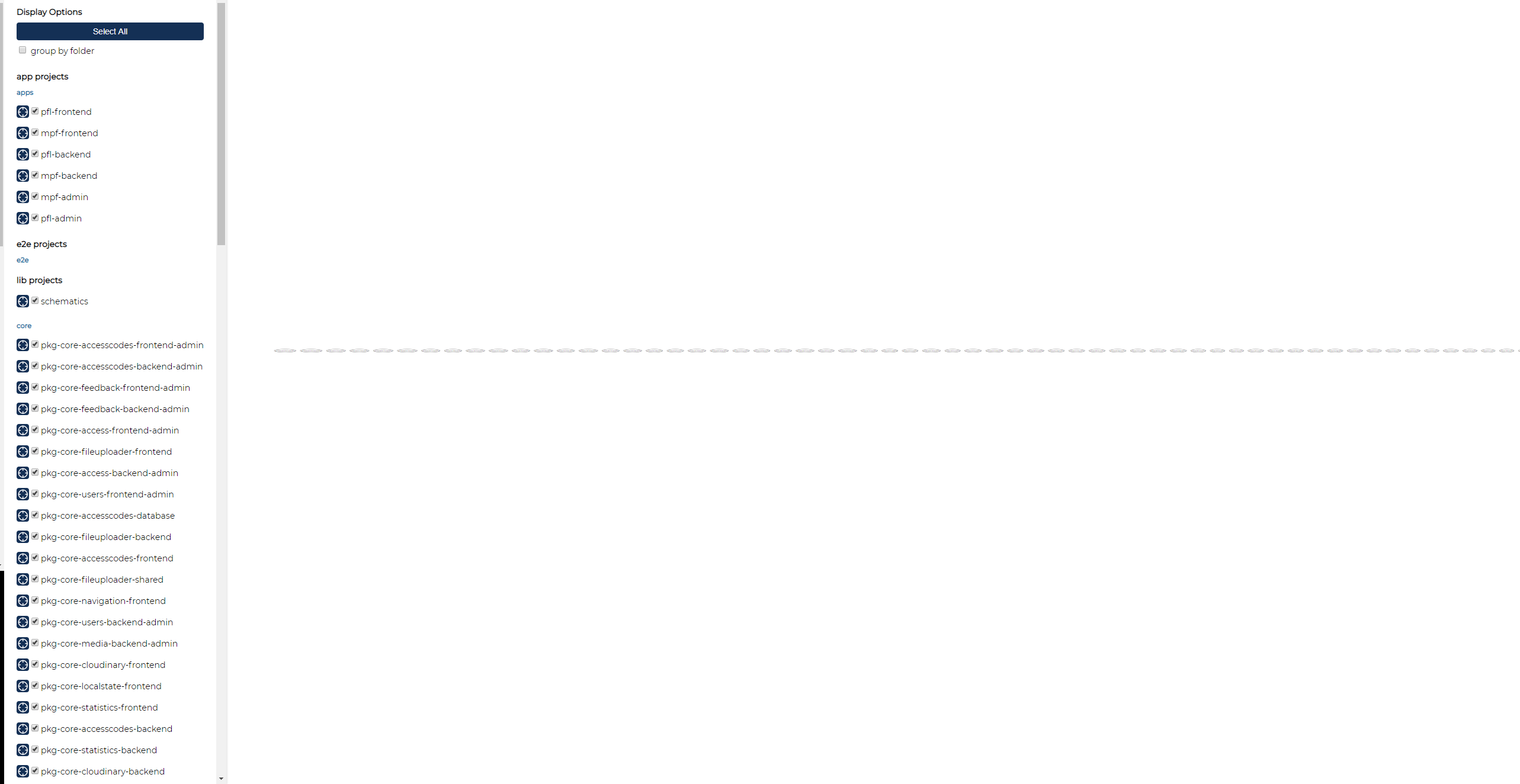
Using nx dep-graph --file=output.json I get a json with 15k lines:
json.graph.nodes list looks fine I guess, all packages are listed and within each entry there's a list of all it's source files.
json.graph.dependencies has all the packages as keys and an empty array as value for each.
json.affectedProjects and json.criticalPaths are empty too.
Tested with nx 9.1.2, then updated to latest 9.2.4 to make sure it's still the same.
What might help?
As the repo and it's structure is rather complex already, I'll try not to throw it all at you but to first ask about common wrong usage.
- Are there any guides or hints on what to try when dep-graph does not work?
- What does dep-graph rely on when searching dependencies?
- Are there any settings passed to dep-graph in order to work correctly?
Repo structure
Over here https://github.com/nrwl/nx/issues/1551#issuecomment-537855968 I found a comment stating dep-graph relies on correct npmScope value. Is that true? My repo has modified structure & import paths so that might be important to know.
Apps are located in: /apps/<projectName>/<platform>
Example: /apps/that-one-great-app/frontend
Libraries are located in: /libs/<projectNameOrCore>/<platform>
Example: /libs/core/users/frontend -- for frontend user features made to be used by all projects
Example: /libs/my-great-app/special-feature/backend -- a library specific to "my-great-app".
In the same manner, I'm using various import scopes. For the above examples, I'd import them from
@core/users/frontend
@my-great-app/special-feature/backend
Is this allowed when using dep-graph or does everything have to have the same scope?
Are there any do's and dont's for paths and scopes?
Thanks for helping me out here!
 jbjhjm
All 3 comments
Hello @jbjhjm,
I have the same issue. It's failing on Windows and working on OSX. I'm trying to collect all related issues in the Nx Issue tracker and link it back to my issues which is tracked here: https://github.com/nrwl/nx/issues/2955
There is an extensive analysis plus minimal example where we can perfectly reproduce the issue of the missing dependencies (on Windows while OSX is good).
Could you try out the minimal example and provide some feedback in the issue like:
- Screenshots from the Dependency Graphs
- OS?
- Node & Nx Version?
You don't even have to build or run a server — just compile the dep-graph.
```
git clone https://github.com/georgiee/nx-debug-nested-dep-graph
yarn install
this always works because the folder structure is falt
git co scenario-flat
yarn nx dep-graph
Nested libs folder structure. Only works on OSX and fails on OSX
git co scenario-nested
yarn nx dep-graph
````
That's the gist in a screenshot. Expected Result for OSX, Failure for Windows for nested libs.

 georgiee
on 14 May 2020
georgiee
on 14 May 2020
Thanks @georgiee , I checked it and got the expected same, bad result as you. As my entire repo is nested, I'm positive we're talking about the same problem. Posted test setup results here https://github.com/nrwl/nx/issues/2955#issuecomment-628559565
jbjhjm
on 14 May 2020
Results of investigation:
workspace/src/core/target-project-locator::findProjectWithImport uses two strategies to detect relevant dependencies.
It compares import paths with paths of known libs & apps. There is a bug which makes this check always fail on windows currently.
comparision by scope. This fallback will ONLY work for typescript path aliases following the default path scheme "@
(/ )/project".
jbjhjm
on 14 May 2020
Related issues
 danieldanielecki
·
3Comments
danieldanielecki
·
3Comments
 about-code
·
3Comments
about-code
·
3Comments
 joelmuskwe
·
3Comments
joelmuskwe
·
3Comments
 MichaelWarneke
·
3Comments
MichaelWarneke
·
3Comments
 dereklin
·
3Comments
dereklin
·
3Comments
Most helpful comment
Results of investigation:
workspace/src/core/target-project-locator::findProjectWithImport uses two strategies to detect relevant dependencies.
It compares import paths with paths of known libs & apps. There is a bug which makes this check always fail on windows currently.
comparision by scope. This fallback will ONLY work for typescript path aliases following the default path scheme "@(/)/project".