Nuxt.js: <Nuxt-link> vs <a> : "Network Error with router" on Devices which is not localhost
Version
Reproduction link
https://github.com/nuxt/nuxt.js/releases/tag/v1.4.2
Steps to reproduce
This problem is main about Dynamic Routes .
My src is :
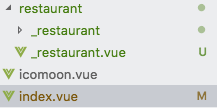
The main code in index.vue is:
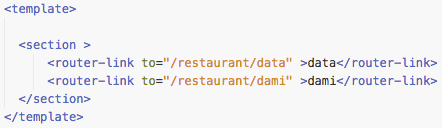
Then I try to click these link on my localhost device (with $npm run dev) and both on another device(such as my iphone or ubuntu in vmware)
What is expected ?
It is expected that all link-click will redirect to the right page.
What is actually happening?
on localhost it success:
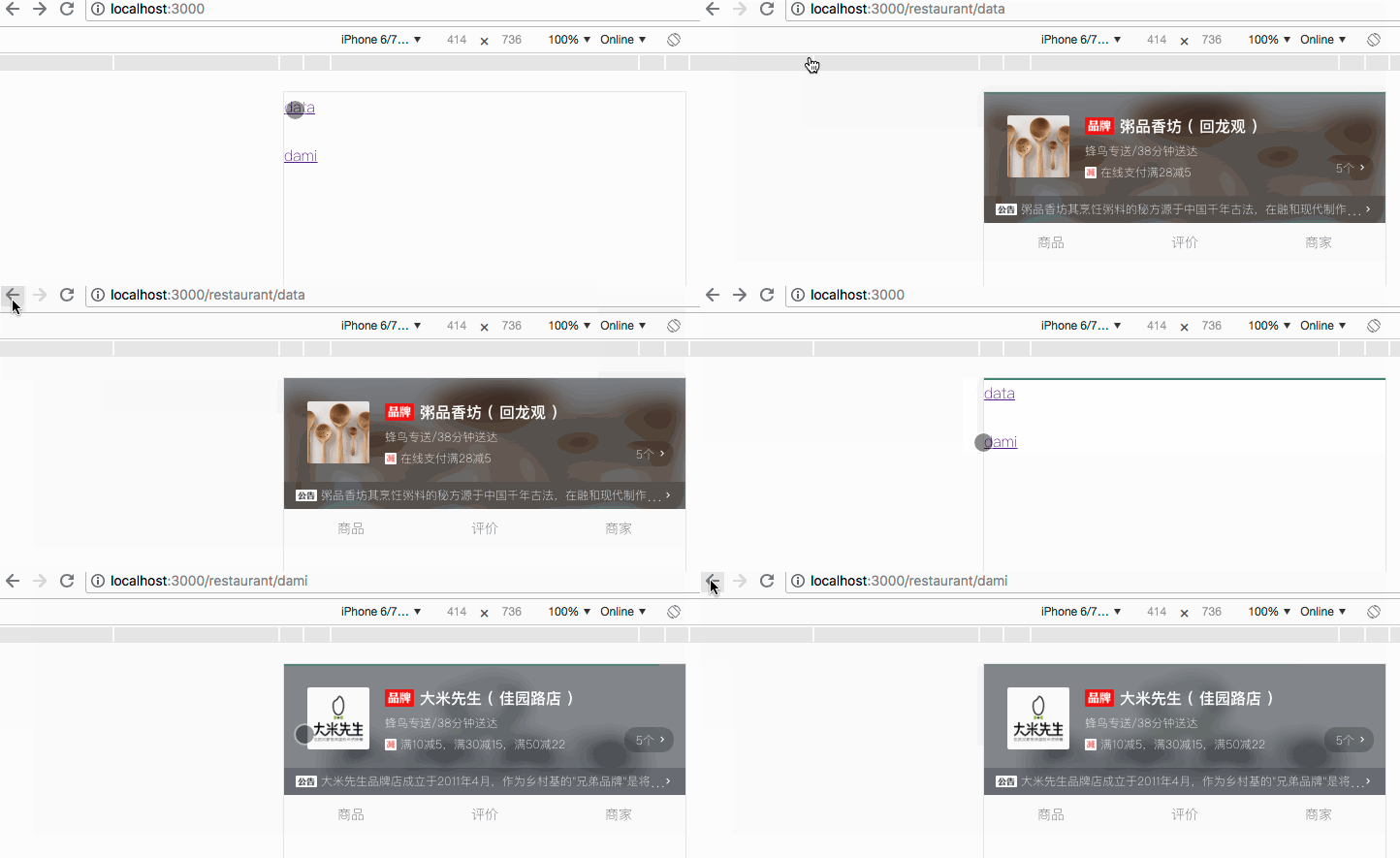
But on devices which is not localhost it failded:
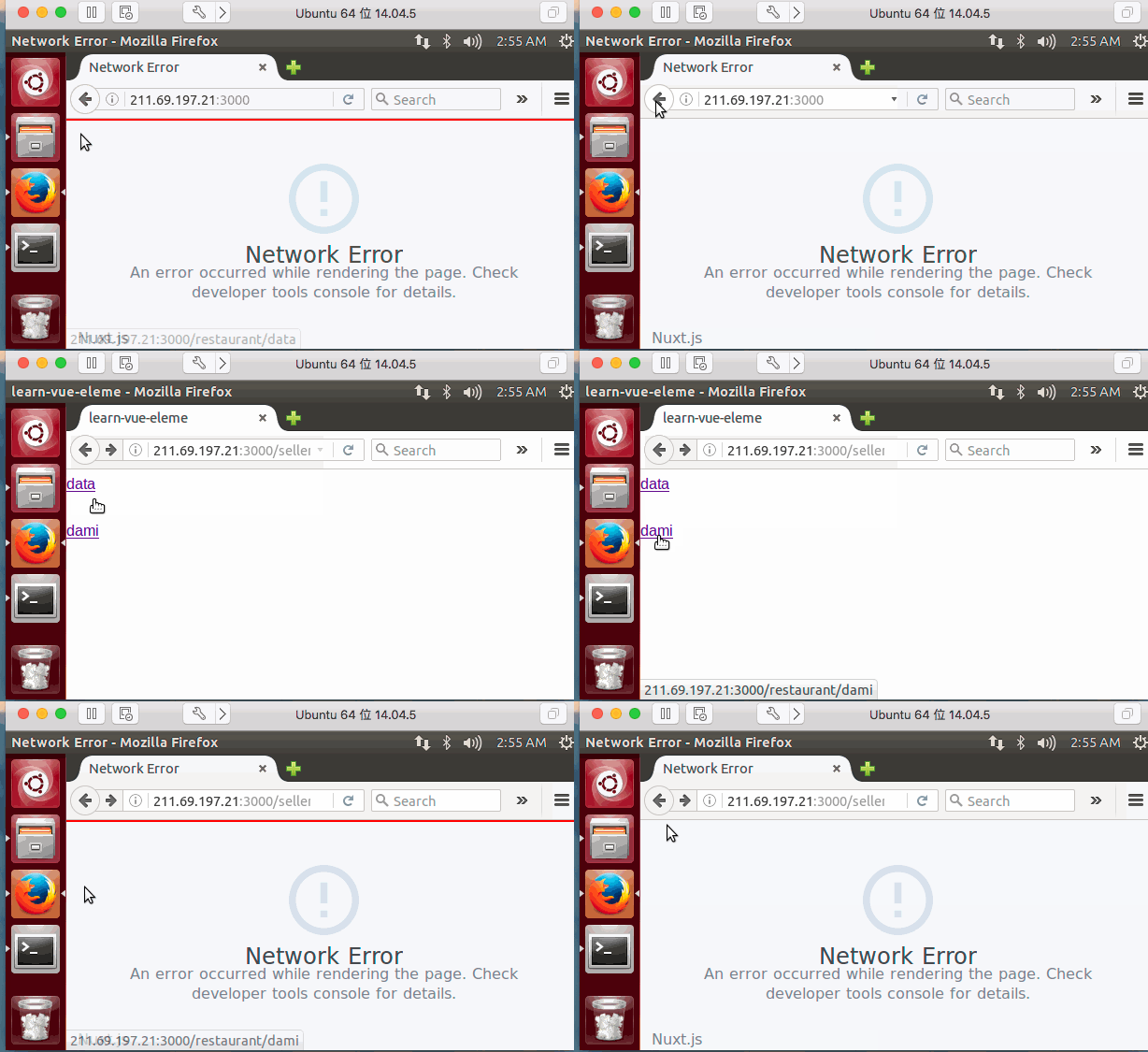
Additional comments?
The most amazing thing is that when I change <nuxt-link> to <a href=''> , it success ! The code is like :
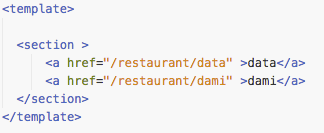
while it get successed to redirect on ubuntu:
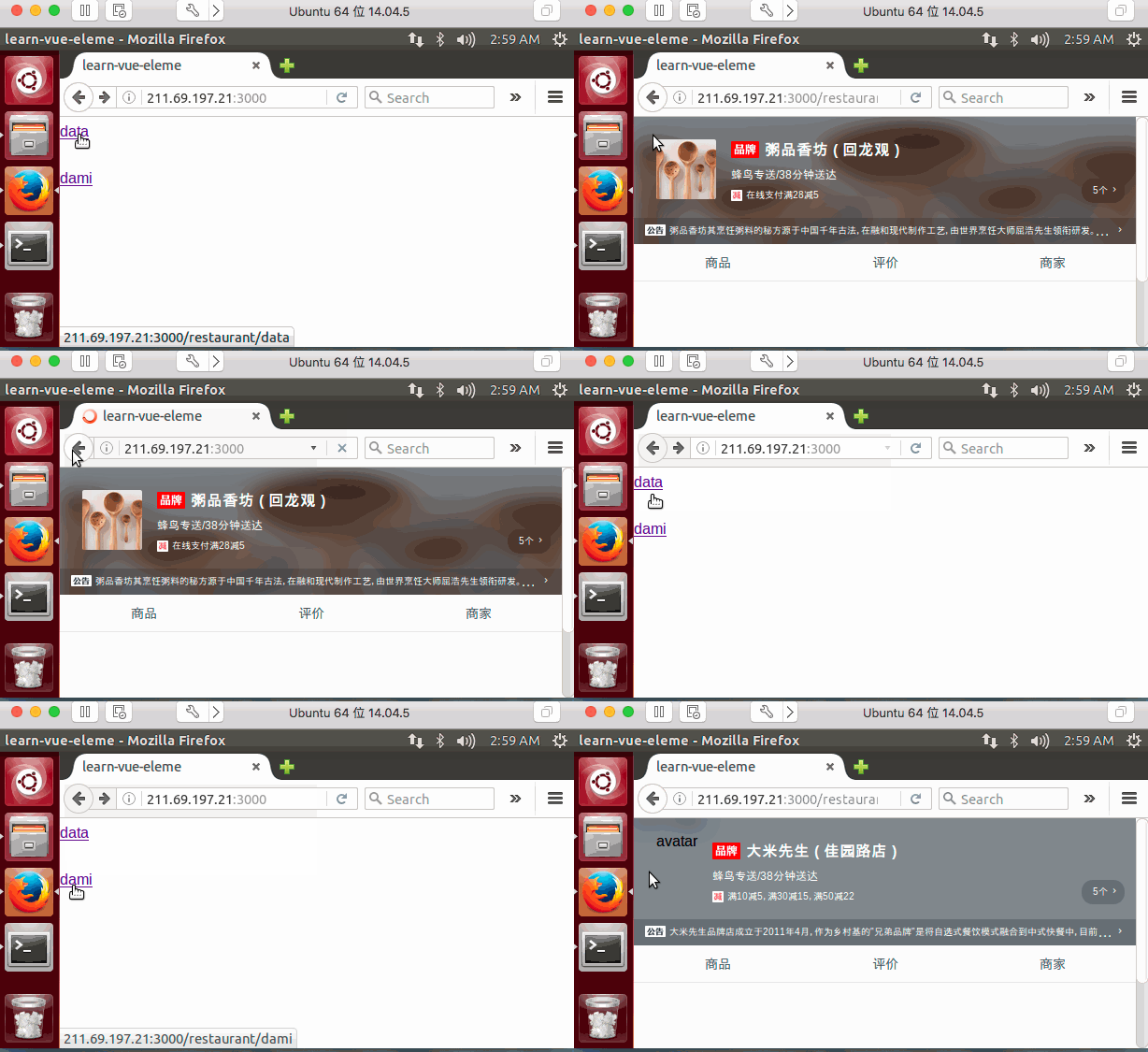
The only different code is just <nuxt-link> and <a>(by the way, I tried <router-link>and it also failed) , And after searching in google I found that there are many people confused by the Network Error , So please at least give more detail infos about Network Error
 lxx2013
All 6 comments
the script in package.json is:
"scripts": {
"dev": "HOST=0.0.0.0 PORT=3000 nuxt",
"build": "nuxt build && npm start",
"start": "PORT=8100 nuxt start",
"generate": "nuxt generate",
"lint": "eslint --ext .js,.vue --ignore-path .gitignore .",
"precommit": "npm run lint"
}
when run $ npm run dev it will listen on http://localhost:3000
lxx2013
on 4 Sep 2018
@lxx2013 how do you fetch the restaurant data? Could you show us your asyncData, I am quite sure that the request does not work to fetch the restaurant data on server side.
 Atinux
on 4 Sep 2018
Atinux
on 4 Sep 2018
in case of failed request urls in address for some reason /selle... not a /restaurant
 aldarund
on 4 Sep 2018
aldarund
on 4 Sep 2018
I think I almost know where the problem is. All my asyncData in each .vue is :
async asyncData({ params }) {
let { data } = await axios.get(`http://localhost:8101/api/seller/${params.restaurant}`);
return { seller: data ,restaurant:params.restaurant};
}
Sometimes this axios.get fetch data from server rendor, and sometimes it runs on client browser(which get network error). Next step I should find out when will the asyncData runs on the server-side-rendor and when It runs on client.
Thank you for your replys!
And apologize for my bug-report. It's not nuxt's bug. It's my fault.
lxx2013
on 5 Sep 2018
If someone have the same problem as mine, I suggest you to write like this in asyncData to debug and avoid Network Error:
 async asyncData({ params}) {
      try {
        console.log(
          `[file_name.vue] asyncData: isClient : ${process.client}, isServer: ${
            process.server
          }`
        );
        let url = process.client
          ? 'http://your_real_server_ip:8101/api/seller/'
          : 'http://localhost:8101/api/seller/'
        console.log(`[file_name.vue ] axios.get(url): ${url}`)
        let { data } = await axios.get(url);
        return { seller: data};
      } catch (err) {
        console.log("[file_name.vue]", err);
      }
    }
And then just check that if the logs are printed
- after Terminal of
nuxt start,
or - in Chrome debug Console
lxx2013
on 5 Sep 2018
This thread has been automatically locked since there has not been any recent activity after it was closed. Please open a new issue for related bugs.
![lock[bot] picture](https://avatars1.githubusercontent.com/in/6672?v=4&s=40) lock[bot]
on 31 Oct 2018
lock[bot]
on 31 Oct 2018
Related issues
 vadimsg
·
3Comments
vadimsg
·
3Comments
 mikekidder
·
3Comments
mikekidder
·
3Comments
 danieloprado
·
3Comments
vadimsg
·
3Comments
danieloprado
·
3Comments
vadimsg
·
3Comments
 bimohxh
·
3Comments
bimohxh
·
3Comments
Most helpful comment
If someone have the same problem as mine, I suggest you to write like this in
asyncDatato debug and avoidNetwork Error:And then just check that if the logs are printed
nuxt start,or