Notepads: [Bug] Wrong copy/cut behaviour when text was selected from right to left
Describe the bug
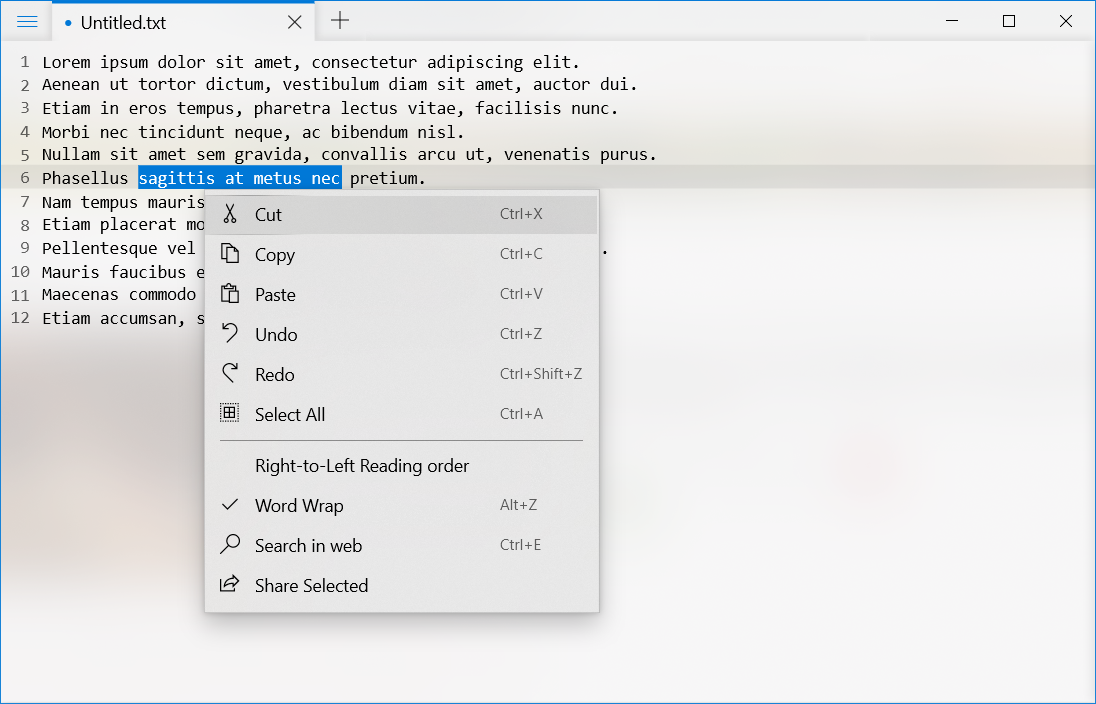
When I select text from left to right, all copy/cut commands work perfectly. But when it is selected from right to left, these commands copy/cut the whole line instead of selected text.
To Reproduce
1) Open file with text
2) Select text from right to left
3) Press Ctrl+X
Expected behavior
If I select some text and then press Ctrl+C/Ctrl+X, I expect that only selected text will be copied. The whole line must be copied/cut only if no text was selected.
Desktop (please complete the following information):
- OS: Windows 10 1903 18362.1016
- Version 1.4.0.0
I added video with this bug to attached .zip archive.
NotepadsTextSelectionBugVideo.zip
 Namerif
All 2 comments
Issue-Label Bot is automatically applying the label bug to this issue, with a confidence of 0.98. Please mark this comment with :thumbsup: or :thumbsdown: to give our bot feedback!
Links: app homepage, dashboard and code for this bot.
![issue-label-bot[bot] picture](https://avatars2.githubusercontent.com/in/27079?v=4&s=40) issue-label-bot[bot]
on 1 Sep 2020
issue-label-bot[bot]
on 1 Sep 2020
Good catch, this is a bug introduced by the latest version, it will be fixed in the next release.
https://github.com/JasonStein/Notepads/commit/a6a26b594dfc4cdbe3a5f250e155fab67d1fb7f4
@gmaza @soumyamahunt FYI.
 JasonStein
on 1 Sep 2020
JasonStein
on 1 Sep 2020
Related issues
 michaellewiswilson
·
3Comments
michaellewiswilson
·
3Comments
 MarcAnt01
·
6Comments
MarcAnt01
·
6Comments
 validatedev
·
3Comments
validatedev
·
3Comments
 entdark
·
4Comments
entdark
·
4Comments
 michalsieron
·
5Comments
michalsieron
·
5Comments
Most helpful comment
Good catch, this is a bug introduced by the latest version, it will be fixed in the next release.
https://github.com/JasonStein/Notepads/commit/a6a26b594dfc4cdbe3a5f250e155fab67d1fb7f4
@gmaza @soumyamahunt FYI.