Notebook: Edit Keyboard shortcut modal not displayed in version 6.0
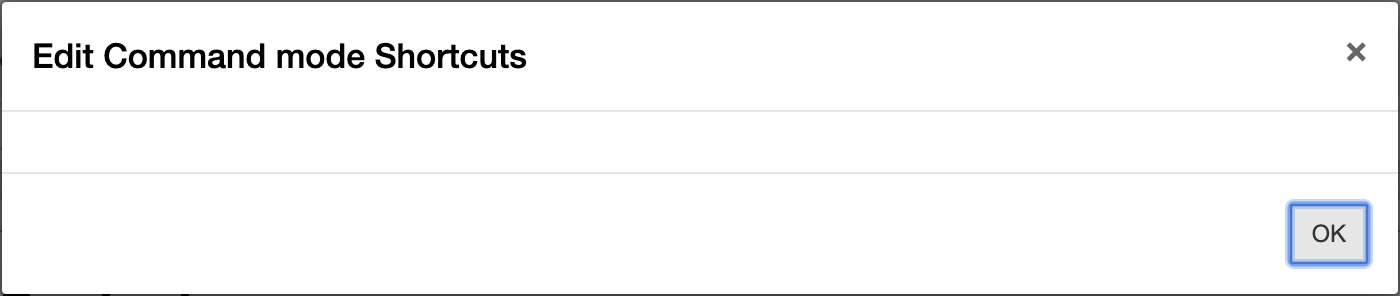
For conda Jupyter notebook version 5.7.8 the edit keyboard shortcut option from Help>Edit Keyboard shortcut works properly but after upgrading to version 6.0 the same option does not work. Following are some of the screenshots of the working version and not working version.
I have tested this issue on MacOSX: 10.14.5
- Chrome Version: Version 75.0.3770.142
- Firefox Version: 67.0.1 (64-bit)
- Safari Version: Version 12.1.1
Which option is having an issue ?

Version 5.7.8 works properly
Version Information

Desired Output

Version 6.0.0 not working
Version Information

Problematic output ( Options are not displayed )
 aakashnand
All 11 comments
Hello, I have exactly the same issue. Windows 10 64bit, Miniconda Python 3.7.4, Notebook 6.0.0 installed via conda install notebook.
Same behavior in Google Chrome and Microsoft Edge. The edit keyboard shortcuts dialog window simply fails to populate.
I've never seen this issue before. Please fix this.
 tylerlekang
on 11 Aug 2019
tylerlekang
on 11 Aug 2019
Confirming today that on my work computer, which has the same setup but an older version of Notebook 5.7.8, I do not see this issue. So this is a new issue with Notebook 6.0.0. I don't understand how there isn't a test or something to catch this, but clearly it is happening for some reason. Please let me know if there is any other info I can provide from my personal machine (at 6.0.0) on why this might be happening. Until then, I will downgrade Notebook to 5.7.8. Thanks!
 tlekang
on 12 Aug 2019
tlekang
on 12 Aug 2019
issue is not fixed yet in 6.0 version, please fix it, some times it's hard to work on it without using shortcuts
notebook version --6.0
 kirancrazy99
on 3 Feb 2020
kirancrazy99
on 3 Feb 2020
I am also having the exact same problem. And without the fix, it is impossible to type "run all cells" every time, instead of adding a shortcut to it.
 Tuhin-thinks
on 19 Feb 2020
Tuhin-thinks
on 19 Feb 2020
Me too, same issue. Help!!!
 0todd0000
on 25 Feb 2020
0todd0000
on 25 Feb 2020
I believe this has been fixed in the latest version of Notebook. So I am closing this feel free to open it again
aakashnand
on 1 Mar 2020
I am using version 6.0.3. I don't have privileges to re-open the issue, so please re-open it.
0todd0000
on 1 Mar 2020
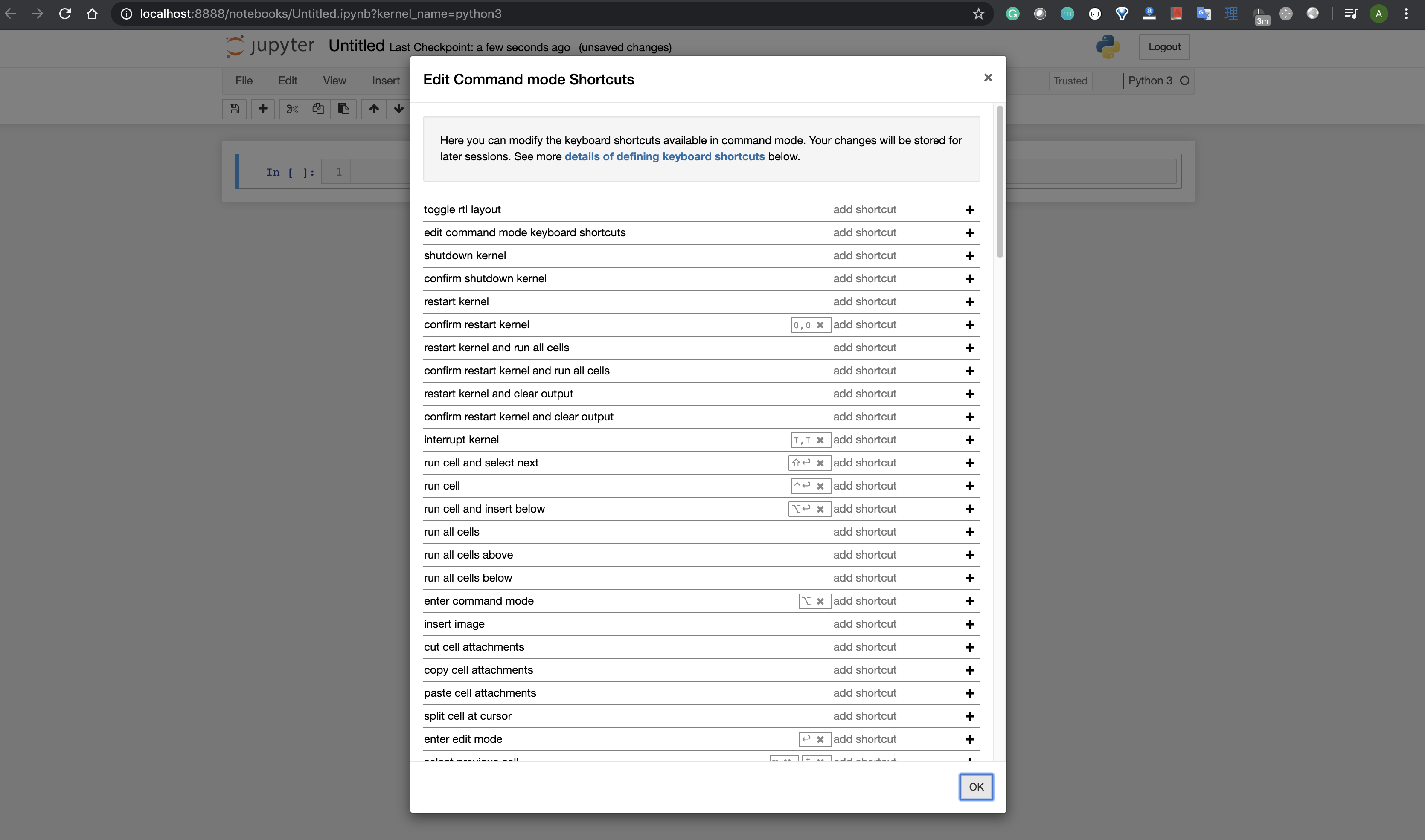
@0todd0000 Could you please share your version information such as OS version browser version and if possible some screenshots because I just tested version 6.0.3 and its working for me. My system is macOS Mojave 10.14.6 and chrome version is 80.0.3987.122
Below are my screenshots for latest version.

aakashnand
on 1 Mar 2020
Mojave 10.14.6
Safari 13.04 (14608.4.9.1.4)
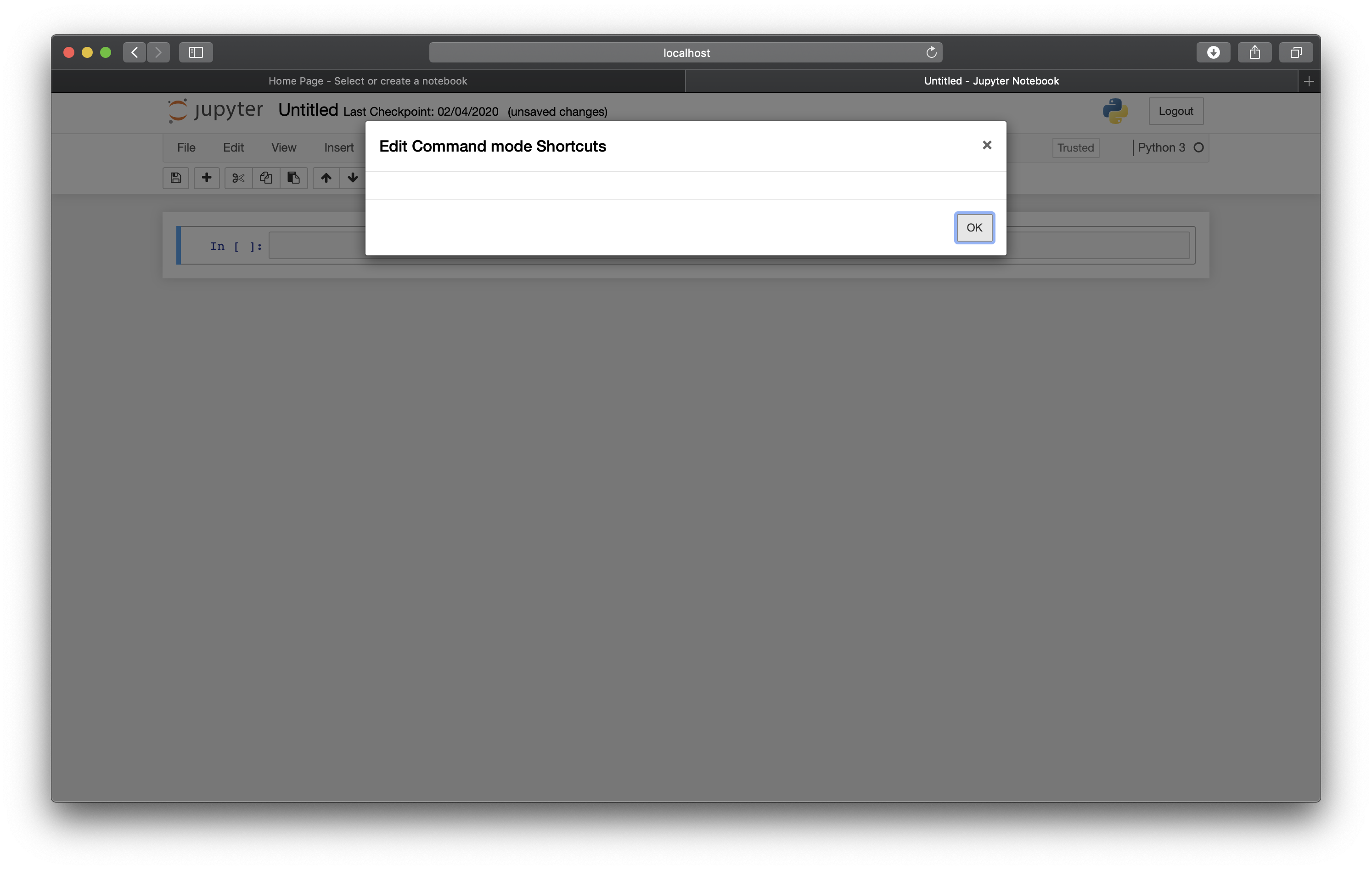
Shortcut editing works on my 13" MacBook Pro, but not on my iMac Pro (same software versions). My iMac is at the office, so can't send screen shots just now, but it looks the same as your screenshot, except no shortcuts are listed. The "Edit Command mode Shortcuts" title is available, but nothing is listed, just an empty white space and an "OK" button.
0todd0000
on 1 Mar 2020
I'm attaching a screenshot. This is what appears after both:
- Help .. Edit Keyboard Shortcuts
AND
- (command palette) .. edit command mode keyboard shortcuts
0todd0000
on 2 Mar 2020
Same thing here.
Xubuntu 20.04.1 with Firefox 79, Midori 7, Chromium 83.0.4103. Resolution 1920x1080 if that matters. If any more info will help let me know. Thanks.
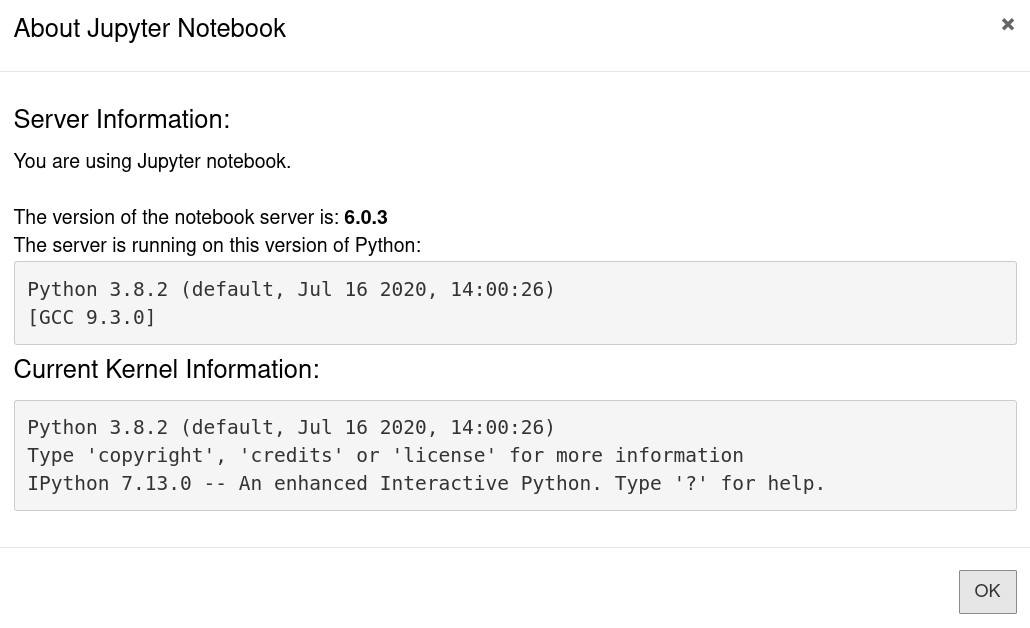
Edit:
I removed the one I'd installed through apt and installed it via pip which upgraded it from 6.0.3 to 6.1.1. It's working now for me in Firefox:
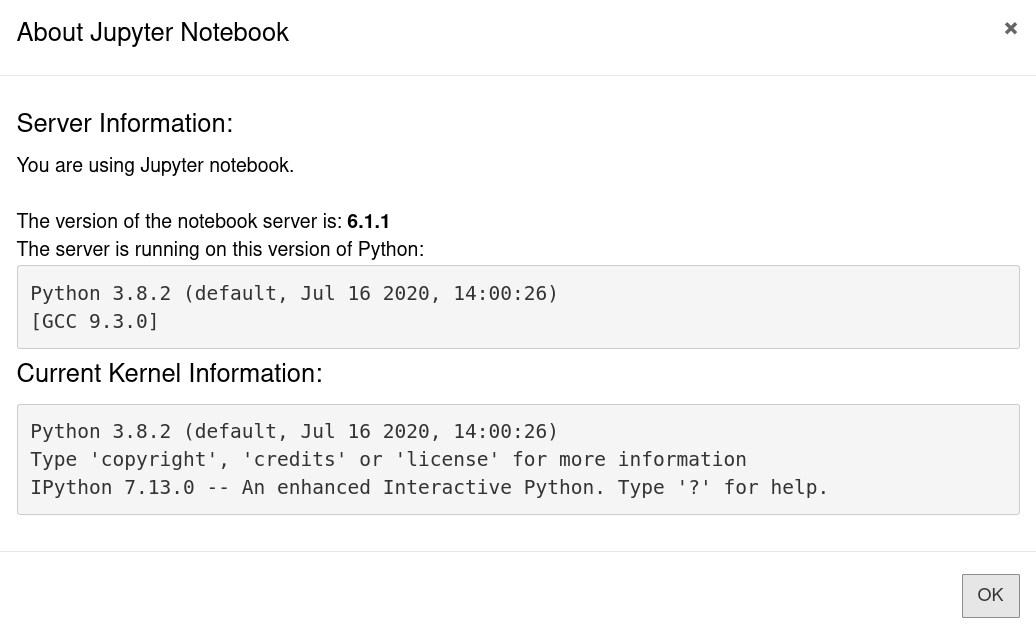
So that's awesome! But it does mean the Debian/Ubuntu package (and at least the Mac version of 6.0.3) is probably broken for a lot of people.
 newhoa
on 5 Aug 2020
newhoa
on 5 Aug 2020
Related issues
 pylang
·
3Comments
pylang
·
3Comments
 arilwan
·
3Comments
arilwan
·
3Comments
 mowe96
·
3Comments
mowe96
·
3Comments
 toasteez
·
3Comments
toasteez
·
3Comments
 harshinielath
·
3Comments
harshinielath
·
3Comments