Ngx-quill: Toolbar CSS broken, giant icons
Just trying to get the basic editor working before I customize it, and the css seems to be broken. The buttons are working (but are blank) and I can type, but everything looks weird. The icons are huge.
My html: <quill-editor> </quill-editor>
In my css file:@import "~quill/dist/quill.snow.css";
Screenshots:
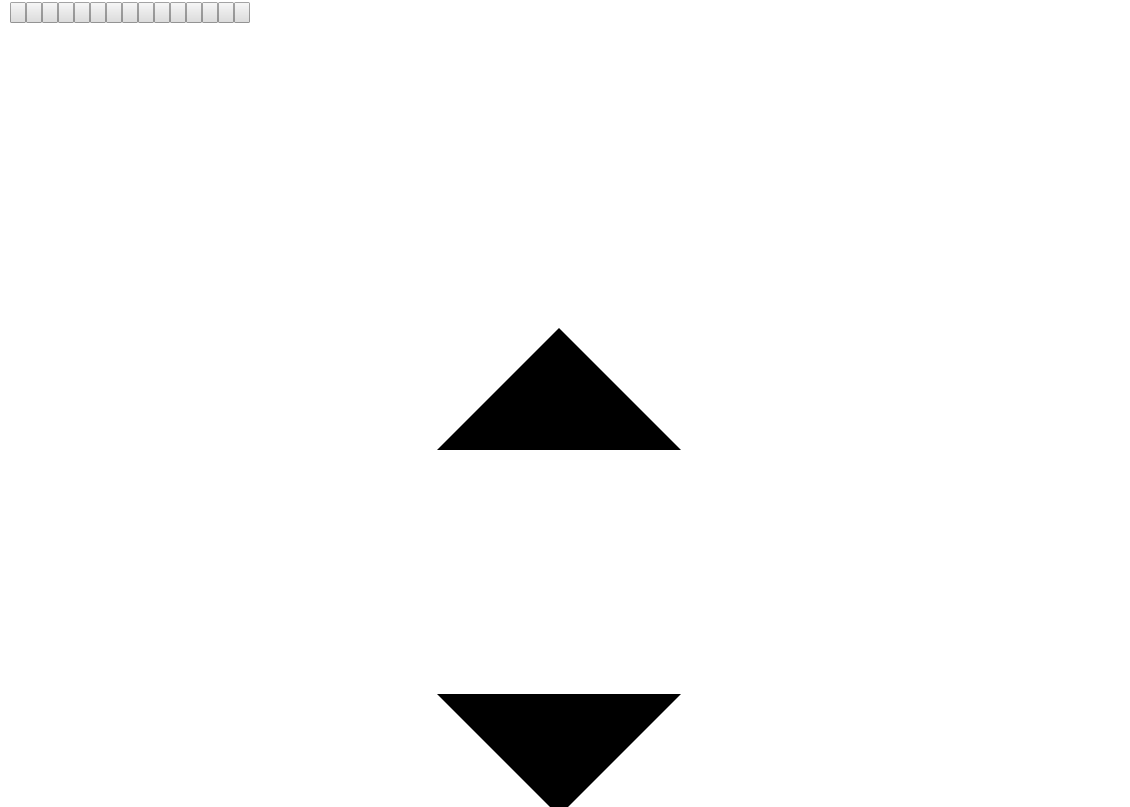
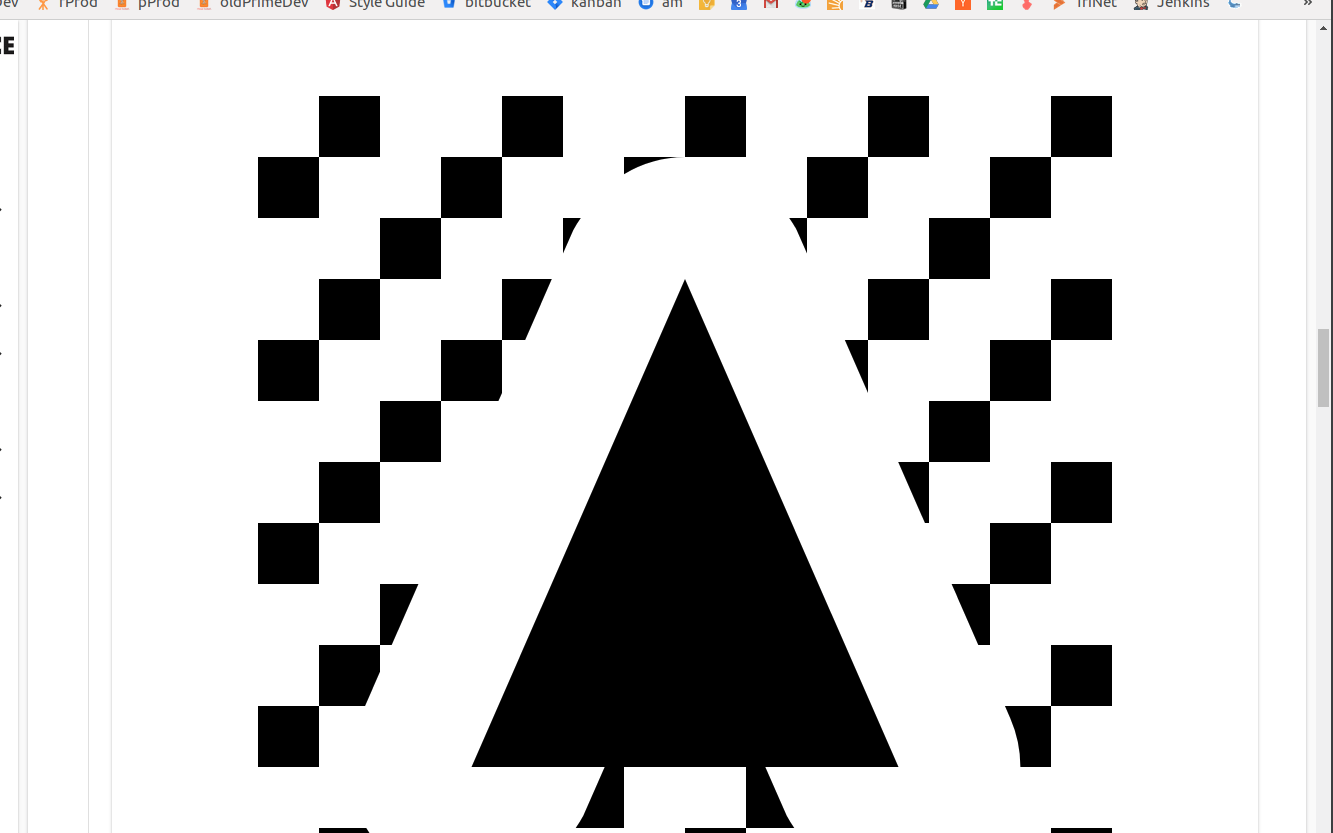
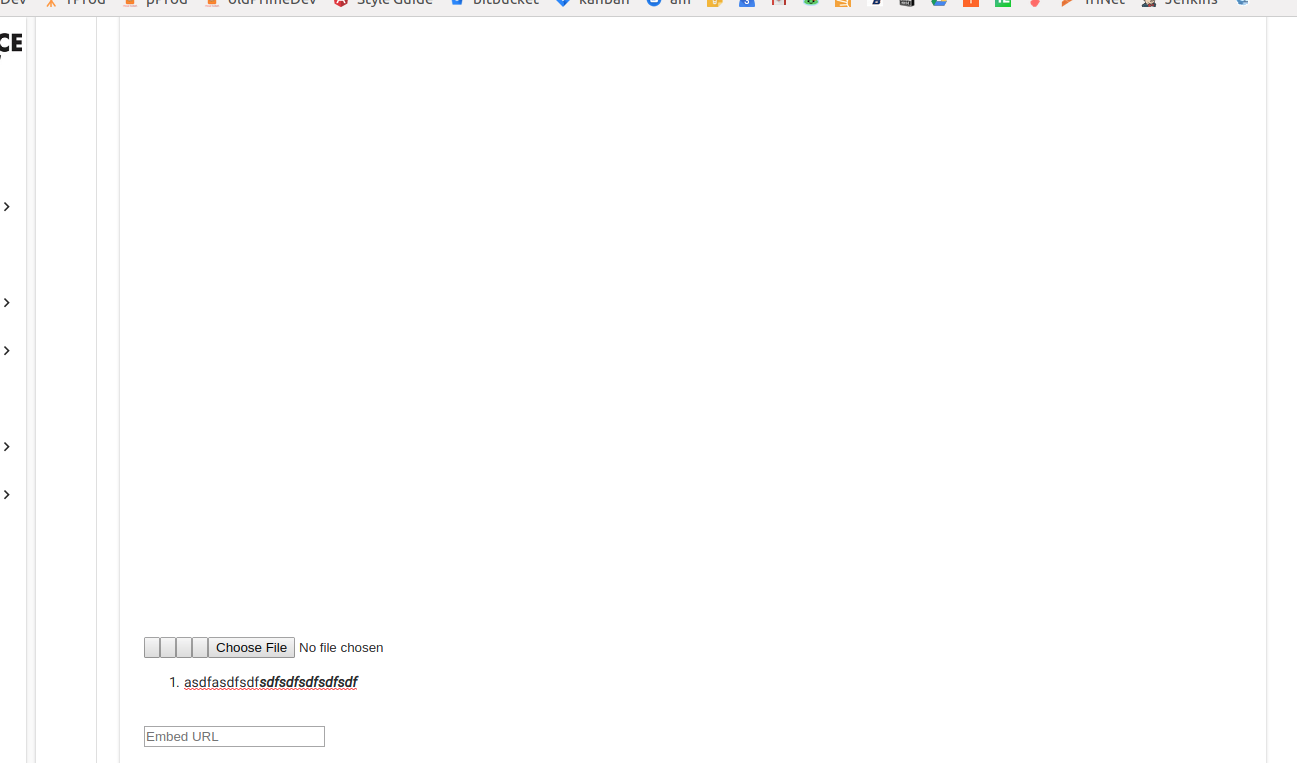
 anthonyinspace
All 3 comments
You are Missing to Import quill.core.css.
Just checkout my Demo Repo how and what to add for using quill ;)
Am Fr., 8. Feb. 2019, 00:12 hat Anthony Machado notifications@github.com
geschrieben:
Just trying to get the basic editor working before I customize it, and the
css seems to be broken. The buttons are working (but are blank) and I can
type, but everything looks weird. The icons are huge.My html:
In my css file: @import "~quill/dist/quill.snow.css";
Screenshots:
[image: screenshot from 2019-02-07 15-50-41]
https://user-images.githubusercontent.com/19651107/52448184-54848780-2af0-11e9-91d7-1e382784d163.png
[image: screenshot from 2019-02-07 15-51-07]
https://user-images.githubusercontent.com/19651107/52448192-59493b80-2af0-11e9-9fc1-8c521795a92f.png
[image: screenshot from 2019-02-07 15-51-34]
https://user-images.githubusercontent.com/19651107/52448197-5d755900-2af0-11e9-8f82-6a81f362c113.png—
You are receiving this because you are subscribed to this thread.
Reply to this email directly, view it on GitHub
https://github.com/KillerCodeMonkey/ngx-quill/issues/331, or mute the
thread
https://github.com/notifications/unsubscribe-auth/ACKOYBKTLMJggUHM7AY7Dz_JHTXEa0oHks5vLLLpgaJpZM4aqgHp
.
 KillerCodeMonkey
on 8 Feb 2019
KillerCodeMonkey
on 8 Feb 2019
You can add them to your global styles as imports or just add them in your angular.json, if you are using ng-cli:
https://github.com/KillerCodeMonkey/ngx-quill-example/blob/master/angular.json#L27
KillerCodeMonkey
on 8 Feb 2019
Using ViewEncapsulation.None it is possible to use @import 'path/to/node_modules/css.css'; to apply the style on a component basis rather than globally.
https://angular.io/guide/component-styles#view-encapsulation
@Component({
    encapsulation: ViewEncapsulation.None
})
None means that Angular does no view encapsulation. Angular adds the CSS to the global styles. The scoping rules, isolations, and protections discussed earlier don't apply. This is essentially the same as pasting the component's styles into the HTML.
 rocketkittens
on 20 Jan 2020
rocketkittens
on 20 Jan 2020
Related issues
 KeithGillette
·
4Comments
KeithGillette
·
4Comments
 jadamconnor
·
5Comments
jadamconnor
·
5Comments
 anshumandikshit
·
3Comments
anshumandikshit
·
3Comments
 MarkusLei22
·
5Comments
MarkusLei22
·
5Comments
 agam16
·
5Comments
agam16
·
5Comments
Most helpful comment
Using ViewEncapsulation.None it is possible to use
@import 'path/to/node_modules/css.css'; to apply the style on a component basis rather than globally.https://angular.io/guide/component-styles#view-encapsulation