Ngx-extended-pdf-viewer: Can we not break the Viewer if source is sent twice in a fraction of second ? Observed Error: Worker was terminated
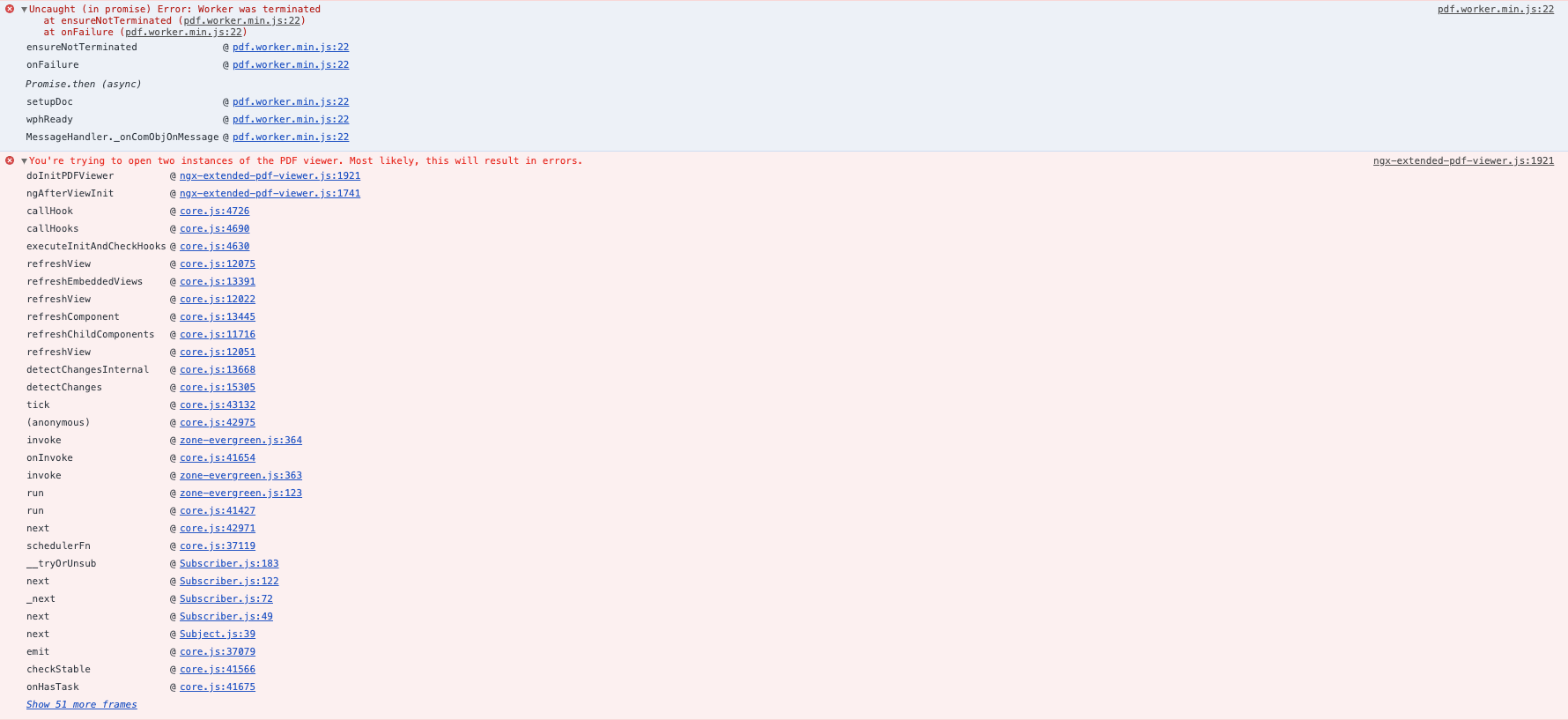
Error in console and PDF viewer is blank:
The error says "worker was terminated" and also another error says "You're trying to open two instances of the PDF viewer. Most likely, this will result in errors."
Possible questions:
Is there any event or property or callback you exposed saying that instance is already running. i tried looking into the
NgxExtendedPdfViewerService but no luck to see if the instance is already running or not ?
Please suggest a way how to identify if a instance is already running ? or is there a way in code where i can end or destroy the current instance that is up and then accept the 2nd instance to be the 1st or vice versa ?
Problem statement: How do i know if a instance is already running ? or is it possible if a second instance is initialized the first instance should terminate or untill the first instance is ended the second instance cannot be opened.
Today if second instance is up then the page breaks :( Can we not consider the second instance at all? Can this enhancement suggestion be considered ? I dont want my PDF viewer to break at all. Please suggest ?
Error in console:
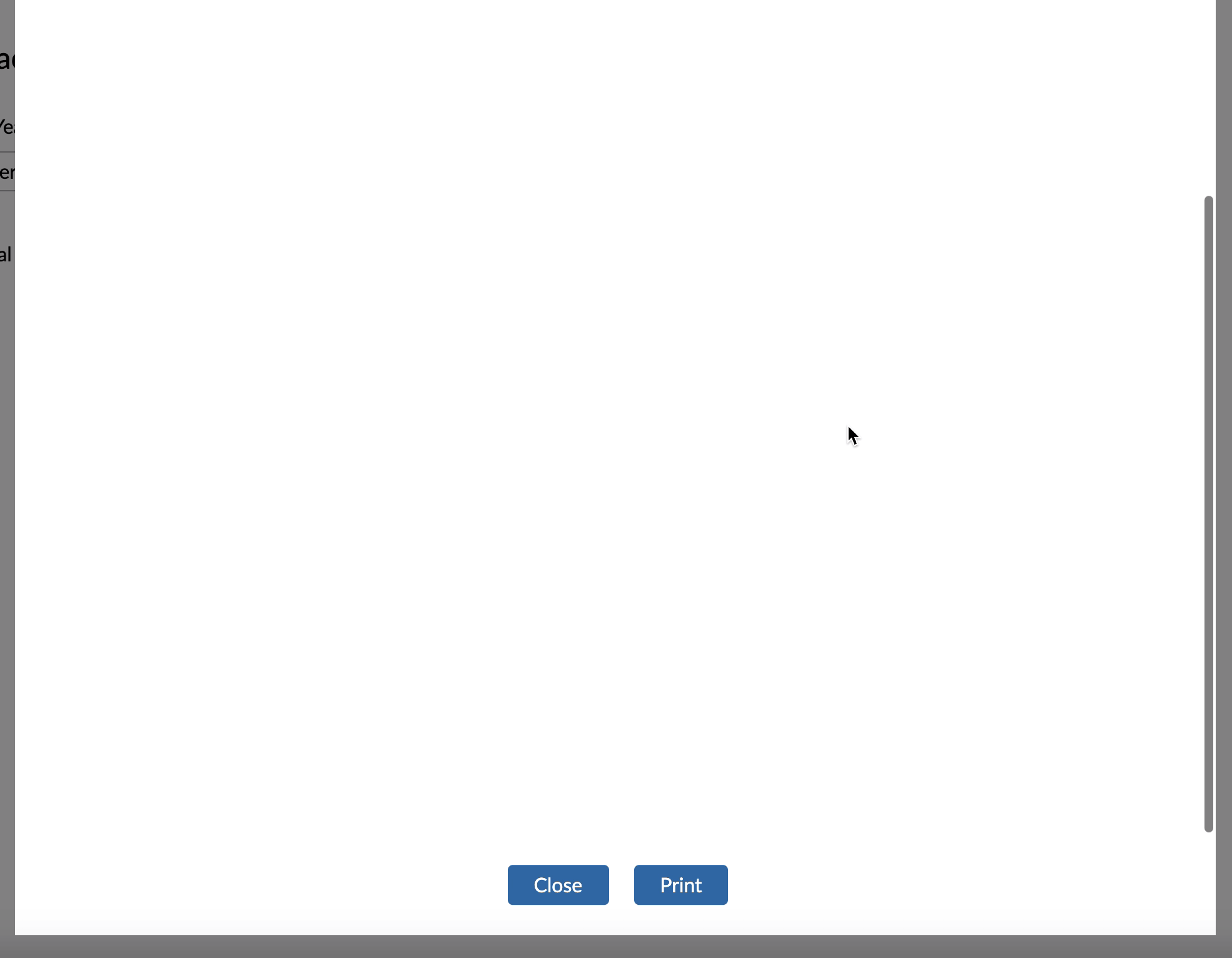
Seeing this blank window with scroll bar:
Code:
<ng-container *ngIf="useCustomRendered">
<!-- Default: Renders the PDF using the custom viewer  -->
<ngx-extended-pdf-viewer [src]="safeUrl" height="100vh" zoom="115%" [useBrowserLocale]="true"
[showBorders]="false" backgroundColor="white" [showSidebarButton]="false" [showFindButton]="false"
[showPagingButtons]="false" [showZoomButtons]="false" [showPresentationModeButton]="false"
[showOpenFileButton]="false" [showPrintButton]="false" [showDownloadButton]="false"
[filenameForDownload]="false" [showBookmarkButton]="false" [showSecondaryToolbarButton]="false"
[showRotateButton]="false" [showHandToolButton]="false" [showScrollingButton]="false" [showSpreadButton]="false"
[showPropertiesButton]="false">
</ngx-extended-pdf-viewer>
</ng-container>
 dheerajm91
All 6 comments
You've run into this check: https://github.com/stephanrauh/ngx-extended-pdf-viewer/blob/a09108fa94177b386a78b0dfa7d8431e2aa88701/projects/ngx-extended-pdf-viewer/src/lib/ngx-extended-pdf-viewer.component.ts#L754
Unfortunately, it's not possible to display two PDF viewers side-by-side. The base library pdf.js uses global variables, so the only way to display two PDF files is to embed everything into an iFrame, as https://www.npmjs.com/package/ng2-pdfjs-viewer does.
However, I wonder what happens in your application. Maybe you open a new PDF viewer before the old instance could be removed from memory?
 stephanrauh
on 1 Oct 2020
stephanrauh
on 1 Oct 2020
@stephanrauh : Sorry my bad, opening 2 PDF viewers was not my scenario at all. You are close on this "Maybe you open a new PDF viewer before the old instance could be removed from memory?" Yes something like that but not completely true because i am not opening a new instance. Its a single instance and it received 2 times source in limited period of time.
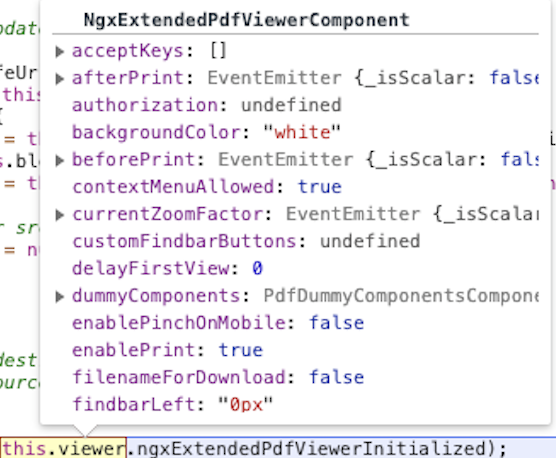
I tried use ngxExtendedPdfViewerInitialized but its a static member and its not accessible to me. Its coming as undefined as that property is not accessible like below.
@ViewChild (NgxExtendedPdfViewerComponent, {static: false}) viewer: NgxExtendedPdfViewerComponent;
I will explain what happens in my application:
I have a button and when user clicks on it makes an API call and gives me the BLOB URL and i set it as source and send to viewer and open it in a bootstarp modal.
The reason why the viewer is breaking sometimes in my application is because,
The user is clicking the button very fast and so fast that the click happens twice unknowingly and thats causing the issue and since the click method is triggered twice, the viewer component gets the source URL twice with a gap 1 or 3 seconds.
Do to this the viewer is breaking.
I would not be able to put a restriction on the button that it should be clicked only once. It happens really very fast where only some times 2 clicks events are triggered one after the other or at once in a fraction of second. How do i handle this scenario ?
Please suggest - ?
My suggestion
Can we enhance the PDF viewer service to have a method that returns a boolean if the ngxExtendedPdfViewerInitialized ? so that i can use that as a check when setting the source once received from the service ?
or Can we make that property ngxExtendedPdfViewerInitialized accessible so that it can be used a check?
Please help me to resolve this issue
dheerajm91
on 1 Oct 2020
Actually, it's a public property. After importing the class you can access it like so:
import { NgxExtendedPdfViewerComponent } from 'ngx-extended-pdf-viewer';

console.log(NgxExtendedPdfViewerComponent.ngxExtendedPdfViewerInitialized);
In any case, I'd add a double-click protection to the button. Almost every user has learned that a double click always does the trick on Windows. They don't distinguish between desktop applications and web applications, so they use their trick in the web, too. Most of the time it works perfectly: double-clicking on a link does exactly what you want, unless your technically versed and watch the network traffic.
Here are several nice approaches: https://stackoverflow.com/questions/51390476/how-to-prevent-double-click-in-angular
IMHO using RXJS debounce() is the most elegant approach, but disabling the button after is has been clicked is even simpler.
stephanrauh
on 1 Oct 2020
I've played around one or two hours with your scenario. I think I know what's going on. However, I believe that stopping a render task is difficult. For most users, there's only the occasional error message "Worker was terminated", but the PDF file shows without problems. So I'd prefer not to change anything.
However, I suppose it's easy on your side. I've already mentioned the double-click protection. But you also know which data the user requests, and you've got the BLOB data. So it should be easy to detect if the user sends identical data to the PDF viewer twice.
Hope that helps!
Stephan
stephanrauh
on 1 Oct 2020
@stephanrauh Thanks for the quick response and i really appreciate your help,
Yea i also tried but no luck, i will see if i can implement the double-click protection :)
dheerajm91
on 1 Oct 2020
Related issues
 vijucalicut
·
5Comments
vijucalicut
·
5Comments
 ekselys
·
5Comments
ekselys
·
5Comments
 i7i5
·
3Comments
i7i5
·
3Comments
 DHalilovic
·
6Comments
DHalilovic
·
6Comments
 4vitek
·
5Comments
4vitek
·
5Comments