Next.js: with-typescript example not transpiling any ts files, giving 404
Examples bug report
Example name
with-typescript
Describe the bug
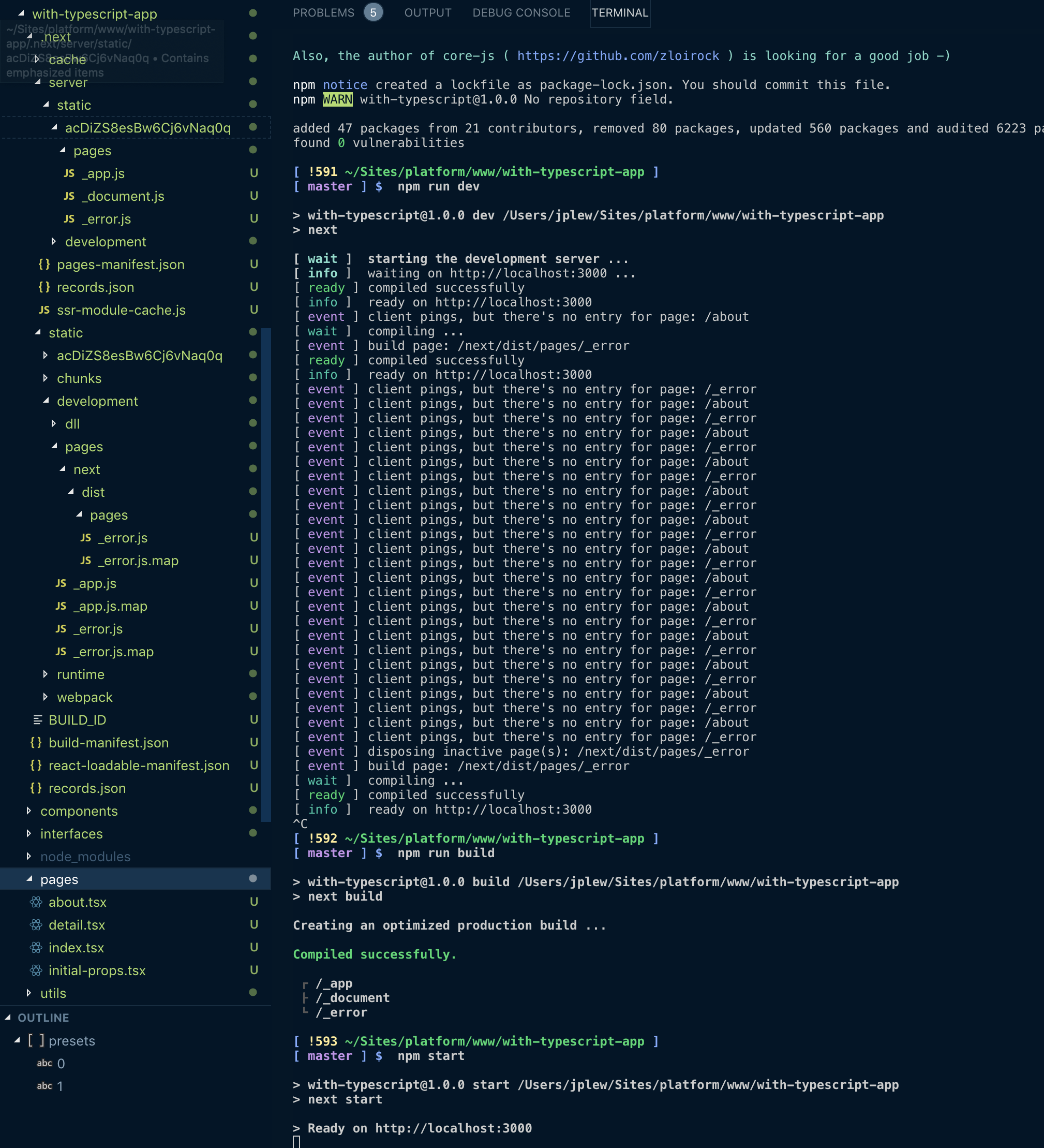
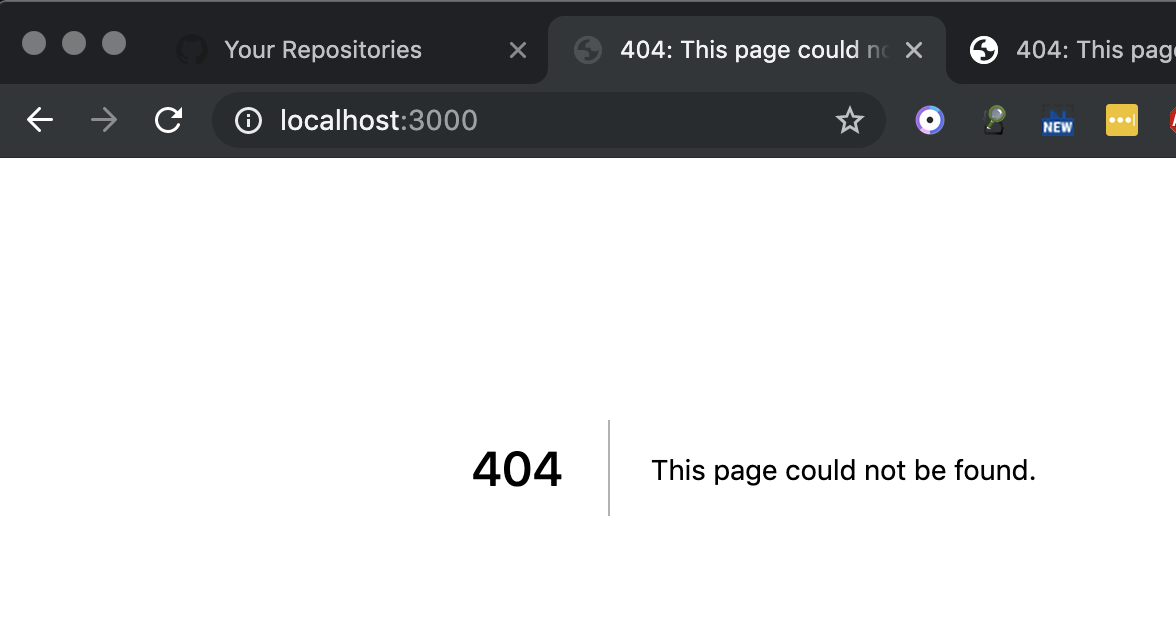
Getting 404 when I visit http://localhost:3000.
To Reproduce
Steps to reproduce the behavior, please provide code snippets or a repository:
npx create-next-app --example with-typescript with-typescript-appcd with-typescript-appnpm installnpm run devornpm run build && npm start- Visit
localhost:3000
Expected behavior
Expected to not get a 404 error.
Screenshots
System information
- OS: MacOS Mojave
- Browser: Google Chrome
- Version of Next.js: 8.1
Additional context
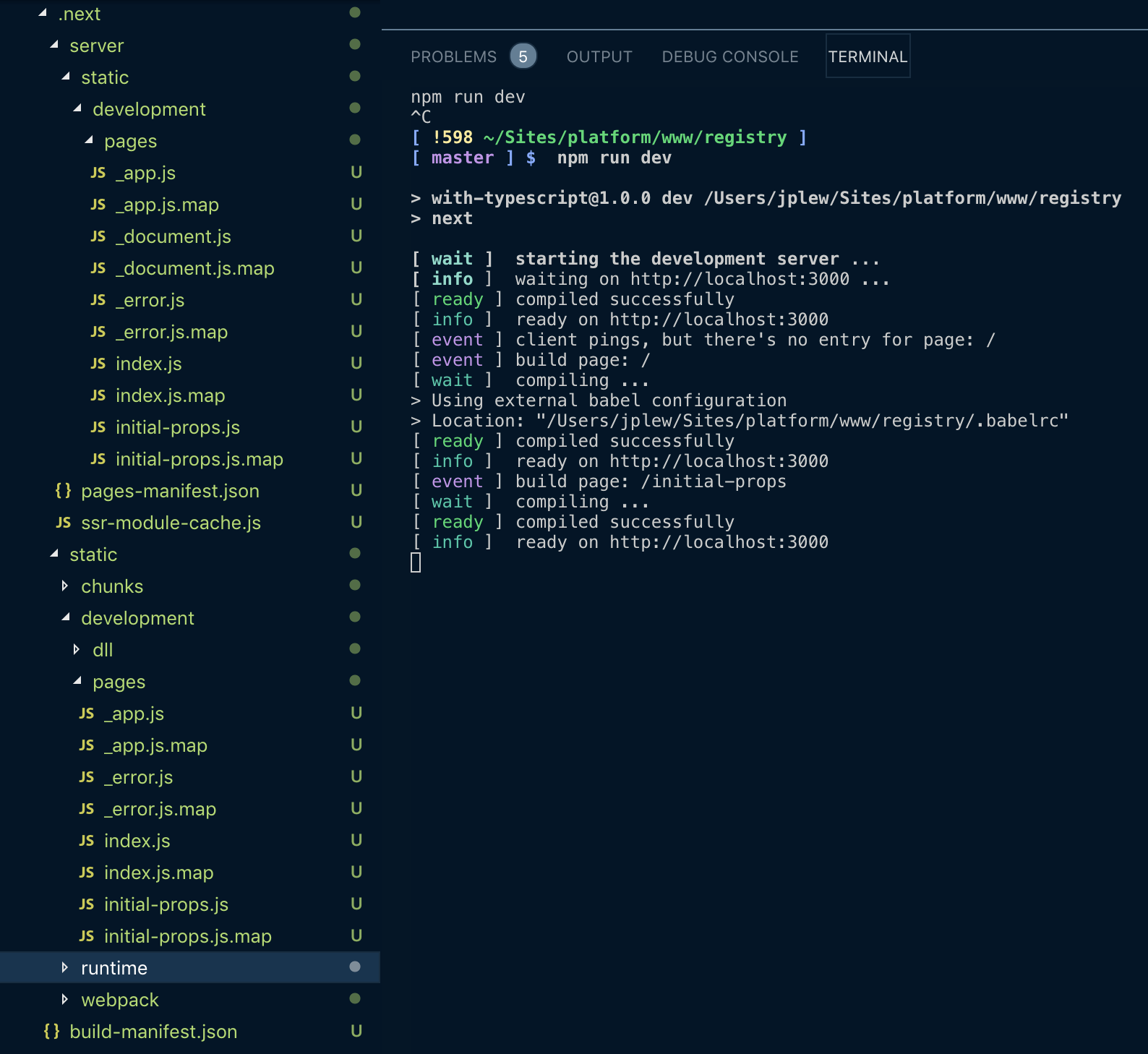
It seems to me like the problem is that the index.js file is not being generated. Are the .babelrc and next.config.js files missing from the with-typescript example?
next.config.js
const withTypescript = require('@zeit/next-typescript')
module.exports = withTypescript()
.babelrc
{
  "presets": [
    "next/babel",
    "@zeit/next-typescript/babel"
  ]
}
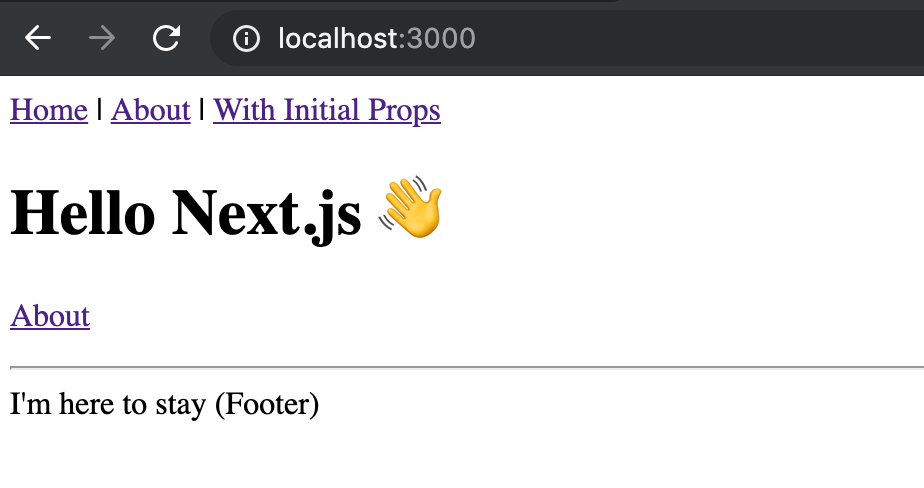
When I manually add these two files (following this README: https://github.com/zeit/next-plugins/tree/master/packages/next-typescript) it works just fine:
 jplew
jplew
All 5 comments
I had this issue and running next@^8.1.1-canary.57 solved the issue.
 arvindeva
on 26 Jun 2019
arvindeva
on 26 Jun 2019
Yes, with-typescript example is using new typescript support out of the box. This support is only in the latest canary and not in the stable version. You can read more about it here: https://github.com/zeit/next.js#typescript
 huv1k
on 26 Jun 2019
huv1k
on 26 Jun 2019
@huv1k
I updated my version of next to the latest canary, v8.1.1-canary.60, but it still asked me to install Typescript:
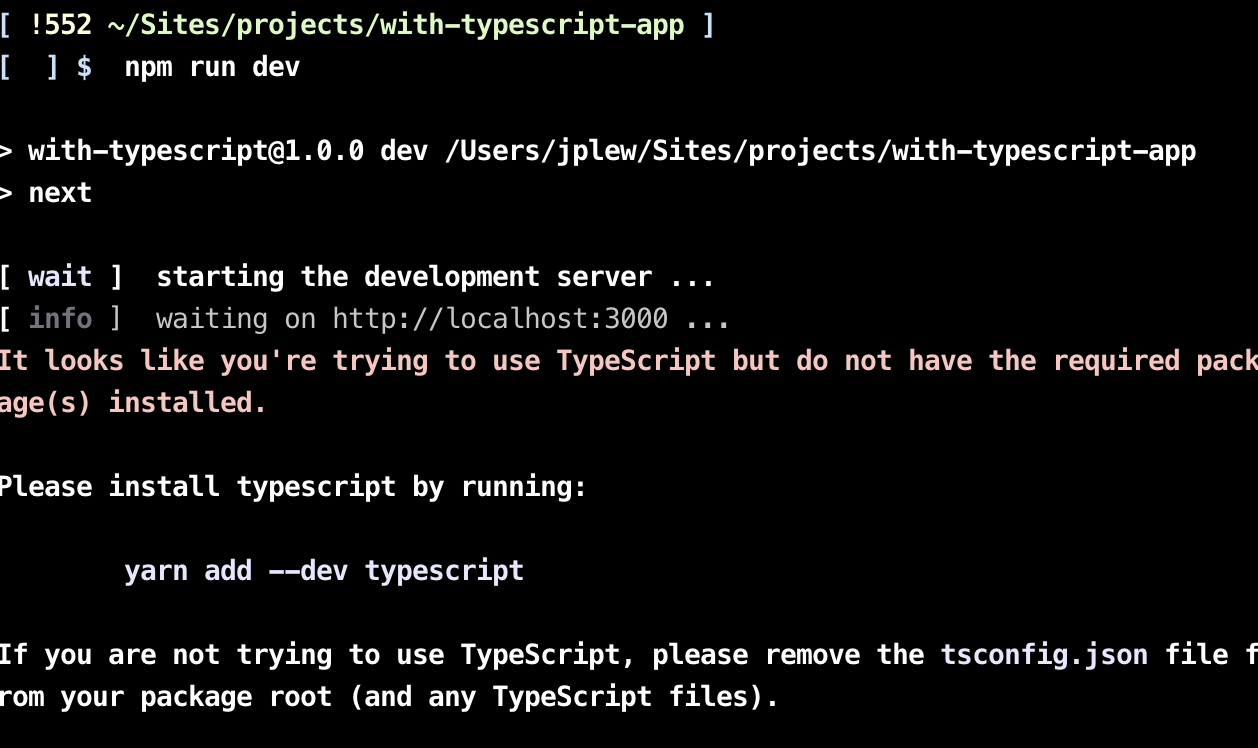
It works fine after that. Is this behaviour expected?
Shouldn't the package.json be updated in the example? At least the README.md should mention this.
I don't mind making the PR, just curious if the maintainers are waiting until the feature is merged into stable before updating the package.json.
jplew
on 26 Jun 2019
Hey @jplew, I updated example so it reflects the latest canary. Thx for heads up 👍
huv1k
on 27 Jun 2019
thanks @huv1k, looks great. This one needs to be updated eventually too: https://github.com/zeit/next.js/tree/canary/examples/custom-server-typescript
jplew
on 27 Jun 2019
Related issues
 olifante
·
3Comments
olifante
·
3Comments
 renatorib
·
3Comments
renatorib
·
3Comments
 kenji4569
·
3Comments
kenji4569
·
3Comments
 rauchg
·
3Comments
rauchg
·
3Comments
 swrdfish
·
3Comments
swrdfish
·
3Comments
Most helpful comment
I had this issue and running
next@^8.1.1-canary.57solved the issue.