Next-auth: Using multiple accounts of the same provider
 nikitalk
All 10 comments
I can't replicate this issue.
- Are you able to replicate this on https://next-auth-example.now.sh ?
- Can you provide more details about your configuration?
- What does the database look like for both Accounts?
I suspect you might not have been fully logged out when out when you signed in the second time, and so it has joined both accounts to the same User model (so you can use either to sign in as the same User) but looking at the database should confirm that.
 iaincollins
on 16 Jun 2020
iaincollins
on 16 Jun 2020
I've added new provider (yandex.ru).
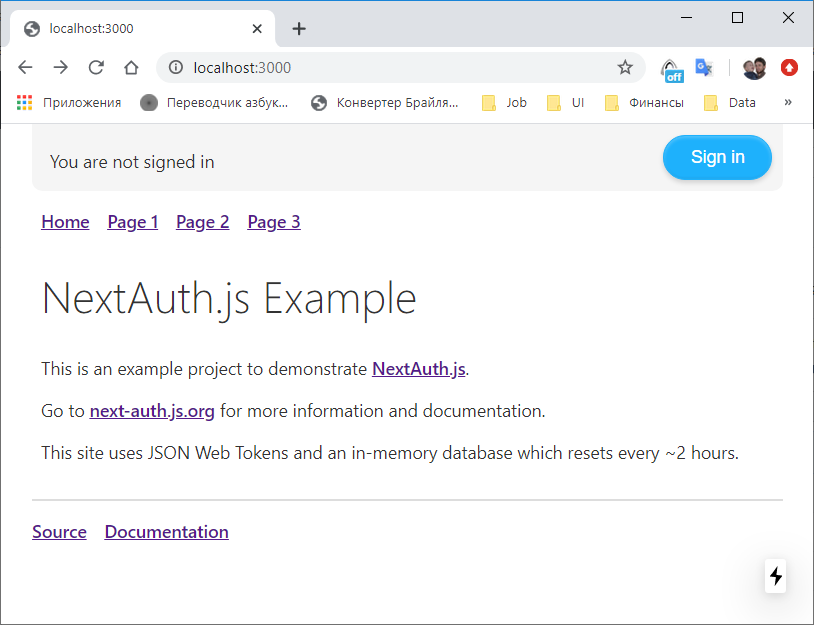
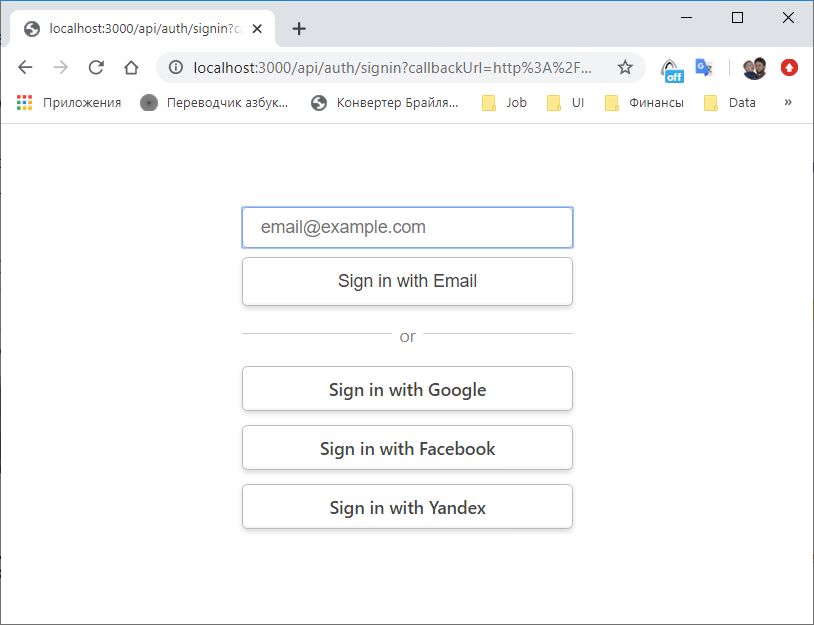
Sign in with yandex
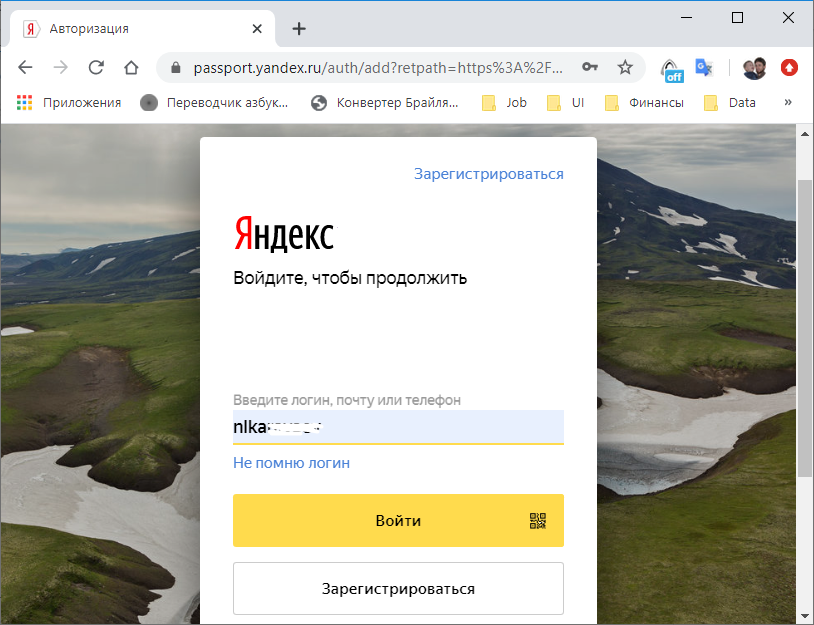
First account information is shown
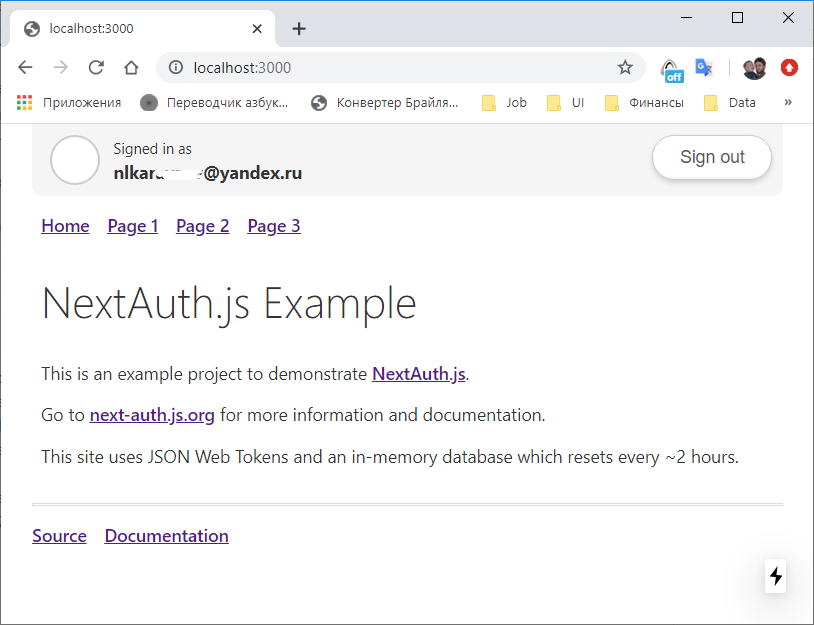
Sign-out
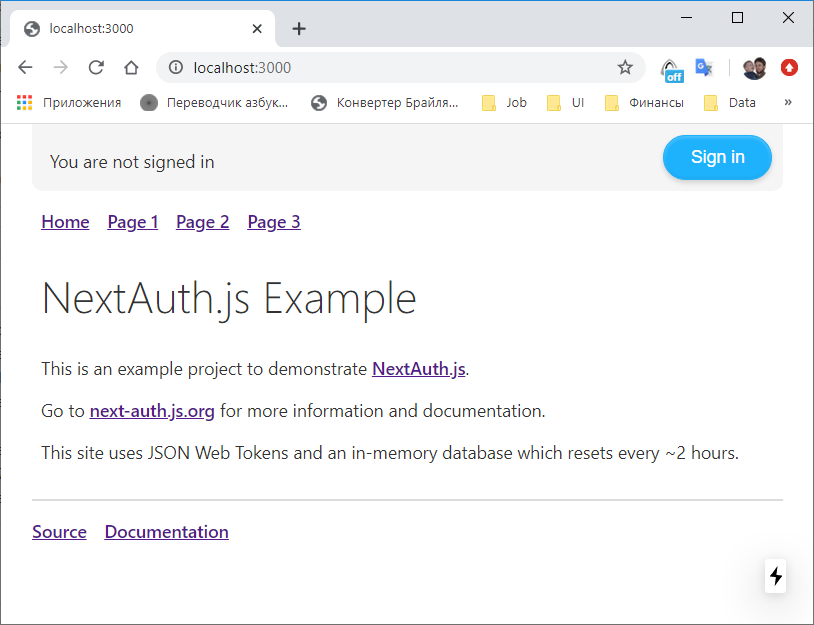
mongoDB user collection
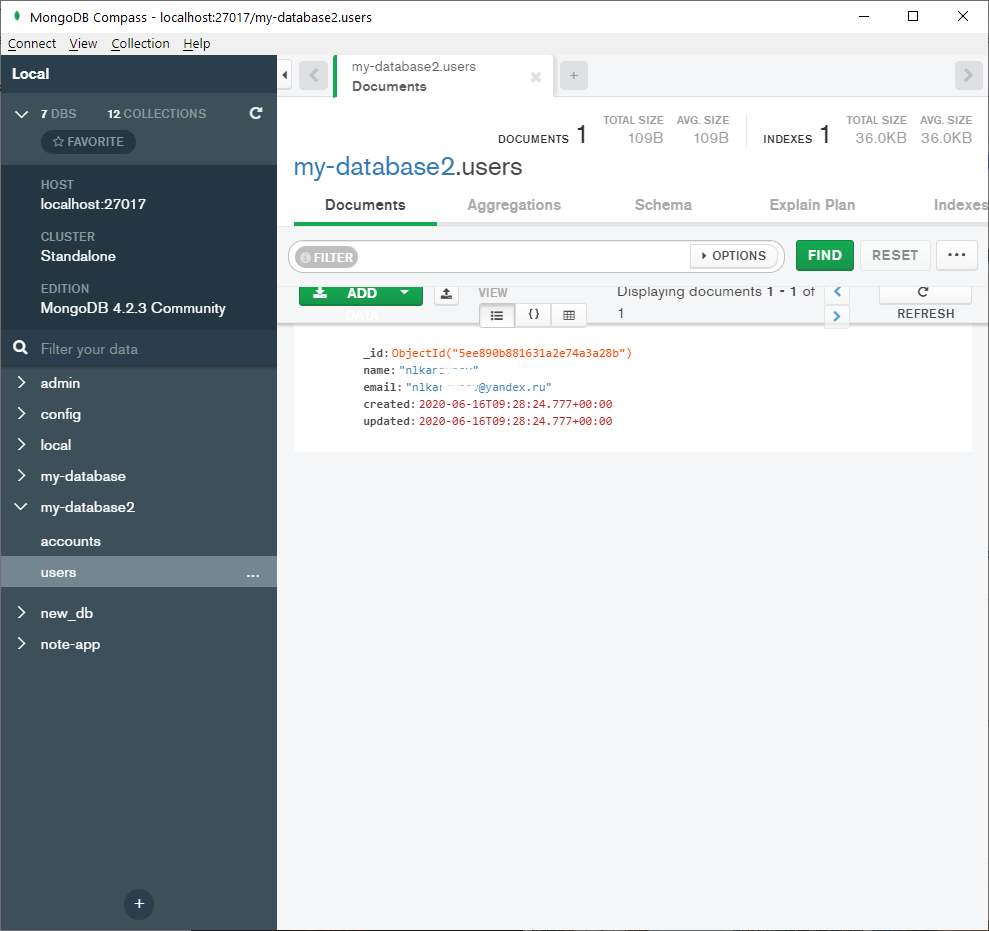
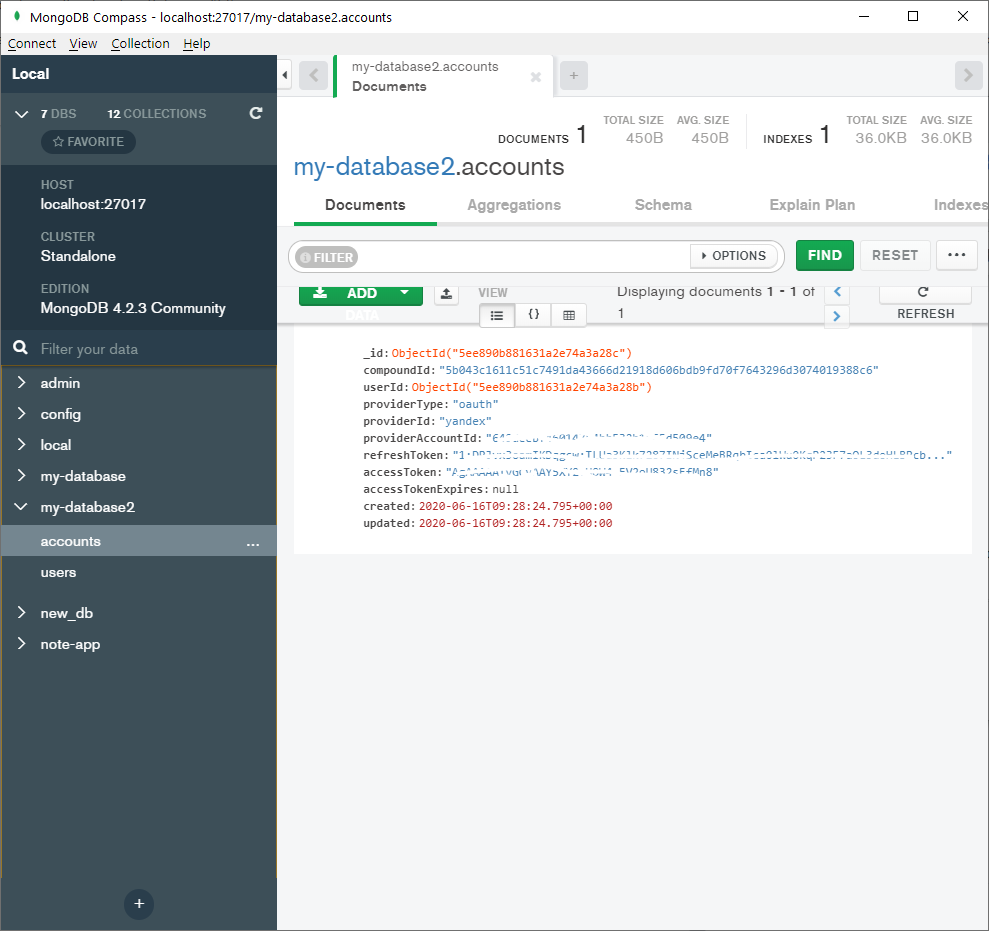
mongoDB account collection
Sign in with another account
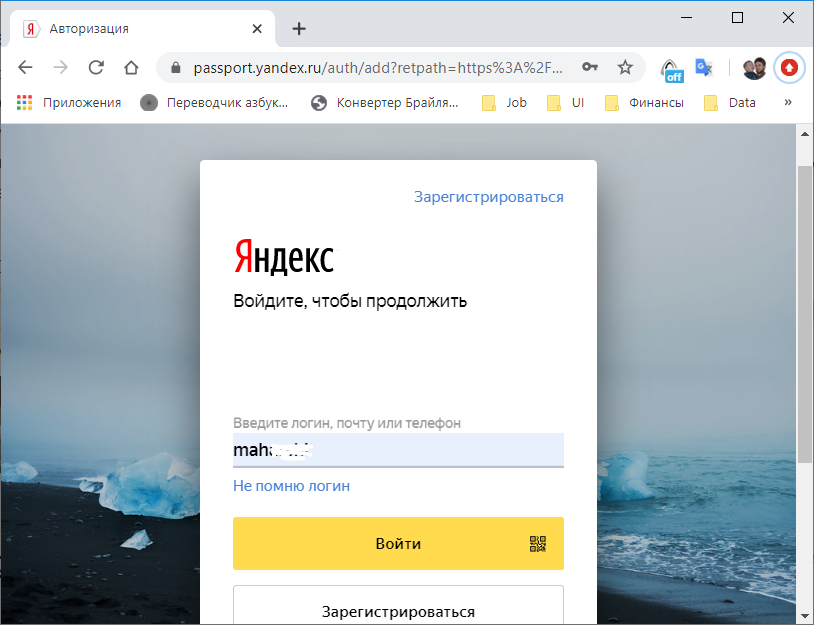
First account information is shown again
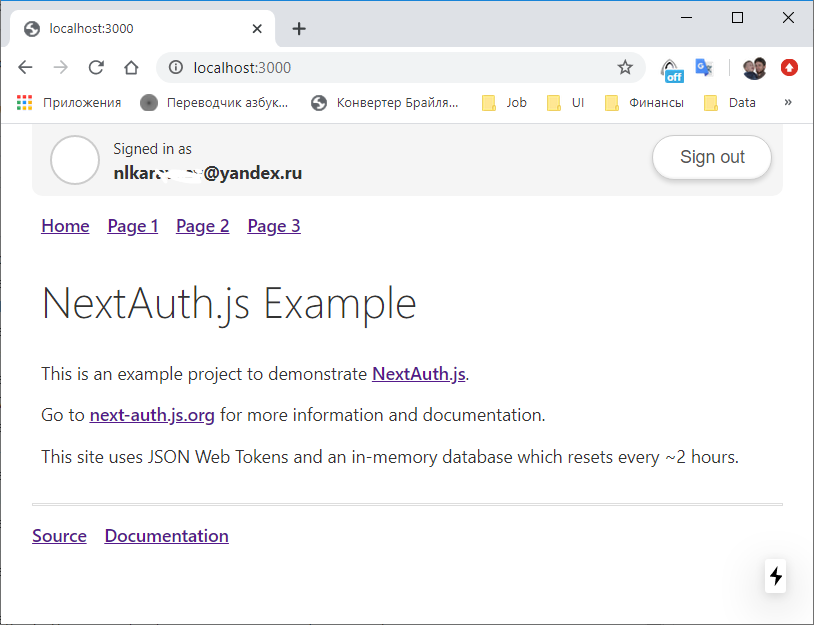
mongoDB user collection after sign-in with another account
mongoDB account collection after sign-in with another account
There are no new user and account associated with second account.
nikitalk
on 16 Jun 2020
Thanks! That's great info and very helpful, though not sure what is going on there.
That's not a built-in provider so can't test it, but from the screenshots it looks like Yandex is returning an Account ID (which I would expect to be unique for each account) so I would expect this to work.
If you define a signin callback as an option to NextAuth.js (in [...nextauth.js]) you should be able to console.log() the contents of the metadata object, which should contain the oAuth profile returned by the provider:
callbacks: {
signin: async (profile, account, metadata) => {
console.log(metadata)
return Promise.resolve(true)
}
}
}
More information on that here:
https://next-auth.js.org/configuration/callbacks#signin
It would be helpful to be able to compare the responses (even a redacted view) to get an idea of what might be going on (e.g. is an endpoint returning the same info for two different users somehow?)
iaincollins
on 16 Jun 2020
Iain, metadata is correct for every account.
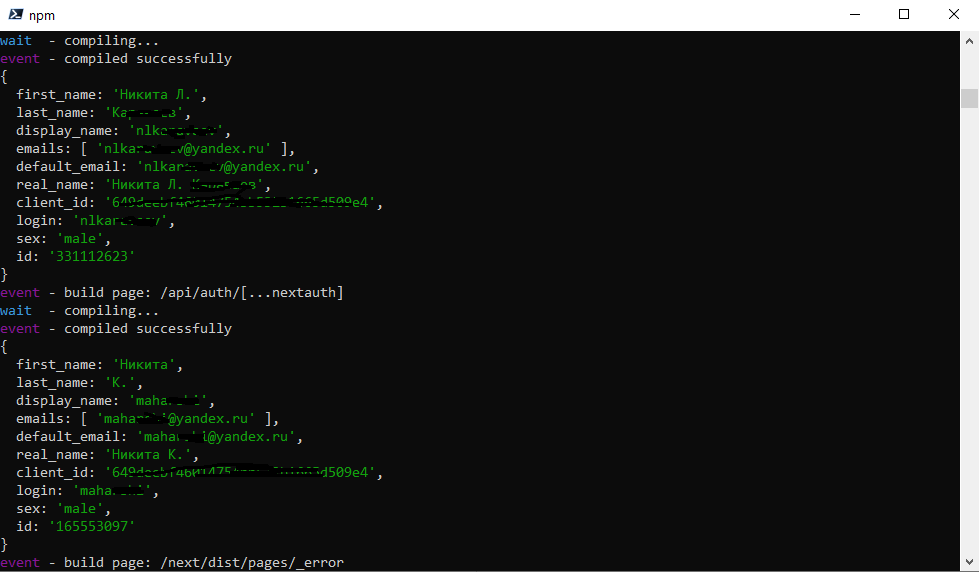
Most likely something with a database - a separate account is not created for a new user.
nikitalk
on 16 Jun 2020
Thanks again, great info! It looks like the provider ID is good but that it's using Client ID instead of the ID for the account in the profile.
Can you check the profile() function on the provider is returning the right property (e.g. profile.id and not profile.client_id)?
e.g.
profile: (profile) => {
return {
id: profile.id,
name: profile.real_name,
email: profile.default_email,
image: null,
}
},
Oh, it's my fault! I've used profile.client_id instead of profile.id. I apologize! Now, everything is good!
nikitalk
on 16 Jun 2020
Thanks for providing all the info, I'm sure it will be helpful to the next person who runs into the same thing! Would be great if you are able to share the Yandex profile!
iaincollins
on 16 Jun 2020
Yes, sure. There it is.
export default (options) => {
  return {
    id: 'yandex',
    name: 'Yandex',
    type: 'oauth',
    version: '2.0',
    scope: 'login:email login:info',
    params: { grant_type: 'authorization_code' },
    accessTokenUrl: 'https://oauth.yandex.ru/token',
    requestTokenUrl: 'https://oauth.yandex.ru/token',
    authorizationUrl: 'https://oauth.yandex.ru/authorize?response_type=code',
    profileUrl: 'https://login.yandex.ru/info?format=json',
    profile: (profile, oAuthProfile) => {
      return {
        id: profile.id,
        name: profile.real_name,
        email: profile.default_email,
        image: null,
      };
    },
    ...options,
  };
};
I also want to make profiles for vk.com (the largest Russian social network) and mail.ru (one of the largest Russian email providers).
nikitalk
on 16 Jun 2020
Hey if you work on those, it would be great if you were able to submit them feature requests (or to make a pull request with them!)
iaincollins
on 16 Jun 2020
Yes, of course. In the near future I will do a pull request.
nikitalk
on 17 Jun 2020
Related issues
 alephart
·
3Comments
alephart
·
3Comments
 bscaspar
·
3Comments
iaincollins
·
3Comments
bscaspar
·
3Comments
iaincollins
·
3Comments
 readywater
·
3Comments
readywater
·
3Comments
 jimmiejackson414
·
3Comments
jimmiejackson414
·
3Comments
Most helpful comment
Yes, sure. There it is.
I also want to make profiles for vk.com (the largest Russian social network) and mail.ru (one of the largest Russian email providers).