Dear newpipe team,
Please add an option to switch back to older UI in what's new tab,
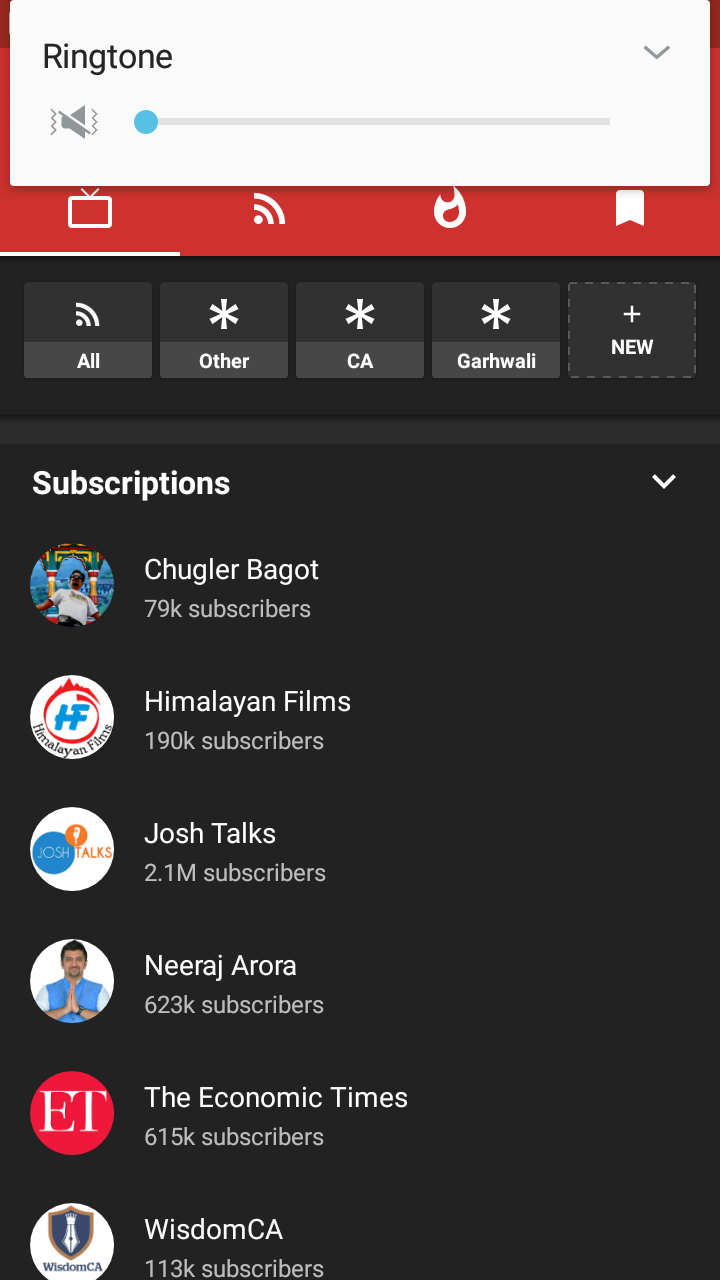
I've subscribe to multiple channels including a news channel in newpipe.
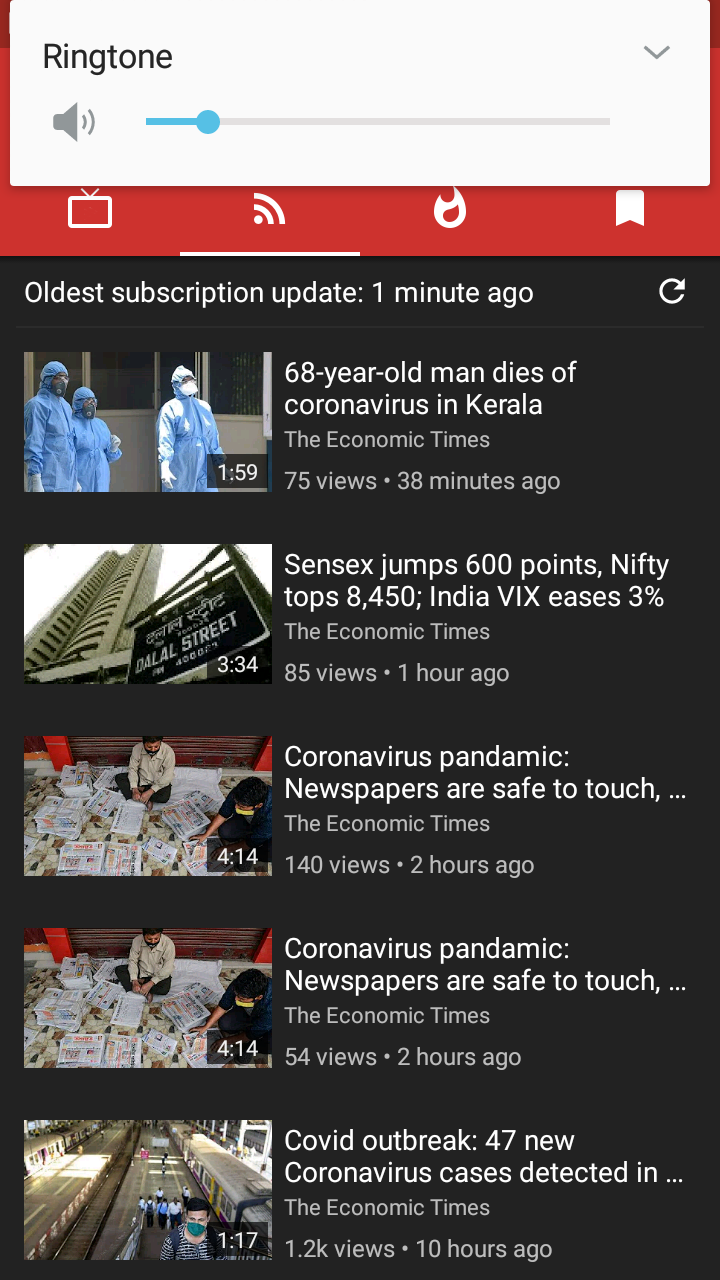
Now when i go to what's new tab I can only see recent videos from the news channel and recent videos of other channels are slipped below and I had to scroll a lot to see what's new with other channels.(I know if a new videos is available from other channels it will be shown at the top but news channel updates more frequently)
In older UI newpipe only showed most recent video which was more convenient for me.
I created feed groups to but it was not helpful.
Screenshots:
 Ashutosh-Kukreti
All 6 comments
I think the best solution for you would be to use the subscription groups feature, which I see you already have some groups. Add all the non-news channels to one group then view it. What is not satisfactory with this?
Making a toggle to go back to the old implementation would more be work than it is worth for how much usage it will get when there is already a solution.
 gkeegan
on 31 Mar 2020
gkeegan
on 31 Mar 2020
@gkeegan Thank you very much for the suggestion.
I guess I'll adjust to the new UI.
An option to remove the group Feed = ALL would be helpful since it will save a lot of space as we already have what's new tab.
Ashutosh-Kukreti
on 31 Mar 2020
Making a toggle to go back to the old implementation would more be work than it is worth for how much usage it will get when there is already a solution.
@gkeegan I also miss the old behavior. Would it be hard to add an option which would control how many videos from each channel are shown in the feed? If there was such an option, I could set it to 1 and get the best of both worlds: chronologically sorted videos and only the latest video from each channel in the feed.
Thank you.
 ritmation
on 31 Mar 2020
ritmation
on 31 Mar 2020
@ritmation I actually think that is a great idea and would be possible as far as I know.
gkeegan
on 31 Mar 2020
although the new feed UI has been a long awaited feature.. old feed UI definitely had its uses... combining both would be really awesome
I would suggest to add swipe left and right (like the one used between comments and related videos) to switch between two panels
-the first panel is used for listing feeds by upload time (new feed UI)
-the second panel will show latest video from each channel (old feed UI).. i would also like the ability added to go to any channel from here directly.. maybe by adding channel icon next to its related video or by an option in video menu.
if the swiping solution is not easy.. maybe a tab next to feed refresh bar would do the trick... or maybe make to tabs above the feed refresh bar, one called (new videos) and another called (channels).
also maybe you can make it an option to have it in settings... same as comments
 MD77MD
on 4 Apr 2020
MD77MD
on 4 Apr 2020
Closing in favour of #3827
 Stypox
on 28 Jun 2020
Stypox
on 28 Jun 2020
Related issues
 Hunter9888x
·
3Comments
Hunter9888x
·
3Comments
Hunter9888x
·
3Comments
Hunter9888x
·
3Comments
 android1973
·
3Comments
android1973
·
3Comments
 Wang-GY
·
3Comments
Wang-GY
·
3Comments
 mouarfff
·
3Comments
mouarfff
·
3Comments
Most helpful comment
although the new feed UI has been a long awaited feature.. old feed UI definitely had its uses... combining both would be really awesome
I would suggest to add swipe left and right (like the one used between comments and related videos) to switch between two panels
-the first panel is used for listing feeds by upload time (new feed UI)
-the second panel will show latest video from each channel (old feed UI).. i would also like the ability added to go to any channel from here directly.. maybe by adding channel icon next to its related video or by an option in video menu.
if the swiping solution is not easy.. maybe a tab next to feed refresh bar would do the trick... or maybe make to tabs above the feed refresh bar, one called (new videos) and another called (channels).
also maybe you can make it an option to have it in settings... same as comments